Planner 5D’s Spaces: Everything About Your Home in One Place
Your renovation or home project no longer needs to live across five different apps. With Spaces, you can keep floorplans, documents, purchases, inspiration, and decisions together in one place.
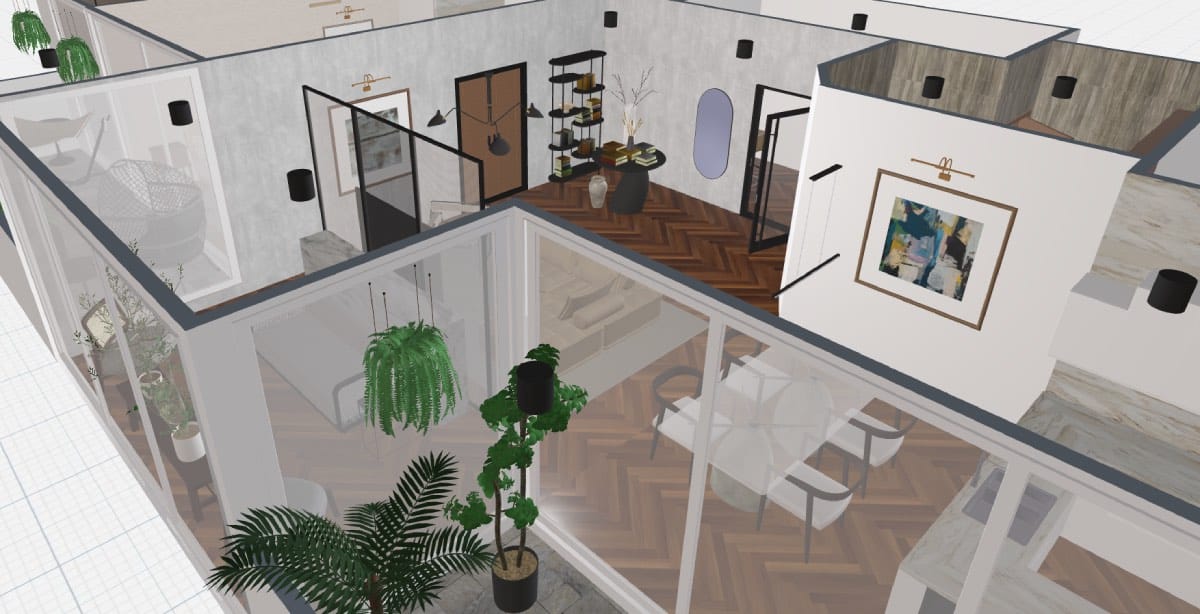
Taking on design and renovation projects can be challenging. Visualizing designs, tracking payments, and organizing documentation are impossible without the right tools. Spaces is the one-stop shop for all things home design and home renovation. Plan layouts, organise certificates, save payment records, explore colours and finishes, and more, all from one single Space.
Planner 5D has always been a go-to for any interior design project, but the addition of Spaces can help you manage your design projects and properties. Join us as we explore how to keep every side of your projects and properties under control.
What is Spaces?
Spaces is more than just a design tool; it is the one place to visualize and plan interiors, make decisions before building, and store all the information related to your home. This is the latest feature to join the Planner 5D catalogue.
The Spaces feature introduces a new organizational concept: Space. From a single Space, you can access all Planner 5D design features, create mood boards, store floor plans, keep track of relevant documents, access market value estimates and more, regarding any one of your projects.
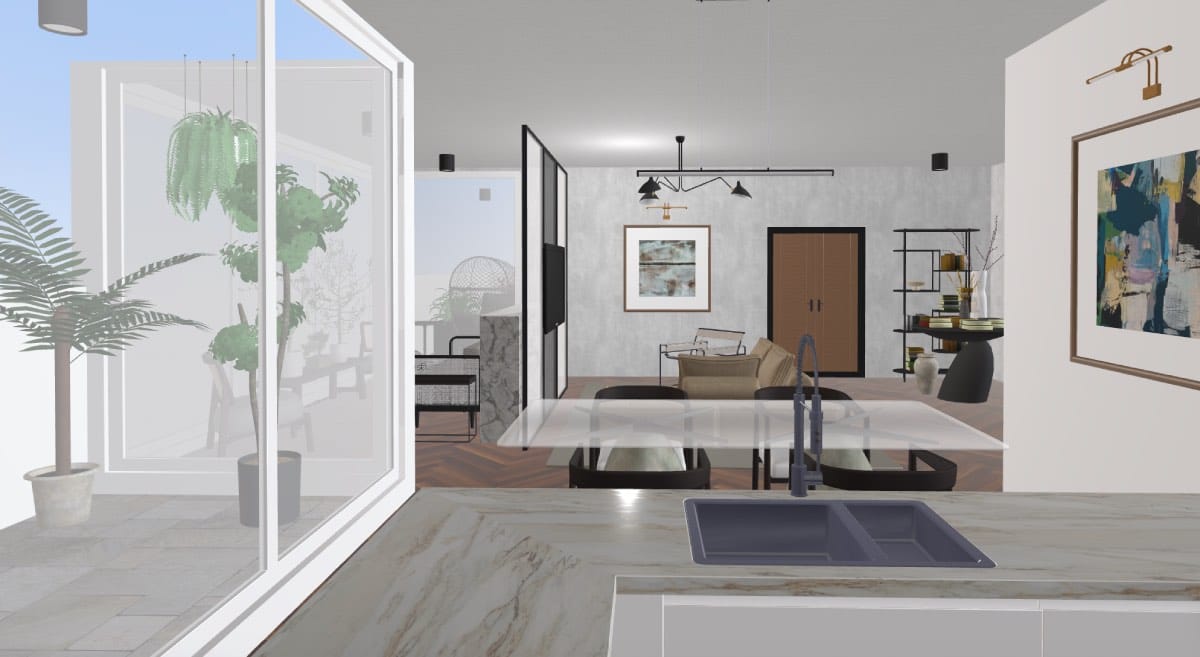
Finding inspiration for your interiors, planning, designing and visualizing seamlessly fit into one single tool. Within a Space, users can:
- Plan layouts.
- Explore and organize design ideas.
- Store project documentation.
- Keep records of purchases and receipts.
- Manage materials and home inventory.
- Access renders and visual outputs.
- Ask AI questions about their project and documents.
- Share the project or parts of it with others.
- Invite their family and friends to join.
Store all your information in one spot
Keeping track of all home-related documentation can be complicated. From insurance and ownership information to bills and warranty tickets, papers tend to stack up, get misplaced and disappear. Spaces allows users to store all critical home-related information in one safe place.
By uploading documents (e.g., purchase receipts, contracts, bills), you can keep track of any relevant files or certifications. Save payment records and purchase checks, maintain inventory of home items and more. This feature simplifies organization and ensures you’ll have quick access to everything related to your home, whenever you need it, wherever you are.
How to use it: Step-by-step guide
Using Spaces is very intuitive. Simply start with a project: create a Space for your home or renovation project. Enter your address to allow the AI-powered software to access all available data, such as square footage, existing floor plans, images, estimated sales price and original construction date.
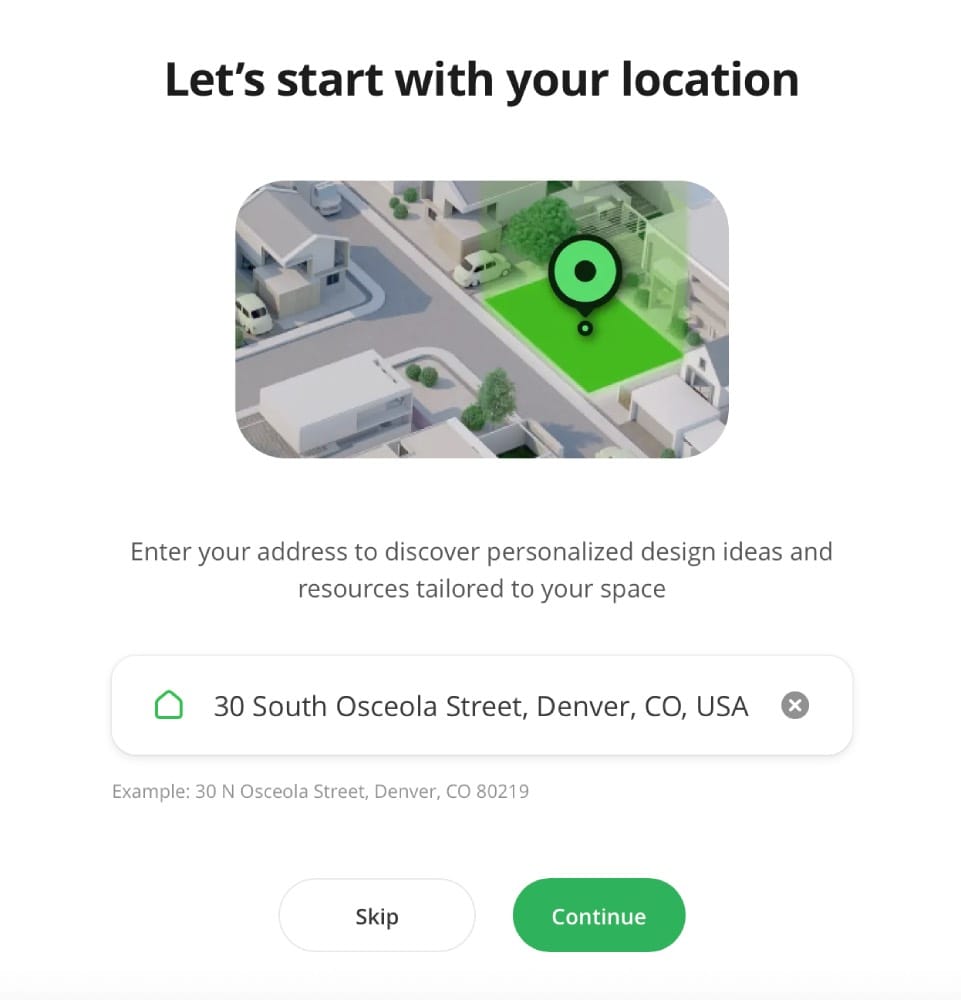
Now, you’ll be able to scan and edit your floor plans, upload documents, and explore all design options using the trusty Planner 5D design editor. Everything is ready in one place: layout editor, mood boards, document storage, purchases, and AI assistant — all inside a single Space for your project.
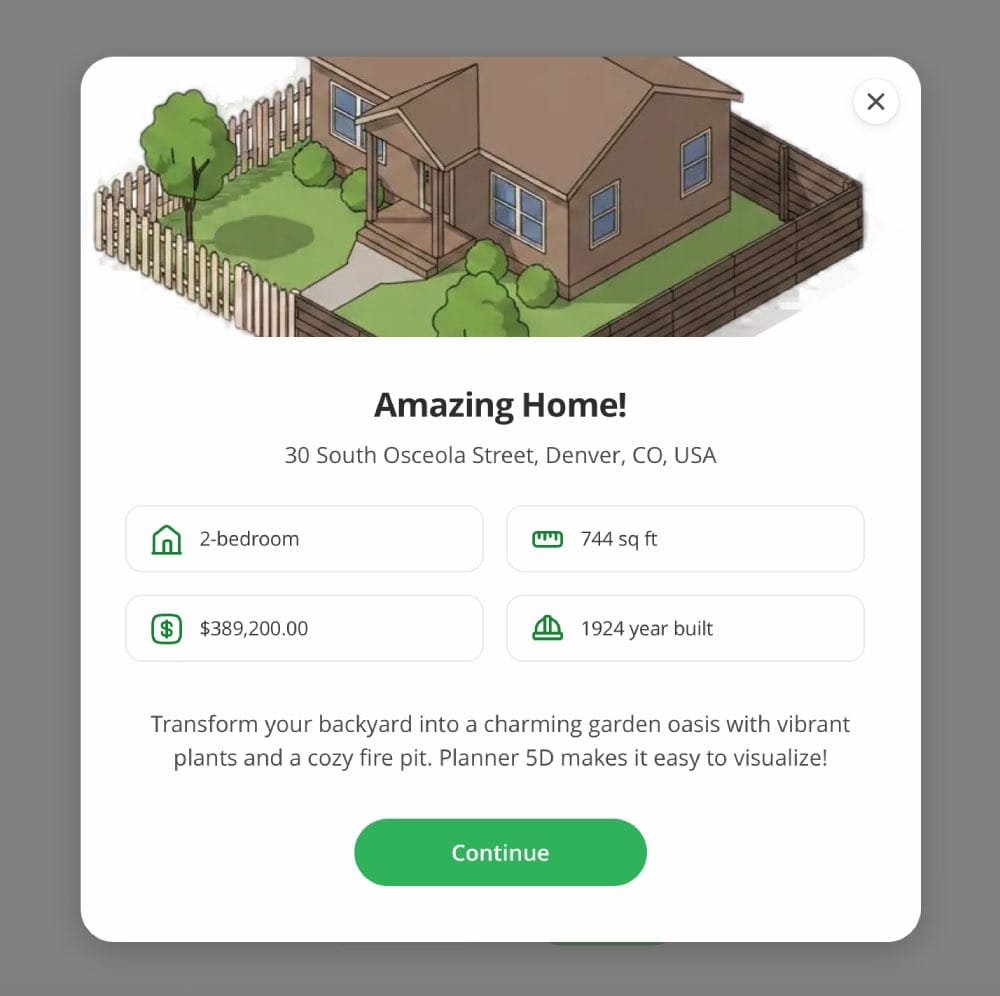
Once your workplace is set up, you’ll be able to explore different room and furniture layouts, save receipts and contracts, manage your home inventory, and share the project with family, contractors, or your designer — all without leaving the platform. Planner 5D’s Spaces is the one-stop shop for all things home renovation.
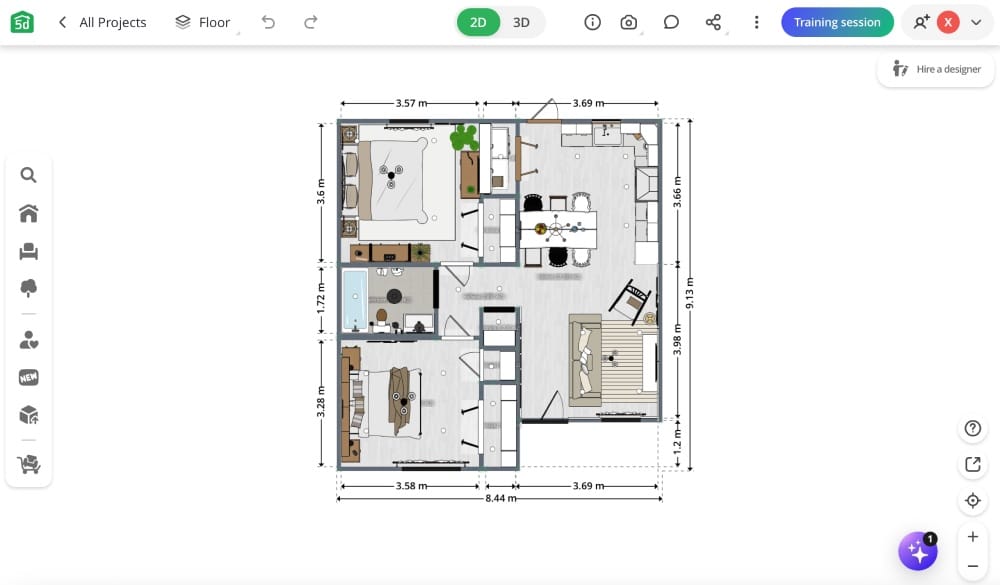
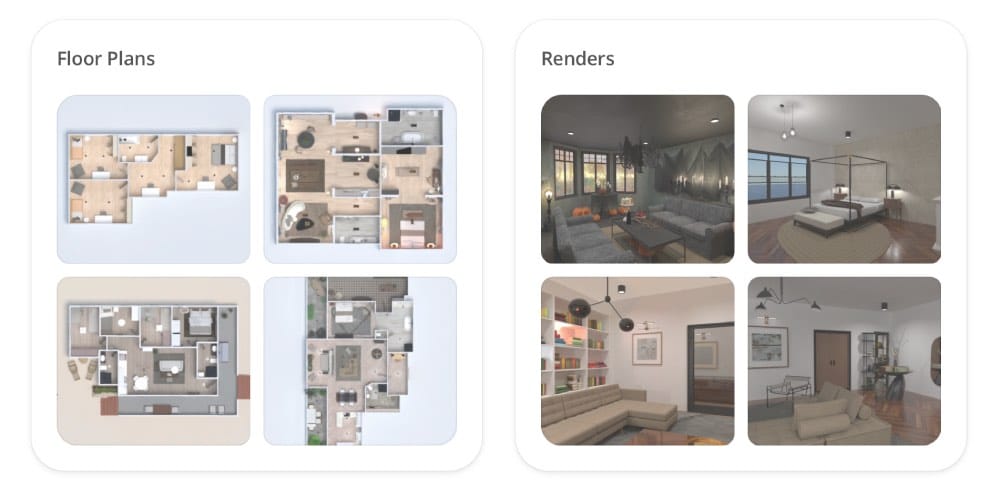
On the other hand, pre-existing projects, render mood boards and such, will be available under the first “MySpace” tab. So don’t worry, your previous work is not lost.
Is it for you? Who can benefit from Planner 5D’s Spaces
Whether you work in real estate or interior design, own a home, or simply love the world of decor, Spaces is just the tool for you. Having all of the Planner 5D design tools at your fingertips will help you when renovating, staging or furnishing. You can easily explore spatial layouts and combinations of finishes and styles for your interiors, both in 2D and 3D. But Spaces goes beyond just that.
This is the ideal tool for people whose needs go beyond layout creation: storing files, tracking purchases, reviewing neighbourhood context, understanding home condition, and designing spaces in collaboration with others. Additionally, Planner 5D Spaces allows you to hire a professional interior designer to help you with your projects.
Conclusion
All in all, Spaces is the perfect addition to simplify the entire design process and help you manage your property. Your renovation or home project no longer needs to live across multiple different apps. With Spaces, you can keep floor plans, documents, purchases, inspiration, and decisions together in one place.
Space gives you one structured workspace for each home project, so you can plan, organize, store, review, and collaborate without losing context.
Less chaos. More control.
Everything for your home in one Space.
FAQ
How to use Planner 5D’s Spaces?
Click "Create a Space", give your project a name, and start adding what you need — upload a floor plan, add documents, or jump straight into the layout editor. Everything you add stays organized in one place.
Where can I find my existing projects?
Projects created before the implementation of Spaces are available on the first “My Space” tab, where you can access all your floor plans, renders, mood boards, etc., created using Planner 5D.
Is Spaces free?
Yes, Spaces is available for all Planner 5D users. Some advanced features within a Space, such as collaboration, an AI assistant, and extended storage, may require a Pro plan.
Can I invite collaborators to a Space?
Yes! You can invite anyone to participate in your designs. Whether it’s a family member, contractor, interior designer, or architect, you can share access with them. You control what they can see and do inside the Space.
You might also like:
- What is a Loft Apartment?
- Why Interior Design Software is the Secret to a Stress-Free Remodel
- Glossary: 25 Architecture Terms You'll Find Useful
- What is a Studio Apartment?
- From Scan to Render: The Smarter Way to Present Properties