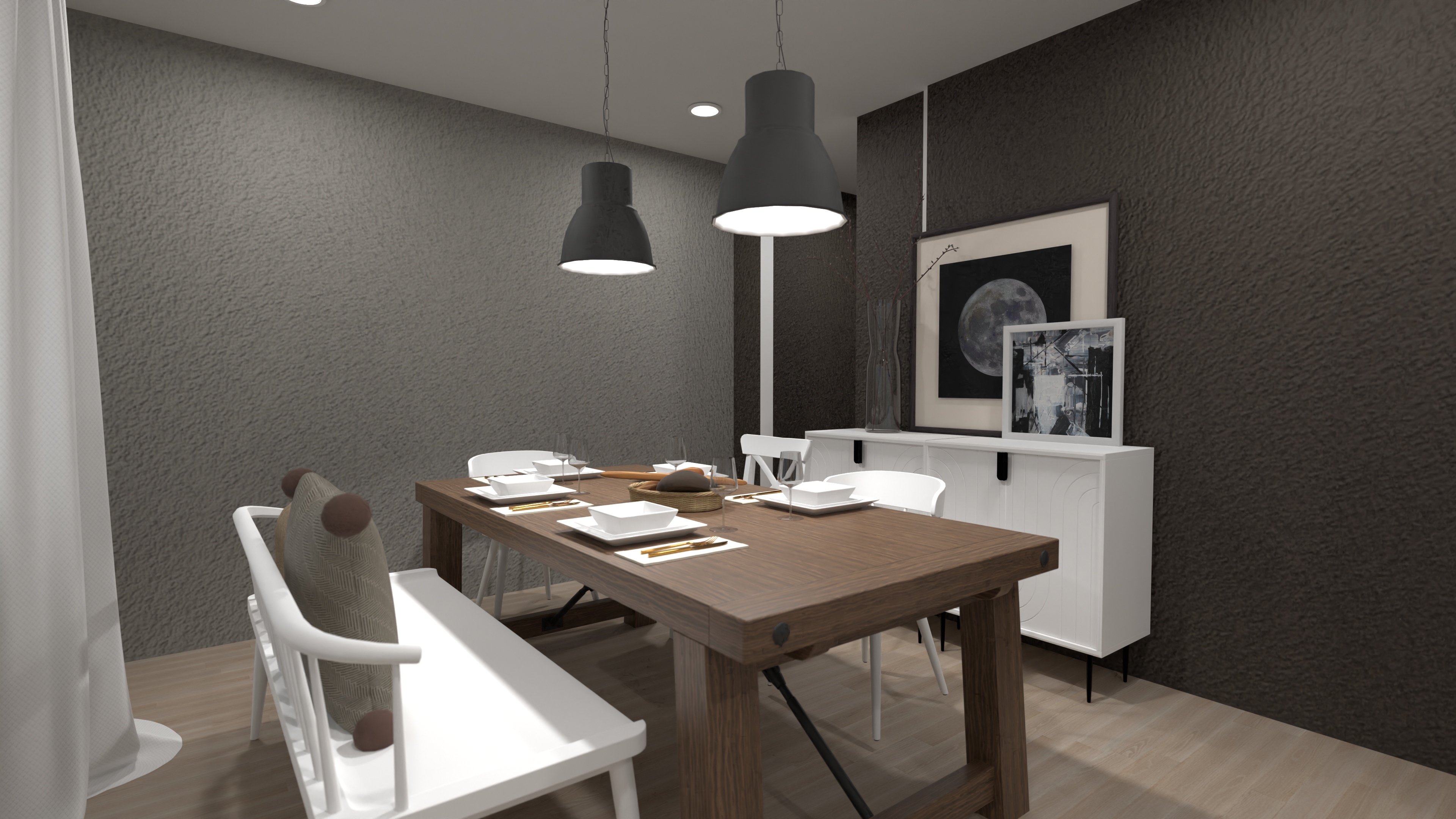
Planner 5D AI interior design API
Generate room designs, turn floor plans into editable 3D projects, and connect every session to your catalogue, cart, CRM, or ERP.
integration.js
// POST floor plan → editable 3D project
const result = await fetch('/api/floor-plan/recognize', {
method: 'POST',
body: { file: base64, format: 'pdf' },
});
// Listen for cart output
planner.on('project.submit', (data) => {
sendToCRM(data.project);
addToCart(data.products);
});
const result = await fetch('/api/floor-plan/recognize', {
method: 'POST',
body: { file: base64, format: 'pdf' },
});
// Listen for cart output
planner.on('project.submit', (data) => {
sendToCRM(data.project);
addToCart(data.products);
});
Integration paths
Two API layers that work independently or together depending on your integration scope.
Frontend
JavaScript API
Embed the full planner and connect user actions inside the editor to your website or application logic.
Full iframe embed — your branding, your domain
Listen for cart or quote actions
Read selected products from an active session
Control view mode (2D / 3D)
Connect planner events to analytics
Trigger ecommerce, CRM, or custom workflows
Backend
Server-to-server REST API
Handles backend operations independently of the frontend session. JSON responses throughout.
User authentication and session management
Project access, creation, and archiving
Product catalogue and SKU data
AI floor plan recognition (async)
AI image generation requests
CAD export workflows (beta)
Project metrics and analytics data
AI capabilities built for spatial experiences
Most AI tools stop at the image. Planner 5D goes further — from photorealistic renders and virtual staging to fully interactive, editable 3D environments your users can explore and act on.
Image → Image
AI design generation
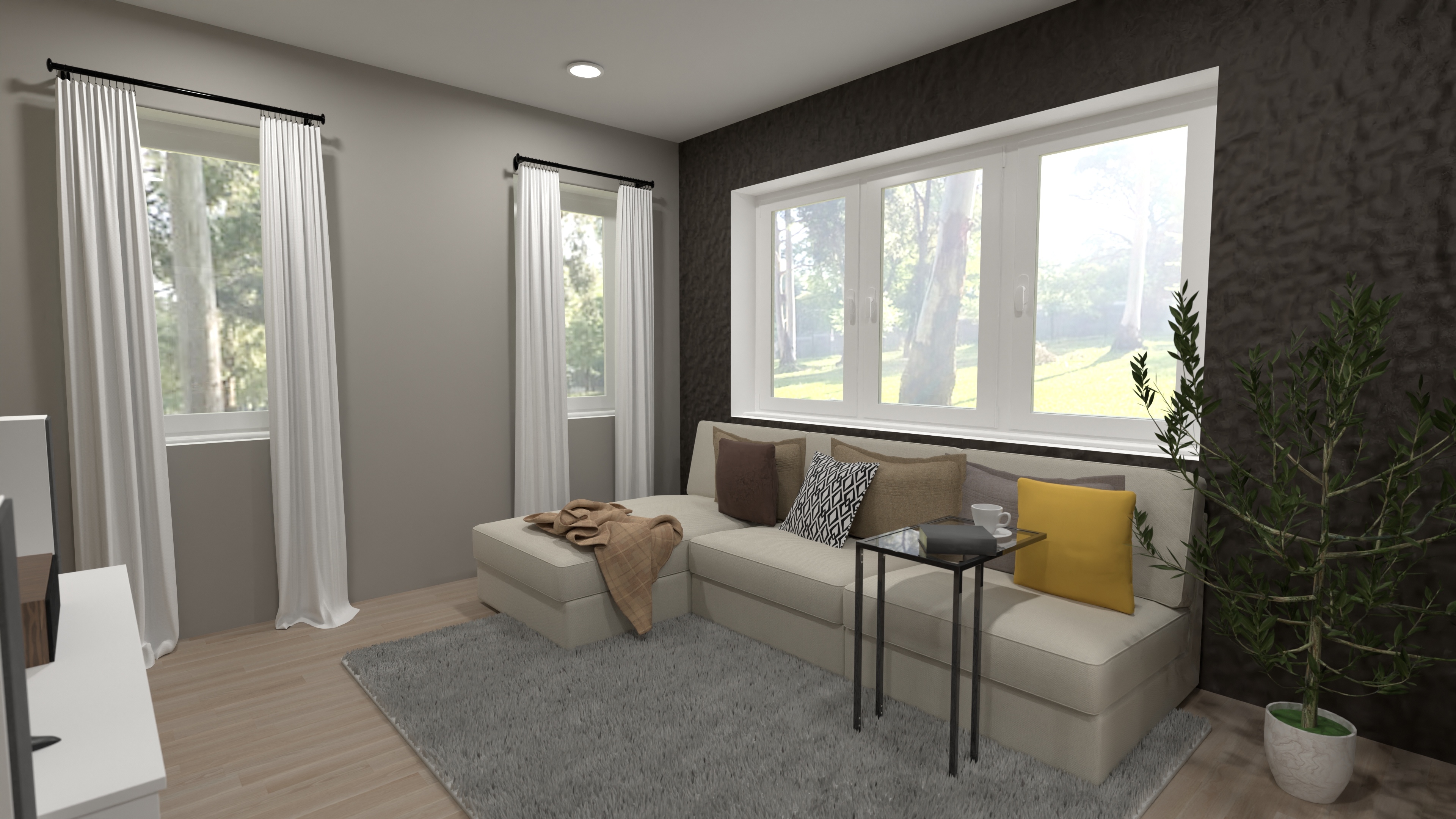
Upload a room photo. Generate a photorealistic redesign in any style — furnished, staged, or restyled. Output is a high-quality image. Fast, visual, shareable. Ideal for virtual staging, style inspiration, marketing content, and property listings.
Upload any room photo
Choose from multiple design styles
Generate photorealistic renders in seconds
Virtual staging for empty rooms
Download as high-resolution image
Image → 3D
AI floor plan recognition
Upload a floor plan — any format. The AI reads walls, openings, and dimensions. Output is a fully editable 3D project populated with your product catalogue. Interactive and connectable to your existing systems.
Upload JPEG, PNG, PDF, DWG, DXF, TIFF
AI detects walls, openings, room boundaries
Output is a live, editable 3D project
Populate with your real product catalogue
Connect to cart, CRM, or ERP
What you can build
Different businesses use Planner 5D in different ways — from customer-facing commerce tools to internal sales workflows and property visualisation.
Interior design platforms · Furniture brands · Décor retailers
AI interior design tool
Let users visualise a redesigned space before buying. Upload a room photo, choose a style, get a photorealistic render — or go further and open the result as an editable 3D space populated with your products. The render becomes a starting point the user can interact with and purchase from.
Furniture · Gym · Garden · Storage brands
E-commerce room planner
The planning session becomes the sales session. Customers upload their floor plan or draw their room, furnish it with your products, and check out — all in one flow. The floor plan recognition API enables the upload path.
Property portals · Real estate agencies · Developers
Real estate visualiser
Convert architectural floor plans into interactive 3D walkthroughs. Let buyers explore furnished layouts before visiting. Help agents present properties without physical staging. Generate photorealistic renders for listings.
B2B sales teams · Shop-fit · Commercial fit-out
Sales and specification tool
Sales reps build 3D proposals from client floor plans in minutes. No CAD skills needed. The design session produces a priced product list, a shareable 3D presentation, or a CAD export for contractors — all from a single floor plan upload.
Tell us about your integration
Whether you are checking technical feasibility, scoping an implementation, or ready to start — we can walk through how Planner 5D connects to your platforms and workflows.
Talk to us
AI floor plan generator
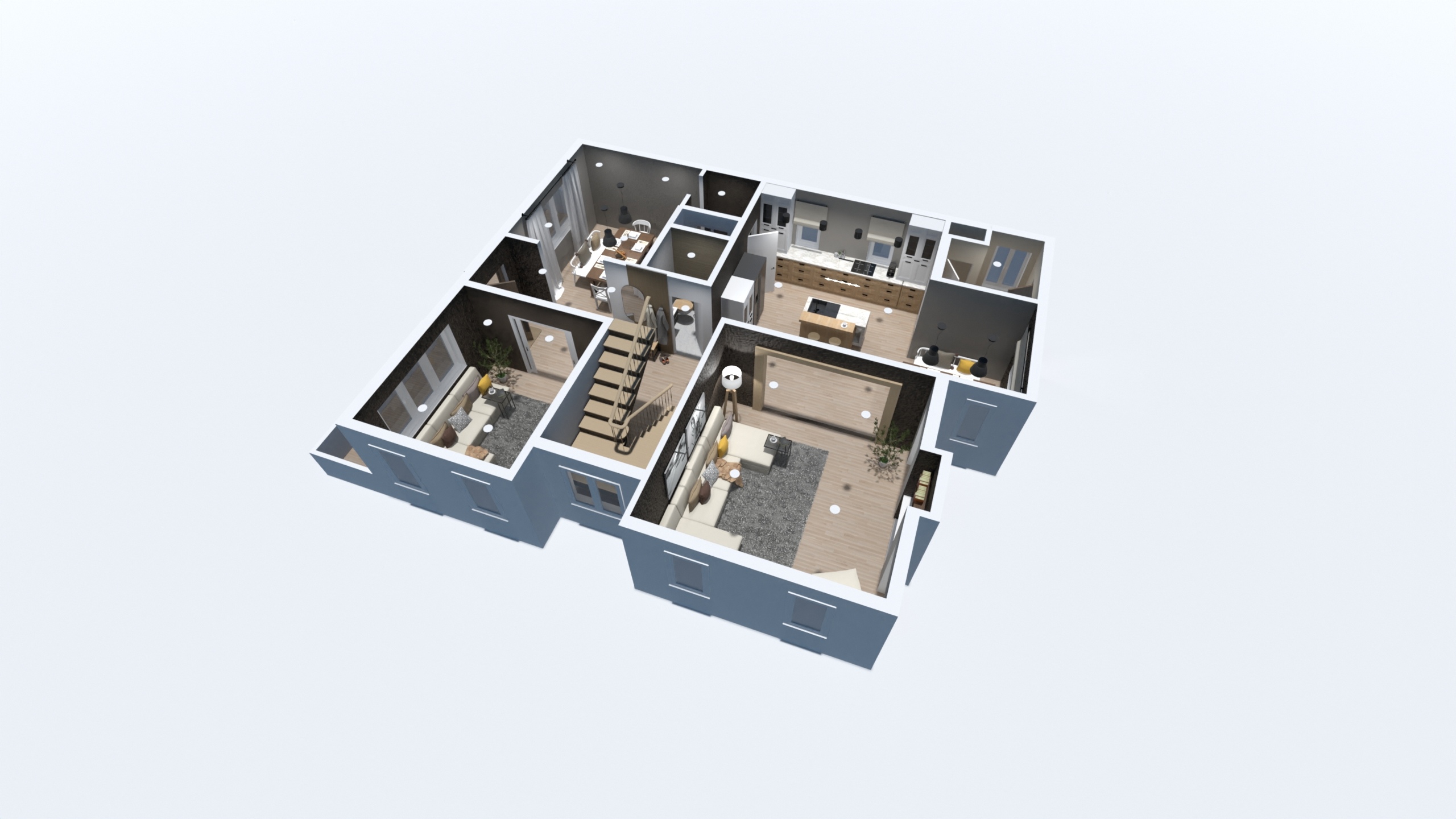
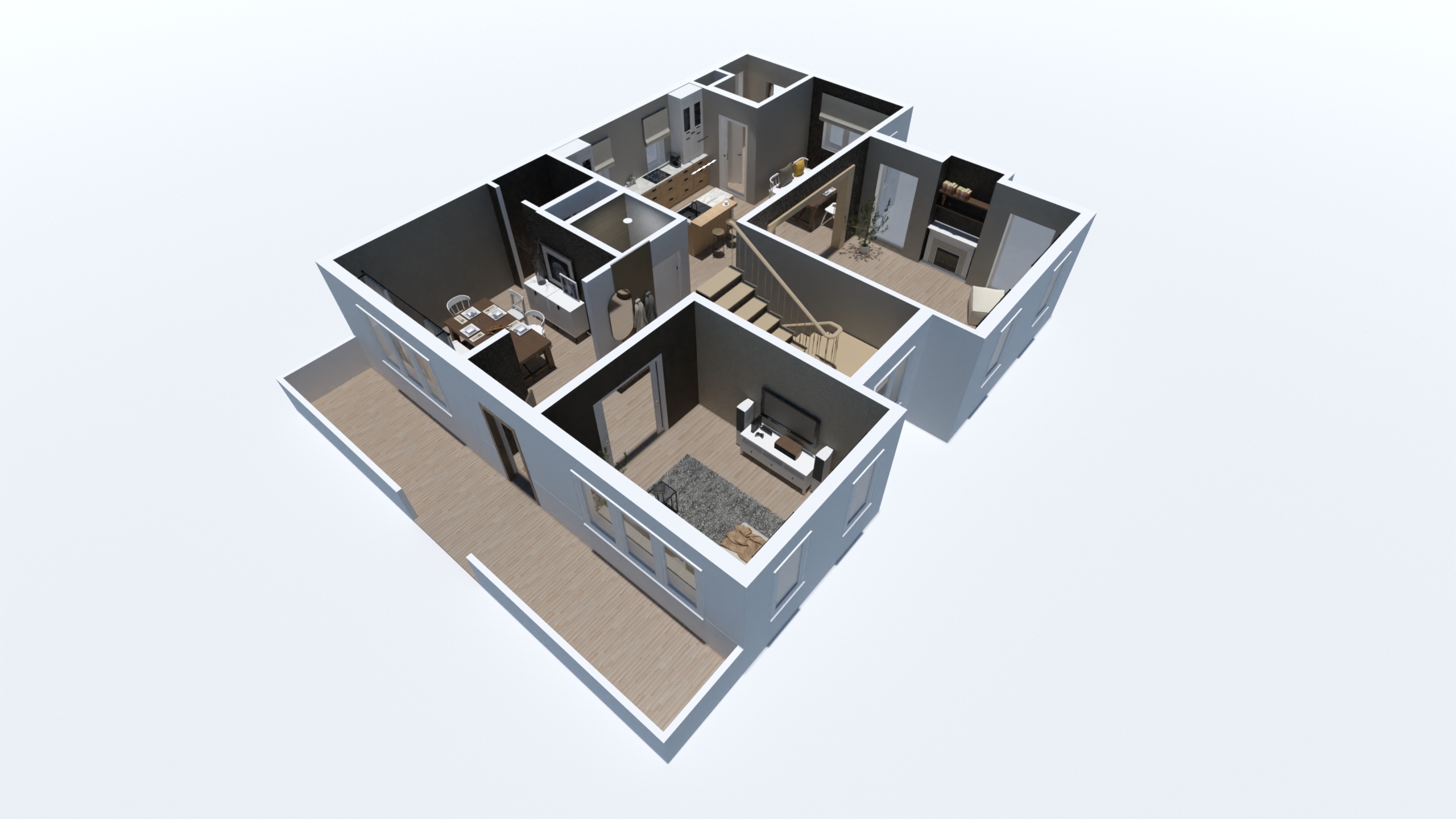
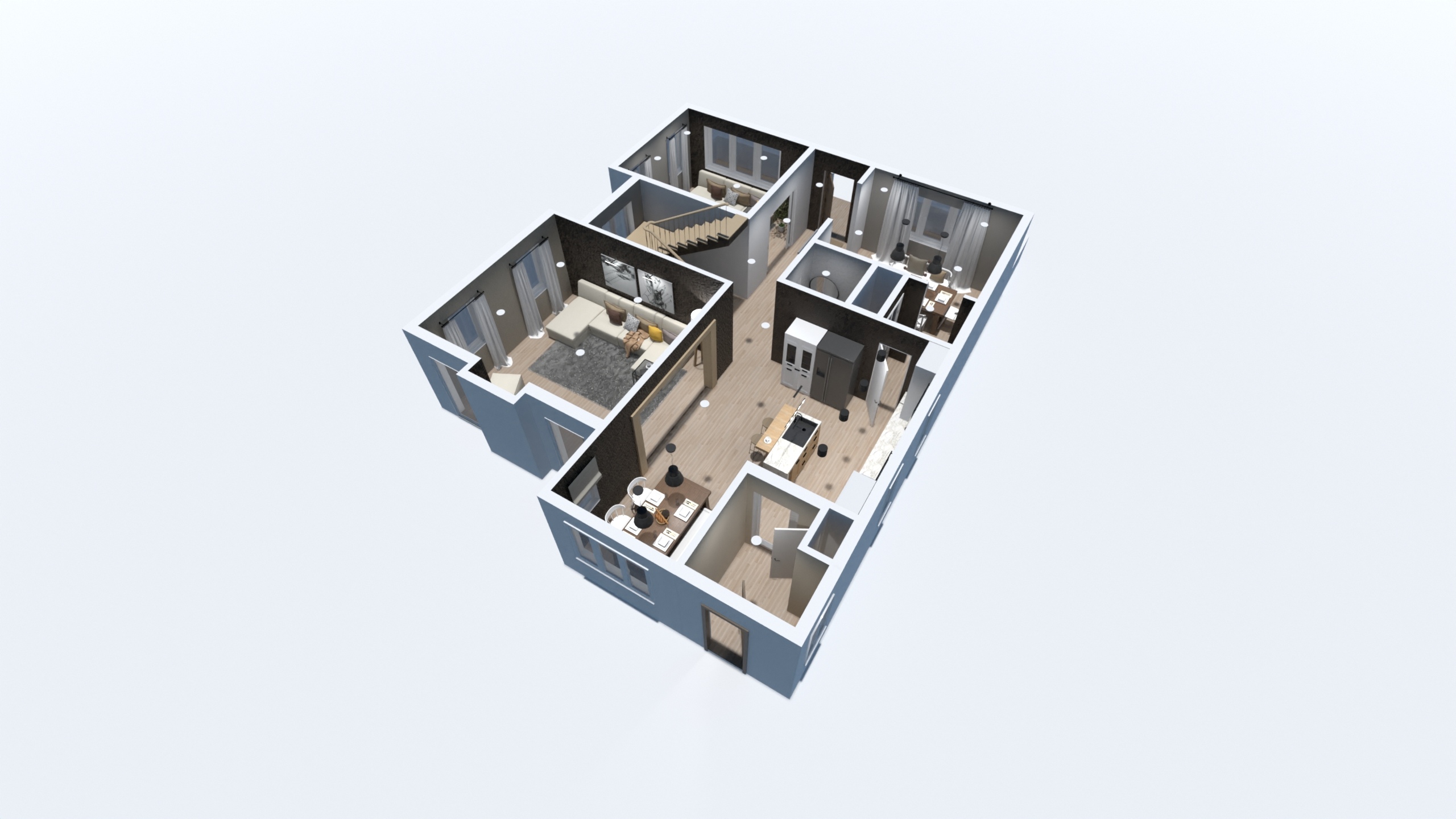
The AI detects walls, openings, and room boundaries, and returns a fully structured, editable 3D project ready to furnish, price, and share.
AI floor plan generator — live output • Output is editable, not a render
Input — floor plan image
JPEGPNGPDFDWGDXFTIFF
Any floor plan — scanned, photographed, or exported from CAD
Upload
→
Generate
→
Edit
Output — editable 3D project
Walls, openings, and room boundaries detected. Fully editable. Ready to furnish, price, and share.
Why Planner 5D goes further
Image-only AI tools generate a picture. Planner 5D gives you an interactive, purchasable spatial experience.
| Capability | Image-only AI tools | Planner 5D |
|---|---|---|
| Output type | Static render | Render + editable 3D model |
| Product data | Generic AI-generated furniture | Your real catalogue and SKUs |
| Commerce layer | None | Cart, CRM, ERP integration |
| User interaction | View only | Design, configure, purchase |
| Floor plan input | Limited or unavailable | Any format, any source |
| White-label | Rarely full platform | Full platform, your branding |
| Real-time pricing | Not available | Connected to your pricing feed |
Frequently asked questions
AI image generation takes a room photo and returns a photorealistic redesigned image — the output is a picture. Floor plan recognition takes a floor plan image or CAD file and returns a fully editable, interactive 3D project — the output is a live spatial model your users can interact with and purchase from.
Yes. The two capabilities are designed to work together. A user can generate an AI-styled render for inspiration, then open the same space as an editable 3D environment populated with your products. Both are available within the same platform and accessible through the same integration.
The floor plan recognition API accepts JPEG, PNG, PDF, DWG, DXF, BMP, TIFF, and several other image formats. This covers scanned architectural drawings, photographed plans, and CAD exports — whatever your users or sales team are likely to have available.
You submit a base64-encoded file to the recognition endpoint via REST API. The task runs asynchronously — you poll for status until complete, then retrieve the recognised project. The output is a structured 3D project that loads directly in the Planner 5D environment. Optional dimension reference data can be passed to improve spatial accuracy.
They use the same underlying capability but serve different purposes. Virtual staging is specifically for empty rooms — the AI adds realistic furniture to a vacant space, primarily for real estate listings and property marketing. AI interior design restyling works with furnished rooms and applies a chosen design style to transform the existing space.
Yes. The AI image generation endpoint is designed to be called at scale via the REST API. Property portals and real estate platforms can automate virtual staging across large listing volumes by submitting images programmatically. Pricing is usage-based — discuss volume requirements as part of your integration scoping.
Detailed API documentation is shared during onboarding with qualified customers. A technical overview is available on request.
Let’s find the right Planner 5D setup for your business
Whether you are checking technical feasibility, scoping an implementation, or ready to start — we can walk through how Planner 5D connects to your platforms and workflows.