

Start Designing

Free Landscape Design Software

Plan your outdoor spaces with free landscape design software. Create 2D and 3D landscape layouts for yards, patios, decks, pathways, pools, and other exterior areas using simple drag-and-drop tools. Build your plan on your own, get help from AI, or work with a professional designer to bring your outdoor project to life.
Customers Rating
Creative

Landscape design software for yards, patios and outdoor spaces

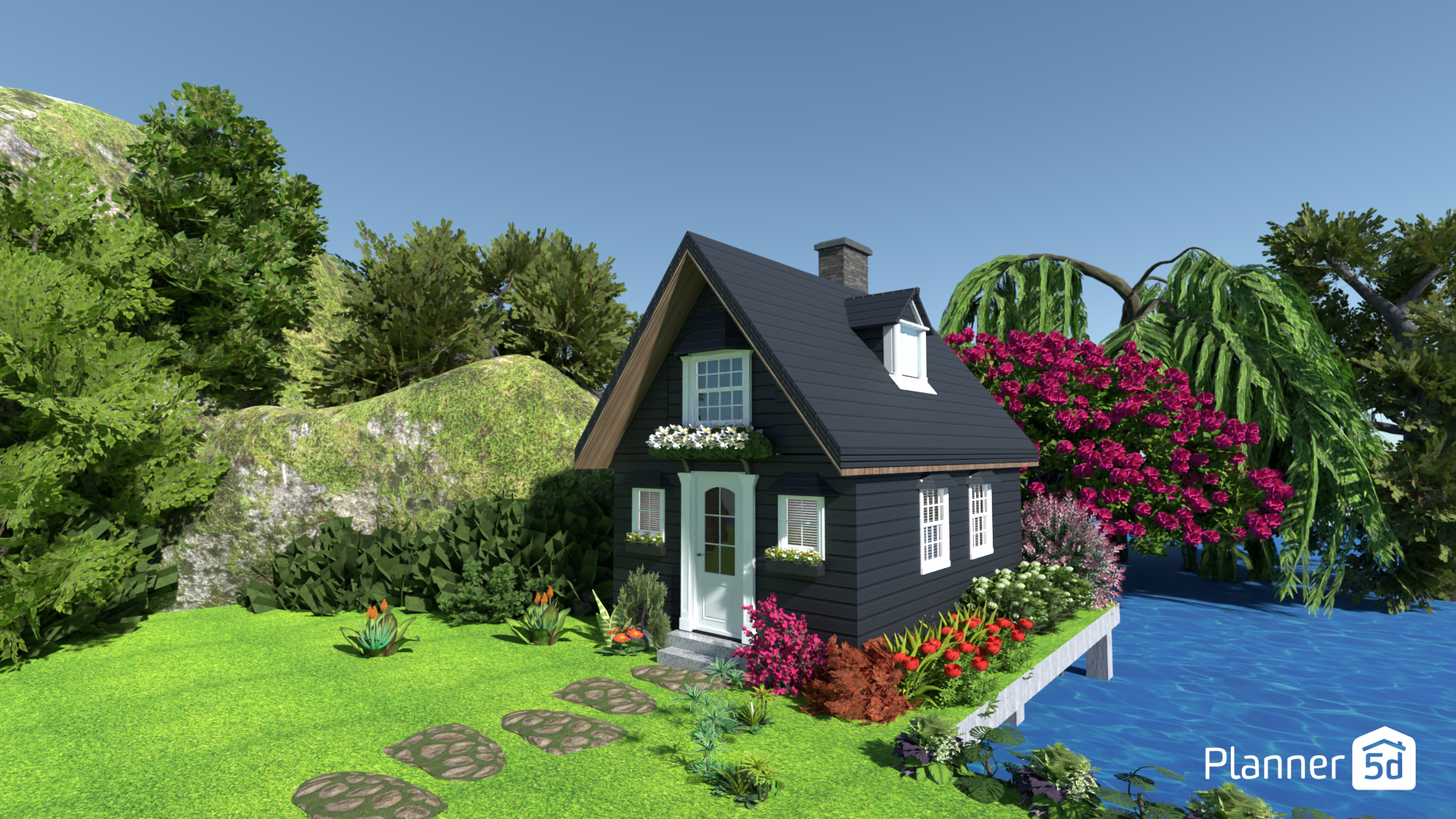
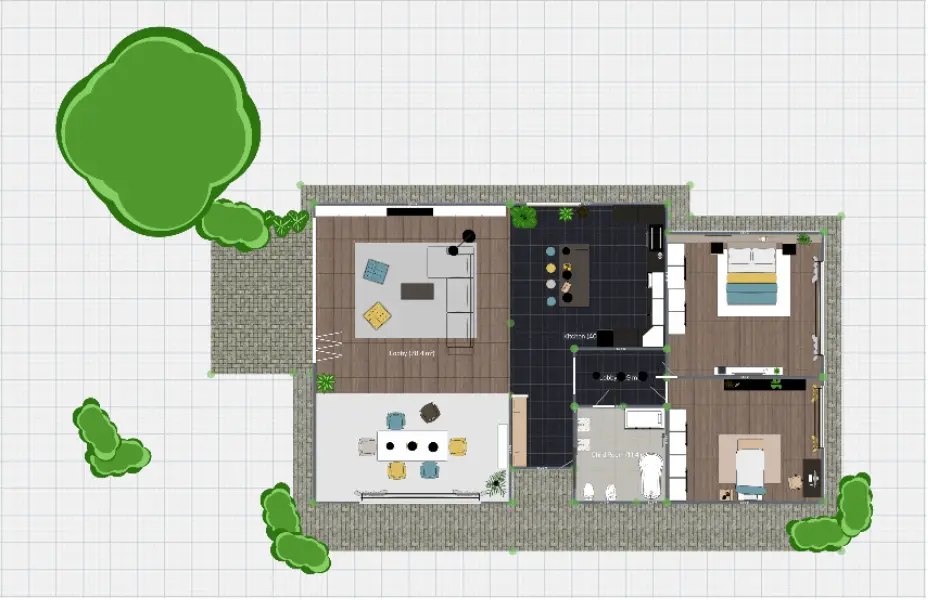
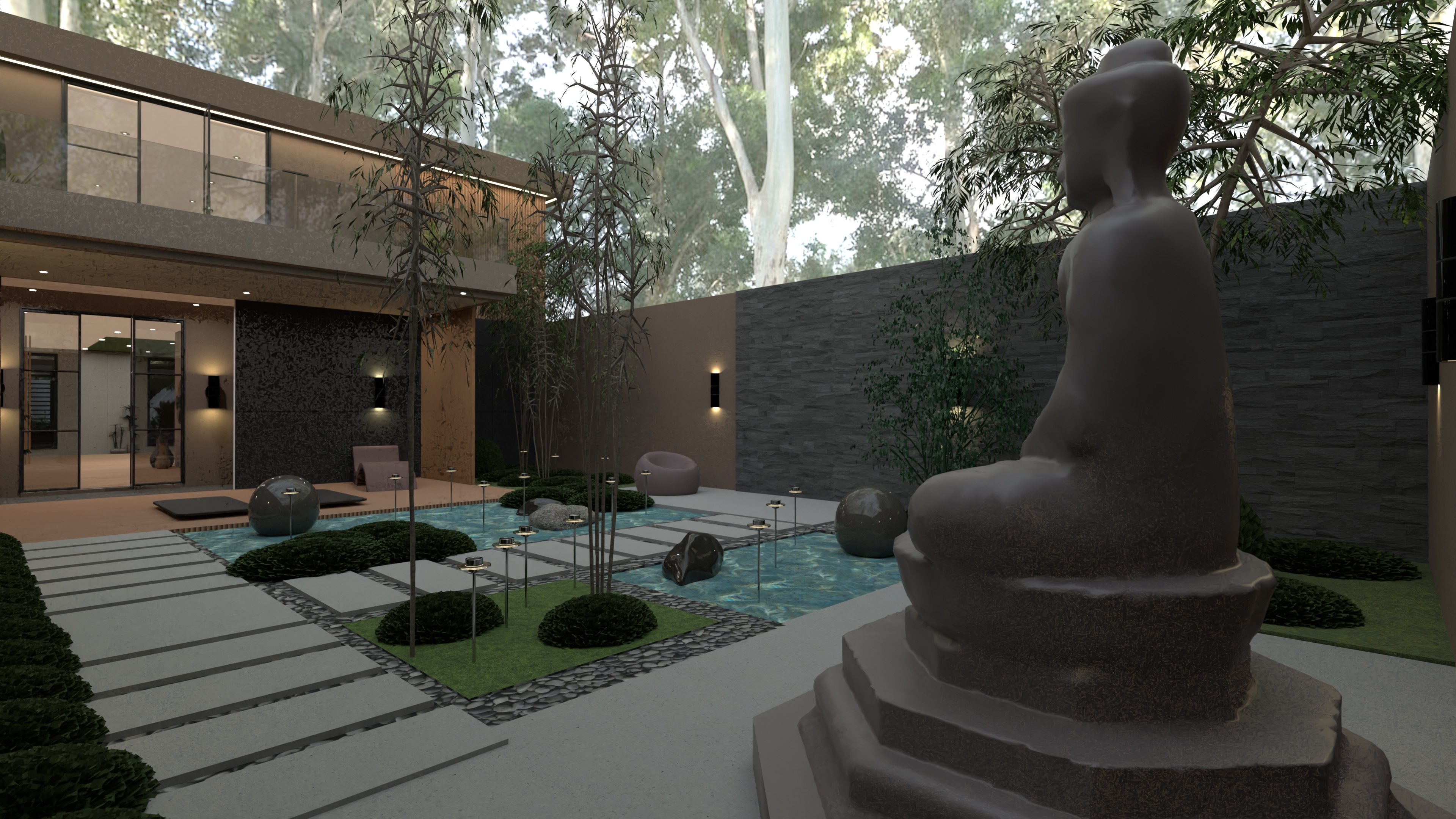
Outdoor landscaping project created with outdoor design software

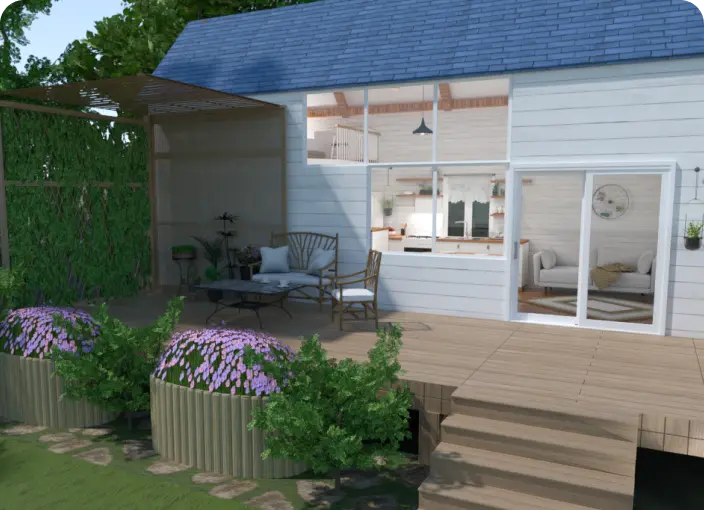
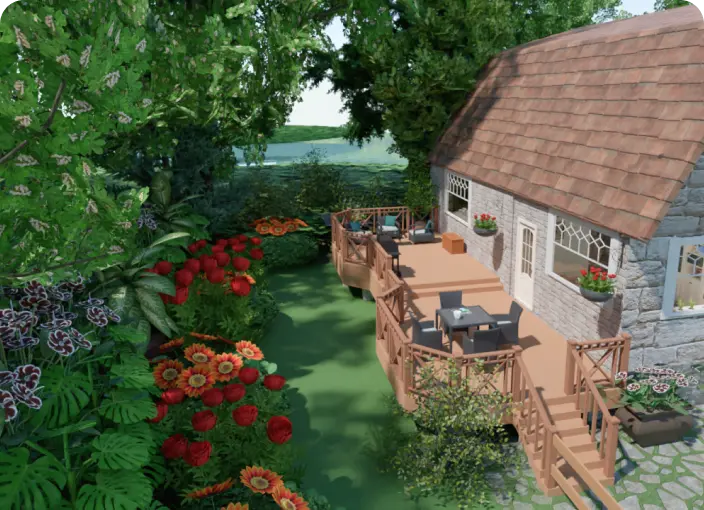
Design and visualize complete outdoor environments with Planner 5D’s free landscape design software. Create detailed 2D and 3D plans for yards, patios, decks, pathways, pools, fences, terrain features, and exterior structures using an intuitive drag-and-drop editor and a large library of outdoor elements. Adjust landscape layouts, test materials and lighting, and see your ideas come to life before you start building.

outdoor layout planner
Build
Create 2D and 3D models of your outdoor areas. Use precise scale tools to define site dimensions, property boundaries, elevation changes, walls, fences, pathways, lawns, patios, decks, and other landscape features.
landscape design tool
Improve
Customize any landscape design project with realistic materials, natural and artificial lighting, and outdoor objects. Add seating, planters, water features, stone paths, pool areas, and other elements to create a complete outdoor setting.
Render
Render mock-ups quickly from your browser or mobile apps. Visualize your finished landscape plan with photo-realistic detail, compare layout options and walk through your outdoor design in virtual reality.

How to create a landscape design with Planner 5D

Creating a landscape design with Planner 5D is simple, even if you have no professional design experience. The software helps you plan full exterior layouts, organize outdoor features, test materials, and preview the final result in 2D and 3D.

Start with these three simple steps.

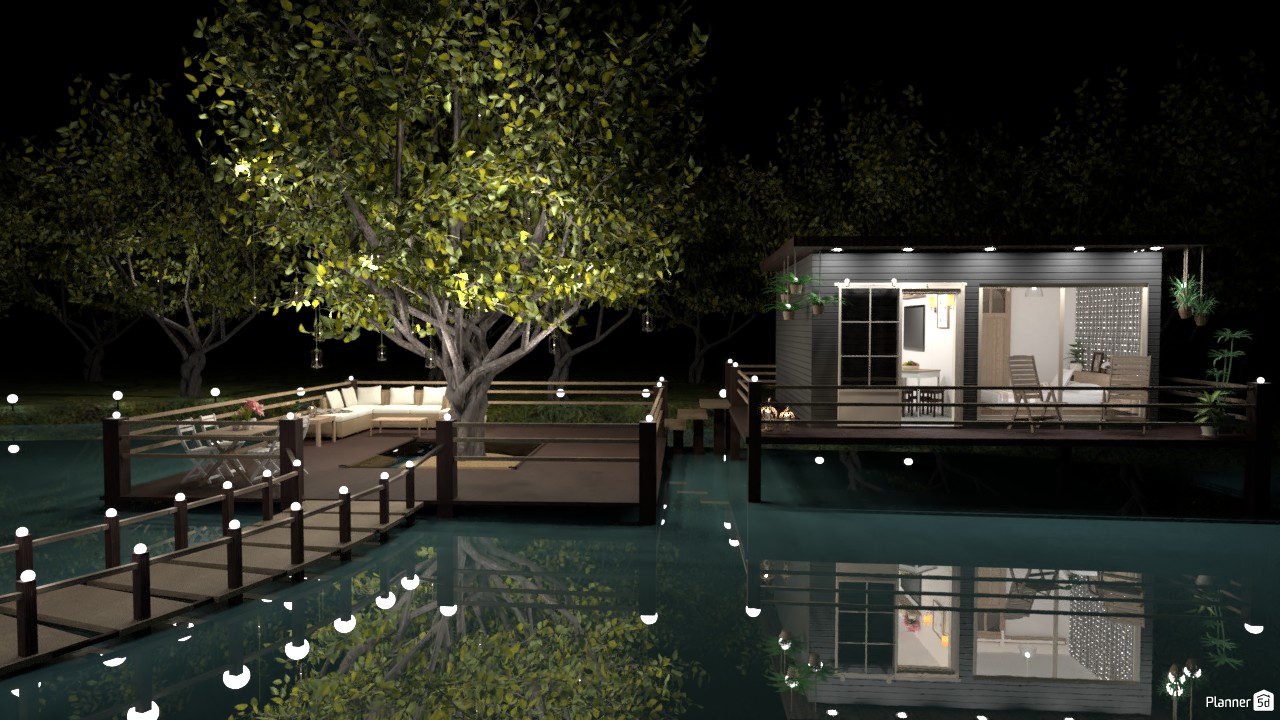
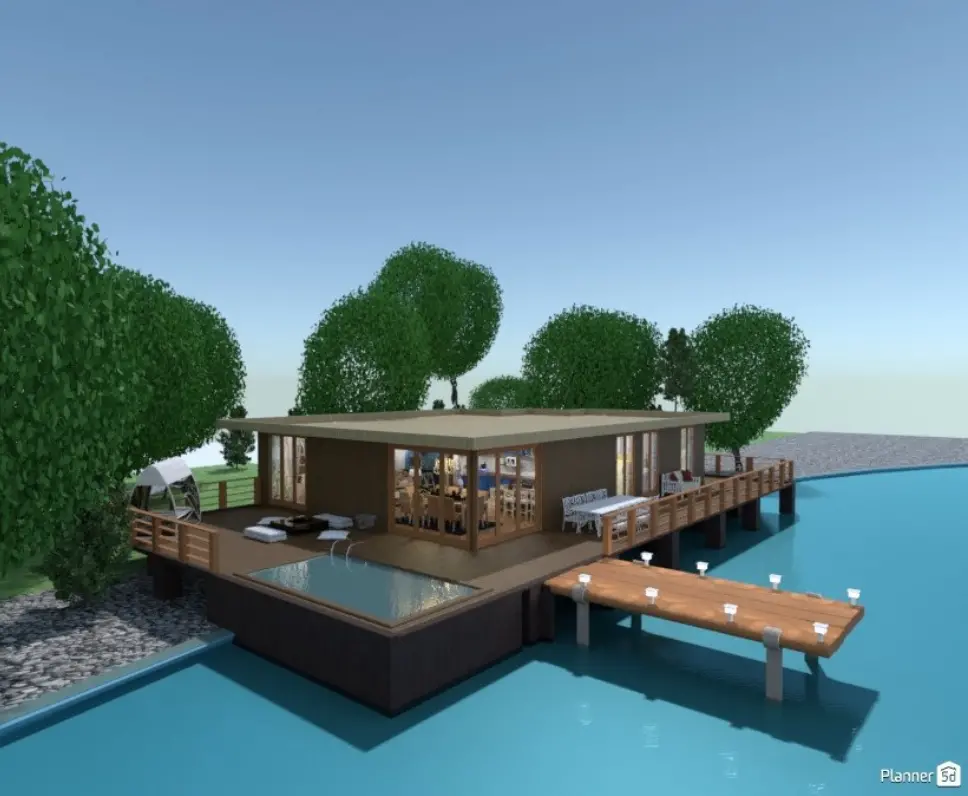
backyard gazebo and deck over water designed with Planner 5D
1
Create a landscape design plan

Start by drafting a detailed landscape plan. Define your site dimensions, draw property boundaries, add walls or fences, and mark key architectural elements, such as paths, ponds or structures. You can import images of your yard or an existing layout, or begin from scratch with the intuitive interface. Planner 5D helps you map the main shapes, zones, and features of your outdoor space with accuracy.

2
Add outdoor elements from the library

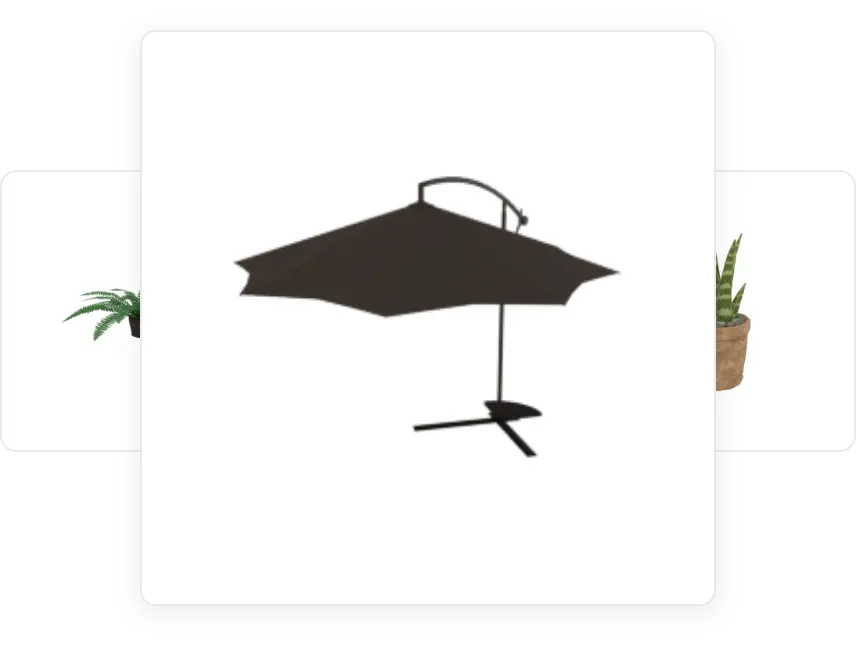
Use Planner 5D’s extensive library of realistic outdoor objects, furniture, plant symbols, materials, and textures. Add seating areas, trees, water features, stone paths, decks, patios, pool zones, fences, lighting, and other exterior design elements. Customize each object by size, color, and material so the plan matches your project.

outdoor patio umbrella element
3
See how it looks in virtual reality

This is where your outdoor design comes to life. With a few clicks, you can render the full landscape project in 3D and walk through it like a real space. Test different lighting conditions, adjust pathways, change patio or deck layouts, and review key exterior features before work begins.

Not sure where to start? Our team of professional designers can help turn your landscape design ideas into a clear, buildable plan with expert guidance and custom solutions.

outdoor landscaping project over water with a deck

Best free landscape design app for outdoor projects

Planner 5D’s 3D rendering tools help you plan, refine, and present landscape design ideas with clarity. It is more than a visualization tool. It helps you create complete exterior layouts for yards, patios, decks, pathways, pools, terrain features, and outdoor structures.

From scale and texture to lighting and accessories, every detail can be adjusted for a realistic result. Choose a hand-drawn look or a photo-realistic style, then share your landscape plan with clients, contractors, or anyone helping with the project.

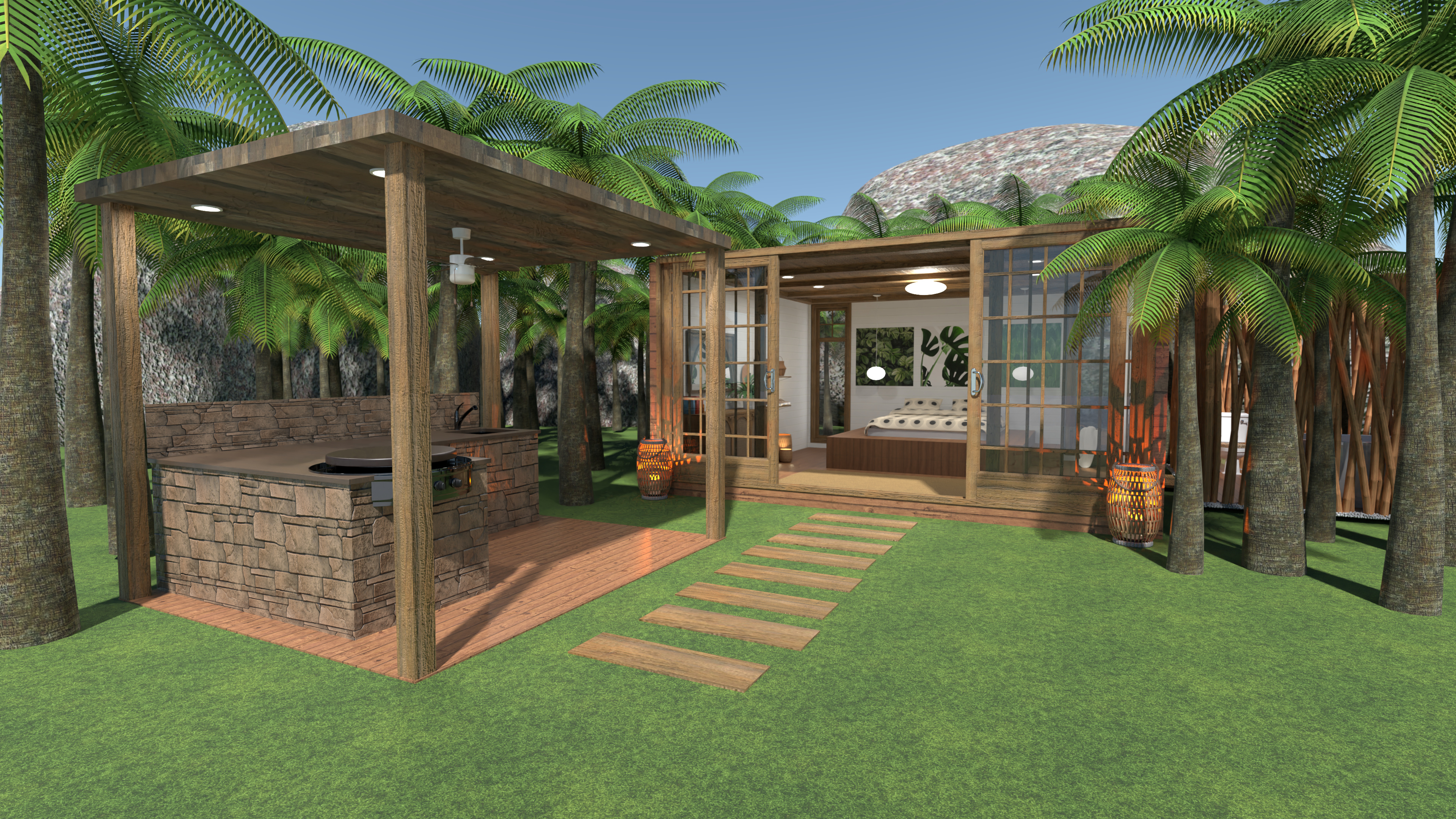
landscaped backyard with outdoor kitchen and walk path

Benefits of online landscape design software

  • Free and accessible - Start planning exterior spaces right away with no cost or technical barriers.
  • Customizable outdoor library - Use objects, materials, textures, plants, lighting, furniture, and exterior elements to personalize your landscape layout.
  • Professional output - Render photo-realistic visuals that are perfect for sharing with clients or contractors.
  • Multi-platform access- Use the app on mobile devices or desktops, with cloud syncing across all platforms.
  • Hand-drawn or photo-realistic styles - Choose the visual finish that fits your project, audience or presentation style.
  • Technical support - Use built-in guides and resources to help you every step of the way.
  • No technical skills needed - You don’t need to be an architect or a professional landscape designer to create high-quality site plans.

What our users say about us?

This program is very good because it helps you create your own 3d model of an architectural project.

Otro

I like this app so much! You have got so many choices to pick from(for room decoration and other stuff)

kate

The app is easy to use. Even a newbie can come up with nice designs. It’s very stable and rarely crashes.

creativeblox
Get to know

F.A.Q

What is the best free landscape design app?

Planner 5D is one of the best free landscape design tools for planning outdoor spaces. It combines an easy-to-use interface, 2D and 3D design tools, realistic rendering, and a flexible library for yards, patios, decks, paths, pools, and exterior structures.
Was it helpful?

How much does it cost to create a landscape design?

Professional landscape design services can cost hundreds to thousands of dollars, depending on the project size and level of detail. With Planner 5D, you can start your own landscape plan for free and use the built-in cost estimation features to help manage your budget.
Was it helpful?

How do I landscape my front yard on a budget?

Start with a clear landscape plan, then prioritize high-impact features such as paths, lighting, seating areas, planting zones, and materials. Planner 5D helps you visualize your layout, compare options, and avoid costly mistakes before work begins.
Was it helpful?

How do I get started with Planner 5D?

Download the app or open the web version, create a free account, and start your first project. You can draw a layout from scratch, import an existing plan, or use templates and guides to get started faster.
Was it helpful?

Is there an AI landscape design tool that is free to use?

Yes. Planner 5D offers a free AI landscape design tool that helps you create outdoor layouts quickly. Upload a sketch, choose a template, or start with your own site plan, then use AI support to build a smart landscape design.
Was it helpful?
Got more questions? Get in touch.

Feeling inspired?

Check out more home design ideas below

Backyard Design

Become your own landscape designer whilst staying within an affordable budget.

Architecture Design Online

Don't waste time on complex CAD programs- now you can easily take on the role of an architect and do it on a budget.

Landscape Design Ideas

Get the inspiration for Landscape design with Planner 5D collection of creative solutions.

Related blog posts

Inspiring Designs for a Beautiful Landscape

Here is what you need to know about landscaping basics to make your garden shine.

Front yard Landscaping Ideas

Make the front of your home with these easy ideas and create a welcoming and enjoyable space.

10 Most Popular Interior Design Styles Explained

Want to remodel your home but don't know where to start? Check out this list of the ten most popular interior design styles and get inspired.