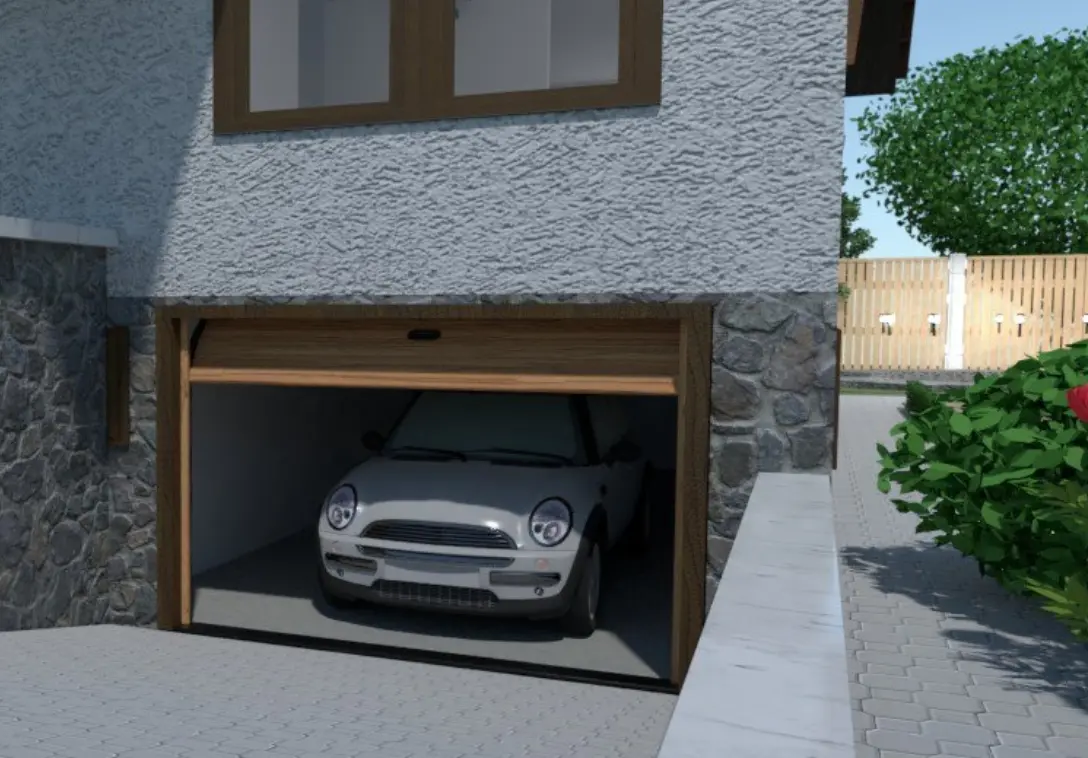
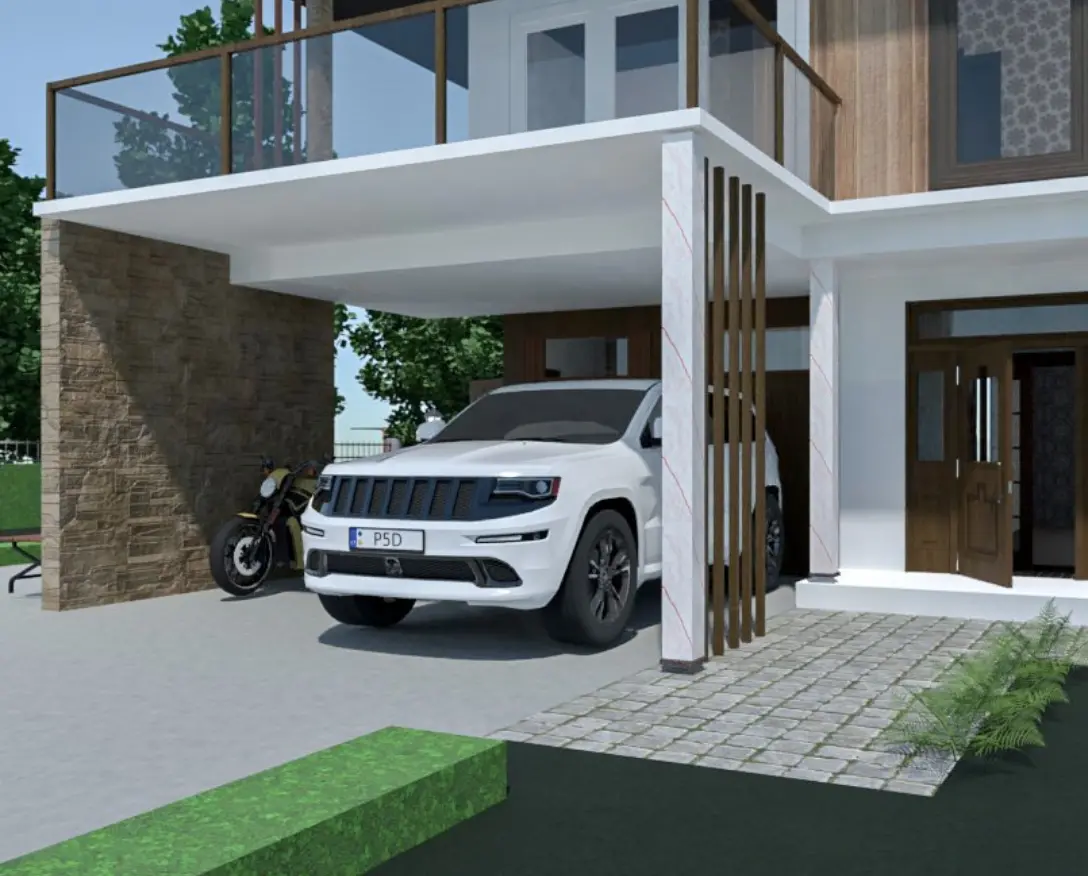
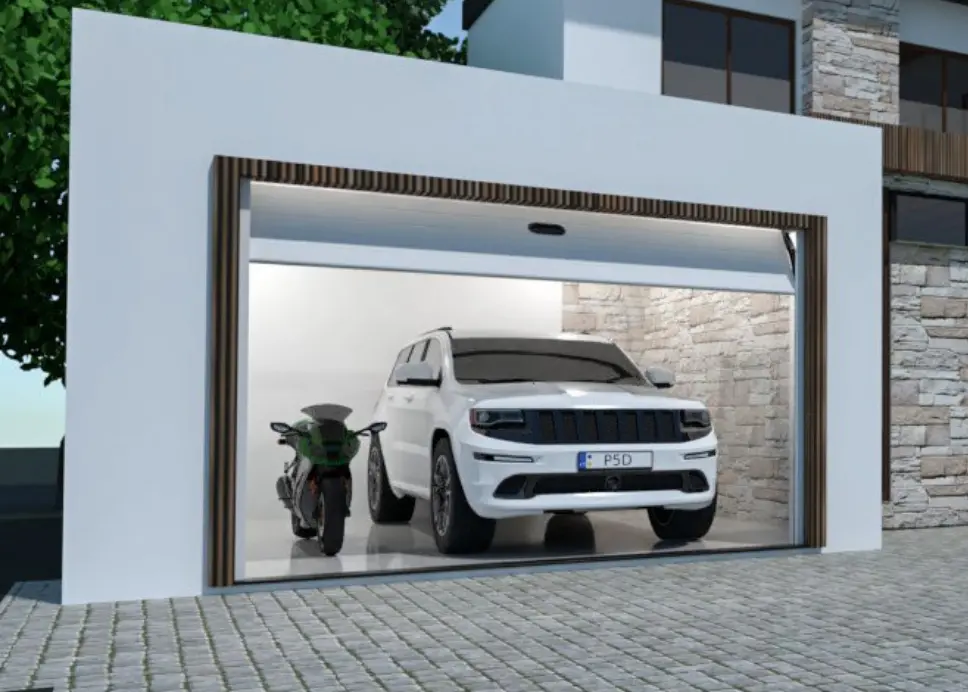
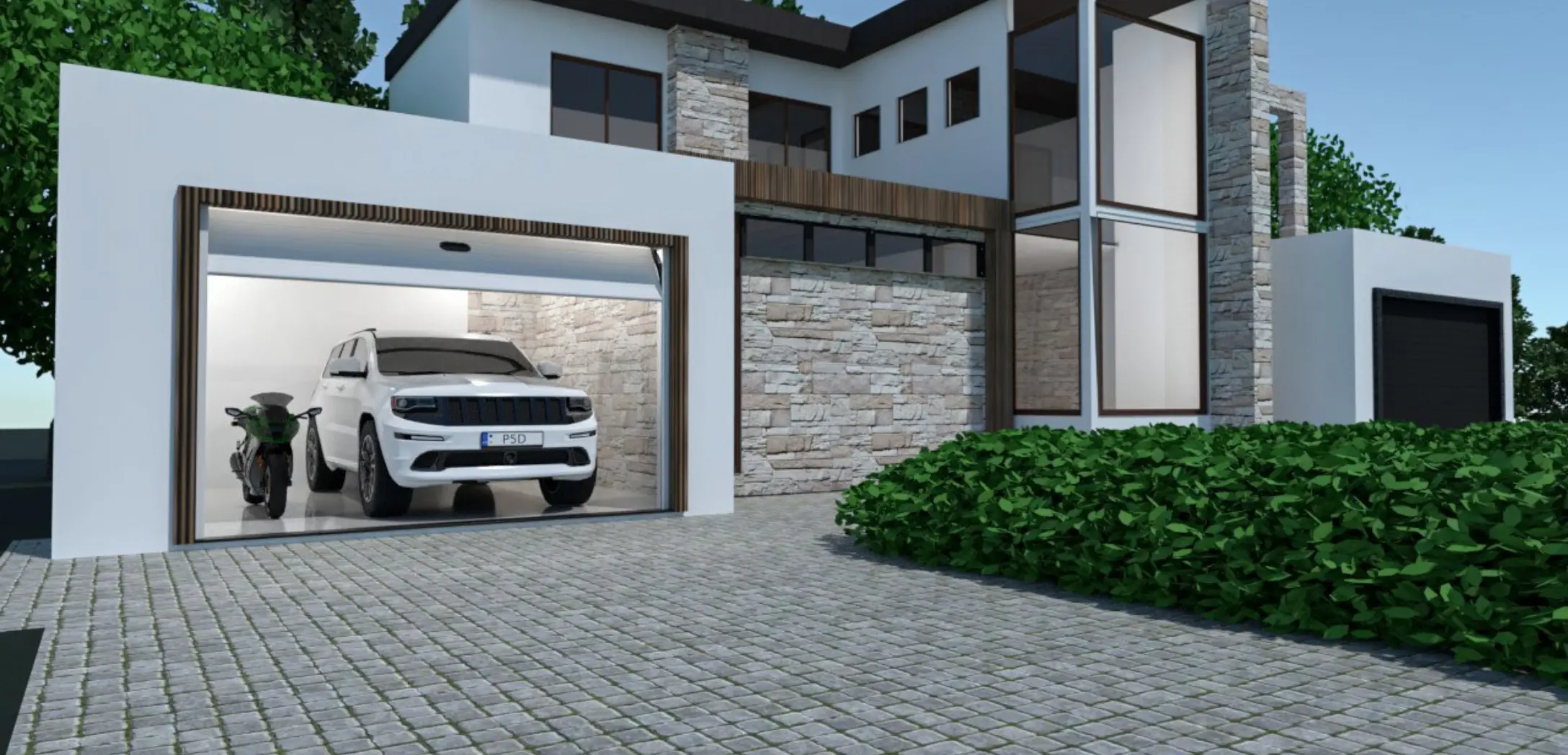
Garage Design: Plan Your Garage in 3D

Create a garage design that fits your space and needs. Use Planner 5D to plan your layout, add storage, arrange furniture and preview your project in 2D and 3D.
Customers Rating

A good garage design should fit your space and how you plan to use it. Before you start, think about what the garage needs to do. Will it be for parking, storage, a workshop, laundry, hobbies or a mix of different uses?

Planner 5D helps you test garage design ideas before making big changes. Create a garage layout, add storage and furniture, and preview your project in 2D and 3D. With an online garage planner, you can compare options and adjust the design until it works for your needs.
Creative

How to create a garage design

Use Planner 5D to draw a garage floor plan, plan the layout and view your project in 2D and 3D. Start from scratch or use a template, then customize the space for parking, storage, hobbies or work.

1
Draw your garage floor plan

Start by drawing the walls, doors and windows to match your space. You can create a garage floor plan from scratch or use a template for inspiration, then adjust the layout to fit your needs.

2
Set up your garage layout

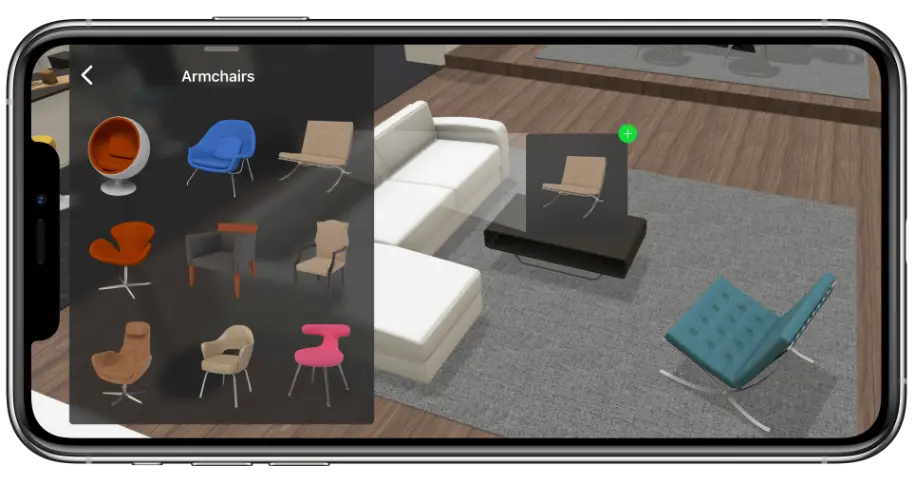
Add the items you need, from cars and storage cabinets to workbenches, laundry appliances or fitness equipment. Use the drag-and-drop tools to move each item around and create a garage layout that works for your space.

3
Preview your garage design in 3D

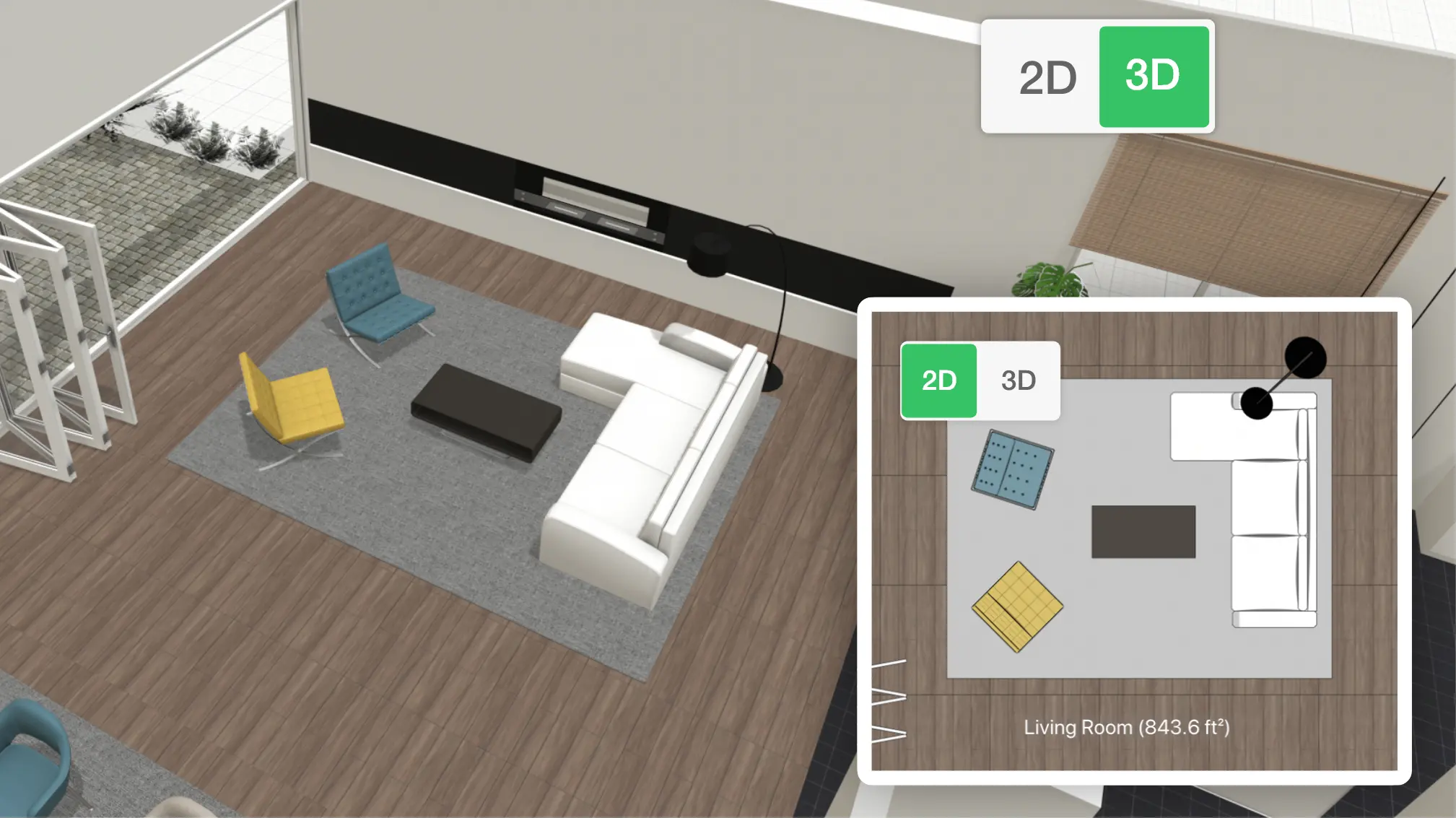
Switch from 2D to 3D to see how your garage design will look. Check the layout, storage, materials and finishes from every angle, then make changes before you start building, renovating or reorganizing.

FUN
Design a garage for every use

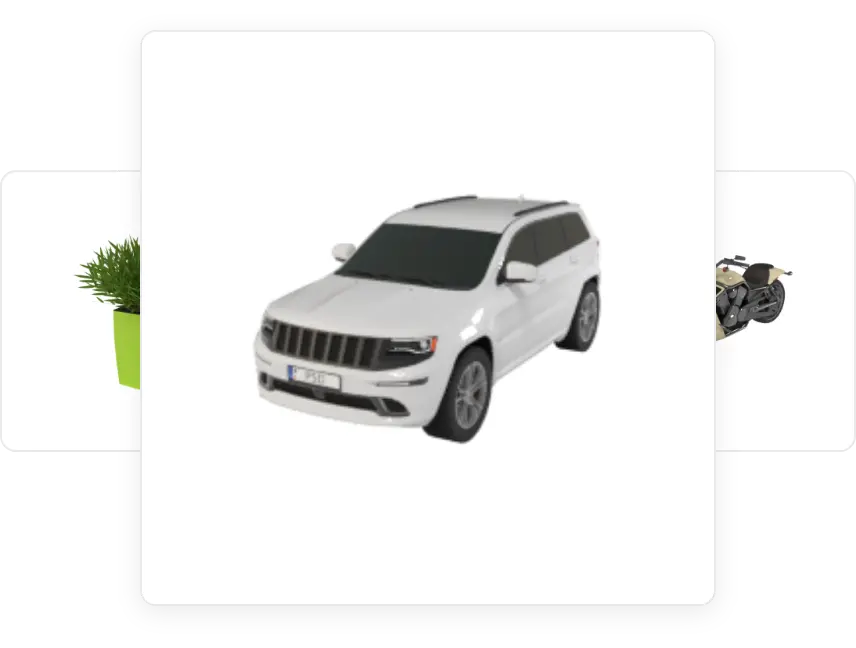
Your garage can be more than a place to park a car. With Planner 5D, you can design a garage for storage, hobbies, laundry, fitness, car maintenance or a workshop. Add the items you need from the object library, including shelves and cabinets, furniture, gym equipment and entertainment pieces.

You can also customize colors, sizes, materials and textures to make the space feel realistic. Try different floors, wall finishes, paint colors and storage options, then view your garage design in 2D and 3D before making changes in real life.

Garage uses
Storage and organization
Laundry area
Workshop/craft space
Home gym
Games room
Creative

Turn your garage floor plan into a 3D design

Start with a simple 2D garage floor plan, then switch to 3D to see how the space will look. This makes it easier to check the layout, storage, parking space, furniture and finishes before you make changes in real life.

You do not need design experience to use Planner 5D. Draw your plan, add the items you need and preview your garage design from every angle.

Testimonials

What our users say

This program is very good because it helps you create your own 3d model of an architectural project.

Otro

I like this app so much! You have got so many choices to pick from(for room decoration and other stuff)

kate

The app is easy to use. Even a newbie can come up with nice designs. It’s very stable and rarely crashes.

creativeblox
GARAGE PLANS

F.A.Q.

How do I start a garage design?

Start by deciding how you want to use the garage. It may be for parking, storage, a workshop, laundry, fitness or a mix of uses. Then measure the space, mark doors and windows, and create a garage floor plan before adding furniture, cabinets and equipment.
Was it helpful?

What should a garage floor plan include?

A garage floor plan should include the walls, doors, windows, parking space, storage areas, work zones and walking paths. If you plan to use the garage for more than parking, include space for shelves, cabinets, appliances, tools or hobby equipment.
Was it helpful?

Can I design a garage online?

Yes. With Planner 5D, you can design a garage online, create a layout, add objects from the library and view your project in 2D and 3D. You can test different garage design ideas before making changes in real life.
Was it helpful?

Do I need design experience to create a garage design?

No. Planner 5D is simple to use, even if you have no design experience. You can start with a template or draw your own garage floor plan, then drag and drop items into the space.
Was it helpful?

Can I add real dimensions to my garage design?

Yes. You can add real measurements to your garage floor plan to better match your space. This helps you check whether a car, cabinets, shelves or equipment will fit before you make changes.
Was it helpful?
Got more questions? Get in touch.

Feeling inspired?

Check out more home design ideas below

Gym Design

Create a home gym layout with ease. Design a place where all your family can keep fit with pleasure.

Online Landscape Design Tool

Create amazing outdoor plans in 2D/3D using simple drag-and-drop technology.

Garage Ideas

Get the inspiration for Garage design with Planner 5D collection of creative solutions.

Related blog posts

5 Garage organization ideas you’ll love

Is your garage filled with junk and unwanted items? We have several solutions to help you organize and reclaim your space.

Garage Storage Ideas to Maximize Your Space

Looking for the best garage storage ideas and organization tips? Check out our list to learn how to organize your garage today.

How to Build Your Perfect Home Workout Space

Looking to set up a gym in your garage? Here are some great ideas to help you get started.