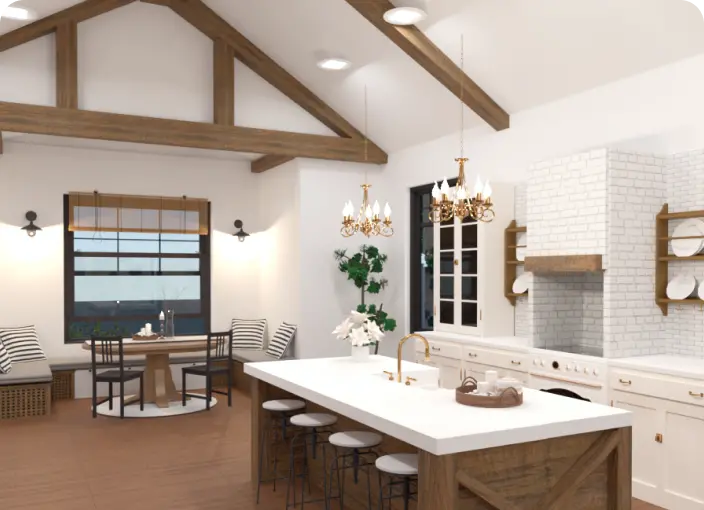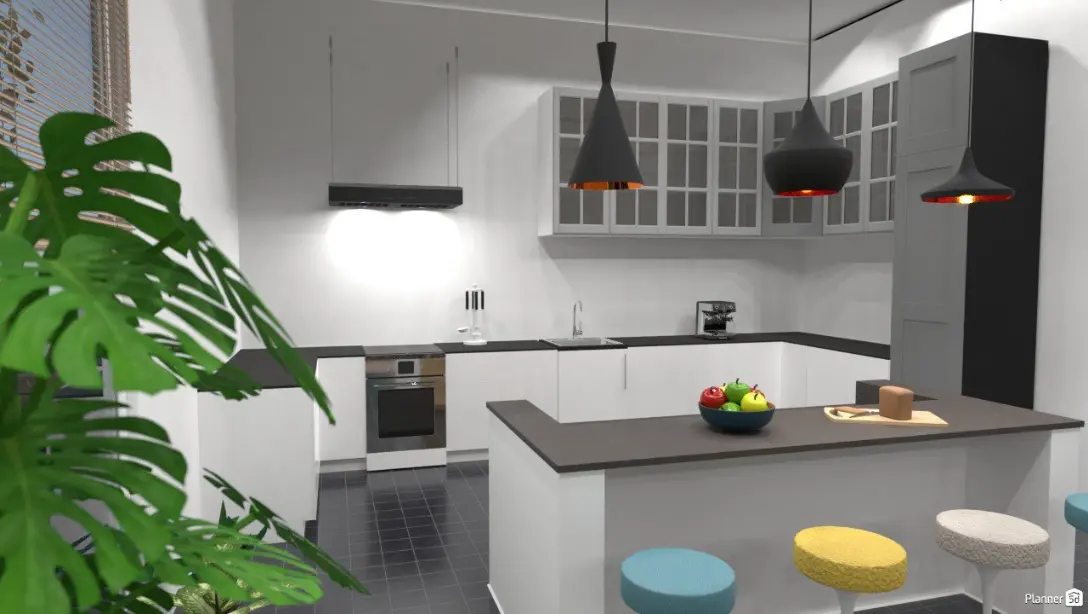
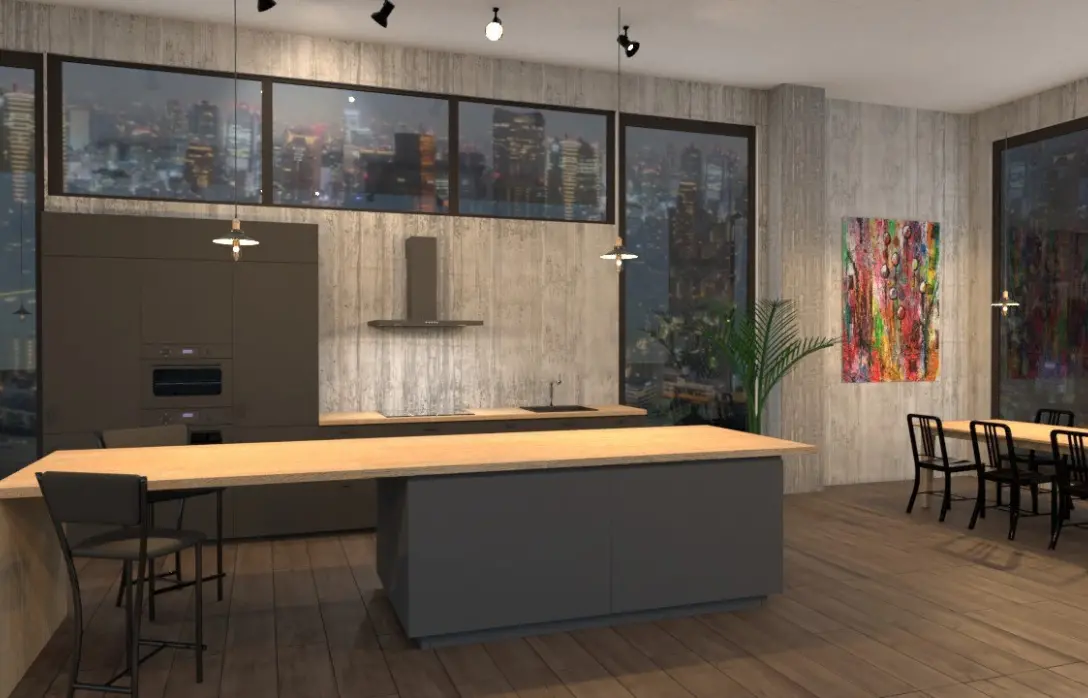
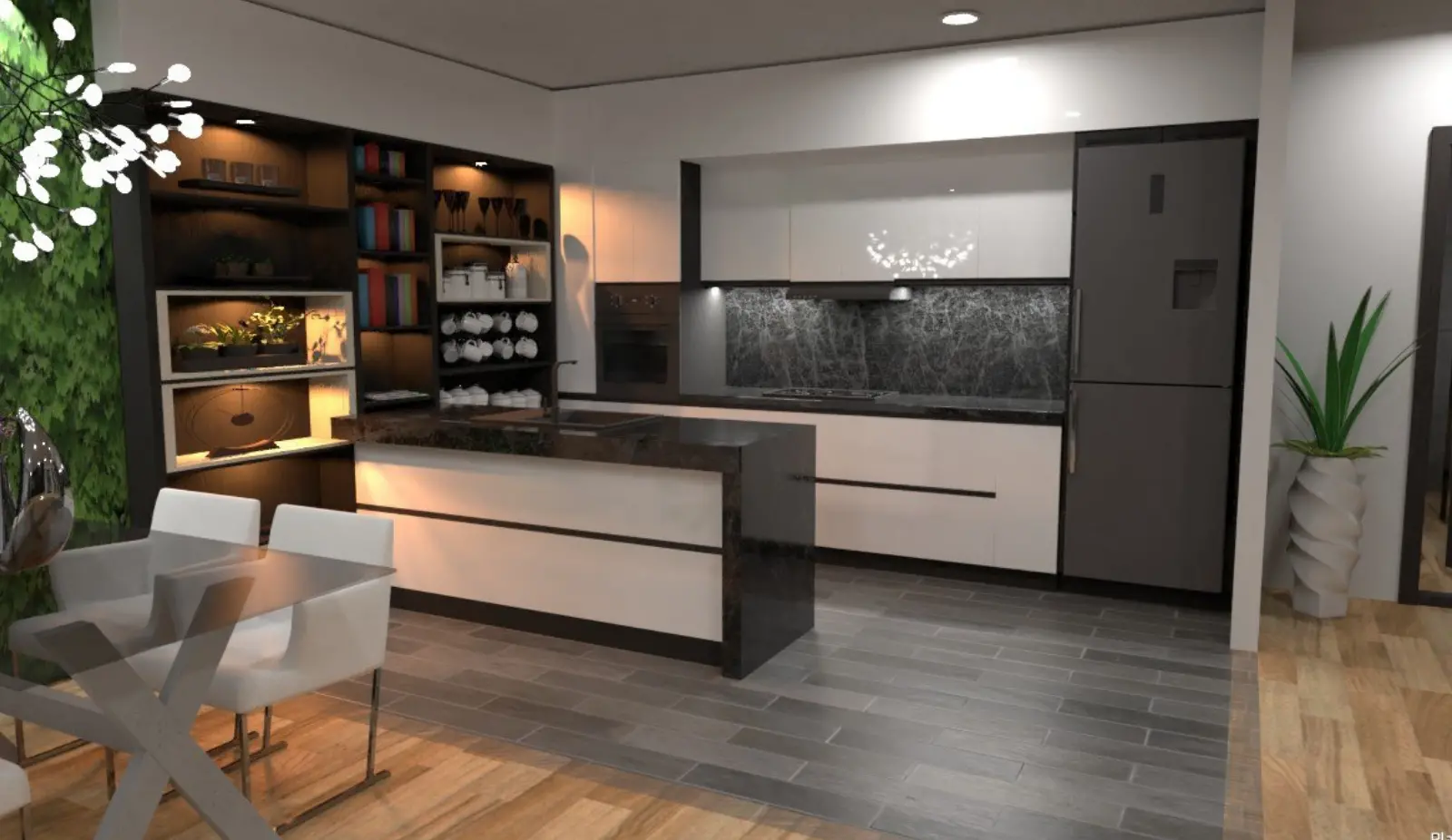
It is really a great app. It helped me so much to plan the whole repairs in my new apartment. And the result is really great without any professional designer.
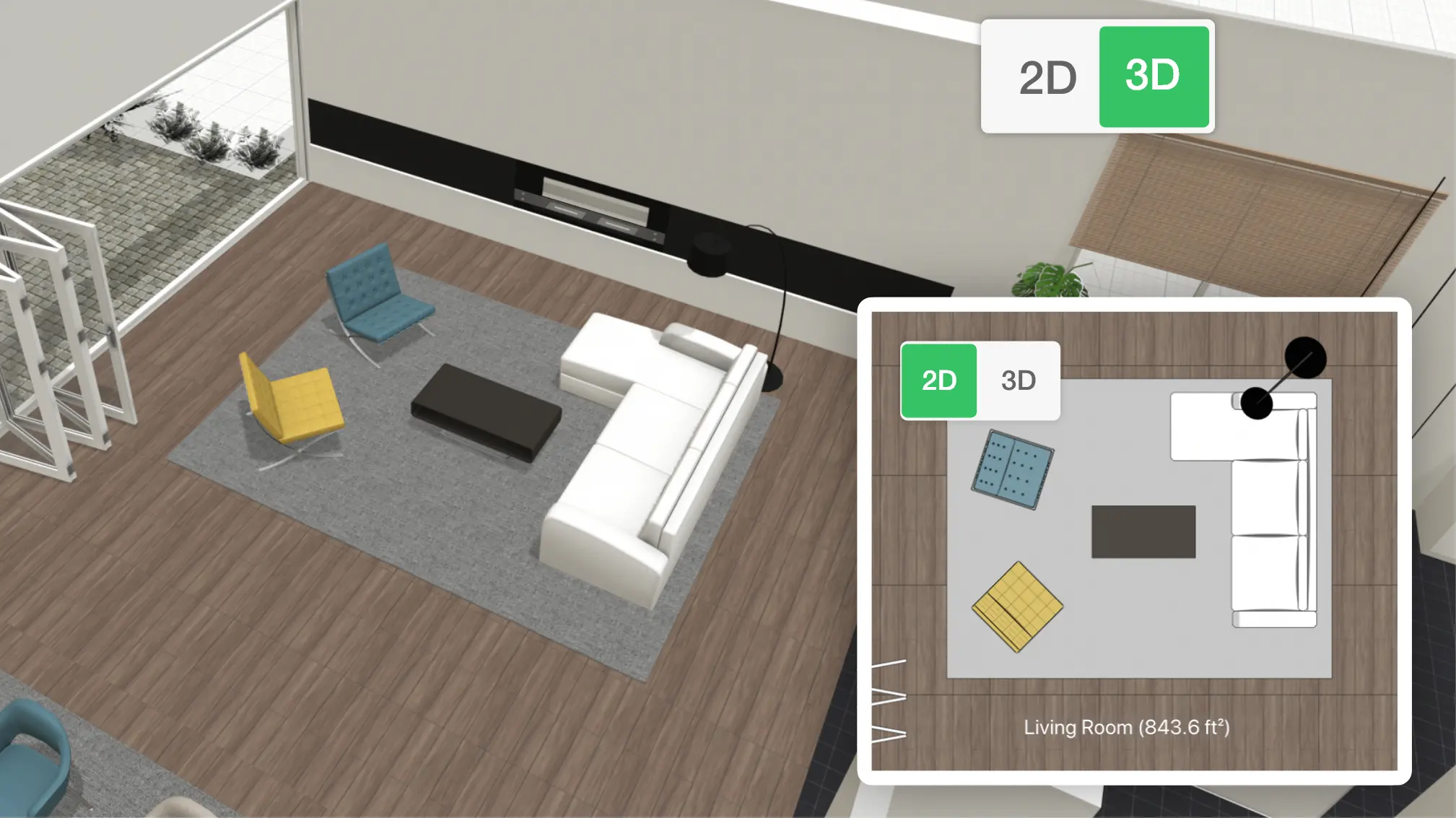
Transform your kitchen with confidence. Planner 5D lets you experiment with layouts, finishes, and furniture, creating a space that fits your lifestyle and looks exactly the way you imagine it. Design in 2D, walk through it in 3D, and perfect every detail before the renovation begins.
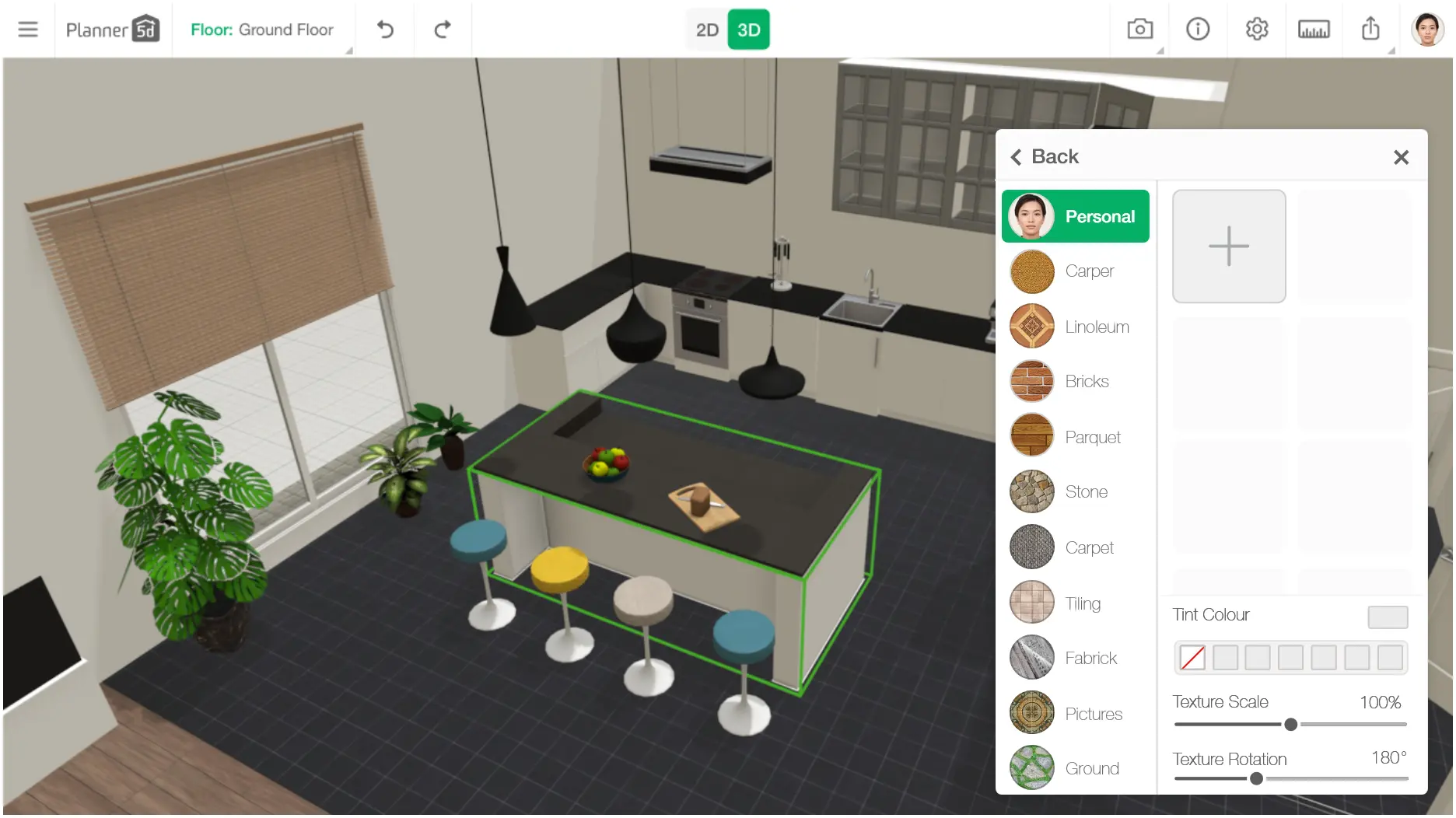
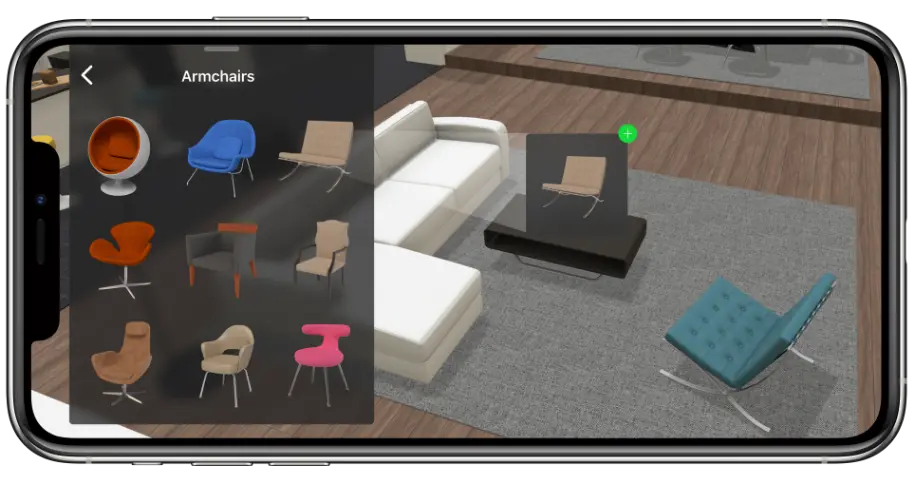
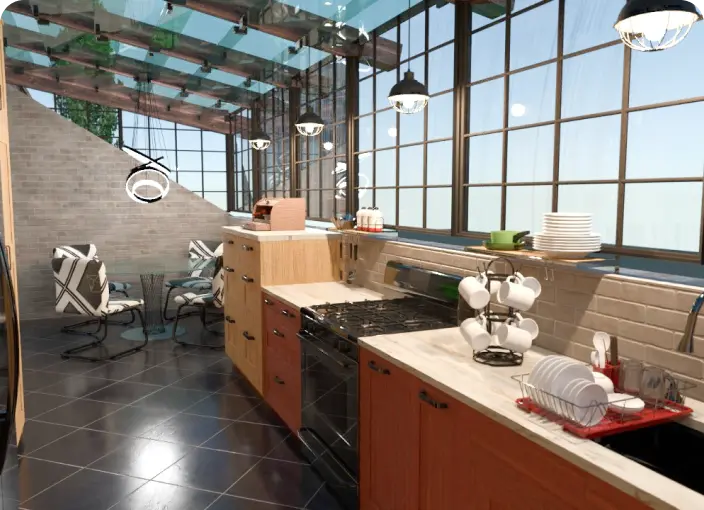
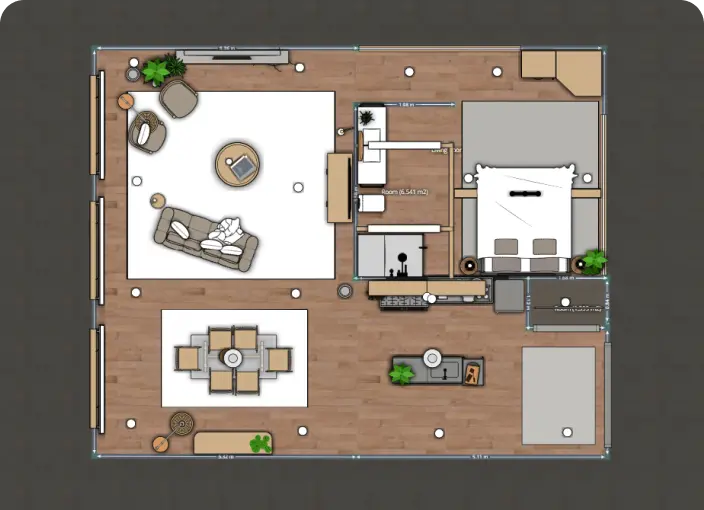
A kitchen renovation often comes with big questions: Will the new layout actually work? Will the colors match? Will everything fit the way I imagine? Planner 5D takes away the uncertainty by letting you experiment freely with layouts, finishes, cabinets, lighting, and appliances. You can explore multiple concepts, switch styles instantly, and see every choice reflected in immersive 3D—long before you spend on materials or hire a contractor.

With Planner 5D, you can test different cabinet configurations, adjust appliance placement, explore countertop and backsplash options, and check how lighting affects the overall look. Seeing everything in realistic 3D helps you compare ideas, avoid design mistakes, and move forward with a plan that fits both your space and your daily routine.
Remodeling a kitchen starts with having a clear plan. Before we break the process into three simple steps, it’s helpful to understand your space, define your needs, and picture the style you want to create. A bit of early clarity makes the renovation smoother, more focused, and easier to manage from start to finish.
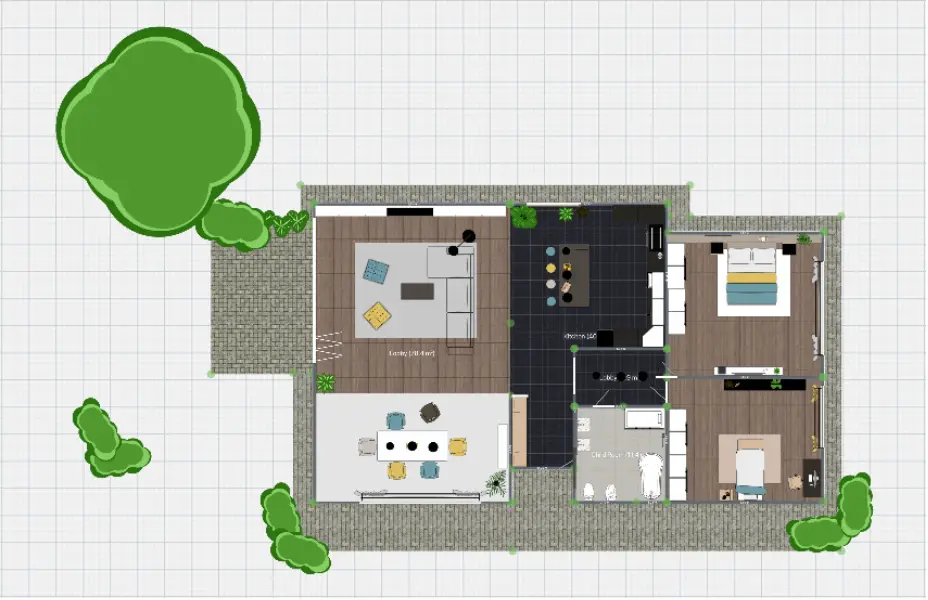
Start by creating a precise 2D layout of your kitchen. This step helps you see the true dimensions and limitations of your space before making design decisions. Add walls, windows, doors, and fixed elements like plumbing or ventilation. You can start from scratch or use one of our ready-made templates for guidance. A detailed 2D plan provides a solid foundation for testing layouts, checking workflow, and making informed renovation choices.
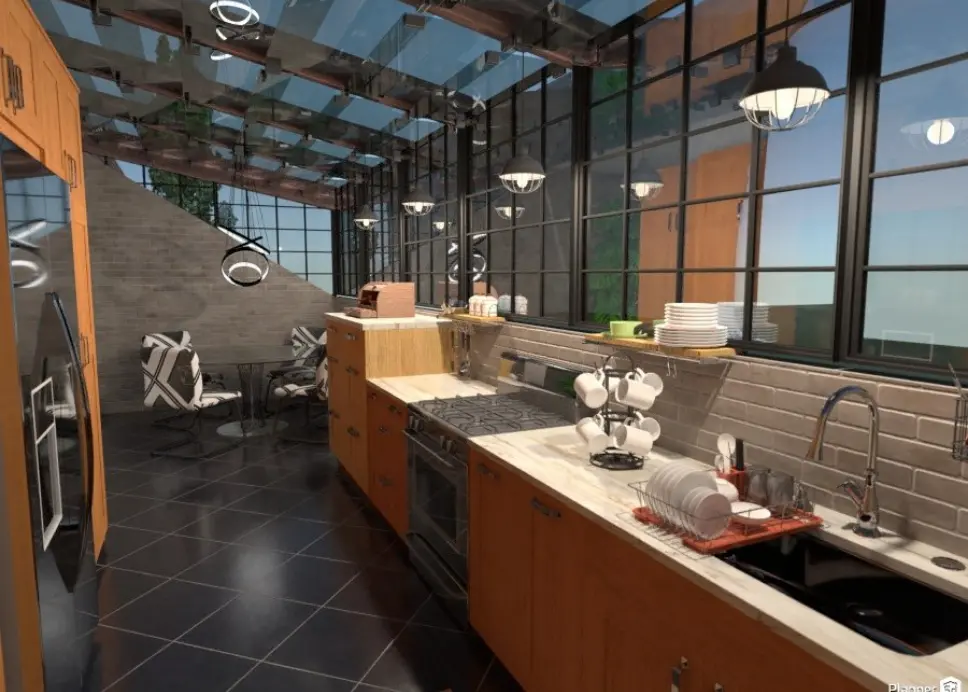
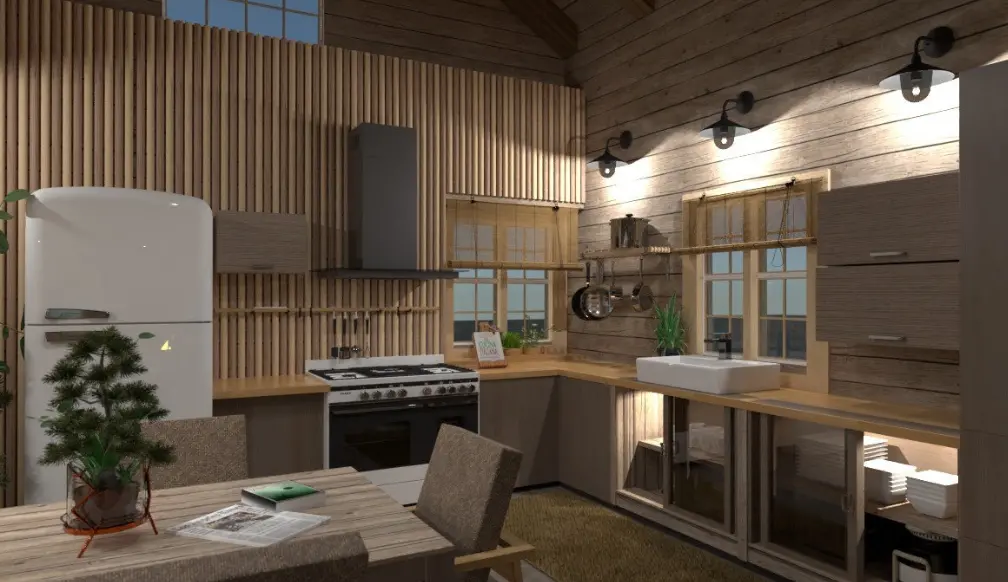
Once your layout is ready, it’s time to bring your kitchen to life by adding furniture, appliances, and décor. Our extensive library offers a wide range of items to suit any style—modern, classic, rustic, country, or industrial. Simply select the pieces you like and place them onto your floor plan. You can then customize every detail, including colors, finishes, patterns, shapes, and sizes, to match your vision. This step lets you experiment freely and ensures your kitchen is both functional and perfectly styled before any work begins.
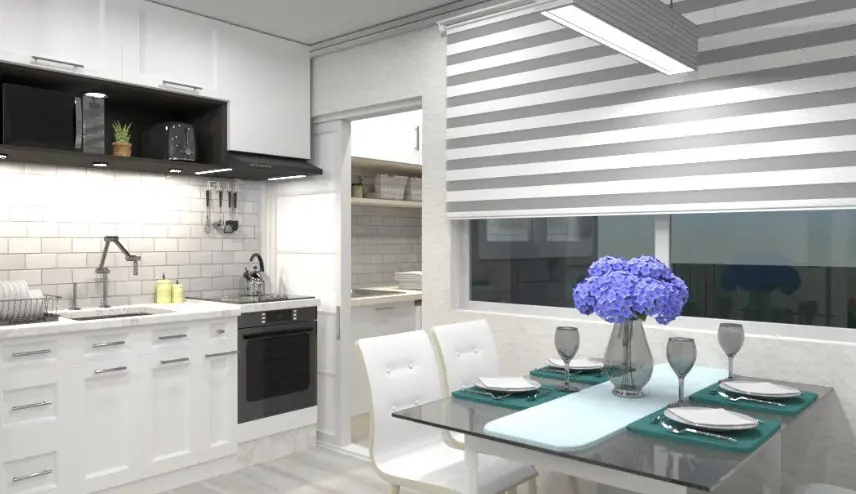
Once your layout and furniture are in place, switch to 3D to see your kitchen come to life. A realistic 3D view lets you walk through the space, check how everything fits, and see how light and colors look in the room. This makes it easier to spot any problems and fine-tune your design before starting the actual renovation.
Think about how you move in the kitchen. The classic “work triangle” between the sink, stove, and refrigerator can help make cooking efficient. Test different layouts in Planner 5D to see what feels most comfortable. Here are a few more tips for kitchen remodeling:


Are you not sure where to start with your kitchen remodeling plan? If you’ve never had experience with interior design, it makes sense.
But we also have many users who’ve also never created plans from scratch but managed to come up with incredible projects.
We proudly showcase these examples in our gallery. Browse through other new designers' finished plans and get inspired to make your first creation. The more you practice, the better you'll get – and perhaps, your plans will also get featured in our gallery!
Check out more home design ideas below
With this app, you can design a smart, functional, and comfortable kitchen with a dynamic area and efficient working space.
If you’re ready for your first full-color 2D floor project, come join our platform!
Get the inspiration for Kitchen design with Planner 5D collection of creative solutions.
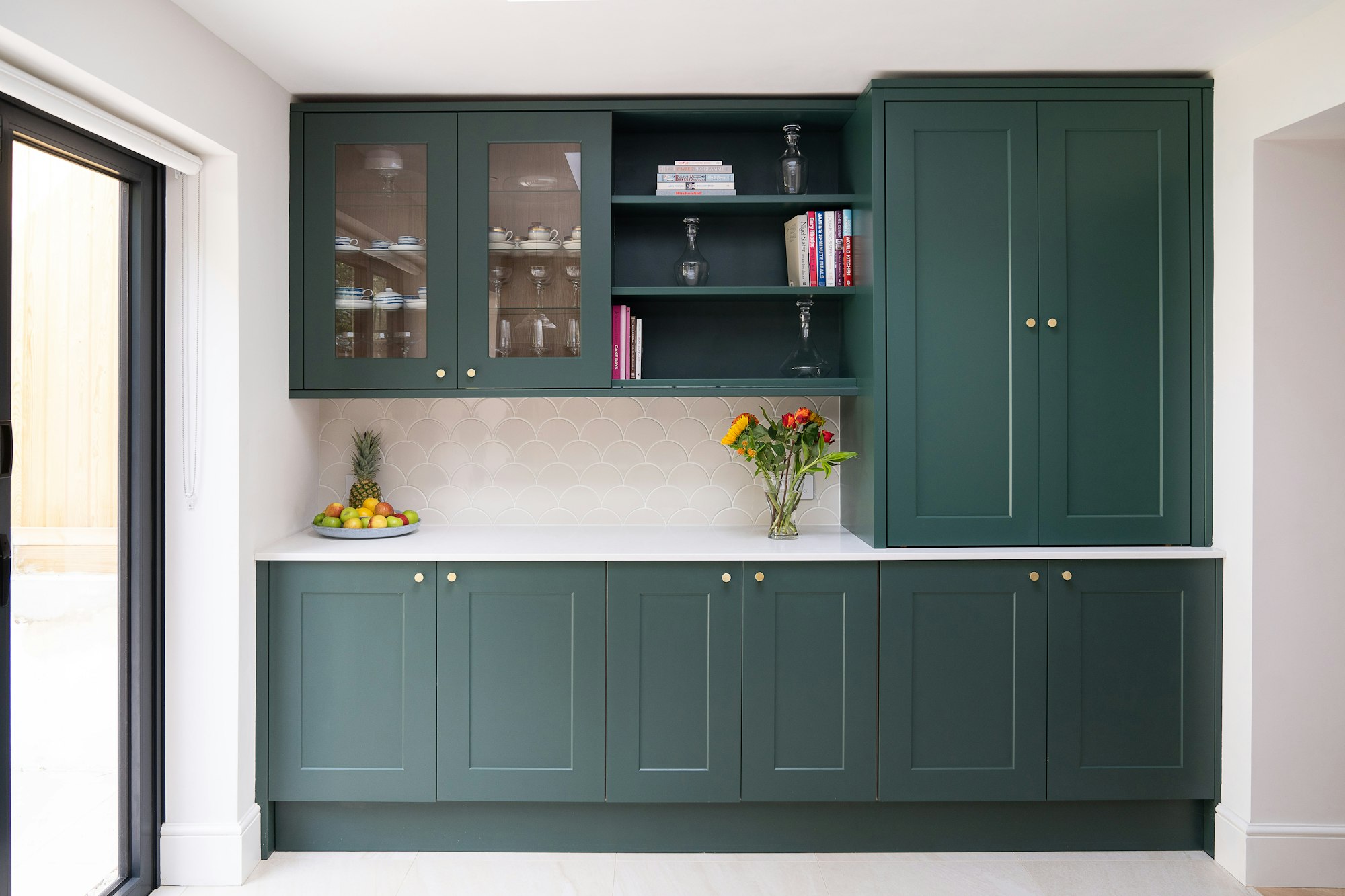
We have collected a list of common materials options you can use in your kitchen facade design.
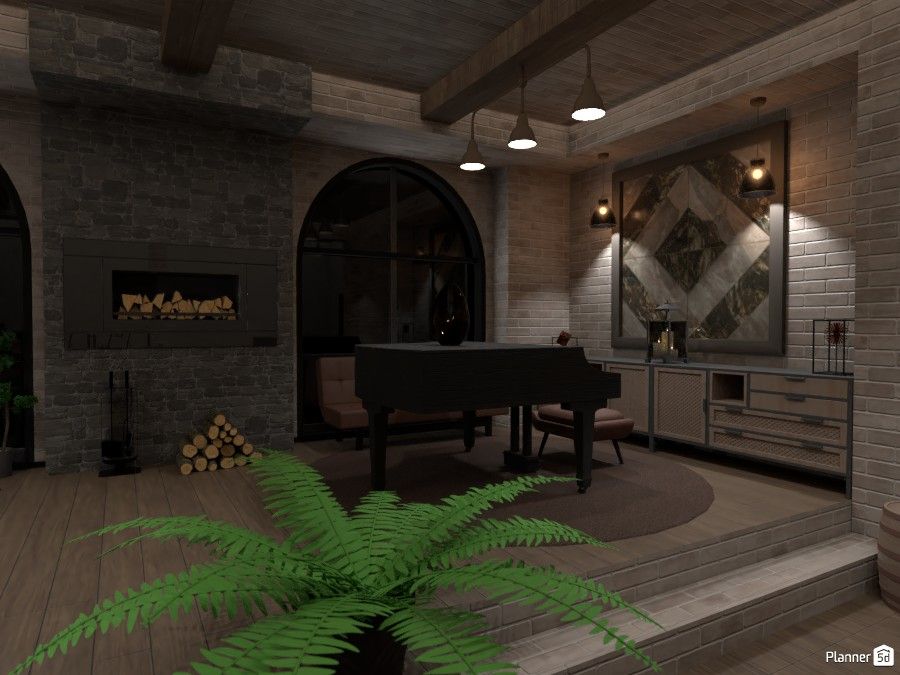
Find inspiration with our design of the week - a modern industrial design project made with Planner 5D.
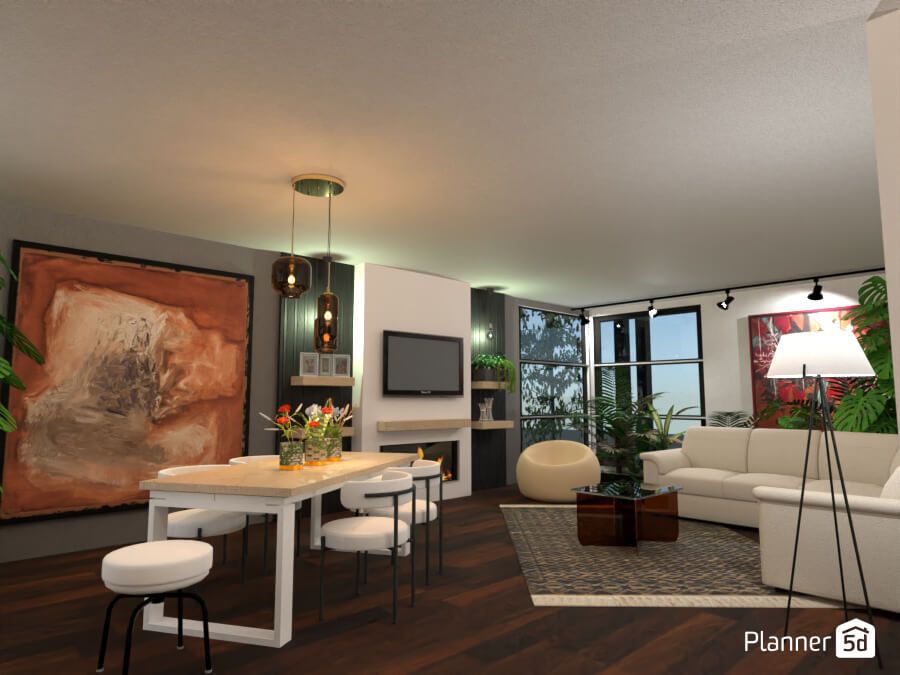
This week's "Design of the Week" feature is an inspiring house renovation, selected by one of our interior designers.
You previously signed up with these emails:
We appreciate your enthusiasm for our product, so we’re offering you 50% off your first year.