Introducing AI Studio: A Smarter Way to Design with Planner 5D
Meet AI Studio from Planner 5D, an AI-powered design workspace that helps you create concepts, floor plans, furnished rooms, restyled interiors, enhanced renders, and immersive presentations faster.
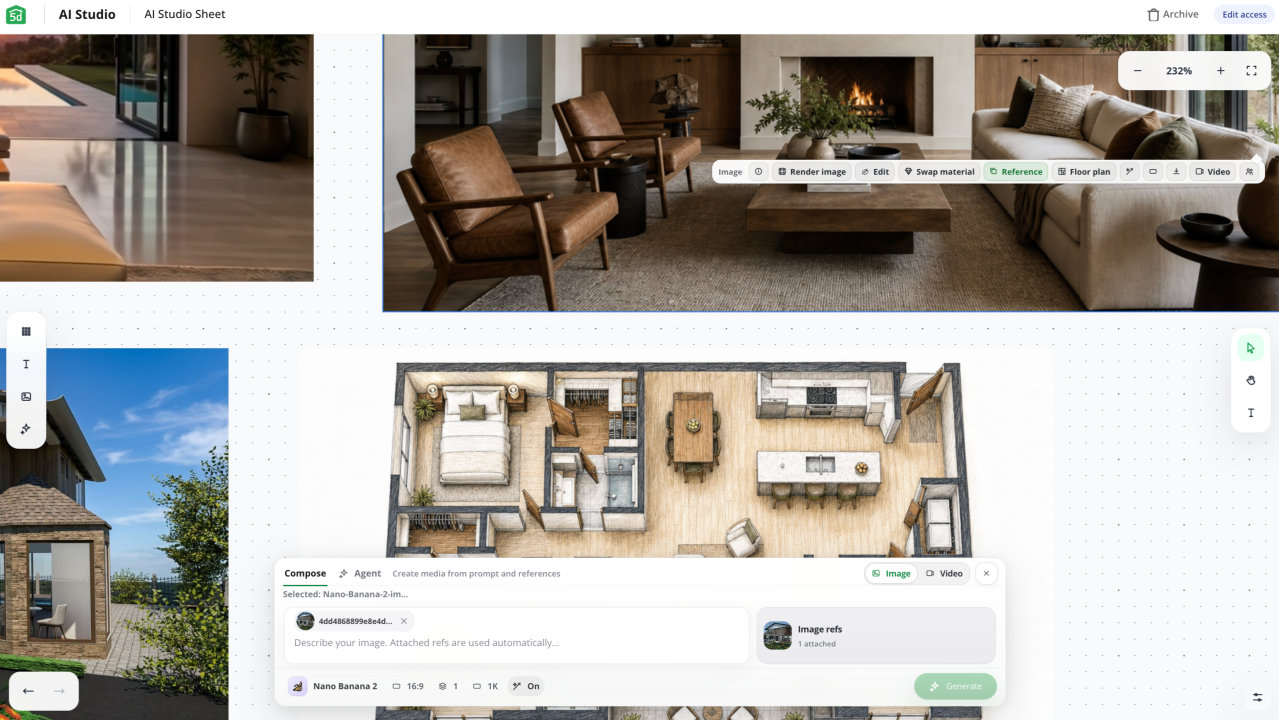
Interior design often starts with a simple idea — a color palette, a room layout, a mood board, or a photo of a space you want to change. From there, the process gets complicated fast. You need one tool for inspiration, another for floor plans, another for editing images, and another for presentations.
AI Studio from Planner 5D brings those steps into a single AI-powered workspace, helping homeowners, design lovers, and professionals move from the first idea to a finished presentation with less hassle. Think of it like Claude, but for interior design.
What is AI Studio?
AI Studio is a new AI-native design workflow inside Planner 5D. It combines tools for concept creation, floor planning, furnishing, restyling, rendering enhancements, and immersive presentations in one place.
AI Studio works across interior design, exterior design, landscape ideas, and architectural projects. It can understand floor plans, room layouts, reference images, text prompts, sketches, and drawings, as well as PDFs. This gives users more ways to start a project, even with only a rough idea or a simple image.
Try AI Studio today and explore a faster, more visual way to design with Planner 5D.
Learn more!What can you do with AI Studio?
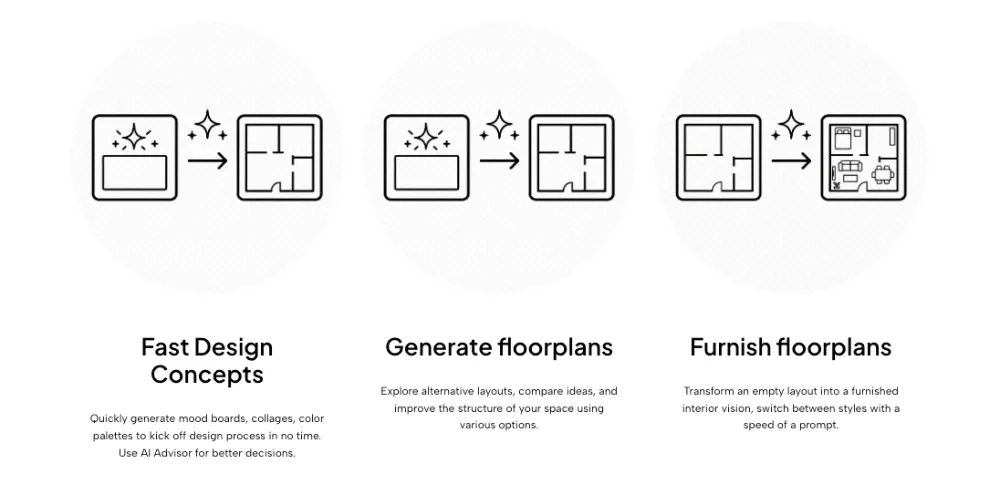
AI Studio helps users move from inspiration to finished visuals faster. You can create mood boards, collages, and color palettes to define a space's look. You can also generate layout options from sketches, images, PDFs, or manual floor plans.
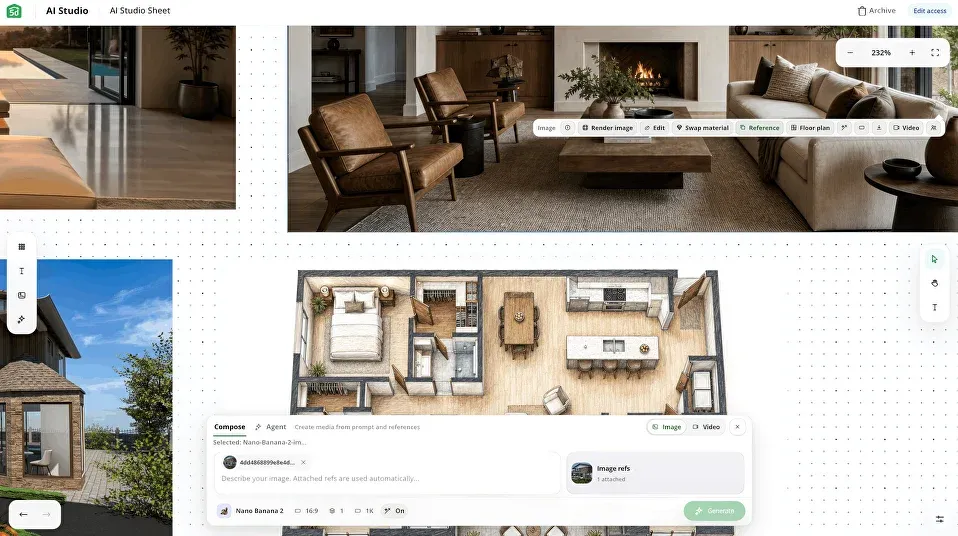
Once the layout is ready, AI Studio can furnish empty floor plans with furniture, decor, and room setups. It can also restyle existing interiors while keeping the room structure intact, making it easier to test new materials, colors, moods, and furniture styles. It works similarly to Codex but focuses on interior design.
For smaller edits, users can add, repaint, or remove items in a render without changing the whole image. This is useful for testing details such as furniture, plants, lighting, decor, and other objects.
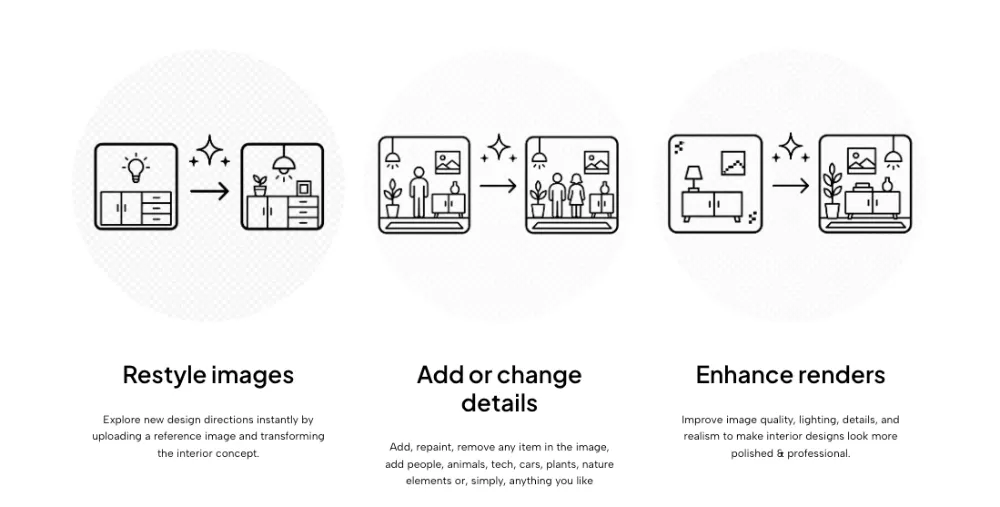
AI Studio also improves render quality by adjusting lighting, detail, realism, and overall polish. For presentations, it can turn static images and floor plans into videos, 360° panoramas, flyovers, and other immersive formats.
AI Studio is now available in Planner 5D. Try it today and find a faster, more visual way to bring your design ideas to life.
Try it todayWho is AI Studio for?
AI Studio is built for both design enthusiasts and professionals.
- For homeowners and interior design lovers, it offers an easier way to explore ideas, compare design choices, and make more confident decisions.
- For professionals, it can help speed up concept creation, visual iteration, client communication, and presentation preparation. It can also reduce the need to jump between disconnected tools during a project.
A more connected design workflow
AI Studio brings together several parts of the design process that often happen in separate places. Users can start with inspiration, create floor plans, furnish rooms, restyle interiors, improve renders, and prepare presentations in a single AI-powered workspace.
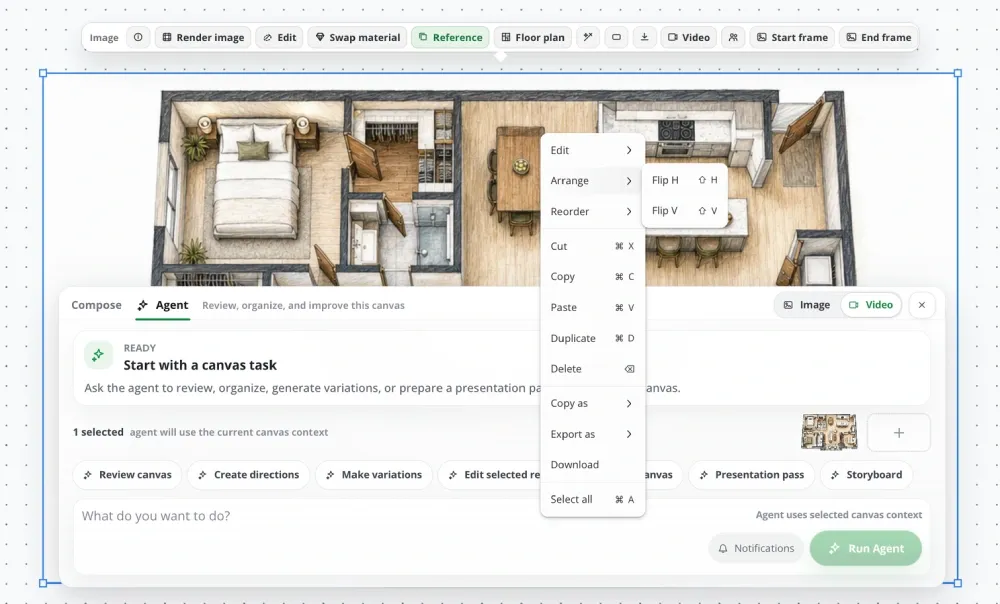
This makes the process faster and more flexible. It also gives users more room to experiment, compare ideas, and improve designs before moving forward.
AI Studio is now available in Planner 5D.
Planner 5D: The Future of Interior Design
Experience the power of AI-driven design with Planner 5D. Our innovative tools, including the Design Generator, Smart Wizard, and AI floor plan recognition, make bringing your dream home to life easier than ever. Transform your vision into reality and unlock a world of design possibilities today.
Start designing your dream home