Design a Roof with Precision and Style Using Roof Design Software

Planning a new roof doesn't have to be a hassle. With the right roof design software, you can visualize and create the perfect roof layout that suits your home's exterior design, structure, and functional needs. Whether you're a homeowner updating your roof or a professional contractor working on a client project, this digital tool transforms complex planning into a smooth, intuitive process.
Ideas for Every Roof Type

From flat roofs and green roofs to classic gable structures, every roof type has its own advantages and design challenges. A well-planned roof contributes not just to your home’s aesthetics but also to drainage and insulation.

With AI-powered tools, roof design software suggests optimal slopes, overhangs, and angles based on your floor plan, climate conditions, and roofing materials. Need a better pitch for water drainage? Want to explore skylight placements or custom roof configurations? Experiment with various styles, materials, and forms to discover what suits your project best.

Flat roofs can offer a modern look and serve as excellent surfaces for green roofs or rooftop terraces. Gable roofs, on the other hand, are perfect for snow and water runoff and can be customized with various pitches, overhangs, and gutter designs. The right software helps you explore every option visually and functionally.

Why Use Roof Design Software?

A professional-grade roof design software allows you to customize roof layouts based on exact wall positions, floor measurements, and user needs. From displaying roof textures and thicknesses to integrating solar panels and skylights, every detail can be modified and visualized in 3D. AI integration accelerates your project by analyzing your floor plan and environmental factors to suggest optimized roof angles, drainage solutions, and material choices, reducing guesswork and revisions.

Create a Functional Roof in Any Space - Not every roof fits the standard mold. Homes with unique layouts, multi-level extensions, or unusual wall angles require flexible planning. A modern roof design software lets you adapt the roof form to match any building shape and size. Use the software to add flat surfaces over new extensions or to connect different roof sections in a cohesive, weather-resistant way. Add overhangs where needed for shade or rain protection, and ensure proper slope for efficient drainage. It’s perfect for homeowners and contractors alike who need a quick, visual way to make informed decisions.
Maximize Functionality with Smart Roof Planning - Roof planning is more than picking a shape. You’ll need to account for insulation, ventilation, and load-bearing capacity. A smart planner helps you factor in gutter placement, water drainage, and the ideal surface slope based on local weather. Want to explore the idea of a roof garden for environmental benefits or rooftop solar panels to cut energy costs? The tool lets you visualize those additions within the context of your entire home design. Combine form and function with seamless integration across your floor plan, walls, and windows.
Choose the Right Roofing Materials - Roofing materials play a big role in durability, aesthetics, and insulation. With roof design software, you can experiment with various textures and styles like stone, shingles, metal, or eco-friendly materials before committing to a purchase. Preview how each material appears in daylight, on different angles or pitches, and how it matches with the rest of your exterior design. You can also estimate the material quantities based on your roof surface area and get inspired by preloaded design ideas from real projects.
Design with Style and Structural Accuracy - Roof design software bridges the gap between vision and reality. You can sketch your ideas, refine them with accurate measurements, and visualize the full roof structure in 3D. This not only helps homeowners communicate with contractors but also helps professionals showcase ideas to clients with confidence. Need to match the style of your existing walls, windows, and building lines? Customize every element from skylight positions to roof ridge placement and drainage systems. The result is a cohesive home design that flows from floor to roof.
Easy

How to Use Roof Design Software

Modern roof design tools make it easy for users of all experience levels to design, modify, and preview roofs. With intuitive interfaces and smart integrations, you can go from a simple sketch to a complete 3D model without technical stress.

Let’s walk through the key steps:

1
Draw or Import Your Floor Plan

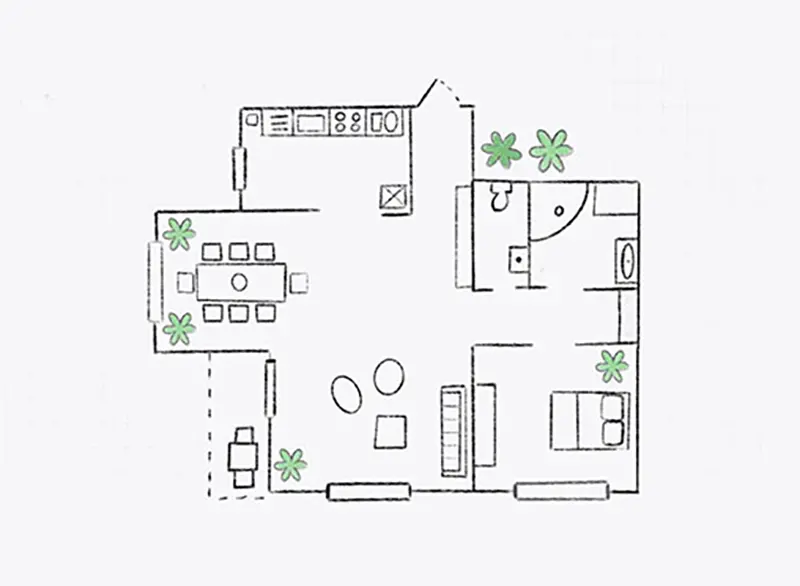
Begin by uploading an existing floor plan or drawing a new one directly in the software. This critical first step lays the groundwork for your entire roofing project, ensuring that the roof design perfectly aligns with your home’s walls, windows, and overall structure. Accurate measurements and detailed blueprints help the software understand your home’s dimensions, so every pitch, slope, and overhang fits seamlessly. Having a precise base also speeds up the design process and reduces costly errors later on.

2
Create and Customize the Roof Layout

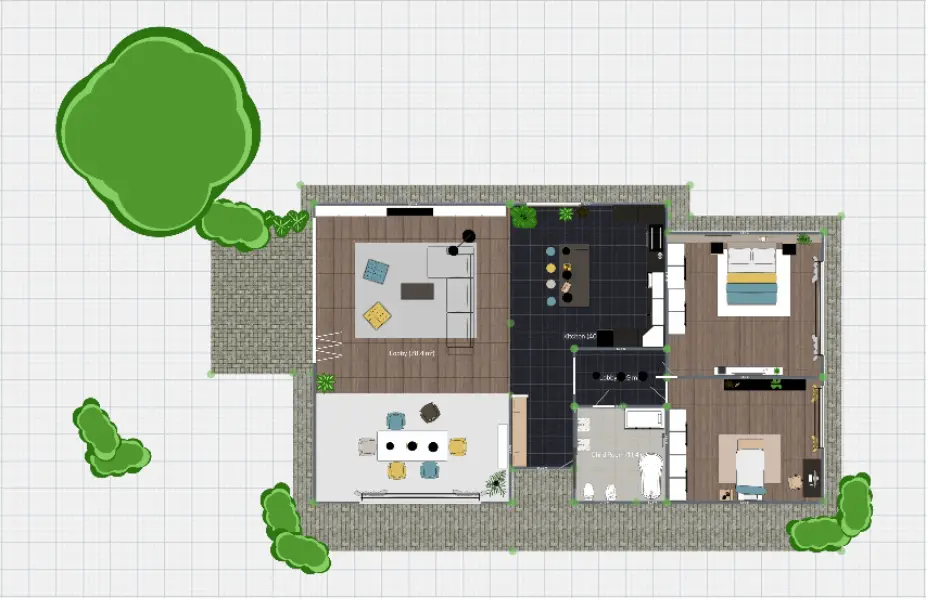
Use smart tools to add gable, hip, or flat roofs to your project. Adjust slope, pitch, angle, and overhangs with precision. Add features like skylights, gutters, and ridges to experiment with different styles, materials, and structures until you find the perfect fit. You can use AI-powered recommendations during the design process to select the ideal pitch, materials, and roofing components that suit your project’s needs and local climate, ensuring your roof is both beautiful and functional.

3
Visualize and Refine in 3D

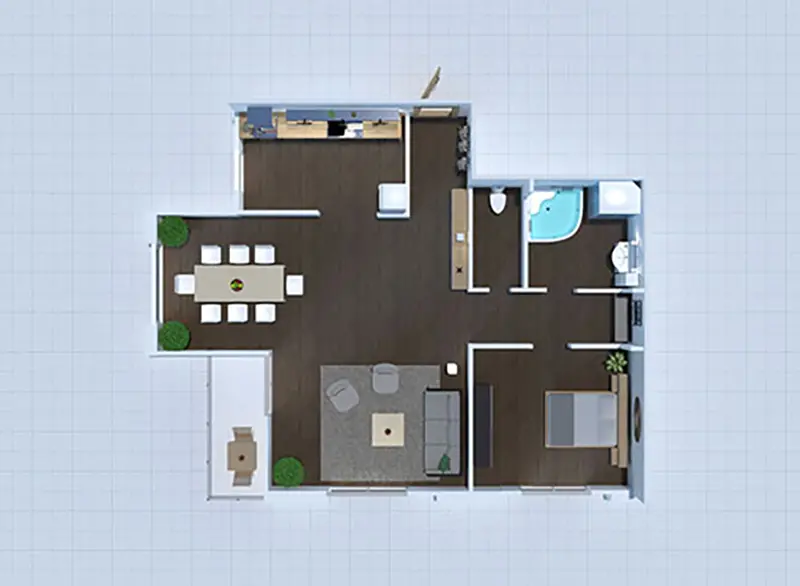
Switch to 3D mode to walk through your design and inspect every detail. Adjust roofing materials, thickness, colors, and textures. Test how light hits your roof at different times of day and finalize a layout that works in form and function.

REAL
Begin Your Roofing Project Today

Whether you're designing a new roof or updating an existing one, roof design software gives you all the tools you need to bring your vision to life. You can create a detailed roof layout, choose roofing materials, adjust slope and drainage systems, and share your design with contractors or clients. Avoid costly mistakes and delays by exploring your options in a visual format. You can easily transform your ideas into a complete roofing plan ready for construction.

What our users say about us?

This program is very good because it helps you create your own 3d model of an architectural project.

Otro

I like this app so much! You have got so many choices to pick from(for room decoration and other stuff)

kate

The app is easy to use. Even a newbie can come up with nice designs. It’s very stable and rarely crashes.

creativeblox

F.A.Q.

Here are some of the most popular questions about roof planning software.

What roof types can I design with this software?

You can create a wide variety of roof types including flat, gable, hip, and even more complex roof designs inspired by your own design inspiration. The software’s intuitive interface allows you to customize every detail from pitch and slope to roofing materials directly from the main menu. Whether you’re starting a new project or modifying an existing drawing, you can quickly adjust the roof layout and visualize how different styles transform your home’s exterior.

Can I use this tool to plan green roofs or solar panel integration?

Yes, the software lets you seamlessly incorporate eco-friendly features like roof gardens or solar panels into your roof design. You can add multiple layers to simulate green roofs and precisely place solar panels on specific roof surfaces. This integration helps you balance aesthetics and functionality, creating a realistic image of how these sustainable options will look and perform within your overall project. It’s a great way to explore innovative roofing ideas and plan with speed and accuracy.

Is the software suitable for professionals and contractors?

Absolutely. The tool is designed with professionals and contractors in mind, enabling them to create detailed blueprints and construction-ready drawings. You can export precise measurements and material specifications to share with clients or building teams, streamlining communication and project management. Many businesses rely on the software’s speed and versatility to handle multiple projects, customize roof designs, and generate clear images for presentations and sales.

Can I use the software for free?

Some core features, such as basic floor plan creation and simple roof modeling, are available for free to help you start your project quickly. However, advanced tools like expansive material libraries, full 3D exports, or detailed drawing customization may require a paid subscription. This tiered access allows users to explore the software’s capabilities and upgrade when they need more professional-grade functionality.
Have any more questions? Don't hesitate.

Feeling inspired?

Check out more home design ideas below

Interior Design Software

Check our top list of interior design software programs - we have chosen the best ones to make the process of home design easier and faster.

One Bedroom Apartment Design

Plan a room yourself choosing all elements you like from the catalog, furnish it and select décor to make it reflect your personality.

House Floor Plan Ideas

Get the inspiration for House design with Planner 5D collection of creative solutions.

Related blog posts

Comparing American vs. European Home Interior Design

American and European homes have a lot in common, but they have their own styles. Find out the differences between the two styles.

9 Best Places for Design Inspiration and Home Decor Ideas

From high-end design magazines to home improvement shows and more, here are the nine best places for design inspiration and home décor ideas.

10 Most Popular Interior Design Styles Explained

Want to remodel your home but don't know where to start? Check out this list of the ten most popular interior design styles and get inspired.