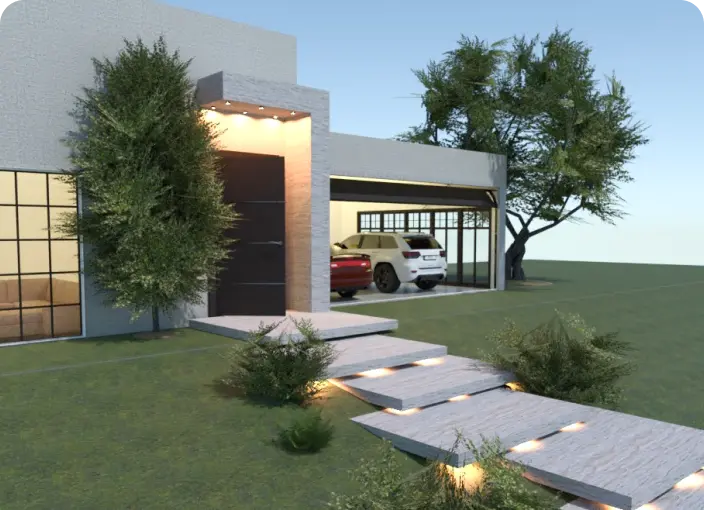
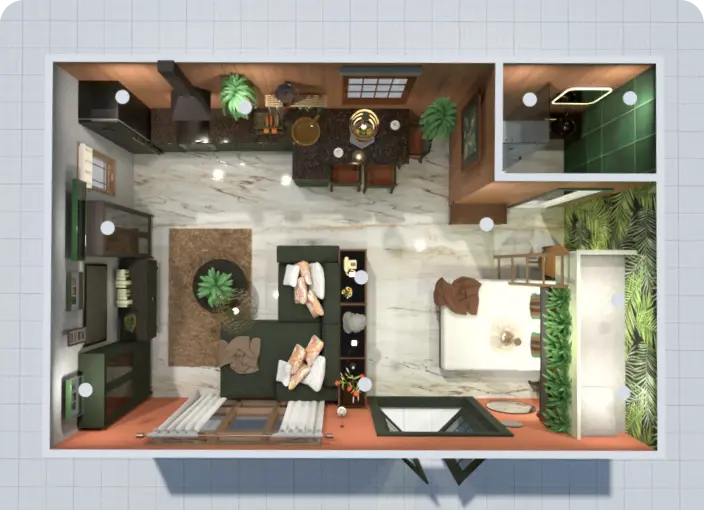
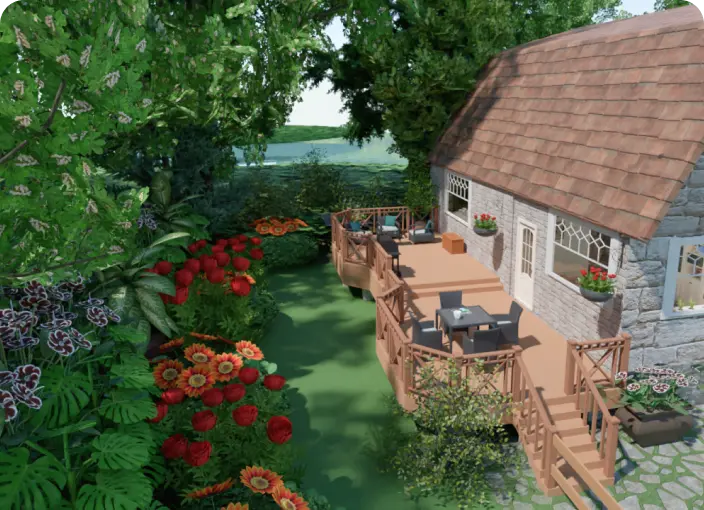
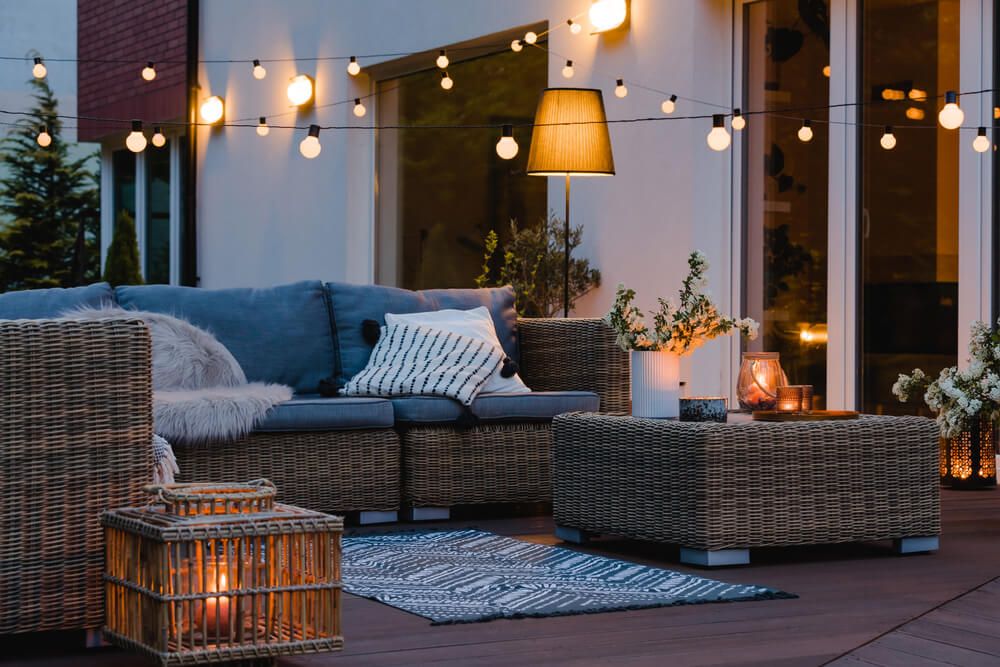
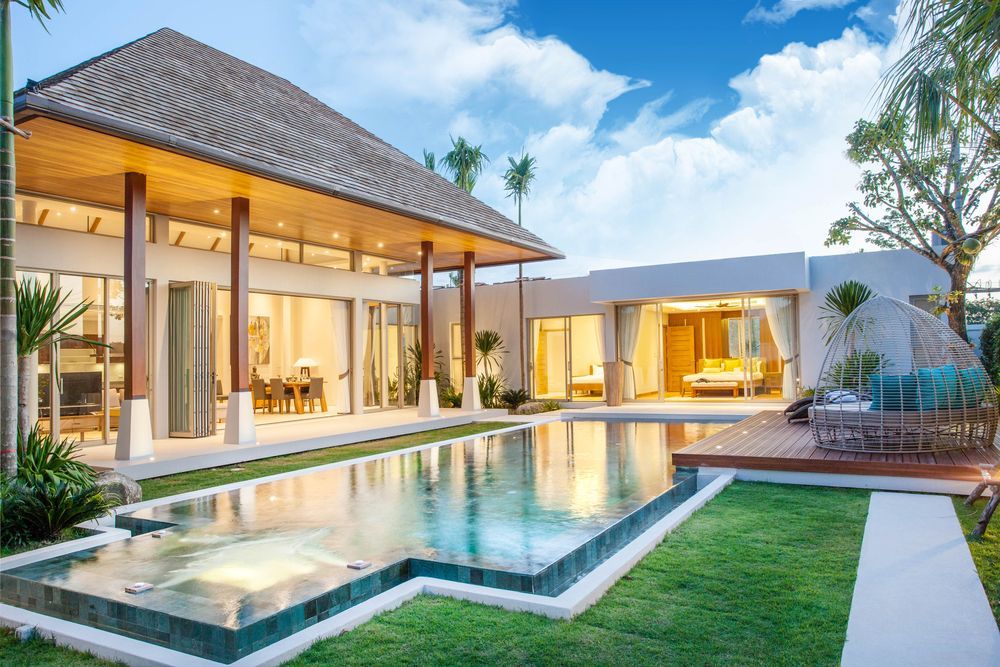
Start with a blank project, upload an existing floor plan, or create a patio layout from scratch. Then add furniture, lighting, fire pits, paving, walls, and decor to build a clear, proportionally accurate patio design.
Patio Planner: Create Your Perfect Patio Design
Creating your ideal patio is easier with Planner 5D’s patio planner. Start from scratch or update an existing outdoor space, then plan the layout, furniture, lighting, paving, and decor in a single, easy-to-use tool. Whether you are designing a small patio, a large outdoor dining area, or a backyard patio, you can visualize your patio design in detail before making changes outside.
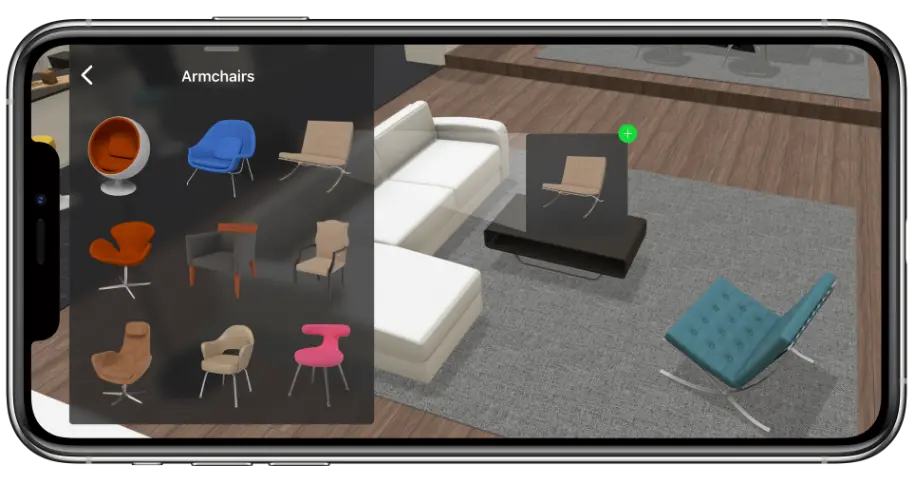
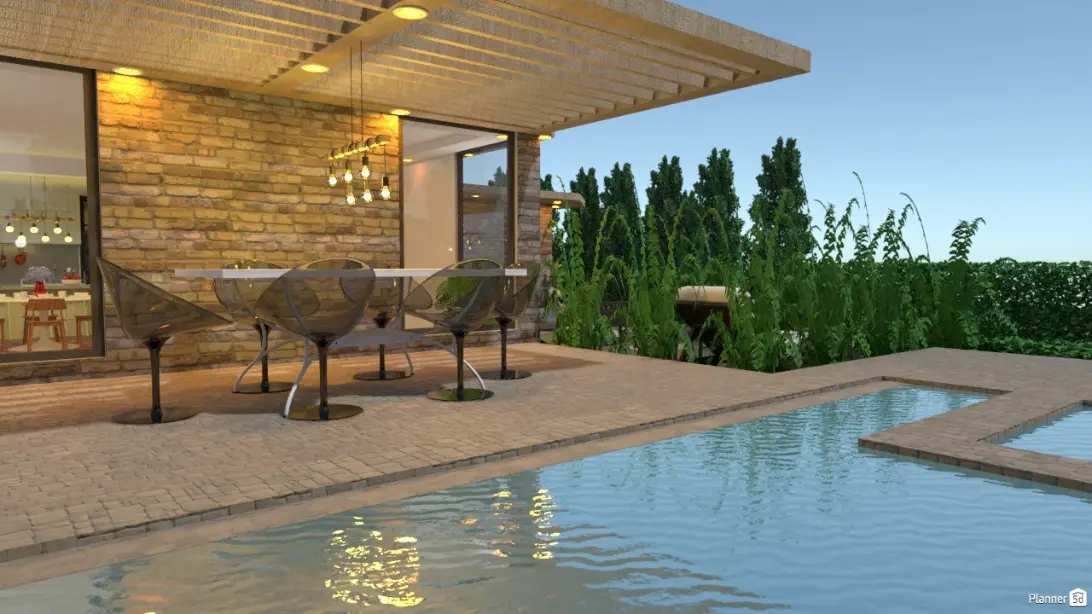
Use Planner 5D to design a patio that fits your space, style, and daily routine. Add outdoor furniture, lighting, fire pits, walls, paving, decor, and other patio features to create a comfortable outdoor living area. Whether you are planning a small patio or a larger backyard patio, you can test different layouts before making any real changes.
Planner 5D gives you simple tools to turn patio ideas into a clear visual plan. Instead of guessing how furniture, surfaces, and lighting will work together, you can build your patio design in minutes and review it in 2D and 3D. It is an easy way to compare patio designs, avoid costly mistakes, and create a space that feels practical, comfortable, and personal.
Creative
From patio ideas to clear design
Whether you are updating an old patio or planning a new outdoor living space, the right patio planner can help you make better design choices. Planner 5D lets you test layouts, compare materials, place furniture, and visualize your patio design before you start buying, building, or renovating.
Save time and get inspired Plan your patio design online instead of guessing, sketching, or moving furniture around by hand. Choose the right patio shape, add seating and dining zones, and test different furnishings, finishes, and materials until the layout feels right.
Turn patio plans into a clear visual design See how your patio layout, textures, lighting, and furniture will work together before making changes outside. With realistic 3D views, you can review your design from different angles and create a patio that works from morning coffee to evening gatherings.
Use free patio design software with smart features Planner 5D works as free patio design software for homeowners, DIYers, and design pros. Use it to create small patio designs, backyard patio layouts, outdoor furniture plans, and practical patio designs that balance comfort, style, and everyday use.
General
Who can use this patio planner?
Planner 5D’s patio planner is made for anyone who wants to create a better outdoor living space before making changes outside. Homeowners can use it to plan a small patio, update an existing layout, or design a backyard patio for greater comfort and flow. DIYers can test patio design ideas, compare furniture placement, and choose finishes with less guesswork. Outdoor design pros can use the tool to create clear patio plans, show clients different options, and turn ideas into realistic 2D and 3D visuals.
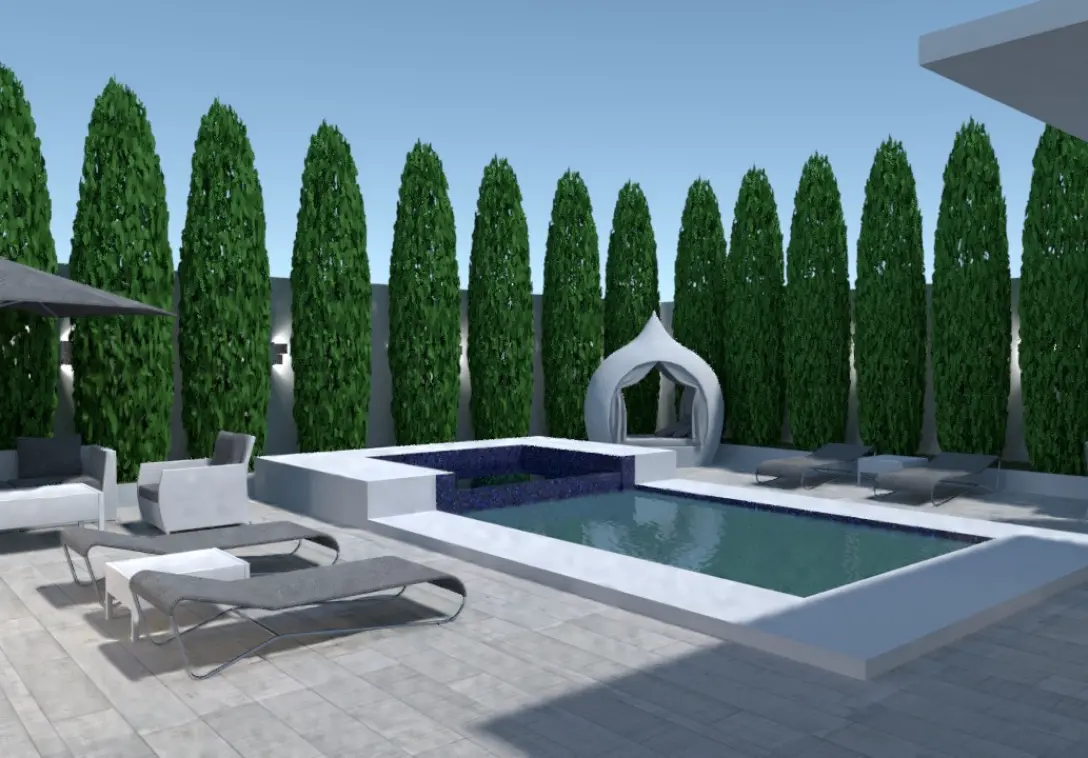
Why use Planner 5D as your patio design planner?
Planner 5D gives you simple tools to plan, edit, and visualize your patio design online. You can create a patio layout from scratch, add outdoor furniture and decor, test different materials, and view the result in realistic 2D and 3D. Whether you are planning a small patio, updating an outdoor seating area, or designing a backyard patio, Planner 5D helps you compare ideas and make confident choices before you start the project.
Creative
How to use the patio planner
Using Planner 5D’s patio planner is simple, even if you have no design experience. Start with a blank project or existing layout, then add the patio shape, furniture, lighting, paving, and decor you want to test. You can move items around, compare patio design ideas, and view your layout in 2D and 3D before deciding what works best for your space.
Follow these simple steps to create your patio design:
1
Define your patio size and shape
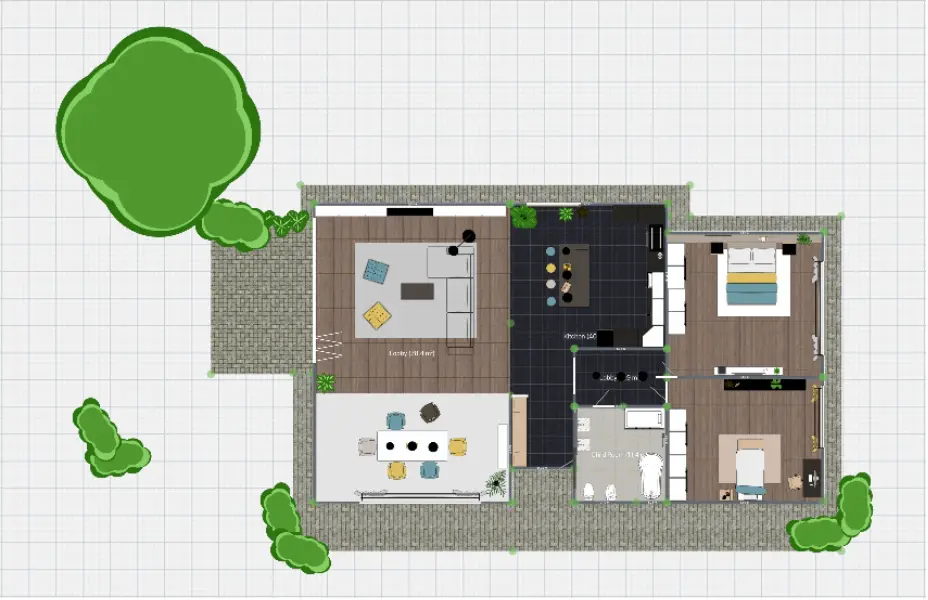
Begin with the real measurements of your outdoor space, then outline the patio area you want to create. You can create a new layout from scratch, upload an existing floor plan, or use a photo as a guide. This helps you build a patio design around the space you actually have.
2
Add patio furniture, lighting, and finishes
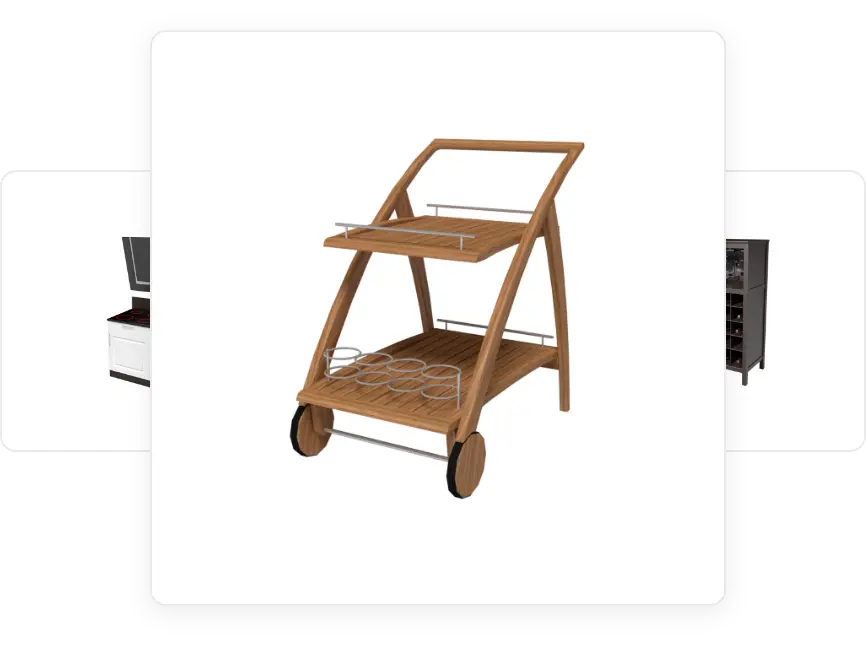
Choose outdoor furniture, lighting, paving, walls, fire pits, and decor from the item library. Then customize colours, materials, textures, and placement to create a patio design that fits your style and daily use.
3
Visualize, review, and share your patio design
Switch between 2D and 3D views to see your patio layout from different angles. Make changes as needed, then save, download, or share your finished patio design with clients, contractors, family, or friends.

Everything you need to plan your patio
Create a clear patio design with easy tools for layout planning, 3D views, furniture placement, and material choices.
Easy drag-and-drop patio layout tools
Realistic 3D patio design views
See how your patio design will look before you make changes outside. Switch between 2D and 3D views, review your outdoor living space from different angles, and adjust the layout as your ideas take shape.
Custom materials, colors, and finishes
Choose paving patterns, wood finishes, railing styles, lighting fixtures, furniture colors, and decor details to match your style. These patio design tools help you create a space that feels personal, practical, and ready for everyday use.
Connect your patio to the rest of your outdoor space
Planning beyond the patio? Use Planner 5D to see how your patio connects with nearby paths, seating areas, doors, walls, or outdoor zones. For full-yard projects, explore our landscape design software.
REAL
Your dream patio starts here

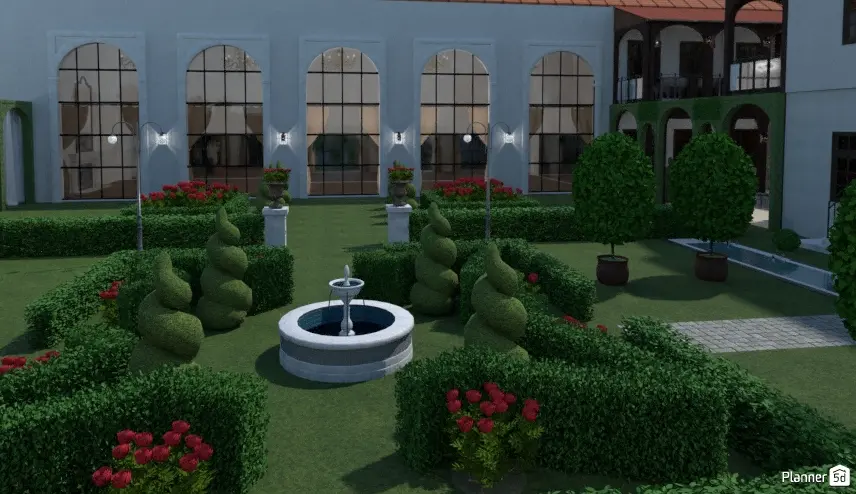
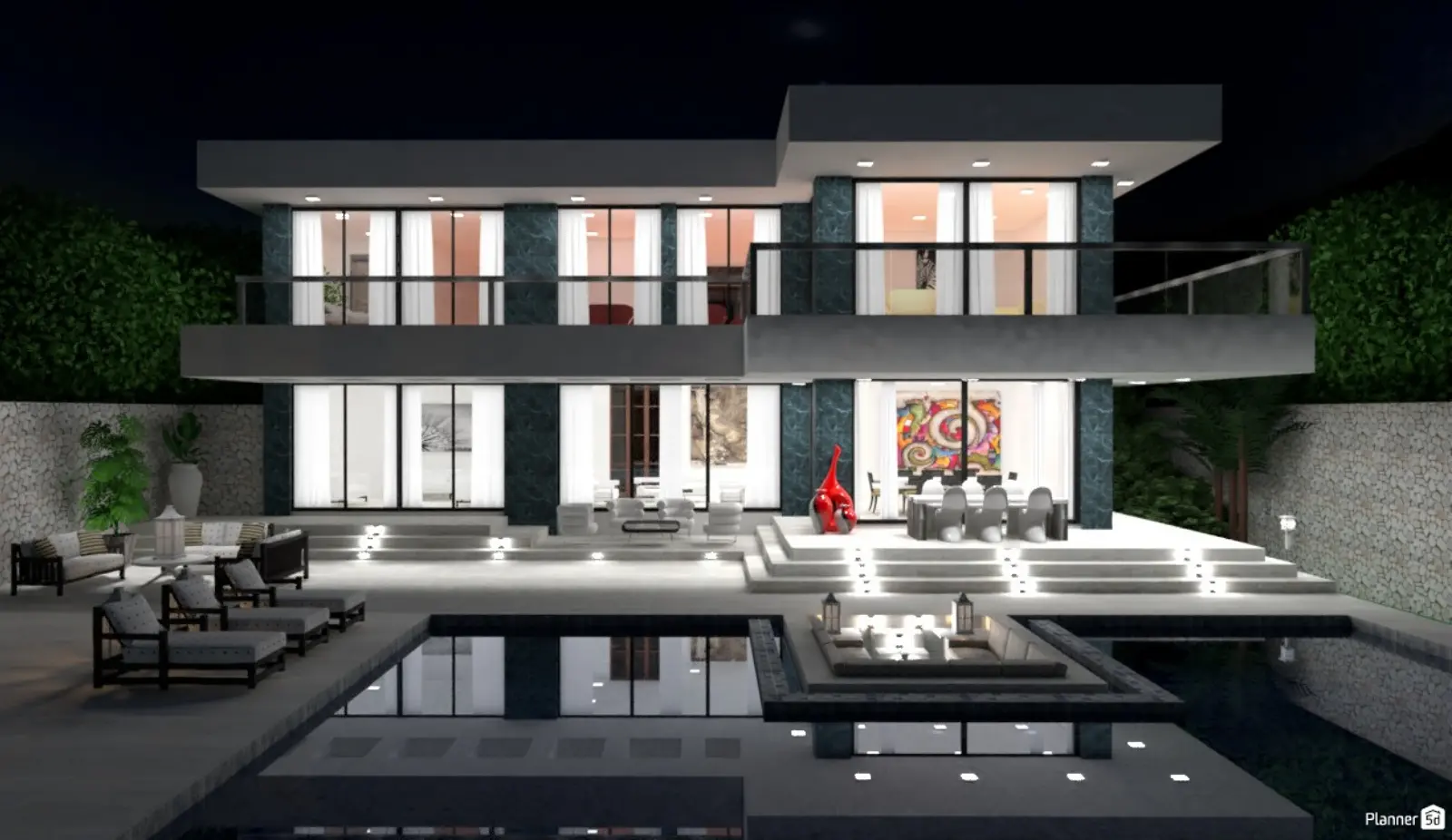
Take the guesswork out of patio design with Planner 5D’s patio planner. Create a patio drawing, test different layouts, add furniture and finishes, and view your design in 2D and 3D before making changes outside.
Whether you are updating a small patio, planning a backyard patio, or creating a new outdoor seating area, Planner 5D gives you the tools to compare ideas and build a patio design that feels comfortable, practical, and true to your style.
Testimonials