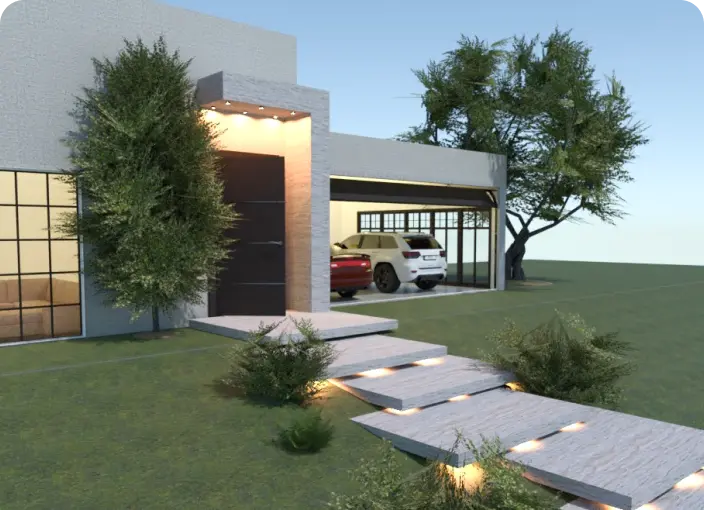
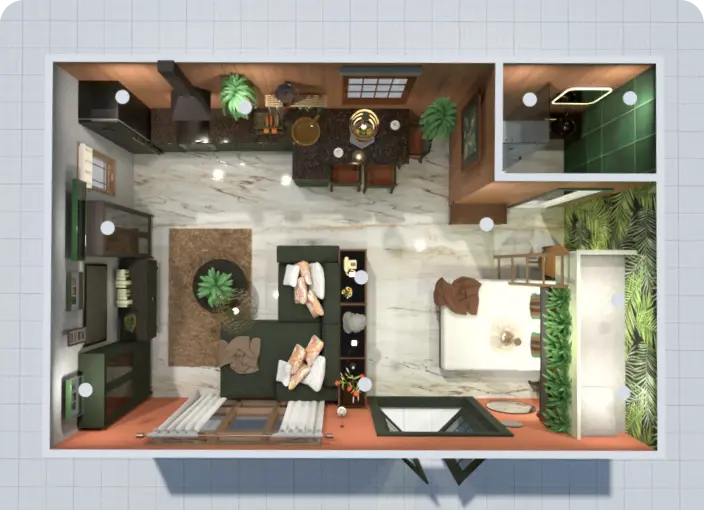
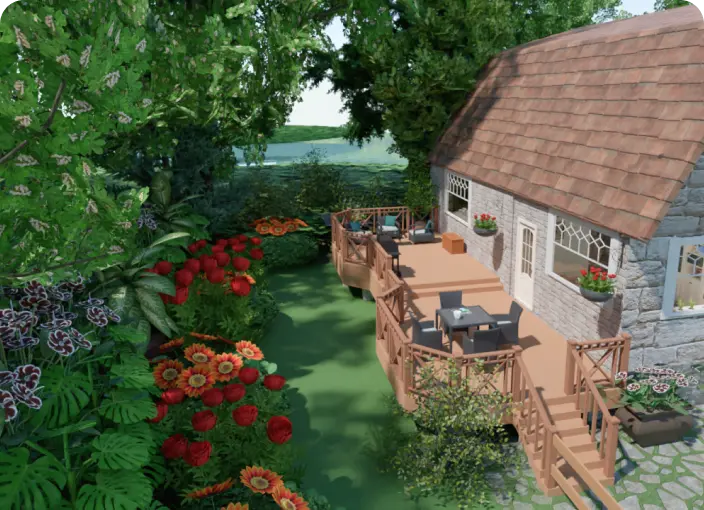
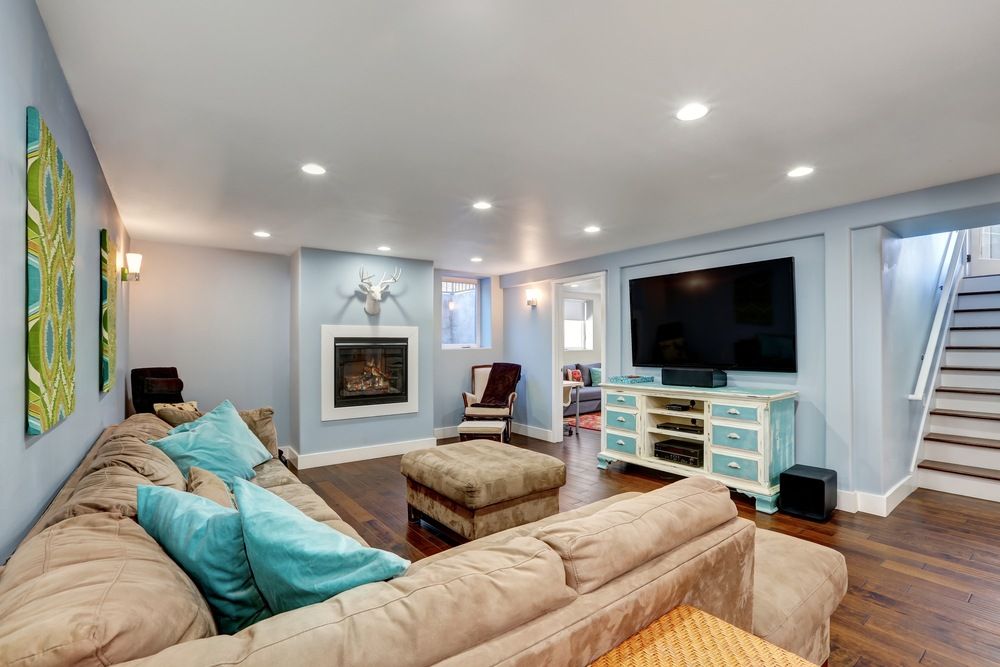
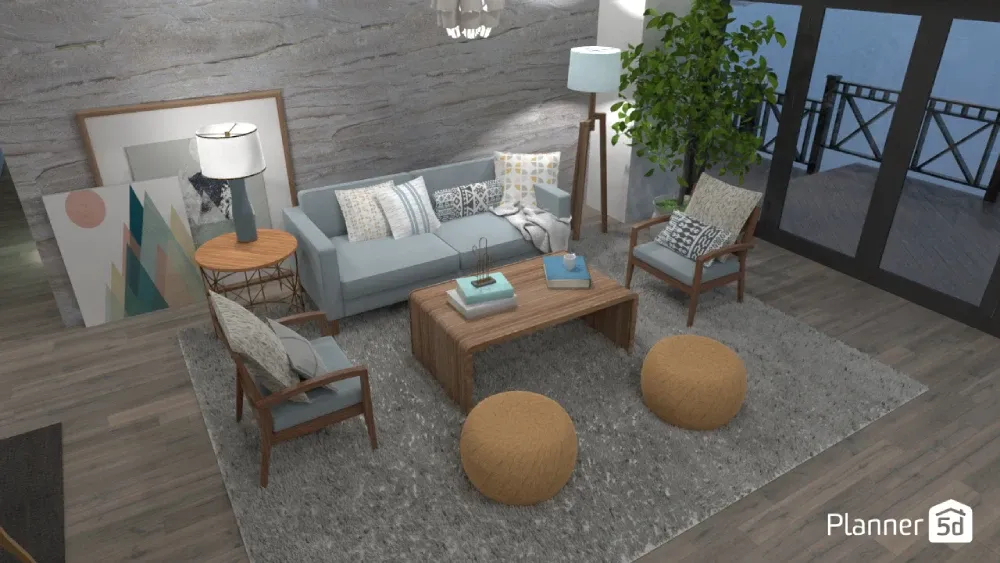
Start with a blank canvas or upload your existing basement plan. Then, easily drag and drop elements like walls, stairs, storage units, furniture, or entertainment zones. The tool ensures accurate placement and scale for realistic planning.
Basement Design App: Create the Ultimate Basement Floor Plan with Ease
Transform your unused or underused basement into a vibrant extension of your home with our easy-to-use basement design app. Whether you’re looking to add a home theater, wet bar, home gym, or a cozy space for the whole family, Planner 5D helps you bring your ideas to life with precision and creativity.
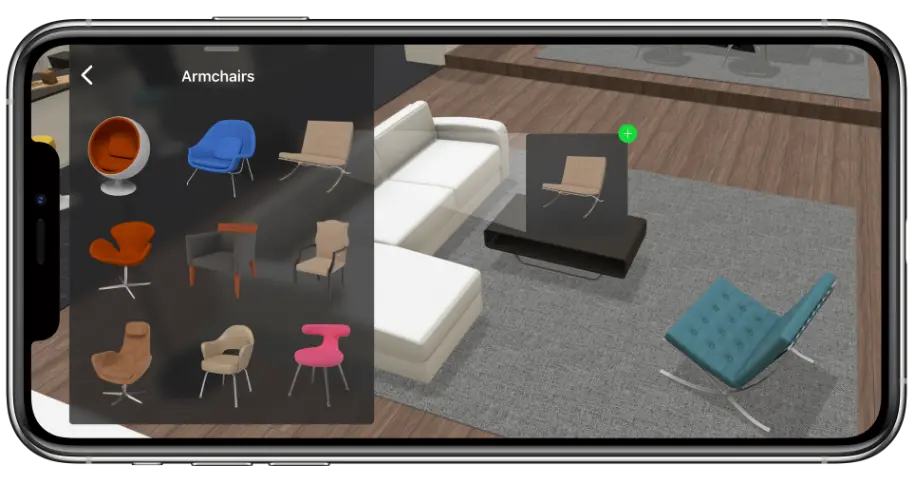
With our intuitive drag-and-drop editor, you can create a detailed basement floor plan, test various furniture arrangements, experiment with lighting, and choose from a wide range of finishing touches. No previous experience is necessary, just your imagination, accurate dimensions, and a willingness to explore what’s possible.
Basements are incredibly versatile spaces. Whether you're dreaming of a home theater with immersive lighting, a well-equipped gym, a wet bar for entertaining, or a bathroom with smart storage, Planner 5D makes it simple to plan it all.
Define zones for hobbies, games, and activities, then try different layouts until everything clicks. Whatever your vision, our platform helps you design a basement that fits your lifestyle perfectly.
Planner 5D is more than a design tool. Our collaborative editor lets you work alongside designers, architects, and other professionals simultaneously, all in real time.
Switch between 2D and 3D views, generate photorealistic renders, and create immersive virtual walkthroughs, perfect for presenting your basement project to partners or clients. Let AI-powered Smart Wizard spark new ideas and guide your design decisions. Discover a complete suite of online design tools, all in one place.
Creative
Why use a basement design app?
Designing a basement from scratch or transforming an existing space can be challenging, but a basement design app simplifies the process by turning your ideas into a detailed, functional plan.
Plan every room with precision Whether you're adding a bathroom, storage area, or pool table zone, the app lets you define and customize each room to match your vision and lifestyle.
Use professional tools without the learning curve Access intuitive features that help you measure spaces, draw walls, position doors and windows, and adjust lighting, all without needing design experience.
Visualize your layout in real time Watch your basement plan evolve as you make changes. Switch between 2D and 3D views to better understand your space and ensure a smooth, practical layout before construction begins.
Customize every detail to fit your needs From flooring and wall finishes to lighting and furniture, the app allows you to personalize every aspect of your basement design, creating a space that’s both functional and uniquely yours.
General
Ideal for homeowners and professionals
Planner 5D isn’t just for homeowners. It’s a great tool for interior designers, contractors, and architects working on basement remodels or additions. You can use it to draft proposals, present ideas, or collaborate with clients. Because the interface is intuitive, your team can stay aligned and on-task throughout the entire project.
Tips to maximize your basement layout
Focus on lighting to avoid dim and underused areas, and consider moisture-resistant materials, especially in bathrooms. Use built-in storage to keep the area tidy and functional, and choose your furniture with ceiling height in mind. Carefully organize transitions between different zones, such as home gym and entertainment areas, to maintain a smooth flow throughout the space.

Creative
Step-by-step: How to use the basement design app
Before you begin your project, take a moment to gather measurements and think about how you want to use the space. Once you’re ready, our app makes it easy to move from concept to visualization:
1
Define your basement dimensions and floor plan
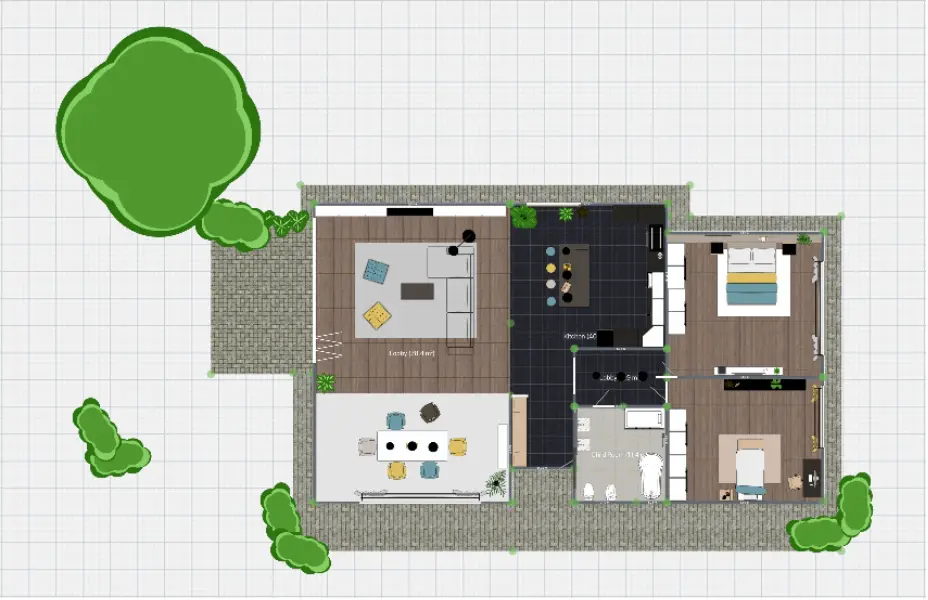
Start by outlining the shape of your basement and inputting your dimensions. You can create your floor plan from scratch or use a scanned drawing or sketch as a reference. Once your basement layout is established, you’re ready to add more detail.
2
Customize rooms and add features
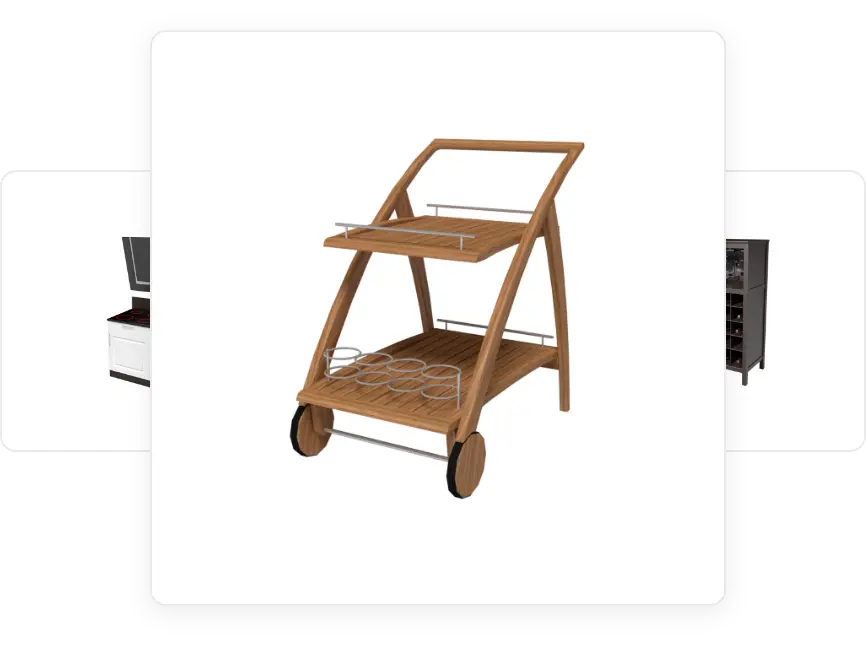
Choose where to place walls, doors, and windows. Then start decorating by adding furniture, selecting finishes, and planning lighting. Use smart symbols and markers to organize your plan clearly. Want a game area or a spa-like bathroom? Simply drag and drop features into place.
3
Visualize and finalize your basement design
Switch to 3D mode to visualize your finished basement design. This is the perfect way to catch inconsistencies, refine room transitions, and make sure every area flows smoothly. When you're happy with your layout, you can save, export, and even share your project with clients, your team, or family members.
Key features of a basement planner tool
Here are four powerful features that make a basement planner tool essential for designing a functional and personalized space:
Intuitive drag-and-drop interface
Realistic 3D visualizations
Bring your basement design to life with high-quality 3D views. Explore your layout from multiple angles, walk through the space virtually, and make real-time adjustments to ensure everything looks and functions just right.
Smart customization options
Design a basement that reflects your needs, whether it’s a cozy family room, a guest suite, or a sleek home office. Customize flooring, wall finishes, lighting, ceiling height, and even furnishings to achieve a unique, livable result.
Seamless integration with home design tools
Plan your basement as part of a larger home renovation. The basement planner tool integrates with full home design platforms, allowing you to coordinate upstairs and downstairs layouts for a cohesive and efficient overall design.
REAL
Bring your basement to life today
Don’t let that extra square footage go to waste. Start designing a complete and beautiful basement that adds value and function to your home. With Planner 5D, you have everything you need to build a space your whole family can enjoy, from quiet home theater nights to lively gatherings around the bar.
Ready to get started? Open the Planner 5D app, sketch your plan, customize every detail, and visualize your finished basement layout in just a few steps. With tools built for both beginners and pros, you’ll quickly discover how simple it is to bring your design to life.
Testimonials