AI Furniture Placement

Arrange furniture with AI and create a layout that suits your room, needs, and style. Planner 5D analyzes the shape and size of the space, then suggests practical furniture arrangements you can review and adjust. Use it for living rooms, bedrooms, offices, and other spaces, then view the result in 3D.
Customers Rating


Planner 5D is designed for homeowners, DIY users, and interior design professionals who want to test furniture arrangements before making changes. You can adjust the layout, explore different styles, and review how furniture, lighting, materials, and finishes work together in the room.


Use the design tools to compare layouts, move furniture, and test different colors, materials, and finishes. This makes it easier to find a practical arrangement that suits the room before buying furniture or making permanent changes.

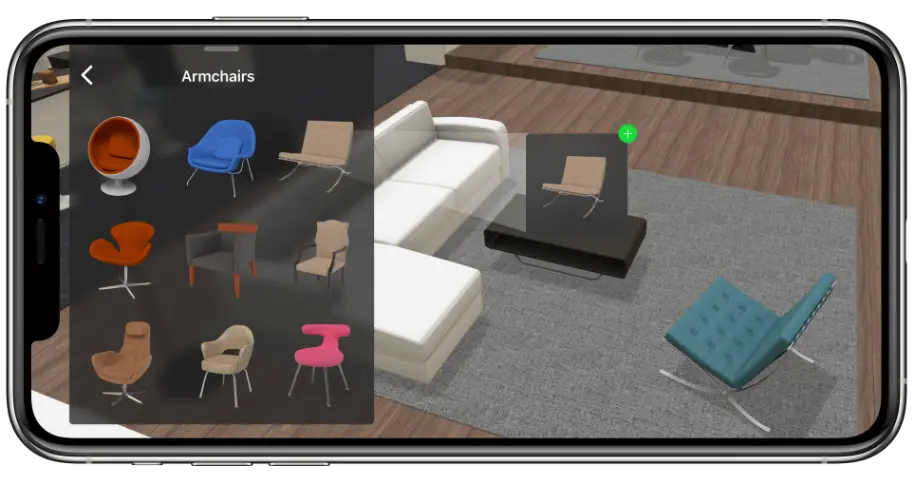
AI furniture placement with Smart Wizard

Smart Wizard helps you arrange furniture based on your room's size and shape. It considers walls, doors, windows, and available floor space, then suggests several layouts you can review and adjust.

Use the suggestions to compare furniture arrangements and find one that supports movement, comfort, and everyday use. The tool works for both compact rooms and larger spaces, helping you make better use of the available area.

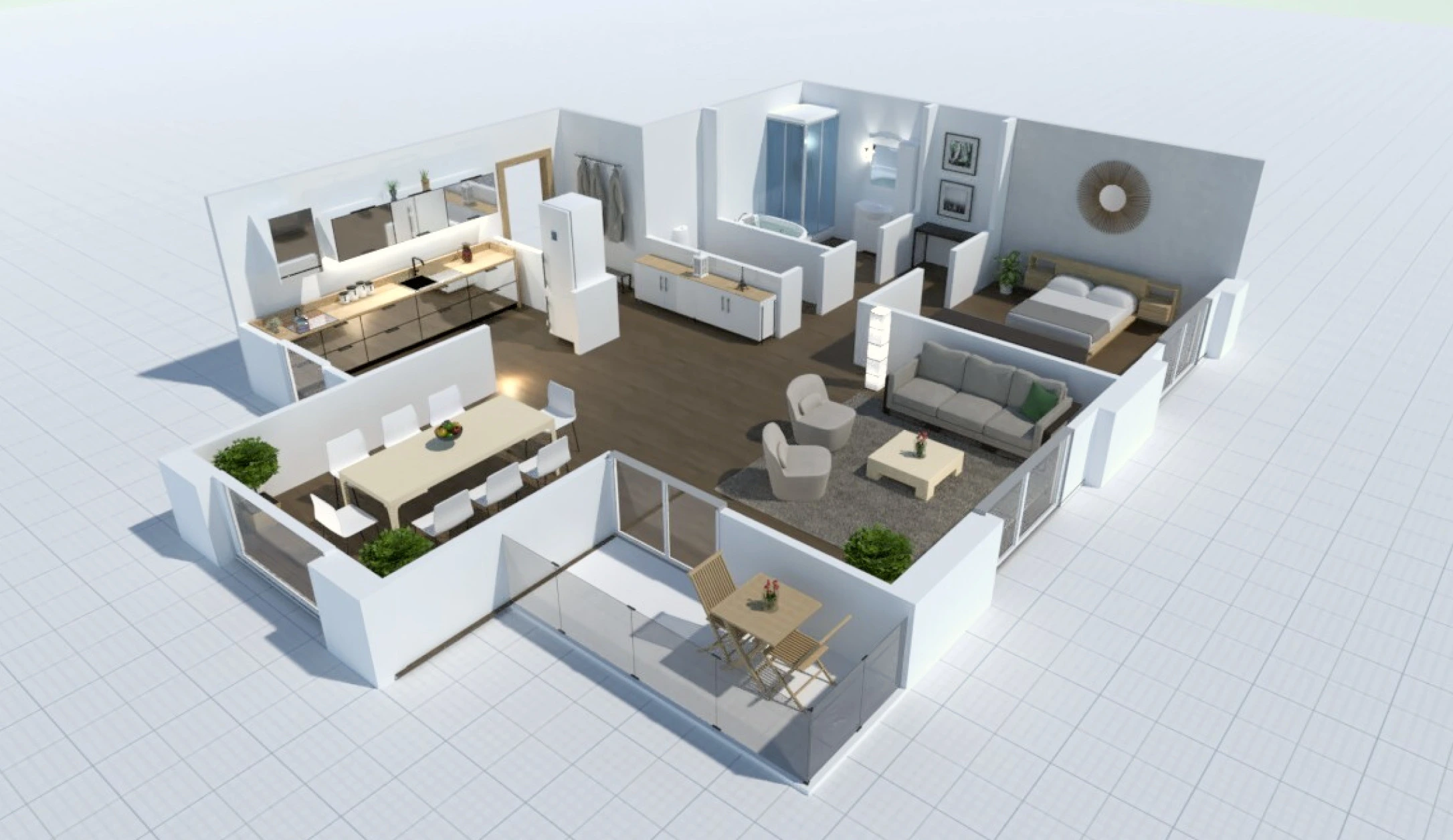
AI home design preview

Design Generator for AI room layouts

The Design Generator complements the Smart Wizard by offering instant, automated furniture layout options tailored to your room design and preferences. After you upload your project details, the AI considers your interior design needs, adjusting each piece based on size, functionality, and your chosen design style.

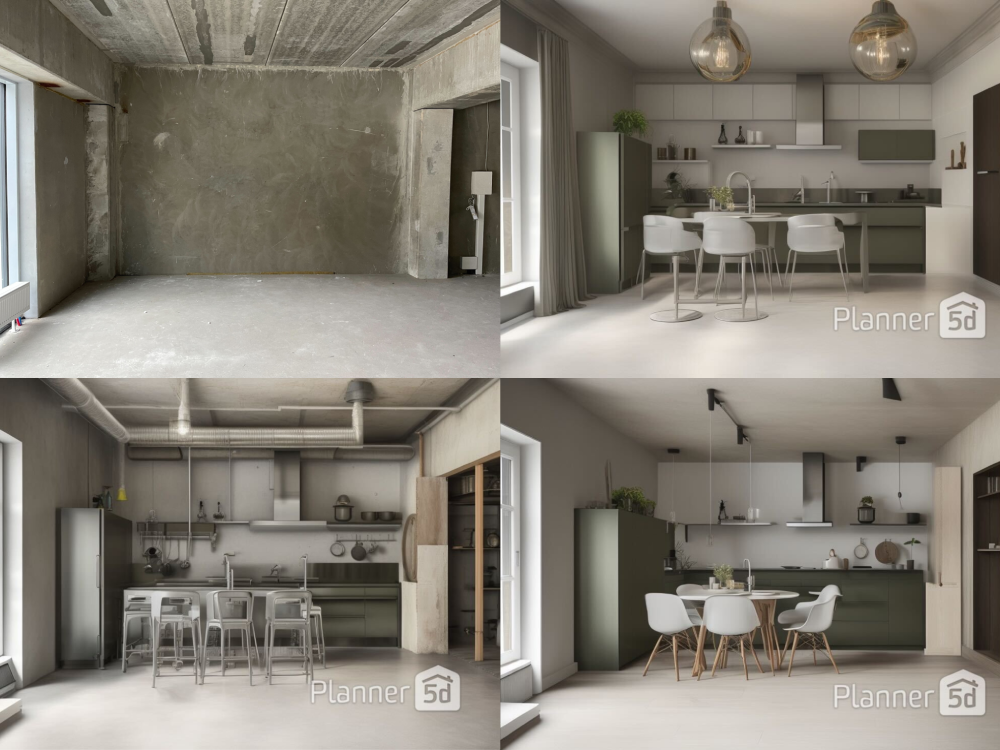
Compare different furniture arrangements, review realistic visuals, and refine the option that works best for the room. This makes it easier to test ideas and refine the design before committing to any changes.

AI room example before and after

Benefits AI furniture placement

Save time on planning

Generate furniture layout ideas quickly instead of testing every arrangement by hand. Compare several options and focus on the ones that best fit the room.

Make better use of space

Explore layouts that consider room size, clear walkways, and everyday comfort. This can help you avoid overcrowding and improve how the room functions.

Compare tailored layouts

Review furniture arrangements based on your room and preferred style. You can adjust each suggestion to better match your needs and taste.

Explore different design styles

Test modern, traditional, minimalist, and other room styles without starting over. Each option gives you a new way to arrange and present the space.

Photorealistic visualization

Use AI furniture placement to compare layouts, improve spacing, and find an arrangement that works for your space.

Interested in Planner 5D?

Join our huge community of designers today.

Use Planner 5D’s AI furniture placement tool to explore layouts, test design styles, and see how different furniture arrangements work in your space. Whether you are furnishing a new home, updating a rental, or planning a client project, you can compare ideas and make changes before moving or buying anything.

Try it now

F.A.Q.

How does the AI furniture placement work?

The tool analyzes the size and shape of your room, along with walls, doors, windows, and available floor space. It then suggests furniture arrangements you can compare, adjust, and view in 3D.

Do I need design experience to use these tools?

No. Smart Wizard and the Design Generator are made for beginners and experienced users. The tools guide you through the process and provide layout ideas that are easy to review and edit.

Can I edit the suggested furniture layouts?

Yes. The AI suggestions provide a starting point, and you can move, replace, resize, or remove items to create an arrangement that better suits your room and needs.

Can I use AI furniture placement for different rooms?

Yes. You can use it for living rooms, bedrooms, kitchens, offices, and other spaces. The suggestions adapt to the room’s dimensions, layout, and intended use.

Can I view my furniture layout in 3D?

Yes. You can review the suggested furniture placement in 3D and see the room from different angles. This helps you understand the spacing and overall look before making changes.
Got more questions? Get in touch.