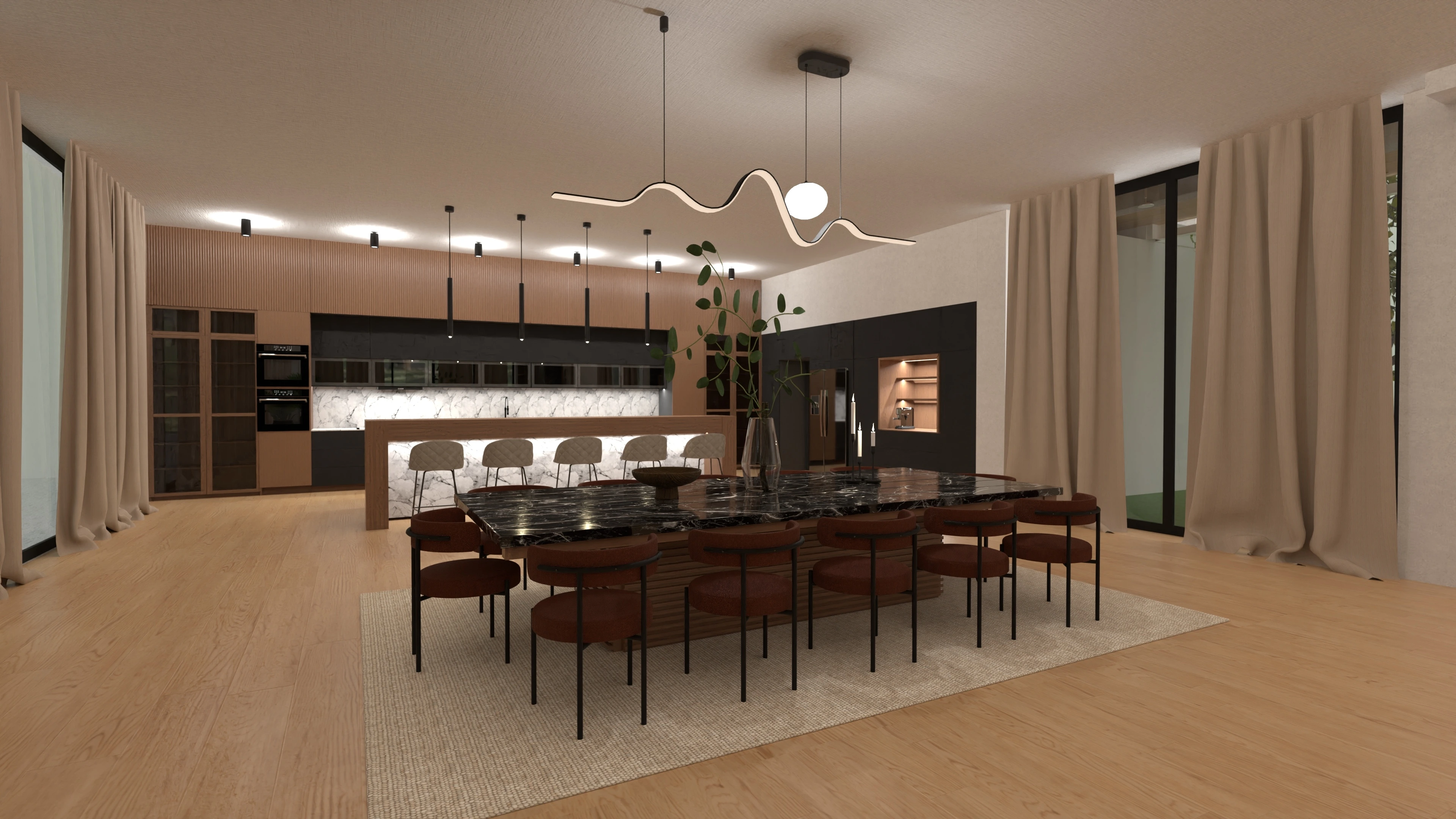
Free Kitchen Design Software

Create your kitchen layout with Planner 5D’s easy-to-use kitchen design software. Draw the room, arrange cabinets and appliances, test different finishes, and preview your design in 2D and 3D. Start with a template or build your kitchen floor plan from scratch.
Customers Rating


How to use our free kitchen design software

Planner 5D makes it easy to create a kitchen layout without professional design experience. Use the software to draw your room, add cabinets and appliances, test different finishes, and preview the result in 3D.
1. Create your kitchen floor plan in 2D

Draw the walls, windows and doors, then adjust the room dimensions. Add cabinets, kitchen islands and other fixed features. Rearrange each element until the layout works for your space.

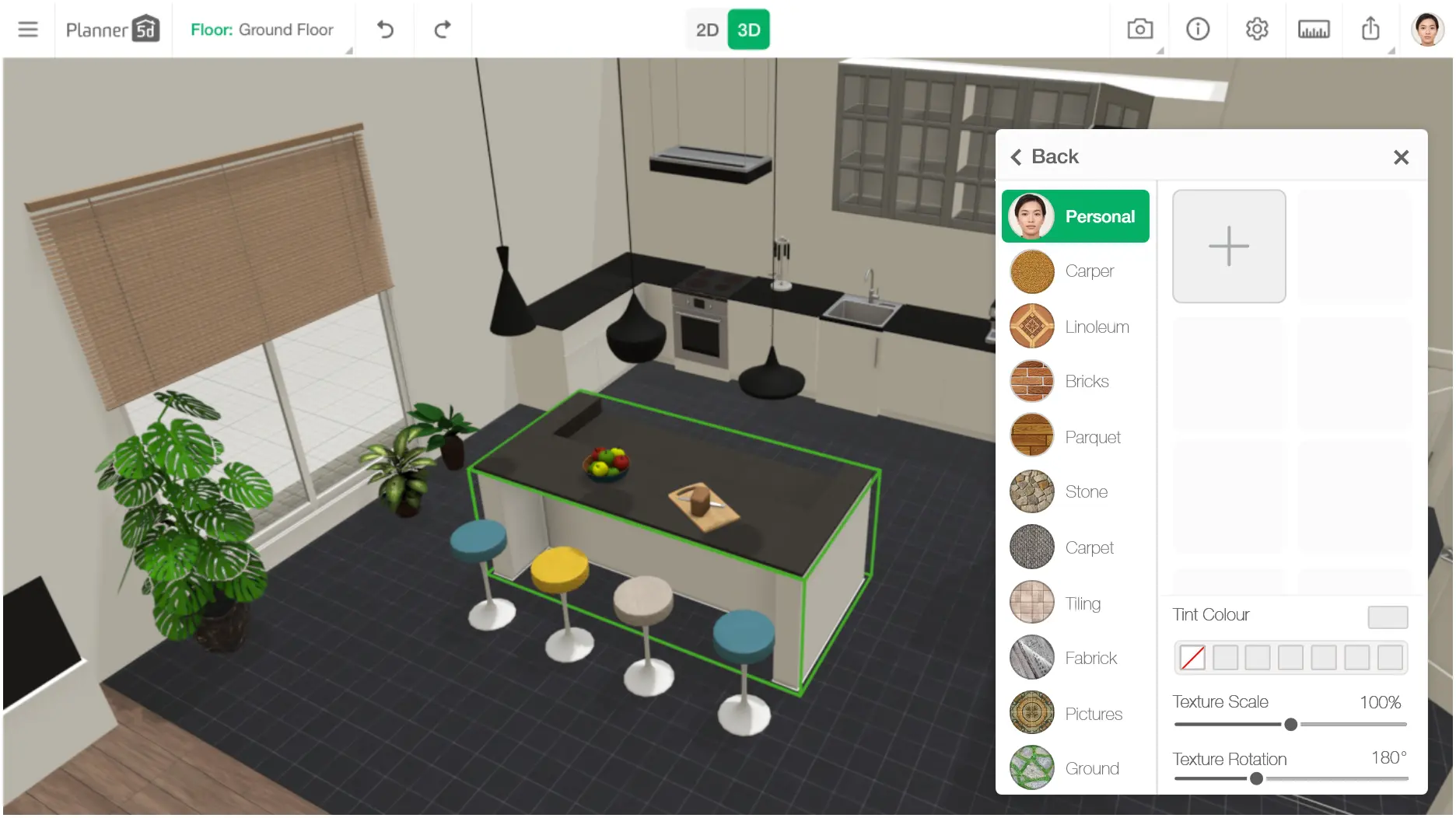
2. Add cabinets, appliances and finishes

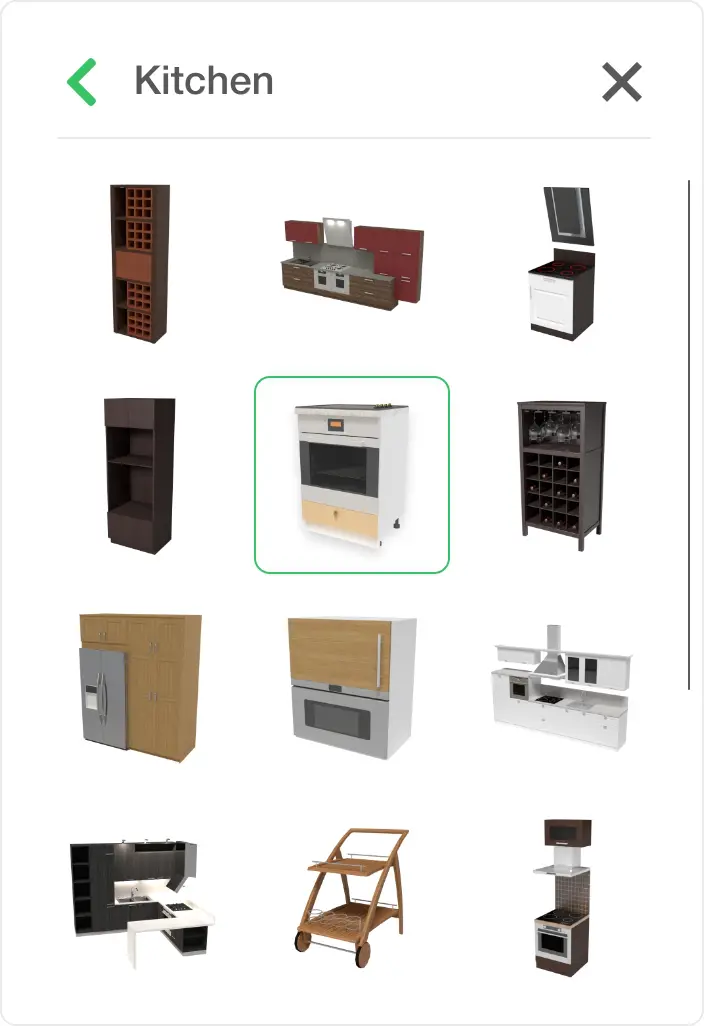
Choose from a large library of kitchen units, appliances, lighting and furniture. Test different materials, colors and styles to compare several kitchen design ideas in one project.

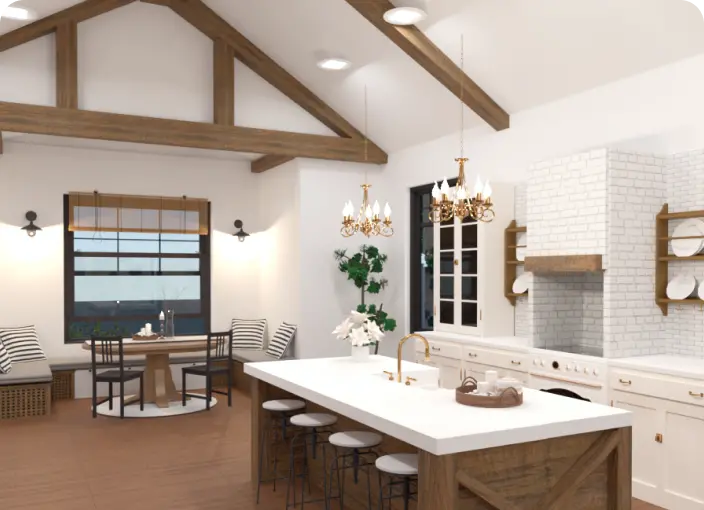
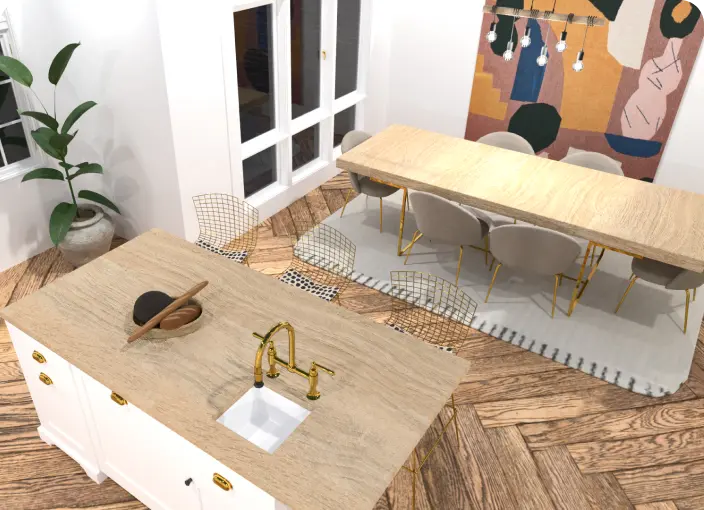
3. Preview your kitchen design in 3D

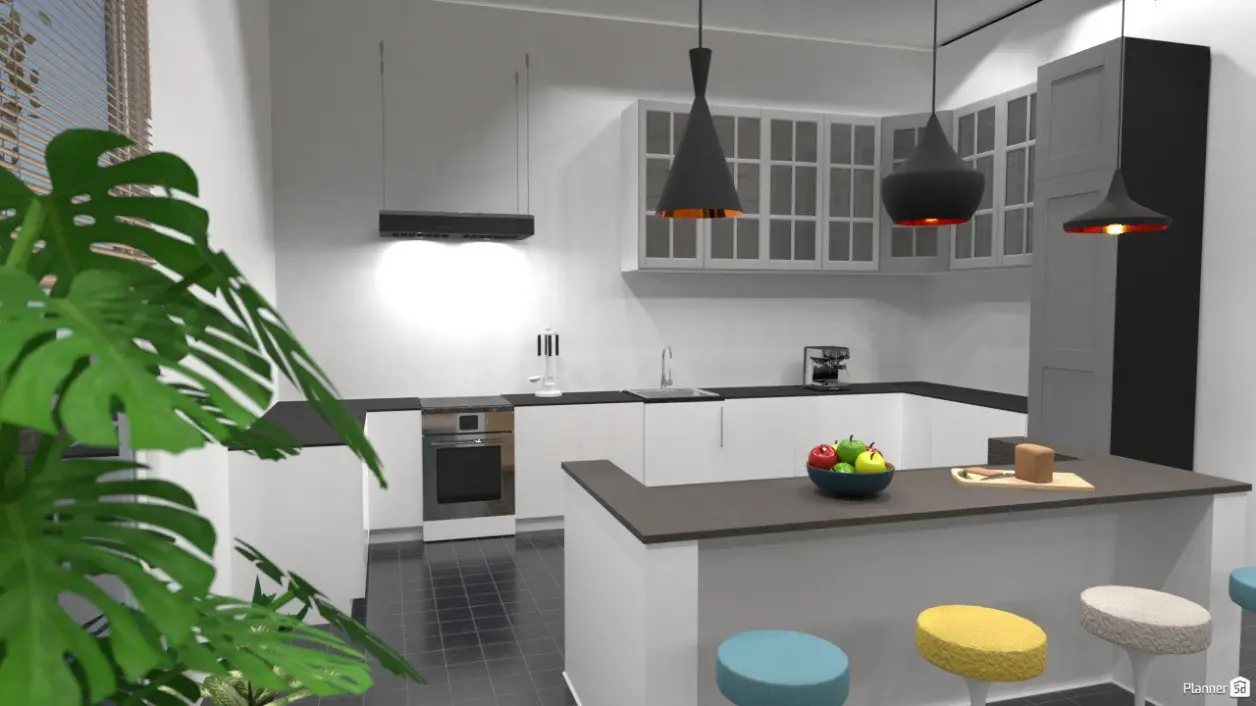
Switch to 3D view at any point to see how the layout will look. Check the placement of cabinets and appliances, make changes, and create realistic renders to share with family or contractors.

Create your kitchen layout with Planner 5D’s free kitchen design software.

Planner 5D’s free kitchen design software helps you create a kitchen that suits your space and daily needs. Plan the layout, position cabinets and appliances, and compare different furniture, colors and finishes before making final decisions.

Our kitchen design software makes it easy to build and adjust a detailed kitchen floor plan without CAD skills. Enter the room dimensions, arrange key features and test different layouts using simple drag-and-drop tools.

Choose from a large library of cabinets, kitchen islands, appliances, lighting, furniture and finishes. Start with a ready-made template or create a kitchen layout from scratch, then move and customize each item until the design works for you.

Switch between 2D and 3D views to check the kitchen layout from every angle. Create realistic renders, explore the finished space and share your kitchen design with family members, contractors or other project partners.

Tips for using kitchen design software

Get better results from your kitchen design software by planning the room before adding cabinets, appliances and finishes. Use these tips to create a layout that fits your space and daily needs.

1. Define how you use the kitchen. Consider how often you cook, how many people use the room and whether you need space for dining or entertaining. Use these details to choose a suitable kitchen layout in the software.
2. Enter accurate room measurements. Measure the walls, doors, windows and fixed features before creating your kitchen floor plan. Accurate dimensions will help you test layouts and position cabinets and appliances correctly.
3. Compare several layout options. Create different versions of your design to test cabinet placement, appliance locations and kitchen islands. Comparing layouts in 2D and 3D can help you find the most practical arrangement.
4. Review the design in 3D. Use the 3D view to check spacing, movement and sightlines before finalizing your plan. Make adjustments until the kitchen feels functional and balanced. 

Why use Planner 5D kitchen design software

Planner 5D gives you the tools to create, edit and preview a kitchen layout in one place. Use the free kitchen design software to draw a floor plan, add cabinets and appliances, compare finishes and view the finished space in 3D.
Easy to use

Create a kitchen floor plan with simple drag-and-drop tools. Switch between 2D and 3D views as you work, with no CAD or professional design experience required.

Plan from anywhere

Work on your kitchen design online and return to your project when it suits you. Make changes, test ideas and continue refining the layout across supported devices.

Accurate floor plans

Enter room dimensions and add walls, doors, windows and fixed features. Use the kitchen planner to check cabinet placement, appliance spacing and the overall flow of the room.

Free design tools

Start planning your kitchen with free design features. Explore layouts and test different ideas before deciding whether you need additional tools or services.

Detailed 3D previews

Add cabinets, appliances, lighting, furniture and finishes from the item library. Create realistic 3D views to better understand how the kitchen design will look before making final choices.

Start designing your kitchen

Create a kitchen floor plan, explore different layouts and preview your ideas in 3D with Planner 5D.

What users say about us

It is very useful to me. Thank you very much, we hope for improvements in this great recommended app.

Dante

This App is Amazing, super easy to use and very friendly, I make design for kitchen very fast and they give me a plus in the sale of my service.

Luis

Love using this app. Wish they had more kitchen cabinets with sinks, more wallpapers, and more decor and plants.

Stacey

very impressed with the full paid version. good job guys. i have used other programs to design then build kitchens and bedrooms with i wish i would have found this app first. im down to beta test your improvements if needed

A Google user

This is a really great simple design app. Got it to help plan out some renovations I'm doing and after awhile of tinkering with it, it is now incredibly useful Though it doesnt have instructions after awhile it is fairly simple.

Marlanea

F.A.Q.

What is the best free kitchen design software?

The best free kitchen design software should let you draw a floor plan, arrange cabinets and appliances, and view the result in 2D and 3D. Planner 5D includes easy drag-and-drop tools, a large item library and realistic visualizations for planning a kitchen online.

Can I design my kitchen online for free?

Yes. Planner 5D’s free kitchen design software lets you create a floor plan, arrange cabinets and appliances, and test different layouts online. You can also switch between 2D and 3D views as you work.

Can I upload a photo of my kitchen and redesign it?

Planner 5D offers AI tools that can help you explore new kitchen styles from an uploaded image. For detailed layout planning, use the kitchen design software to enter room measurements, position cabinets and appliances, and preview the space in 3D.

How does Planner 5D kitchen design software work?

Start by outlining your kitchen floor plan or choosing a template. Add cabinets, appliances, furniture and finishes using drag-and-drop tools. You can adjust the layout at any time and switch between 2D and 3D views to check the design.

Is Planner 5D kitchn design software free?

Planner 5D offers free and paid options. The free version includes tools for creating and viewing a kitchen layout in 2D and 3D. Paid plans provide access to more design items, advanced features and additional rendering options.

Can I use the kitchen design software on my phone or tablet?

Yes. Planner 5D is available on desktop and supported mobile devices. You can create, edit and review your kitchen design from a phone or tablet using the Planner 5D app.
Got more questions? Get in touch.

Feeling inspired?

Check out more home design ideas below

Kitchen Remodeling Tool

Who would’ve thought that a kitchen remodel can be so exciting? Planner 5D allows you to get fully creative with your designs.

Dining Room Layout Planner

Did you know you can generate a 3D image of the dining room layout in under 5 minutes? With Planner 5D, it's very much possible.

Kitchen Floor Plan Ideas

Get the inspiration for Kitchen design with Planner 5D collection of creative solutions.

Related blog posts

How to Choose a Kitchen Table

Check out our list of tips for choosing the perfect table for your home.

Outdoor Kitchen Ideas: 45 Inspiring Designs for Your Backyard

Thinking of an outdoor kitchen? Here are some great ideas to inspire your next project.

7 Tips for Designing a Functional Kitchen

This post outlines seven easy tips for designing a functional kitchen that will help you create your dream kitchen.