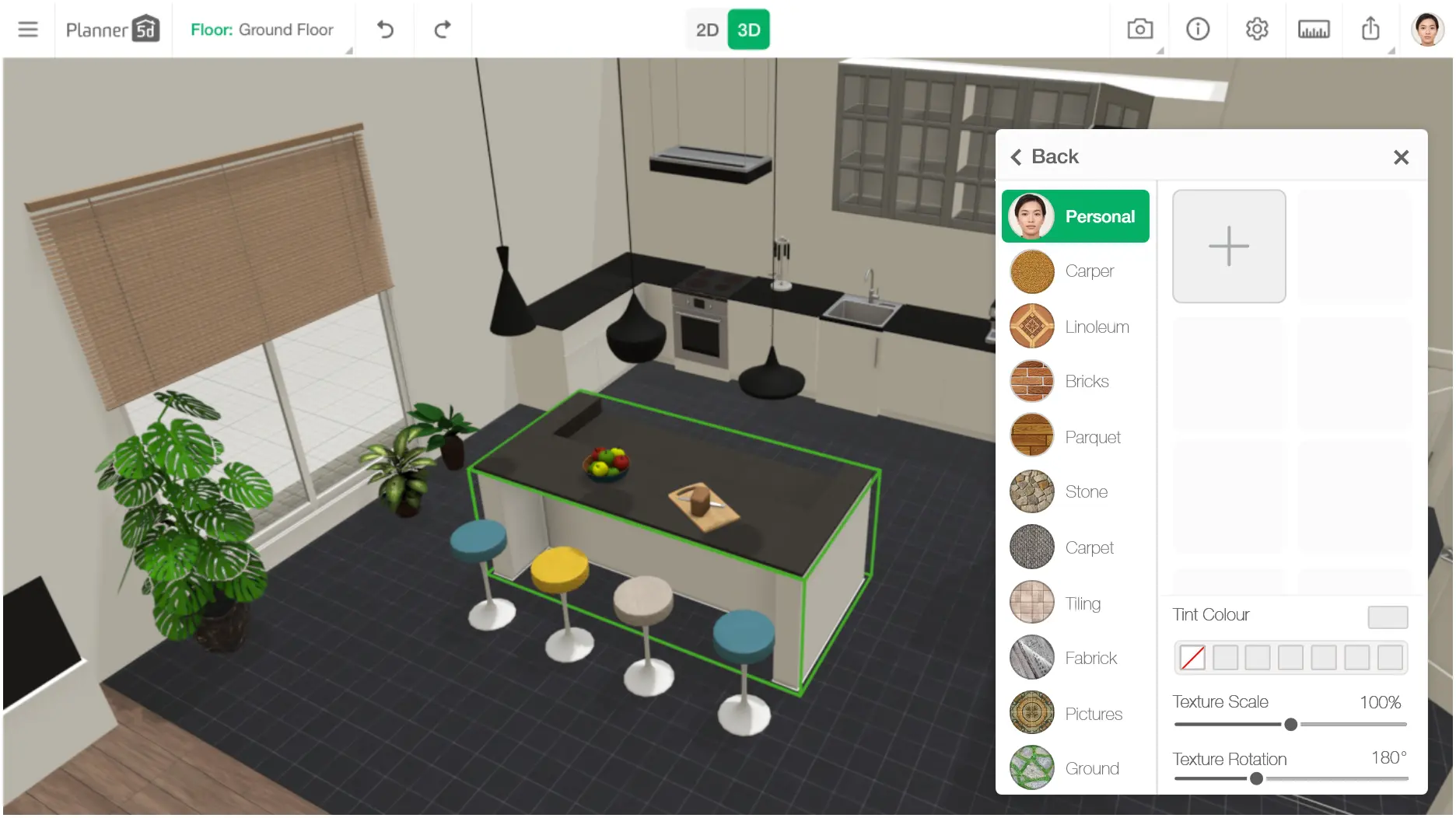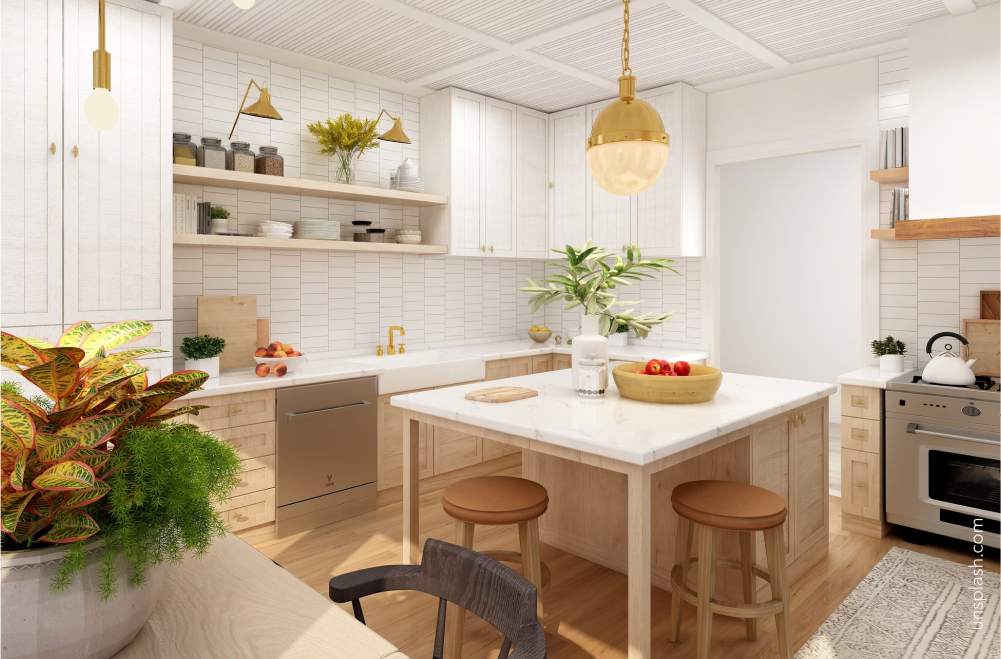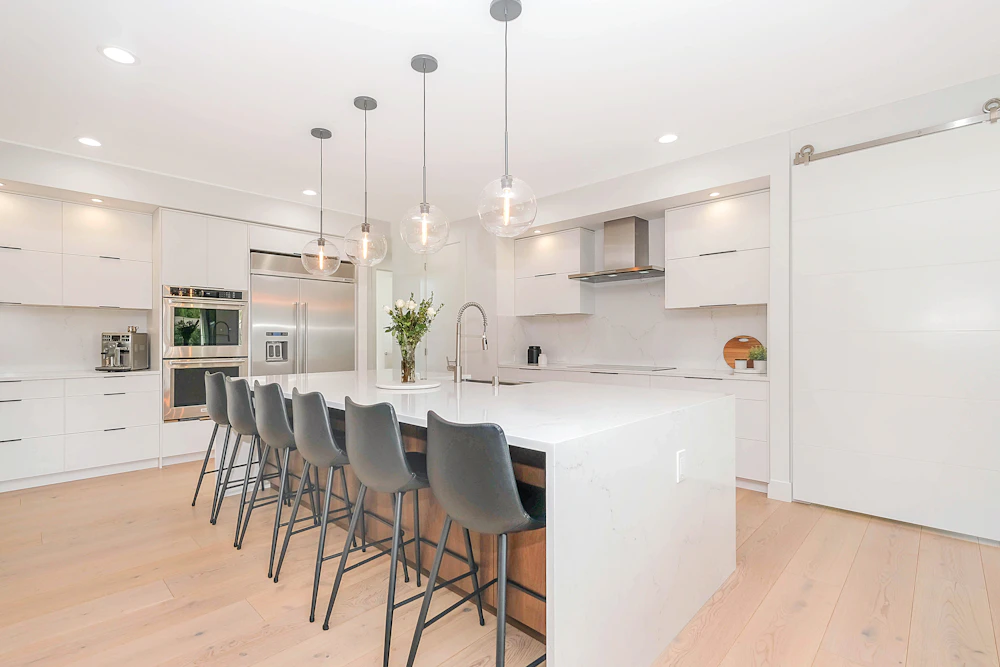
Create a kitchen floor plan with simple drag-and-drop tools. Switch between 2D and 3D views as you work, with no CAD or professional design experience required.

Draw the walls, windows and doors, then adjust the room dimensions. Add cabinets, kitchen islands and other fixed features. Rearrange each element until the layout works for your space.
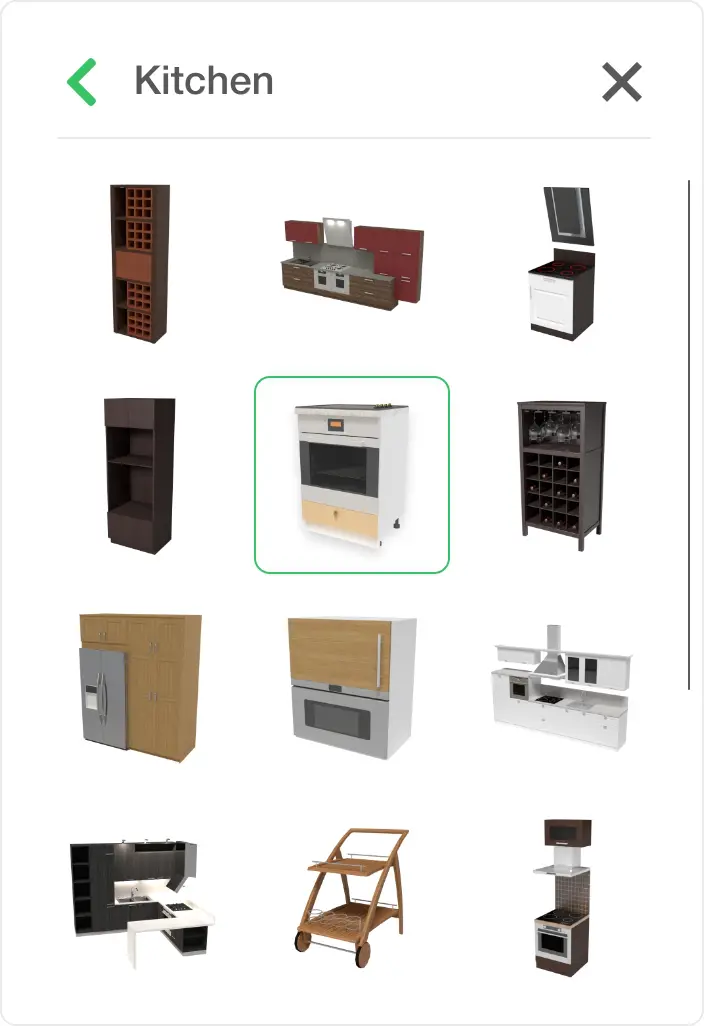
Choose from a large library of kitchen units, appliances, lighting and furniture. Test different materials, colors and styles to compare several kitchen design ideas in one project.
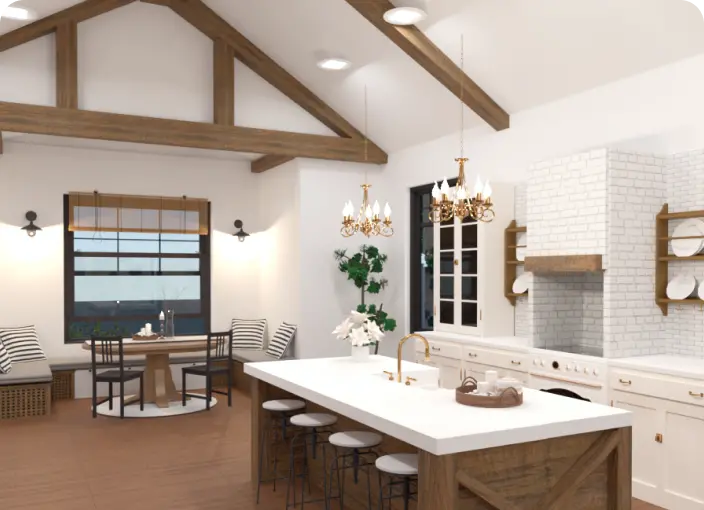
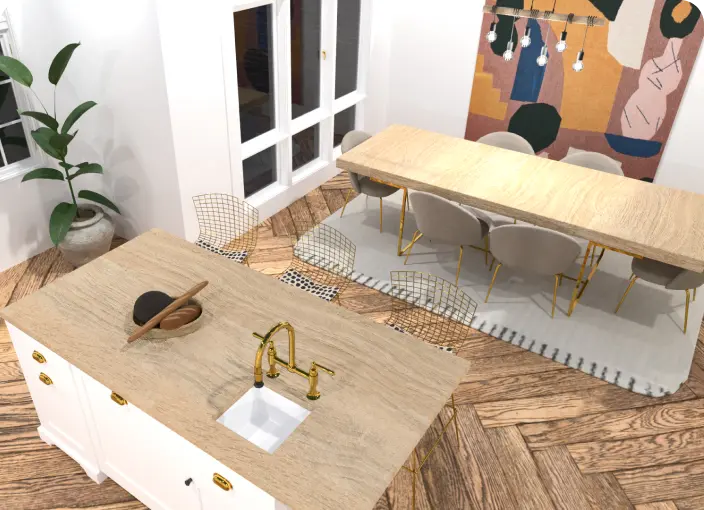
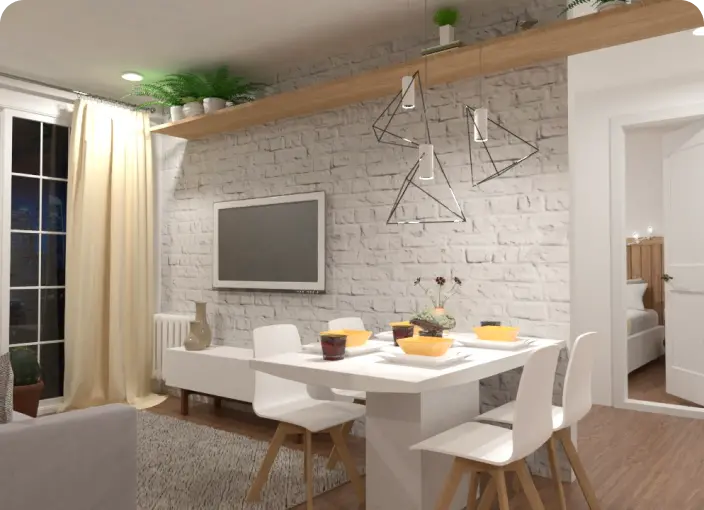
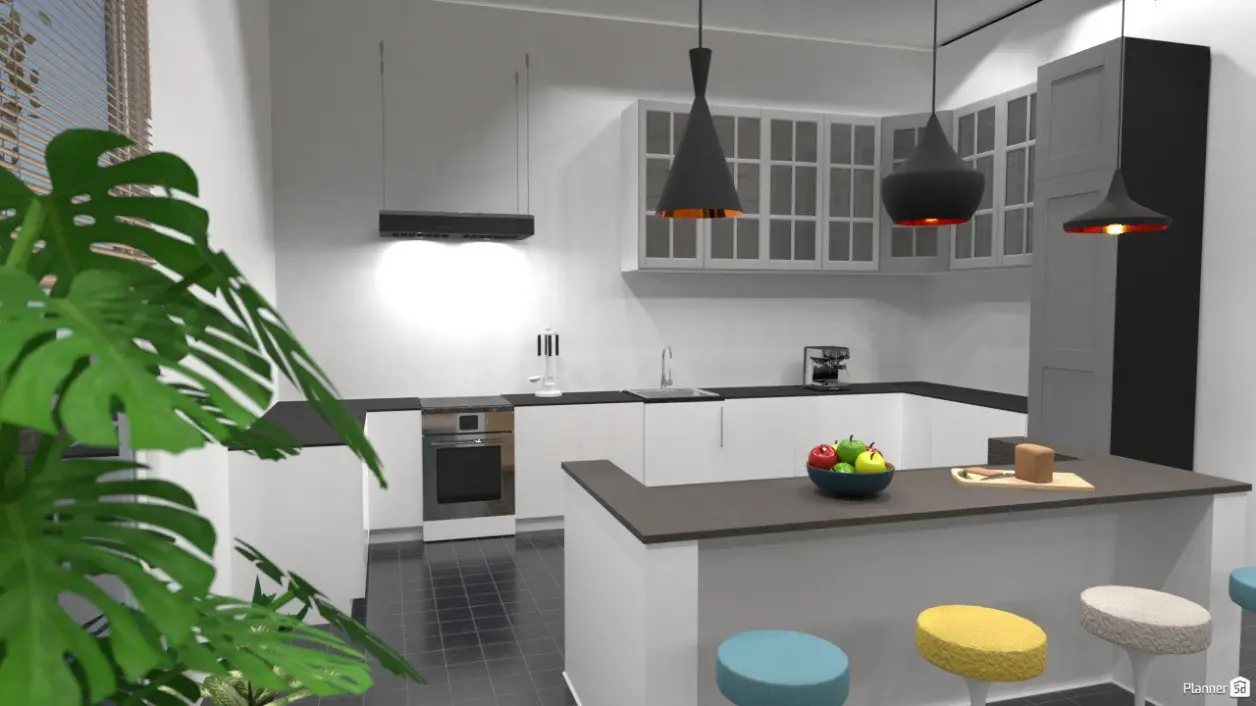
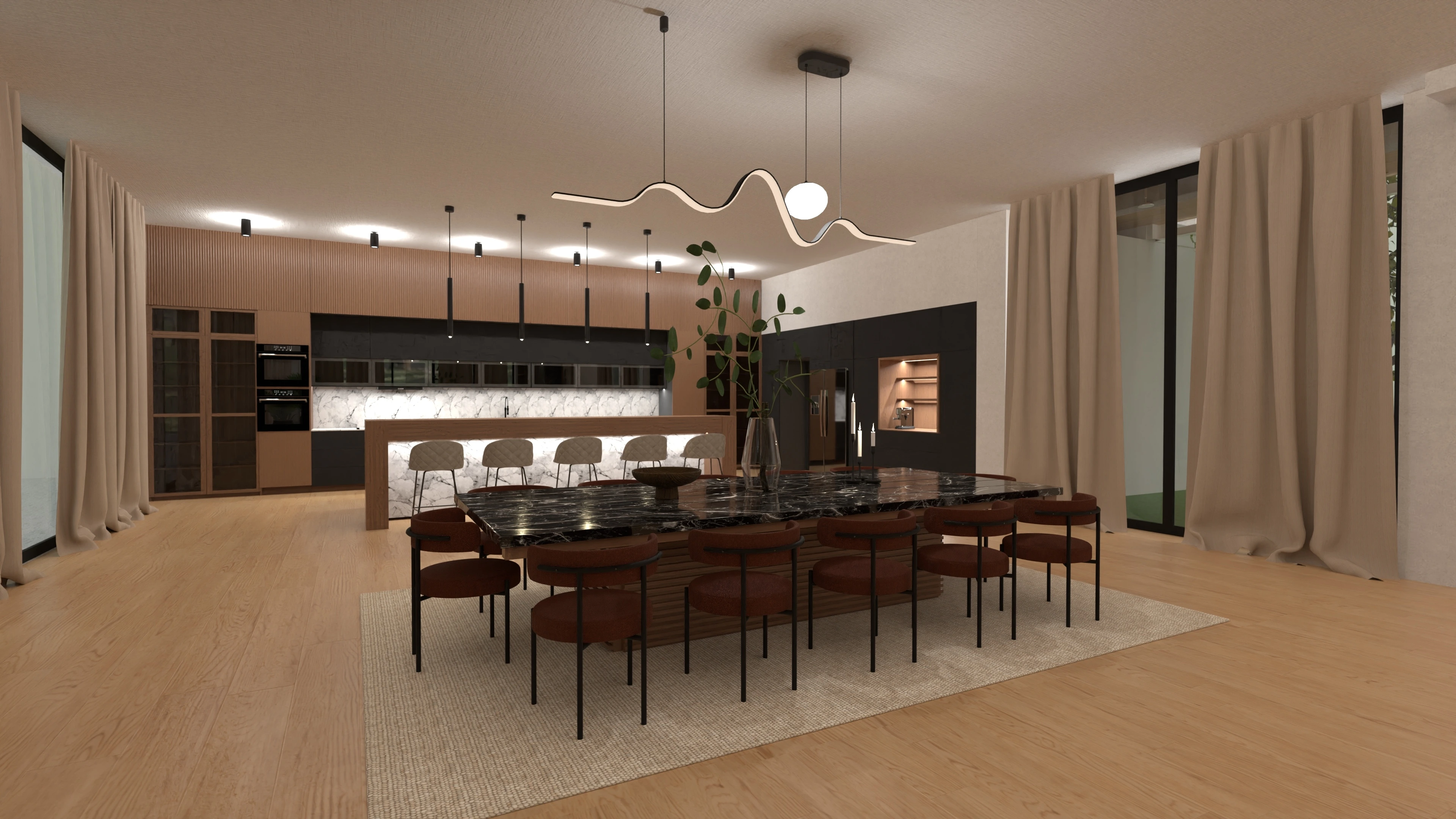
Switch to 3D view at any point to see how the layout will look. Check the placement of cabinets and appliances, make changes, and create realistic renders to share with family or contractors.
Planner 5D’s free kitchen design software helps you create a kitchen that suits your space and daily needs. Plan the layout, position cabinets and appliances, and compare different furniture, colors and finishes before making final decisions.


Our kitchen design software makes it easy to build and adjust a detailed kitchen floor plan without CAD skills. Enter the room dimensions, arrange key features and test different layouts using simple drag-and-drop tools.
Choose from a large library of cabinets, kitchen islands, appliances, lighting, furniture and finishes. Start with a ready-made template or create a kitchen layout from scratch, then move and customize each item until the design works for you.
Switch between 2D and 3D views to check the kitchen layout from every angle. Create realistic renders, explore the finished space and share your kitchen design with family members, contractors or other project partners.
Get better results from your kitchen design software by planning the room before adding cabinets, appliances and finishes. Use these tips to create a layout that fits your space and daily needs.

Create a kitchen floor plan with simple drag-and-drop tools. Switch between 2D and 3D views as you work, with no CAD or professional design experience required.
Work on your kitchen design online and return to your project when it suits you. Make changes, test ideas and continue refining the layout across supported devices.
Enter room dimensions and add walls, doors, windows and fixed features. Use the kitchen planner to check cabinet placement, appliance spacing and the overall flow of the room.
Start planning your kitchen with free design features. Explore layouts and test different ideas before deciding whether you need additional tools or services.
Add cabinets, appliances, lighting, furniture and finishes from the item library. Create realistic 3D views to better understand how the kitchen design will look before making final choices.
Create a kitchen floor plan, explore different layouts and preview your ideas in 3D with Planner 5D.
Check out more home design ideas below
Who would’ve thought that a kitchen remodel can be so exciting? Planner 5D allows you to get fully creative with your designs.
Did you know you can generate a 3D image of the dining room layout in under 5 minutes? With Planner 5D, it's very much possible.
Get the inspiration for Kitchen design with Planner 5D collection of creative solutions.
Check out our list of tips for choosing the perfect table for your home.
Thinking of an outdoor kitchen? Here are some great ideas to inspire your next project.
This post outlines seven easy tips for designing a functional kitchen that will help you create your dream kitchen.
You previously signed up with these emails:
We appreciate your enthusiasm for our product, so we’re offering you 50% off your first year.