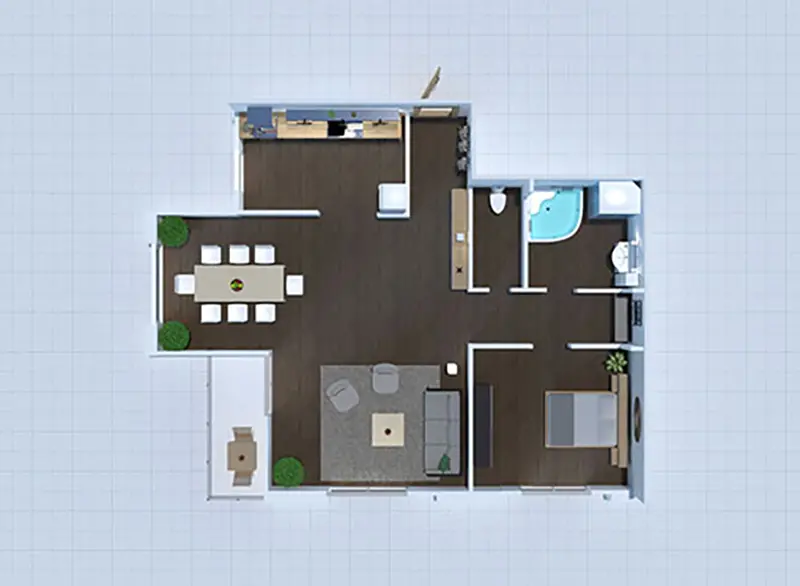
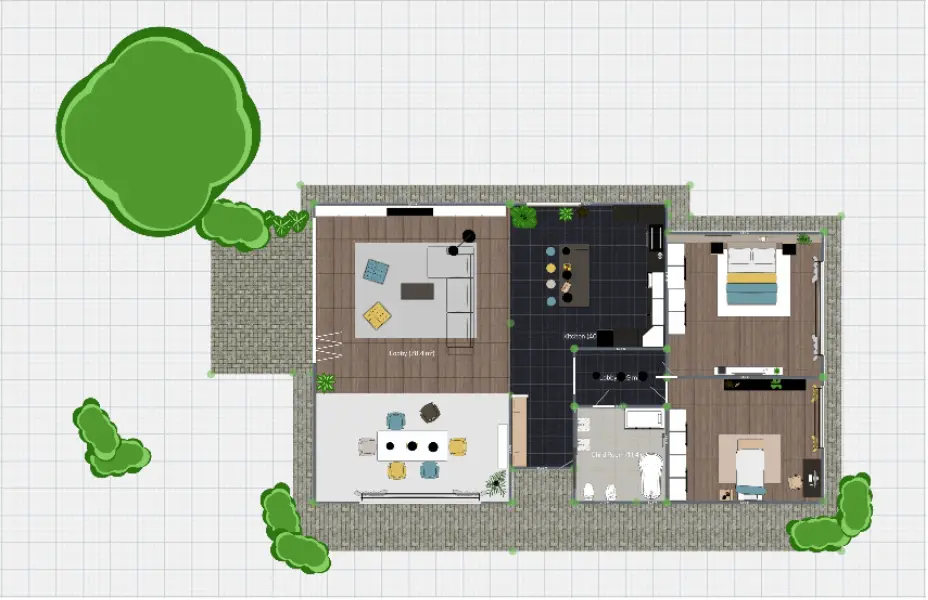
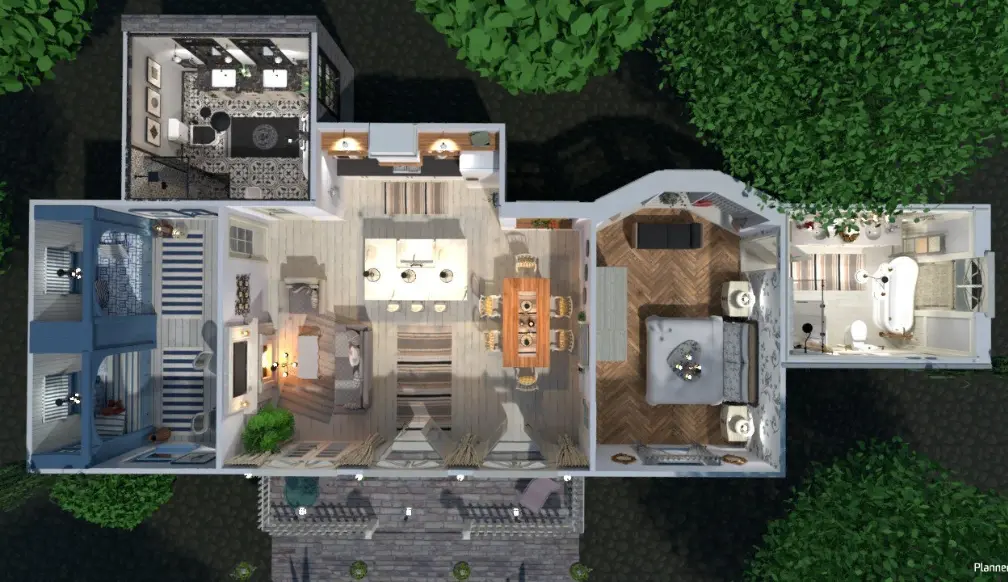
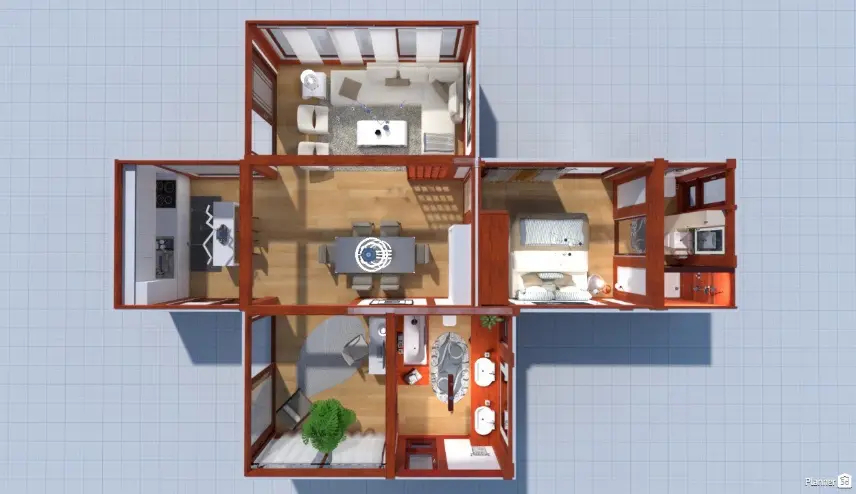
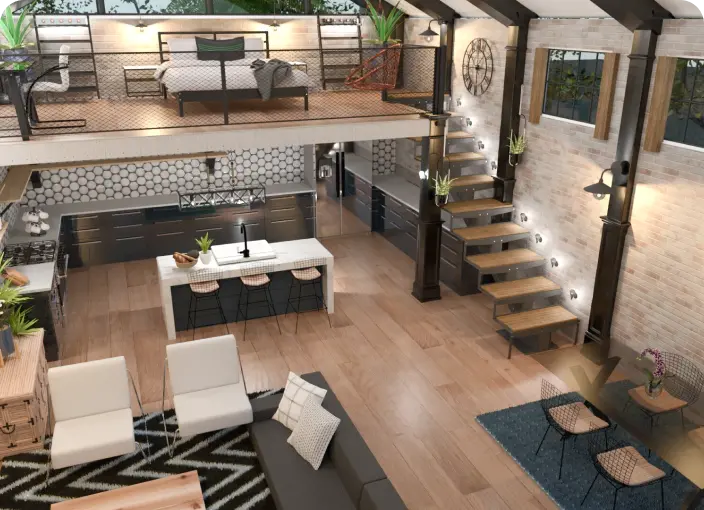
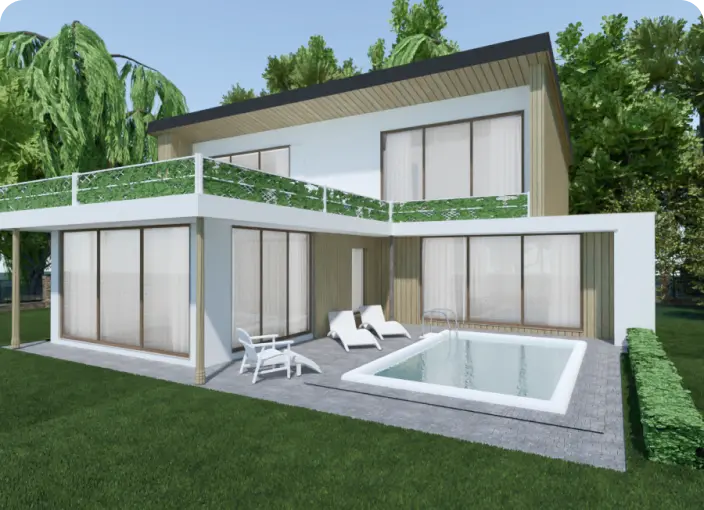
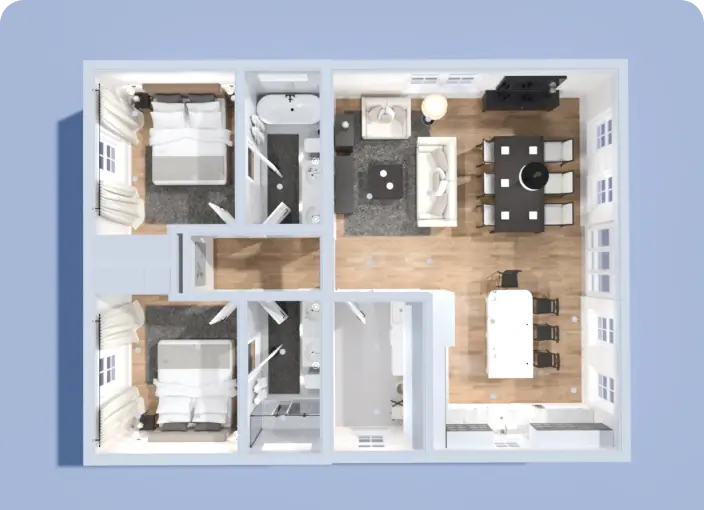
You don’t need to be an architect or designer to create a floor plan. Planner 5D’s online floor planner lets you start from scratch or choose a template in just a few clicks, right from your browser.
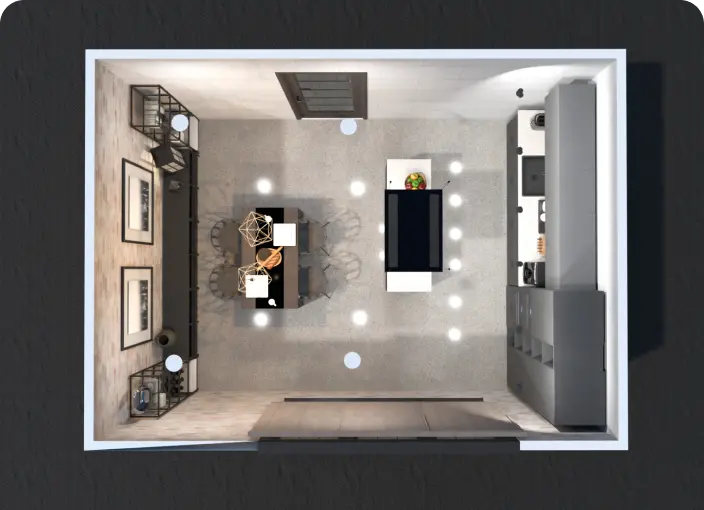
Start with a 2D layout to control dimensions, walls, and room structure. Then switch to 3D mode to walk through your space and see how the design comes together.
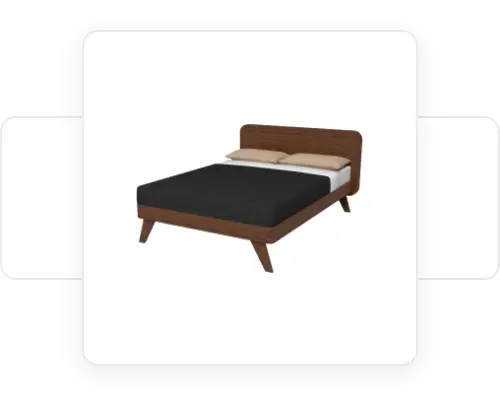
Browse an extensive library of furniture, appliances, plants, and decor to style your space exactly the way you want it. Mix and match items to experiment with different looks before committing to anything.
Move walls, resize rooms, place furniture, and adjust details with simple drag-and-drop tools. It’s an easy way to plan your space online without complicated software.
Take a virtual tour of your finished layout to get a better feel for space, lighting, and flow. It’s a simple way to spot design issues early and see your ideas in 3D.
Planner 5D works directly in your browser, so you can start planning without installing software. Use this browser-based floor planner on your desktop or tablet to create layouts online and move from 2D planning to 3D design in minutes.
Whether you’re designing a single room or planning your entire home, Planner 5D’s online floor planner helps you bring your ideas to life. Follow a few simple steps to create a clean, professional-looking layout in your browser. No stress, no special skills and no download required.
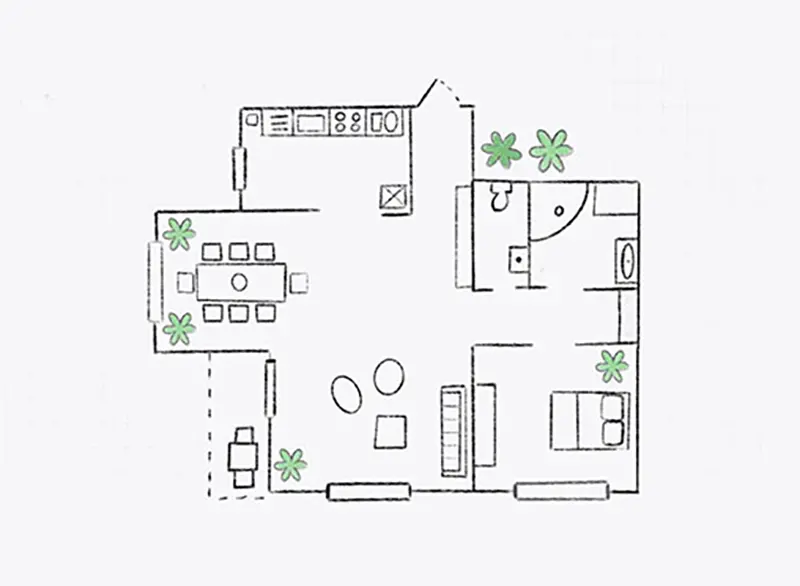
Start by uploading an existing floor plan, entering your room measurements manually, or choosing a ready-made layout. Then you can build walls, add doors, windows, and openings, and set exact dimensions to make sure everything fits in your space.
Once your layout is ready, add furniture, fixtures, appliances, carpets, doors, and decor from Planner 5D’s large item catalog. Drag items into place, test different layouts, and adjust your design before making real changes.
Switch between 2D and 3D views as you design. Take a virtual walkthrough, check the flow of your space, save realistic renders, and share or print your floor plan when you’re ready.


Planning a renovation can feel overwhelming, but creating your floor plan online can make the process easier. With Planner 5D, you can test layouts, arrange furniture, and preview your space before making real changes.
Use the browser-based floor planner to design a layout, decorate each room, and view everything in 3D. It’s a simple way to explore ideas, compare options, and feel more confident about your design.
Planner 5D gives you a flexible online design tool you can use anytime, with no download required.
Check out more home design ideas below
We make it easy to draw a floor plan from scratch or use an existing drawing to work on.
Don't waste time on complex CAD programs- now you can easily take on the role of an architect and do it on a budget.
Get the inspiration for House design with Planner 5D collection of creative solutions.
Not sure what furniture to choose or what style to select when redecorating your room? Let our new feature, the Smart Wizard, do it for you
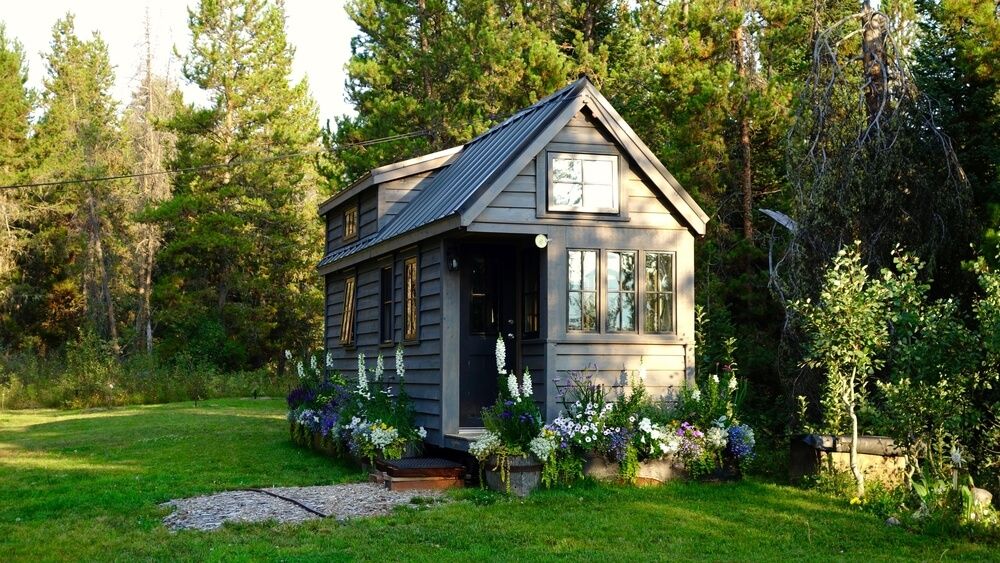
If you're considering living in a tiny home, these creative design ideas will help you get started.
Are you feeling on top of your creative game? Let's talk about how to make your ideas a reality.
You previously signed up with these emails:
We appreciate your enthusiasm for our product, so we’re offering you 50% off your first year.