How to Use AI to Design a Room Like a Professional Designer
Stuck on room design? Learn how to use AI to create perfect layouts, pick colors, and arrange furniture.
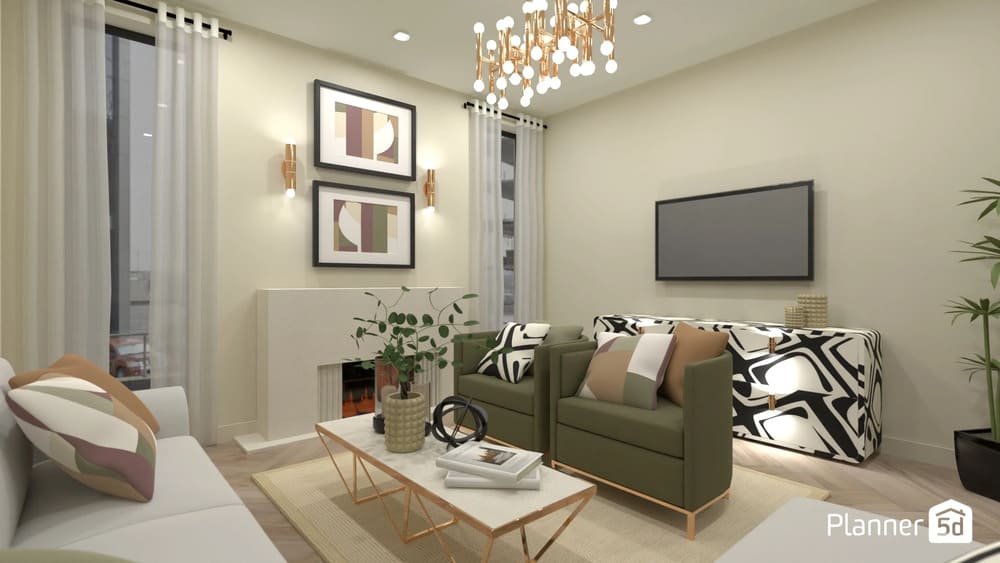
Planning a room can feel overwhelming. You need to select colors, arrange furniture, and ensure everything looks cohesive. Many people get stuck trying to create a space that works and looks great. Artificial intelligence (AI) tools can help solve this problem.
These programs make room design easier and faster. They give you ideas, suggest layouts, and show you what your room will look like before you buy anything. In this guide, we show you how AI works for room design. You'll learn which tools to use and how to get the best results for your space.
KEY TAKEAWAYS
🔍 Artificial intelligence allows you to create personalized and functional designs, even without technical knowledge, with 2D and 3D simulations.
🧠 AI helps you test color combinations, arrange furniture, visualize styles, and optimize spaces, speeding up the creative process with intelligent suggestions.
📱 Apps like Planner 5D, RoomGPT, and Interior AI offer features tailored to different needs and experience levels.
🛠️ To get the most out of the tool, set clear goals and apply AI suggestions, but customize with personal touches.
⚠️ AI doesn't replace professionals, as it may have customization restrictions and doesn't always guarantee optimal functionality. Therefore, critical thinking and review are essential.
What is AI room design?
AI room design utilizes computer programs to assist in planning and decorating your space. These tools don't think like humans, but they can analyze a large amount of design data very quickly.
Here's how it works: You tell the AI about your room size and what you want. The program examines thousands of room designs and identifies patterns that work well. Then, it suggests layouts, colors, and furniture based on what it learned.
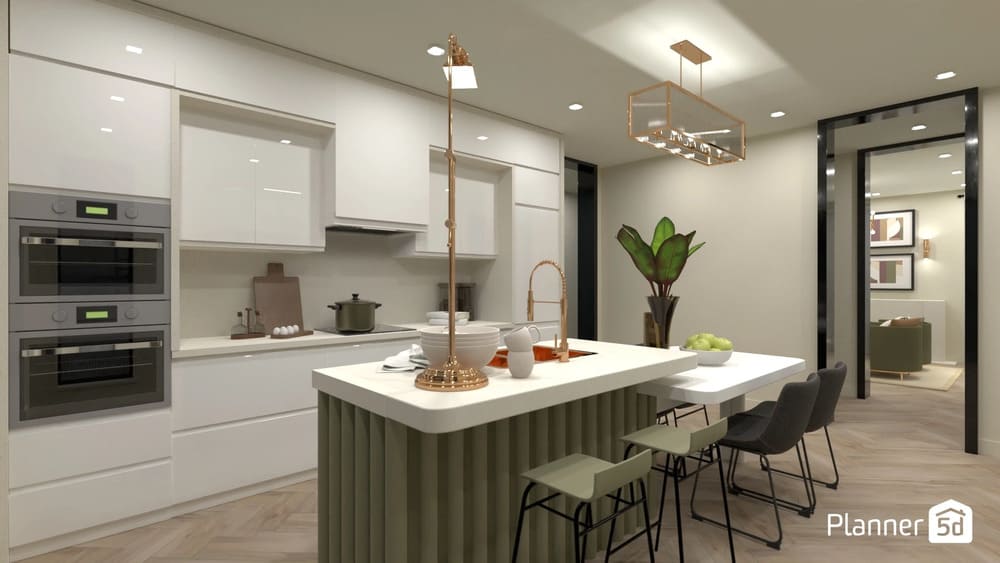
Most AI design tools give you real-time suggestions. Change one thing, and the AI updates everything else to match. Some tools also follow current design trends, so your room stays fresh and modern.
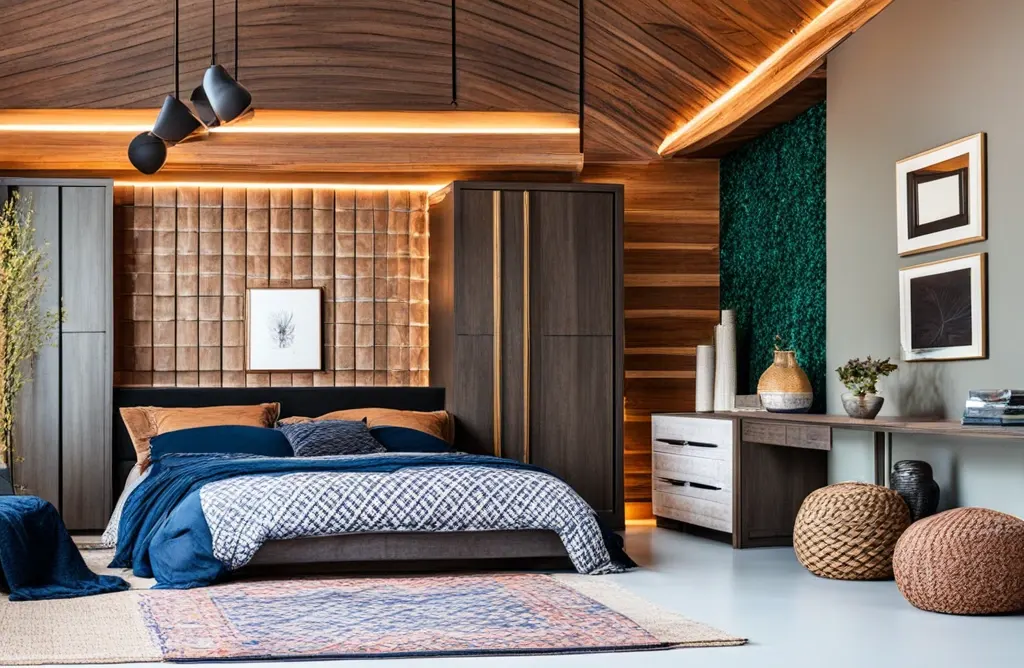
The best part? You see your results right away. Many tools create 3D images, allowing you to walk through your room before you build it.
How AI helps you design a room
AI tackles the most challenging aspects of room design, especially if you're not a professional designer. Here is how you can use AI to help you with design:
- Space analysis: AI looks at your room's size and shape. It knows how much space you need to walk around furniture. The program can also suggest the best spots for each piece based on how you plan to use the room.
- Furniture arrangement: Getting furniture placement right is tricky. AI tools know the rules about balance, traffic flow, and function. They can place your sofa, coffee table, and chairs so everything works together smoothly.
- Color and style recommendations: AI can suggest colors and styles that match your taste. Some tools let you upload photos of rooms you like. The AI finds the key elements and suggests similar colors and styles for your space.
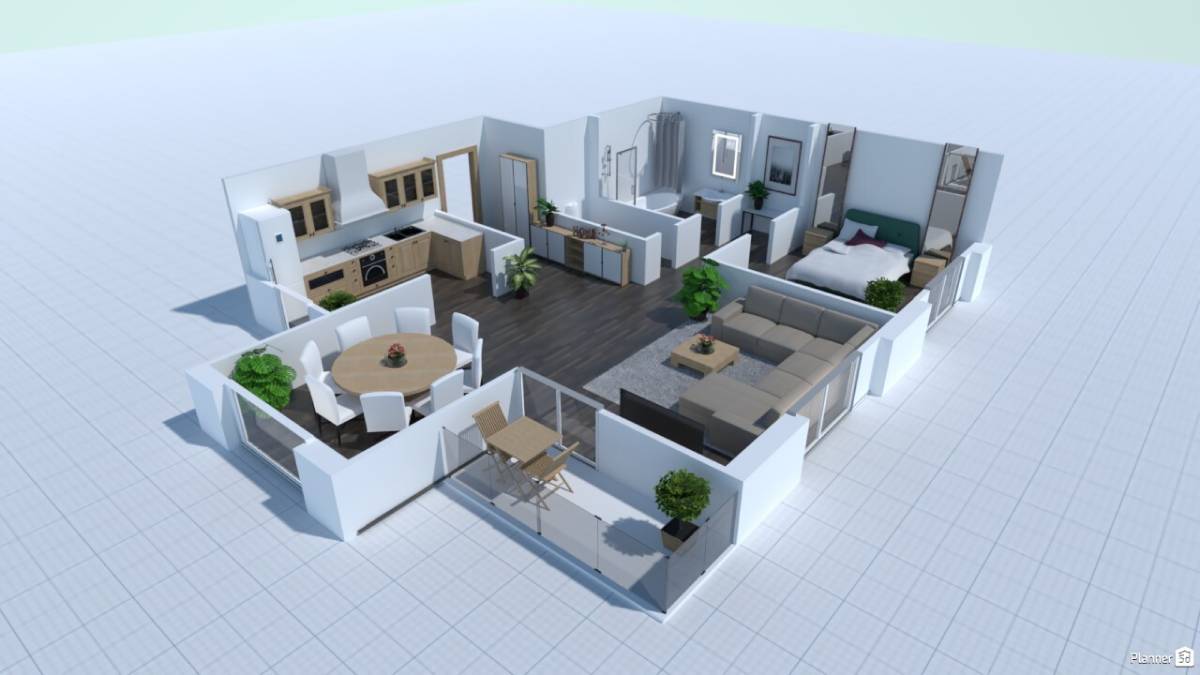
- 3D Visualization: Seeing your room in 3D helps you spot problems early. AI tools create realistic images that show how light interacts with your walls and how large your furniture appears in the space.
- Learning your preferences: Advanced AI tools remember what you like. The more you use them, the better they get at suggesting things that match your style. This saves time on future projects.
How to use AI to design your room (step-by-step guide)
Ready to try AI room design? Here is how to design your room with Planner 5D.
Step 1: Begin your design project
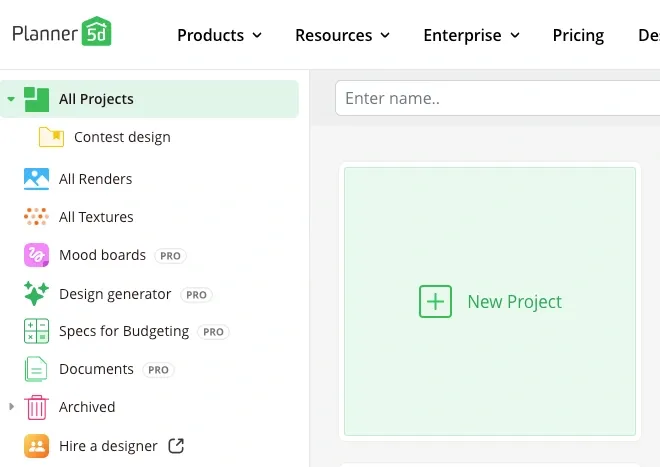
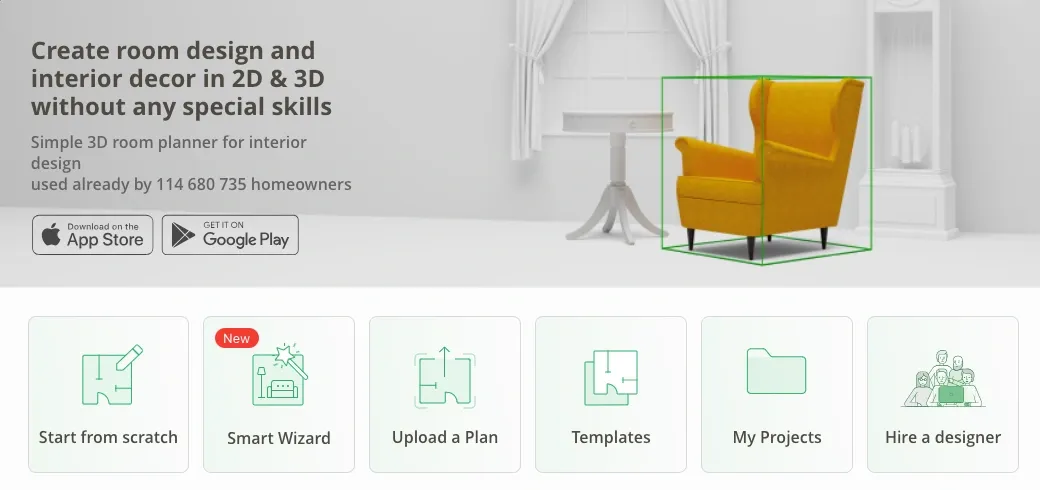
Start by selecting a "new project" in your Planner 5D dashboard. Then you have a choice of starting from scratch, using Smart Wizard, uploading a plan or using a template. To see the AI magic, let's choose the Smart Wizard option.
Step 2: Select the room shape
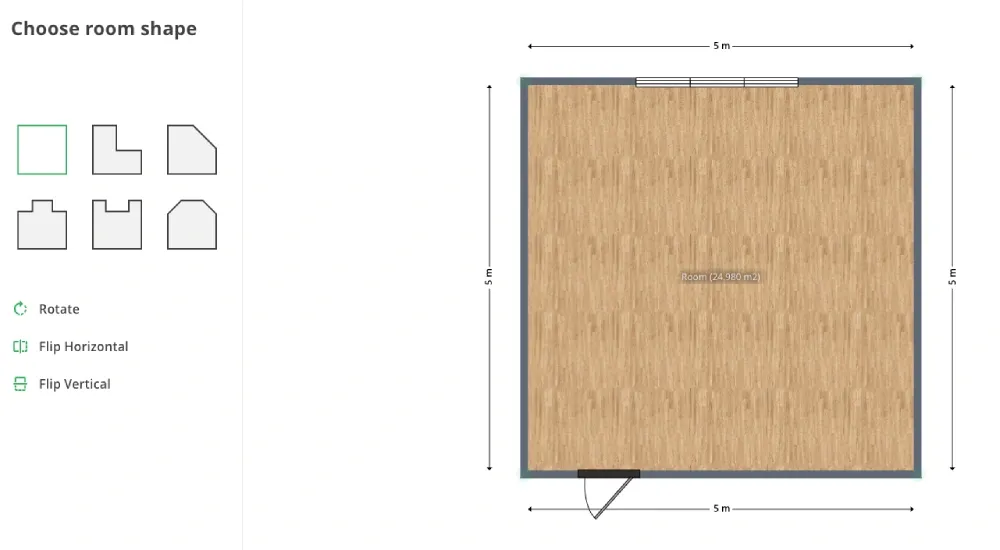
Select the shape of your room from the options on the left. You can then adjust the room's dimensions (choose inches or centimeters). The dimensions can also be adjusted later.
Step 3: Select room type and style
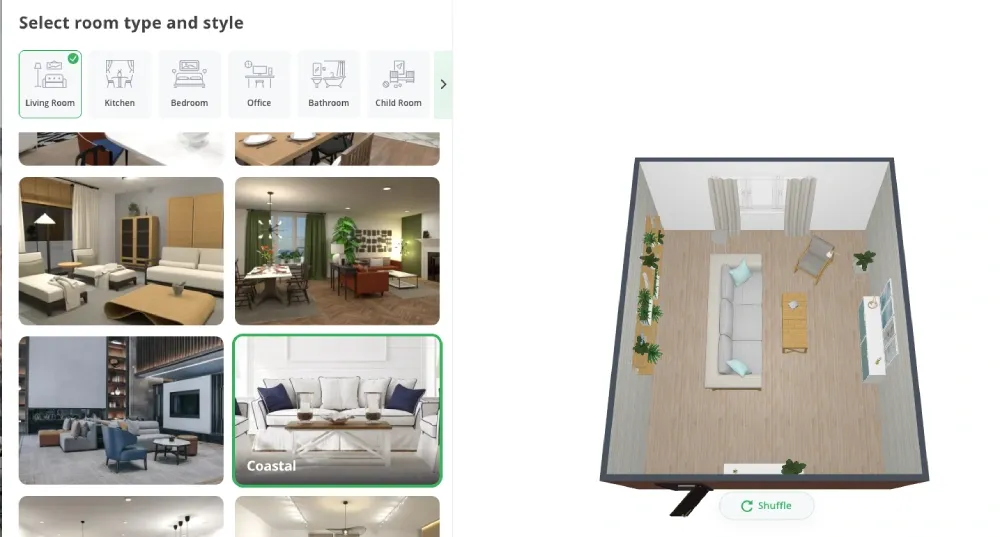
Choose the function of your room from the options provided. Then, select the design style and wait for the magic to happen. Use the "shuffle" option to switch the layout of the room till you find the one you like. Then hit "complete."
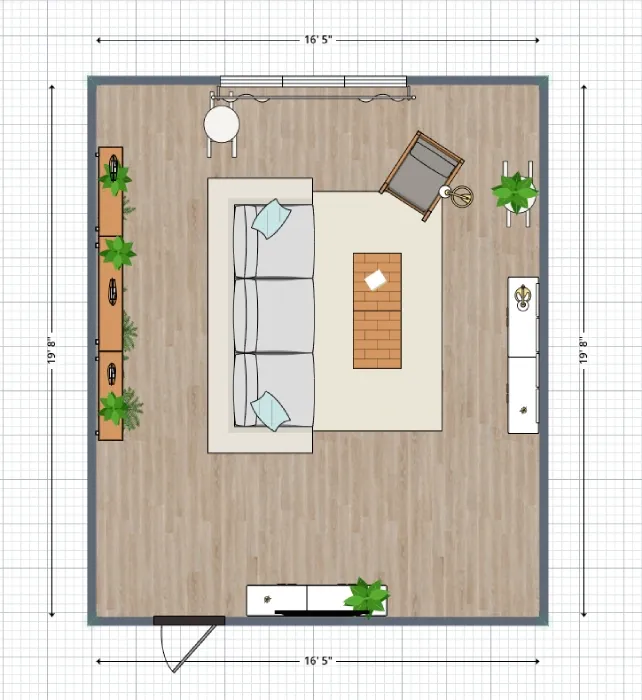
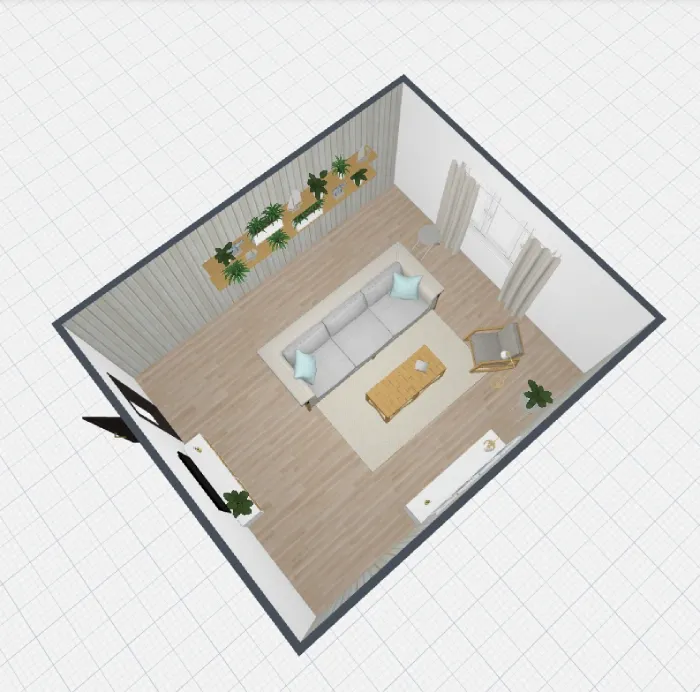
Step 4: Edit and experiment
You'll then get a fully furnished room in the style of your choice. You can edit and experiment with the room's design, layout, and furnishings to tailor your space to your needs.
Step 5: Modify with AI
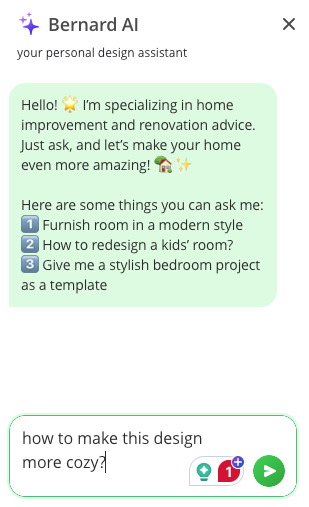
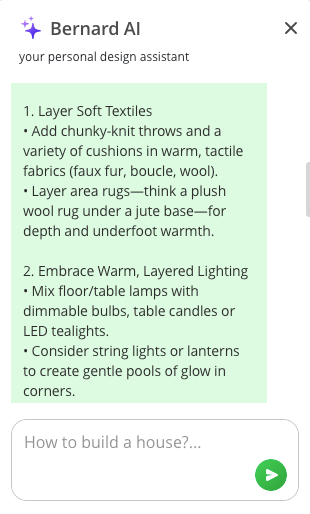
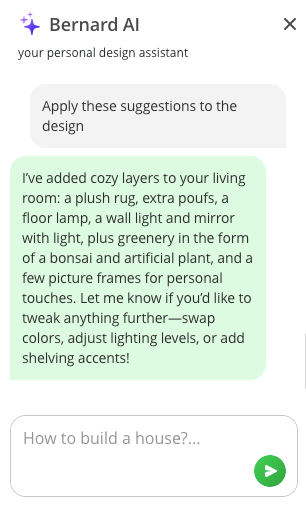
Not sure what else to do with your design? Ask Bernard, Planner 5D's AI design assistant, for help. You can find Bernard by clicking on the blue circle with white stars at the bottom right of the screen.
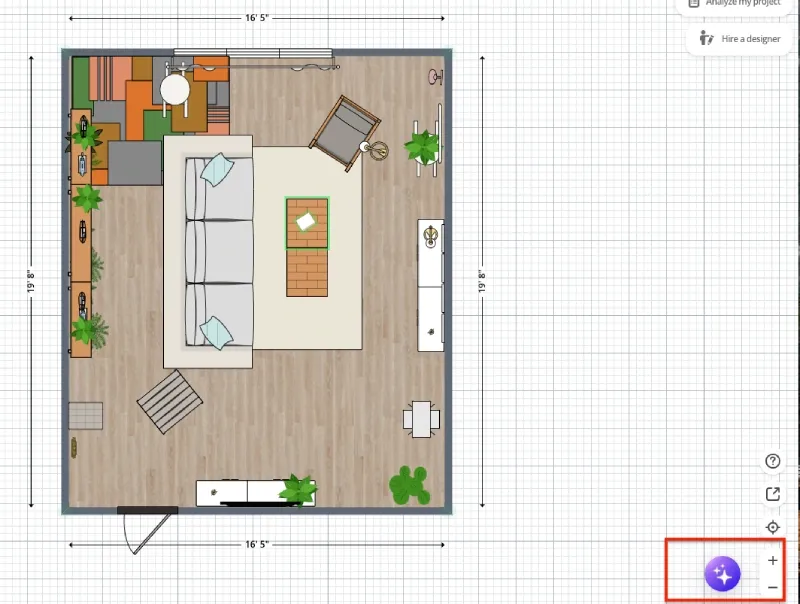
You can ask Bernard for assistance and ask him to implement the suggestions into your design.
Benefits of using AI for room design
AI room design offers several key advantages:
- Reduces decision fatigue: Too many choices can paralyze you. AI narrows down your options to styles and layouts that actually work. This makes decision-making much easier.
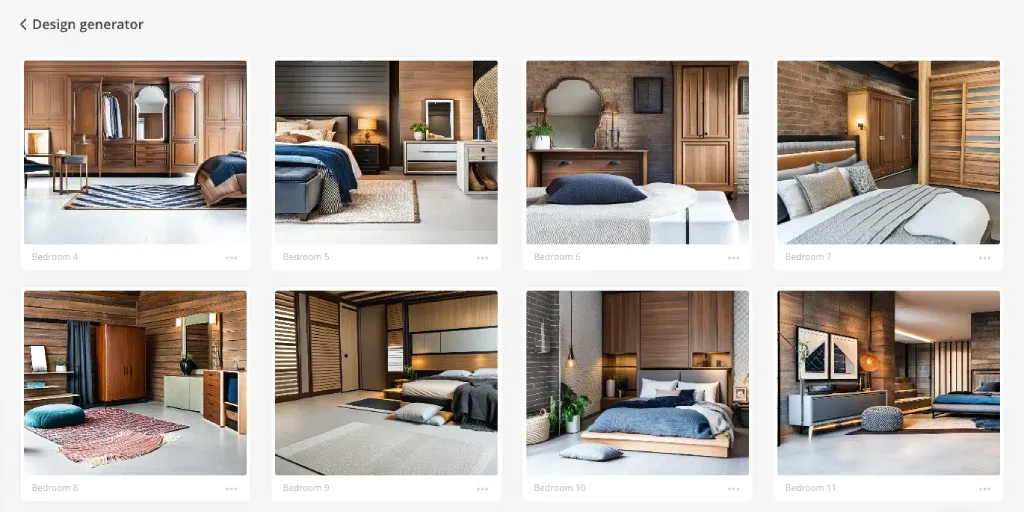
- Offers instant inspiration: Stuck for ideas? AI generates fresh concepts in seconds. You can explore styles you never considered or see new ways to arrange your existing furniture.
- Saves time: Manual room planning takes hours or days. AI creates multiple layout options in minutes. You spend less time planning and more time enjoying your new space.
- Helps non-designers succeed: You don't need design training to use these tools. AI handles the technical rules about proportion, balance, and color theory. You focus on picking what you like.
- Encourages creative experiments: AI makes it easy to try wild ideas. Want to see how purple walls look with green furniture? Generate it instantly. Low-risk experimentation leads to better final results.
Limitations to keep in mind
AI room design has some limits you should know about:
- Lack of personal touch: AI suggests what works for most people. It might miss personal details that make your space special. Family photos, hobby collections, and cultural items need your human touch.
- Database limitations: AI suggestions depend on the designs it learned from. Tools with small databases may repeat similar ideas. The best platforms pull from thousands of real room designs.
- Practical considerations: AI might suggest furniture that costs too much or doesn't fit through your door. Always check real-world factors such as budget, size limitations, and local availability.
- Style evolution: Your taste might change over time. AI suggestions based on current trends could feel dated in a few years. Combine AI ideas with timeless elements that endure.
Making the most of AI design tools
To get better results from AI room design:
- Be specific: Tell the AI exactly how you use your room. A living room for movie nights needs different furniture than one for formal entertaining.
- Start simple: Begin with basic layouts and add details later. This approach helps you see what works before getting caught up in small decisions.
- Use multiple tools: Different AI platforms have different strengths. Try two or three tools to see more options for your space.
- Combine AI with real research: Use AI for layout and color ideas, then research specific furniture pieces yourself. This gives you the best of both automated suggestions and personal choice.
Popular AI room design tools
There are many AI tools you can use for room design. Here are a few that make the process easy and fun:
- Planner 5D: Provides smart layout suggestions and realistic 3D rendering. The AI helps with furniture placement and color coordination.
- RoomGPT: Instantly transforms your room photos. Upload a picture and choose from different design styles. The AI shows you what your space could look like with new furniture and colors.
- ChatGPT: Helps with design planning and ideas. ChatGPT can assist with selecting color schemes, choosing furniture, or designing room layouts. It provides detailed suggestions and explains design principles.
- Canva AI Interior Styler: Generates room designs from text descriptions. Type what you want, and it creates visual mockups of your ideal space. Great for exploring style options quickly.
Conclusion
AI makes room design accessible to everyone. These innovative tools can handle the complex aspects of space planning, allowing you to focus on the style choices you love. AI doesn't replace your creativity, but it will enhance it.
With a solid foundation created by AI, you add personal touches to make your design uniquely yours. Ready to transform your room? You might be surprised by the ideas these smart AI tools suggest for your space.
Planner 5D: The Future of Interior Design
Experience the power of AI-driven design with Planner 5D. Our innovative tools, including the Design Generator, Smart Wizard, and AI floor plan recognition, make bringing your dream home to life easier than ever. Transform your vision into reality and unlock a world of design possibilities today.
Start designing your dream home