AI for interior design FAQ
Can AI do interior design?
Yes, AI tools can assist and enhance the interior design process but can't fully replace human designers. AI-powered tools offer features like 3D modeling, space planning and material selection. However, human creativity, intuition and client collaboration are still crucial in achieving successful interior design outcomes.
Will AI replace interior designers?
No, AI is not expected to replace interior designers. It is more likely to aid and enhance their capabilities. While AI can automate tasks like generating design recommendations and performing data analysis, human designers bring unique creativity, problem-solving skills, and an understanding of client needs, ensuring a personalized and holistic design approach.
How much does interior AI cost?
The cost of interior AI technology varies depending on the specific software or service. There are some free AI interior design tools that offer free versions with limited features, while others have subscription-based pricing models. Higher-end software may involve a monthly or annual fee. You should always research different options to find the one that aligns with your budget and requirements.
How is AI technology applied in interior design?
Artificial Intelligence can analyze design patterns, user preferences and data to generate design recommendations, simulate lighting conditions, and assist in space planning. AI also enables virtual reality (VR), augmented reality (AR), real-time rendering, and image generation, enhancing visualization and client engagement.
How to use AI for interior design?
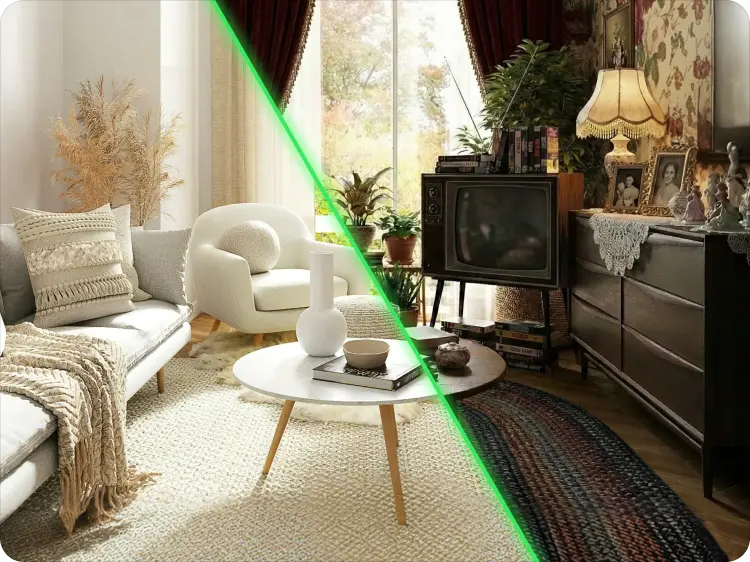
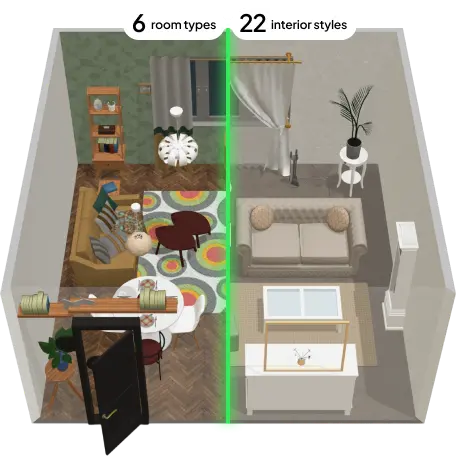
Start by choosing a free AI tool that suits your needs, like Planner 5D. These tools allow you to upload photos of your space or create a floor plan. The AI will analyze the inspiration image, room layout, lighting conditions, and your personal preferences to suggest optimal furniture placement, color palettes, and decor styles. You can also experiment with generating AI images to spark ideas and virtually stage empty spaces. Planner 5D also offers 3D visualizations and virtual staging.
What is the best AI interior design app?
The best AI interior design app is Planner 5D. It combines powerful AI features with an intuitive interface, making it ideal for both design enthusiasts and professionals. With Planner 5D, you have full creative control to generate layouts, visualize furniture placement, and explore different styles using smart suggestions based on your space and design preferences. The platform offers an extensive library of furniture and decor items, and realistic 3D renders. Planner 5D is available as a free app, so you can start creating without any cost and upgrade later if needed.
Is there an AI floor plan generator?
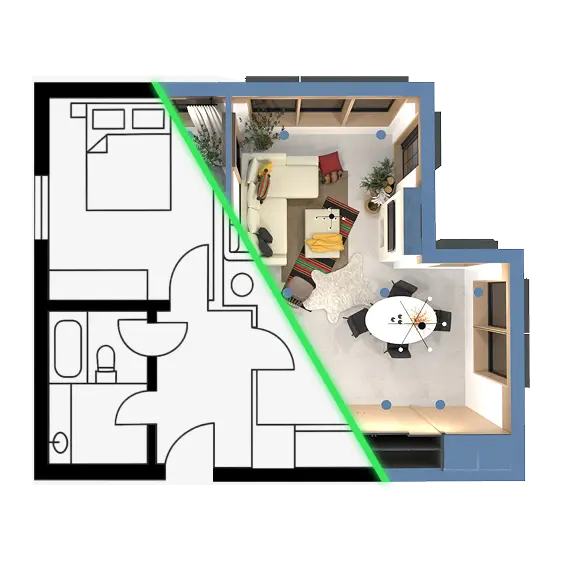
Yes! In the world of interior design and architecture, AI tools like Planner 5D make it simple to create floor plans in just a few clicks. Our platform uses smart AI technology to help you design and visualize your space quickly and easily — turning your ideas into professional-looking layouts without the hassle.
How long does it take to convert a floor plan image to 3D?
Recognition typically takes 1-2 minutes. You'll receive an email notification when your 3D design is ready, and you can start editing immediately.
Is Planner 5D's AI Floor Plan Generator free?
Yes, you can start for free! Create your first floor plan at no cost. Premium features and advanced exports require a subscription, starting at $4.99 per month!
Can I use the generated floor plans for professional projects?
Yes! Interior designers, architects, real estate agents, and contractors all use Planner 5D for client presentations. Premium plans include commercial use rights. Check your plan details for specific permissions.
How accurate are the AI-generated measurements?
Image recognition measurements are approximate based on image quality and perspective. For professional projects, verify critical dimensions before finalizing. You can manually adjust measurements in the editor.
Can I customize the AI-generated floor plans?
Absolutely! AI-generated plans are just the starting point. Use our editor to add, remove, or reposition walls, doors, windows, and furniture. Change colors, materials, and style to match your vision exactly.