
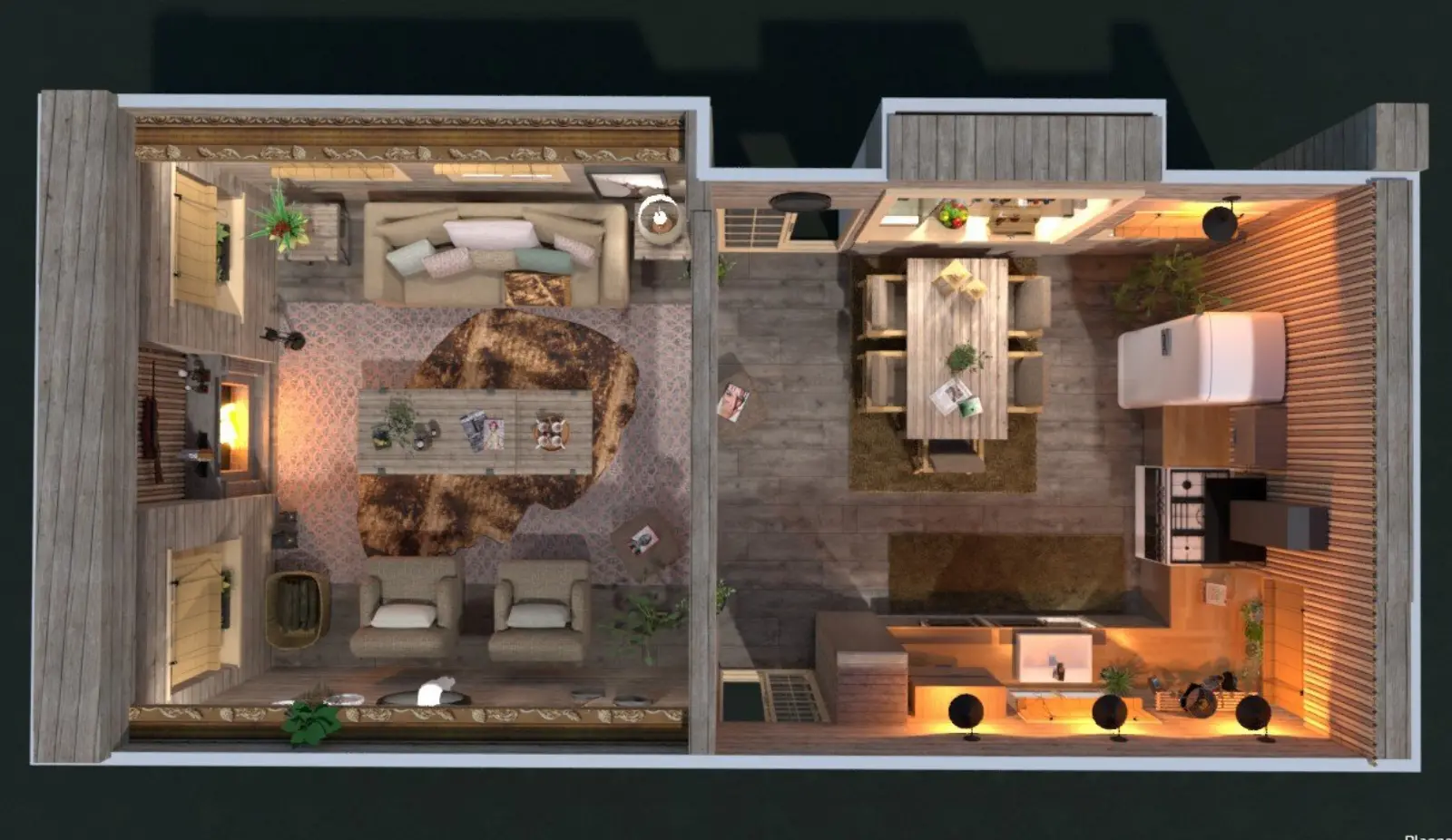
Highly recommended for everybody who has a desire to plan own apartment without spending a lot of time and money on designers. Or just for fun.
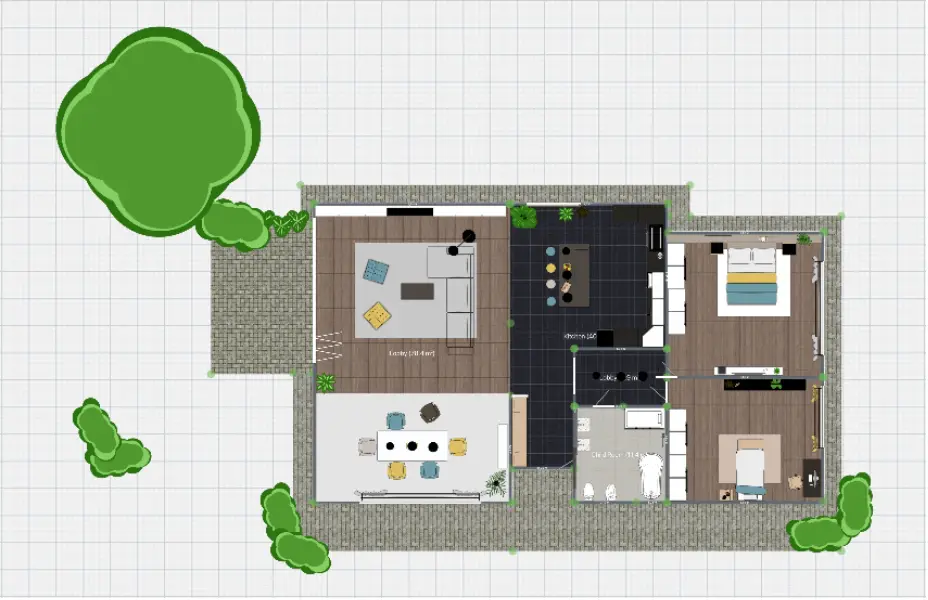
Create accurate 2D floor plans for home renovations, interior design, real estate, and office projects. Planner 5D’s free 2D floor plan software makes it easy to sketch layouts, add rooms and furniture, and turn your plan into a detailed 3D design.
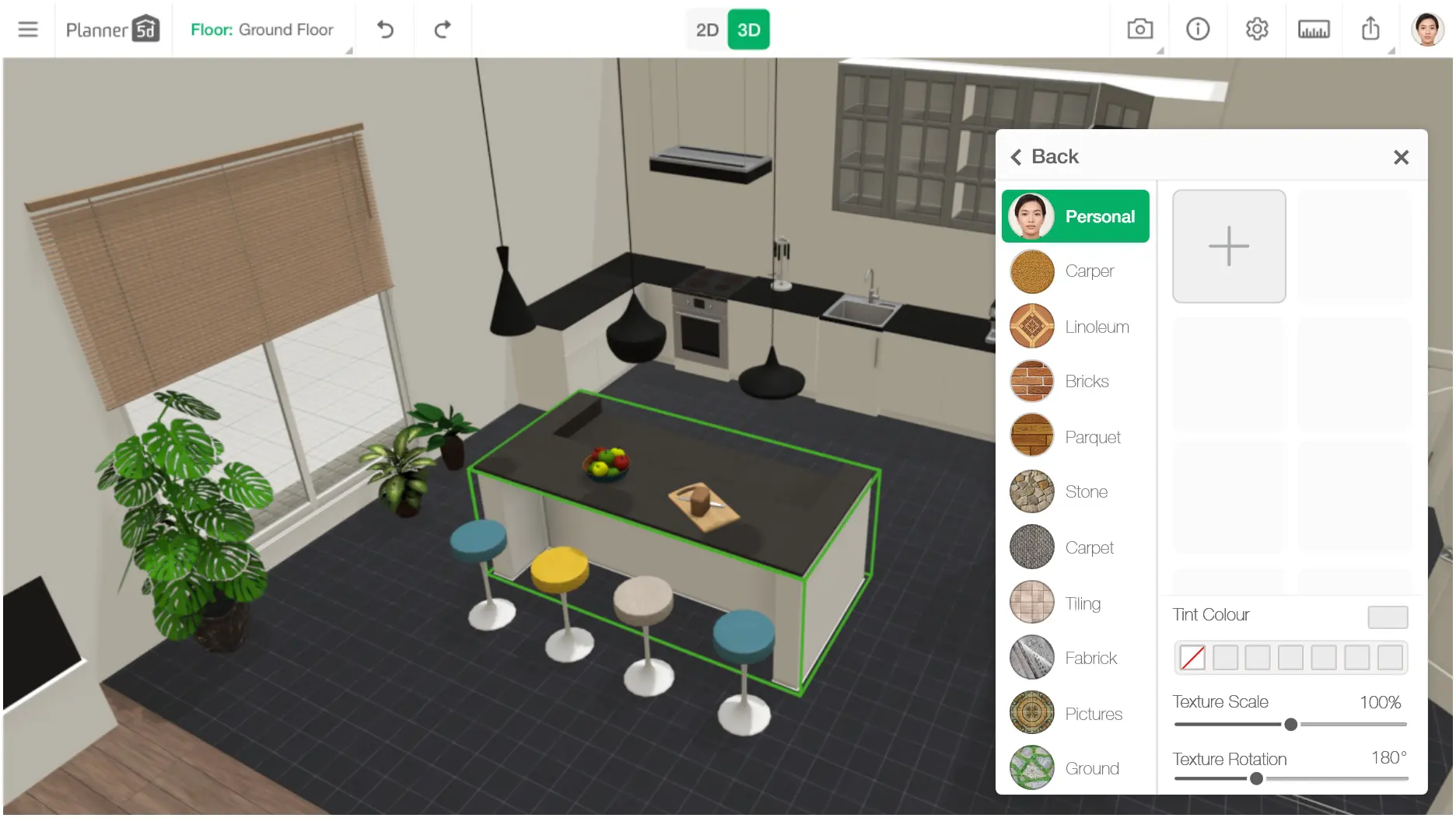
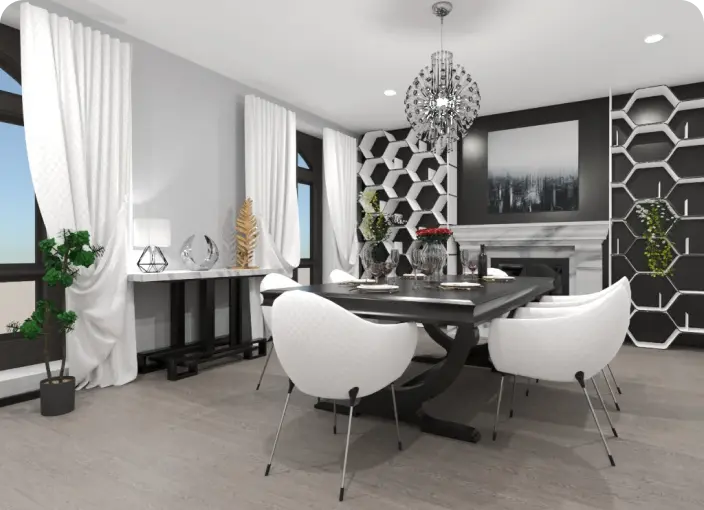
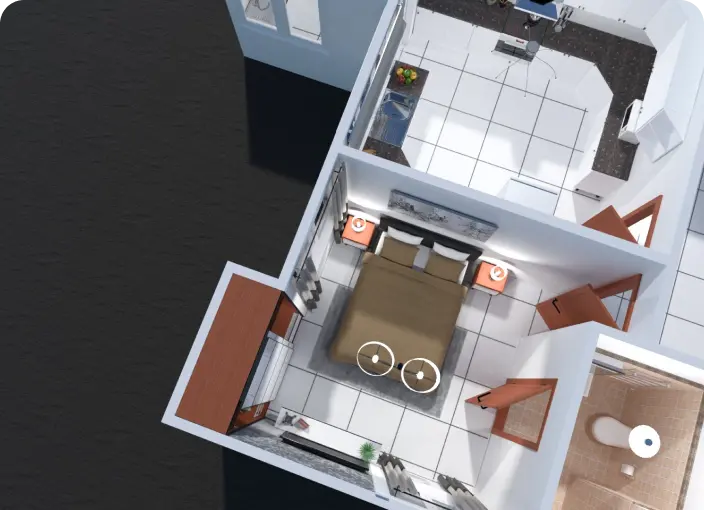
Planner 5D is an easy-to-use 2D room planner for beginners and experienced designers. Start with a blank layout or choose a ready-made template, then add rooms, walls, doors, windows, and furniture using simple drag-and-drop tools. Create a clear 2D floor plan without complicated controls or professional design experience.

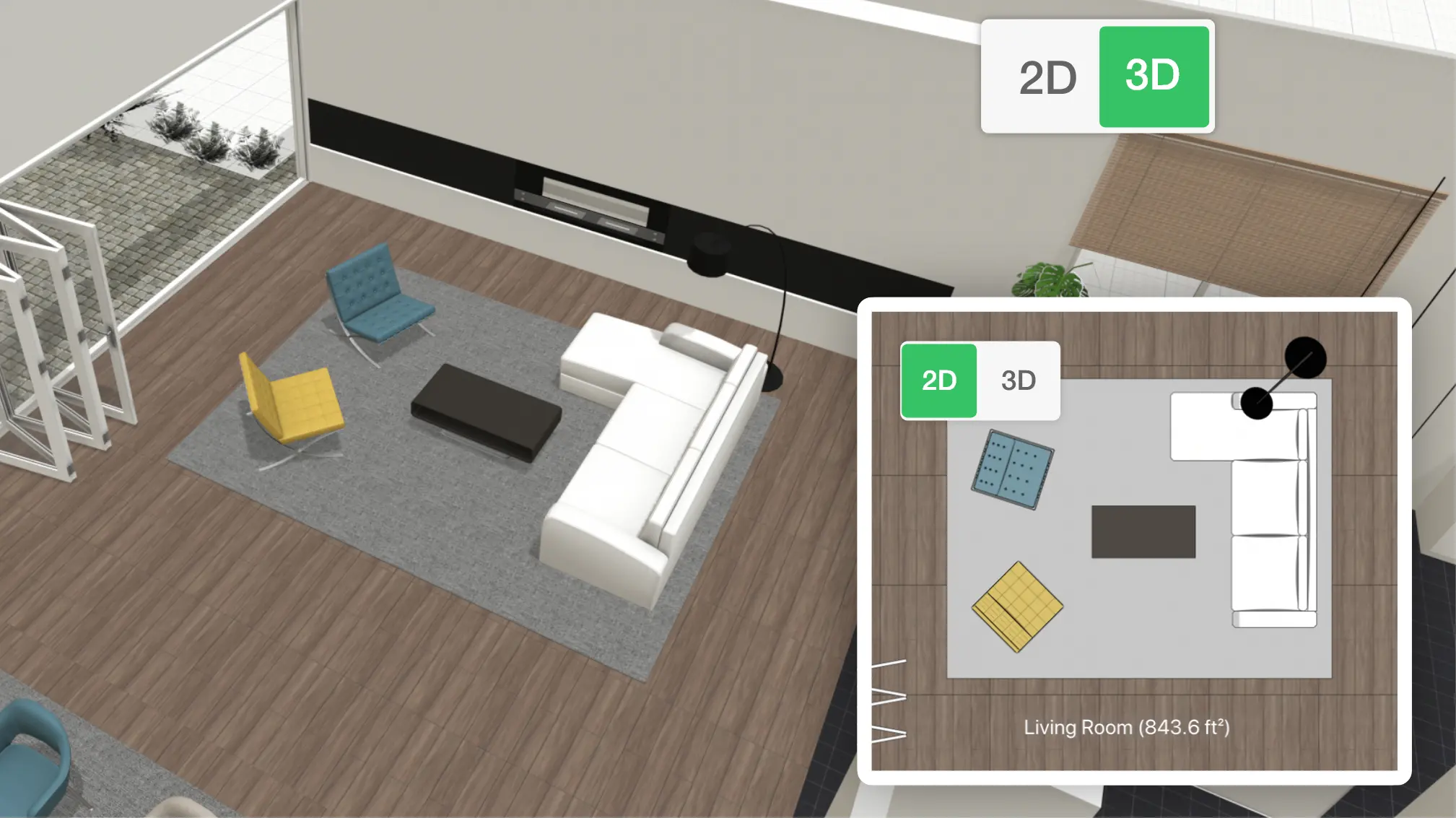
Planner 5D can be used for home design, renovations, real estate, and office planning. You can adjust room dimensions, test different layouts, and organize your space before making changes in real life. Once your plan is ready, switch to the 3D view to explore the design from different angles.
Creating a 2D floor plan takes only a few steps. Open the 2D floor planner, choose a template or start from scratch, and build your layout using the tools below.
Choose a ready-made floor plan template or create your layout from scratch. Outline the shape of each room, then adjust the walls and dimensions to match your space.

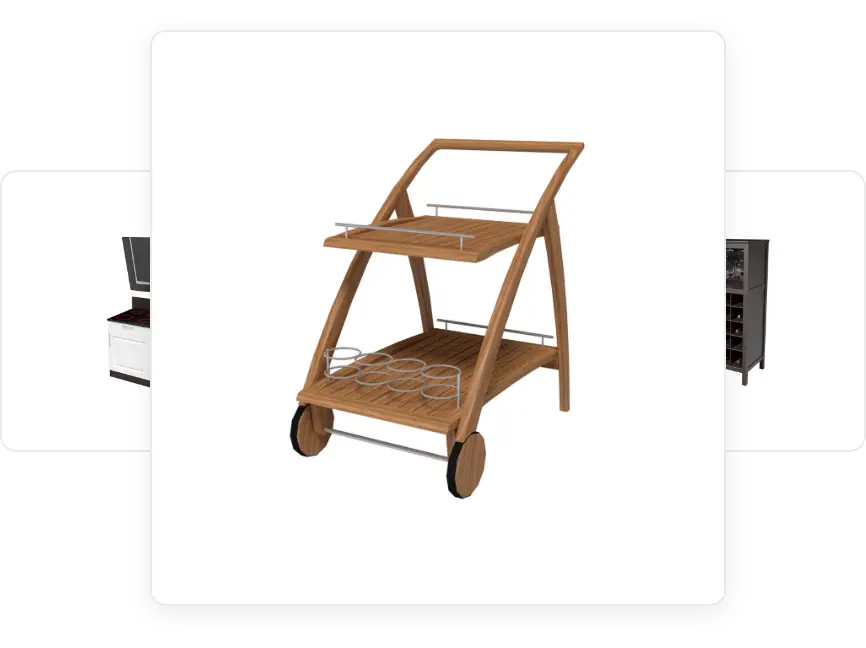
Use the drag-and-drop tools to add windows, doors, stairs, furniture, and other design elements. Resize, rotate, or move each object until the layout works for you.

Review your floor plan and update any missing details. Change colors, materials, furniture, and object properties, then save or export the finished design to share with builders, clients, or other project collaborators.

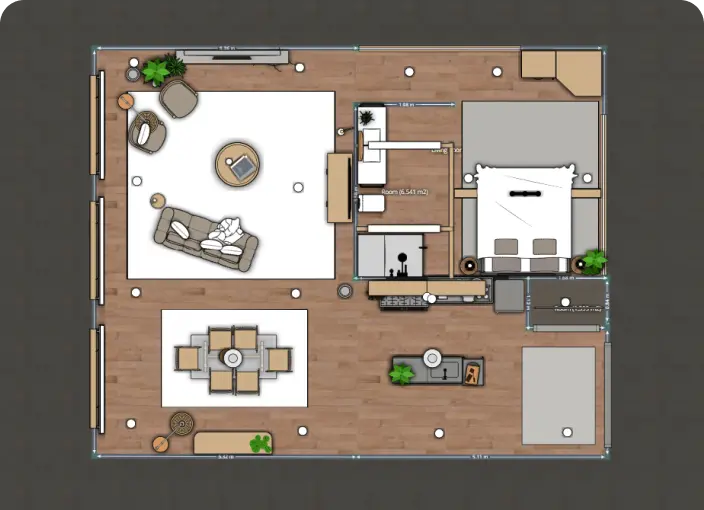
Create a floor plan that shows the relationship between rooms, furniture, open spaces, and key measurements. Planner 5D’s 2D floor plan creator gives you the tools to build layouts for simple rooms or detailed home design projects.

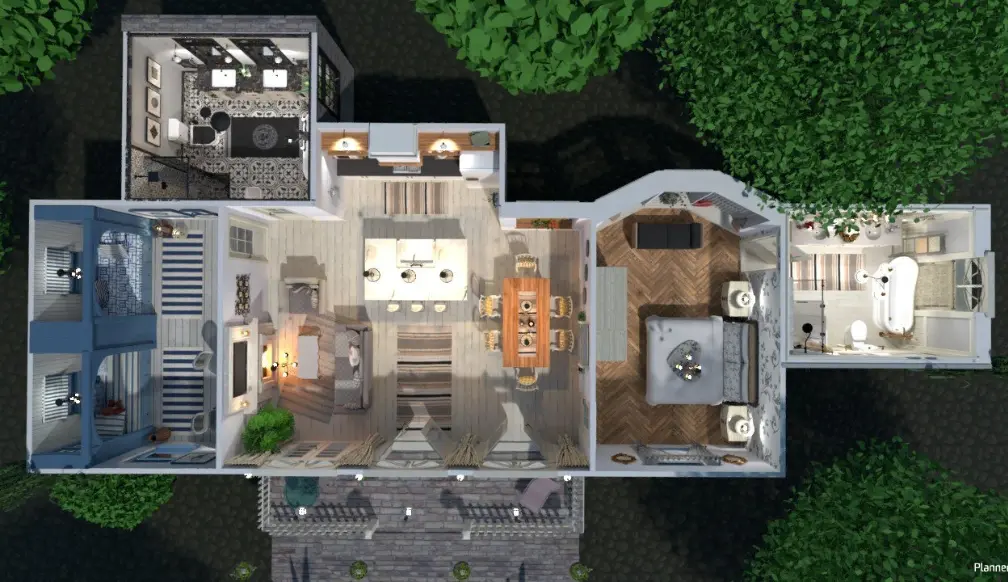
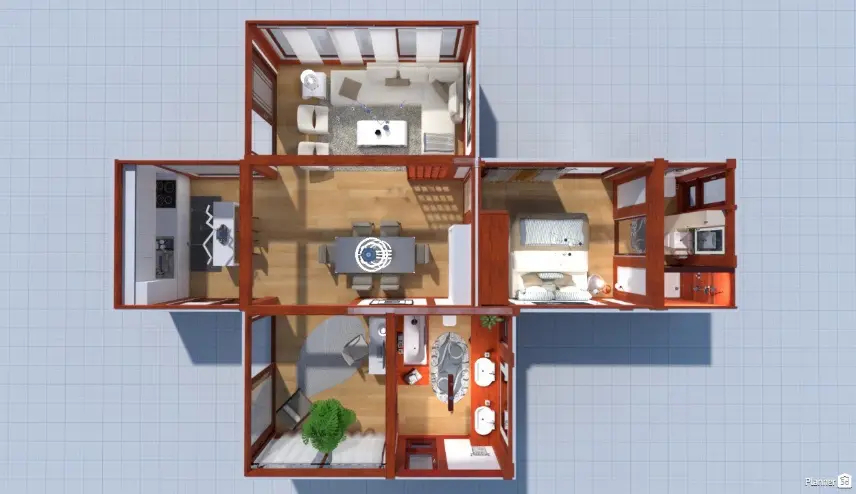
Planner 5D lets you move from a flat 2D floor plan to an immersive 3D design in just a few clicks. Create your layout in the 2D floor planner, then select the 3D view to explore the space from different angles.
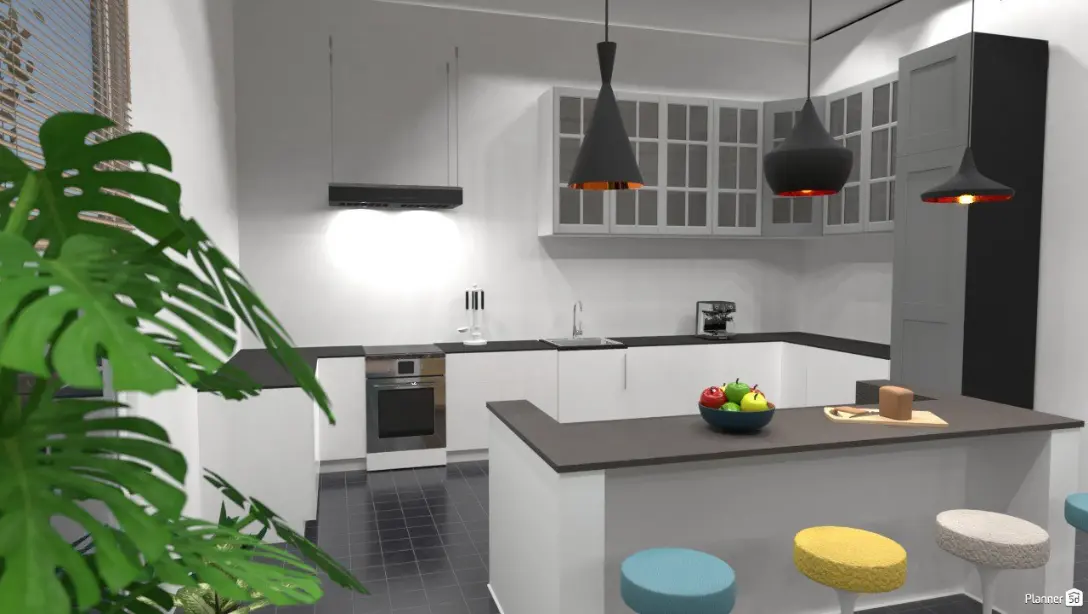
Adjust the camera angle, zoom, and perspective to review your design. Add furniture, décor, and lighting, then personalize floors, walls, and other surfaces with different colors, materials, and textures.
When your design is complete, save the project and share it with others.


Planner 5D is used by beginners, homeowners, renovators, and design professionals. Browse the project gallery to see 2D floor plan examples created by other users.
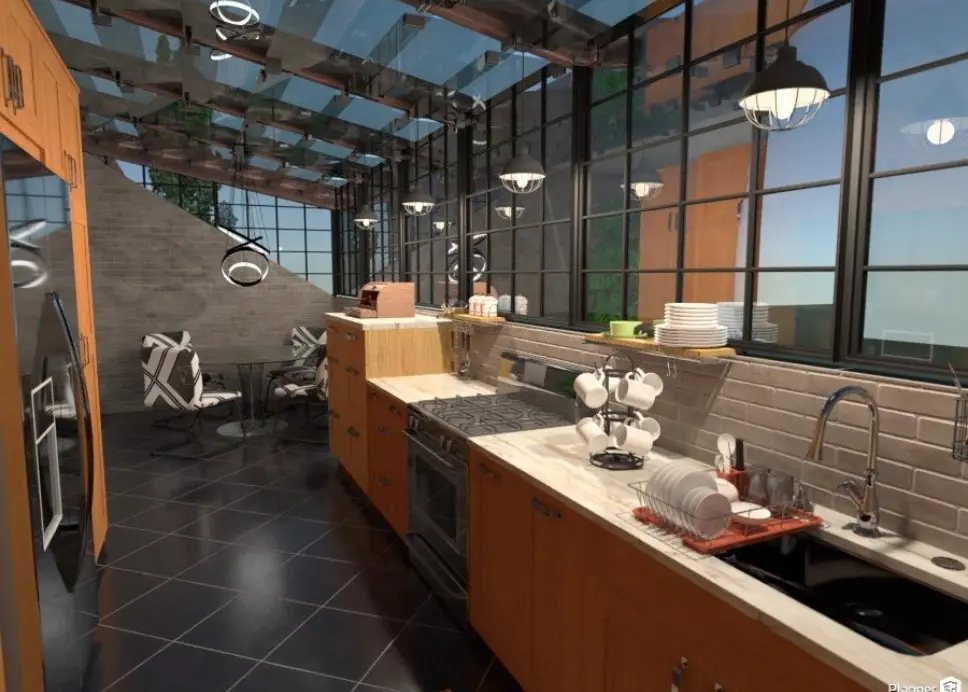
These examples can help you explore room layouts, furniture arrangements, and design ideas before starting your own plan. Choose a project for inspiration, then use the free 2D floor plan creator to build a layout that fits your space.
Check out more home design ideas below
While it sounds complicated at first, good software will solve the issue. We’ve simplified the process of creating floorplans as much as possible.
The Planner 5D floor-planning software is a user-friendly, intuitive tool for visualizing your future interior.
A well-designed office layout can significantly impact employee productivity and job satisfaction. Here are the most common office layouts to consider.
Confused by all the symbols you see on your floor plan? This guide helps you understand what they mean.
Want to become an interior designer and learn about the industry? Here is a list of the top schools and programs to help you reach your goals.
In this post, we explore the origins of industrial style and offer suggestions for incorporating it into your home.
You previously signed up with these emails:
We appreciate your enthusiasm for our product, so we’re offering you 50% off your first year.