Frequently Asked Questions about Planner 5D
Here is everything you need to know about Planner 5D, the smart and affordable interior design software.
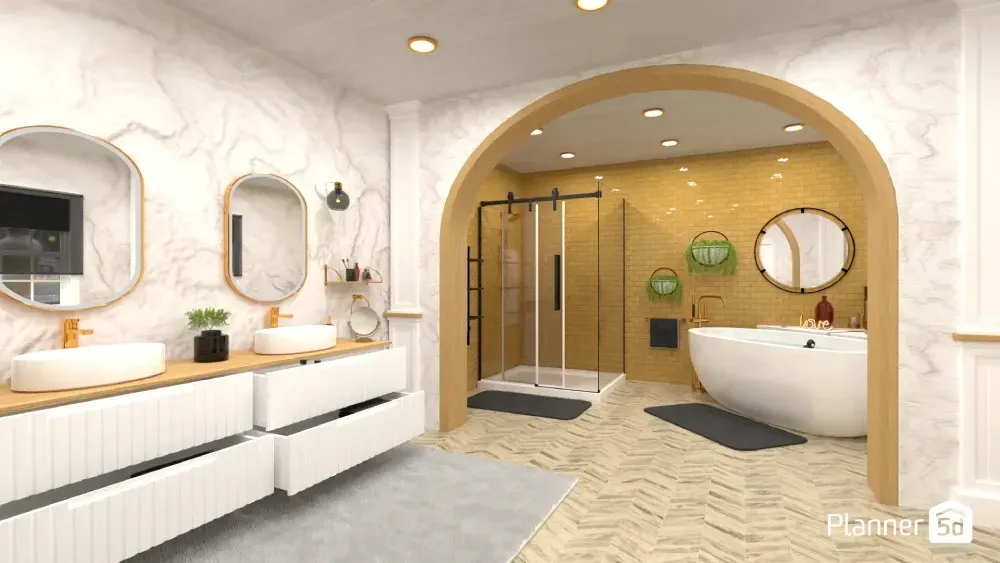
Planner 5D is a practical, intuitive and accessible tool for interior design professionals and enthusiasts. With it, you can visualize your home renovation, practice your design skills, explore decorating styles, and even build a professional portfolio.
Our software offers comprehensive features, allowing anyone to create personalized and realistic interior designs. If you still have questions about how Planner 5D works, this FAQ compiles the most common questions about the platform.
What is Planner 5D?
Planner 5D is an interior design software that enables you to easily create floor plans and 2D and 3D projects without requiring technical skills.
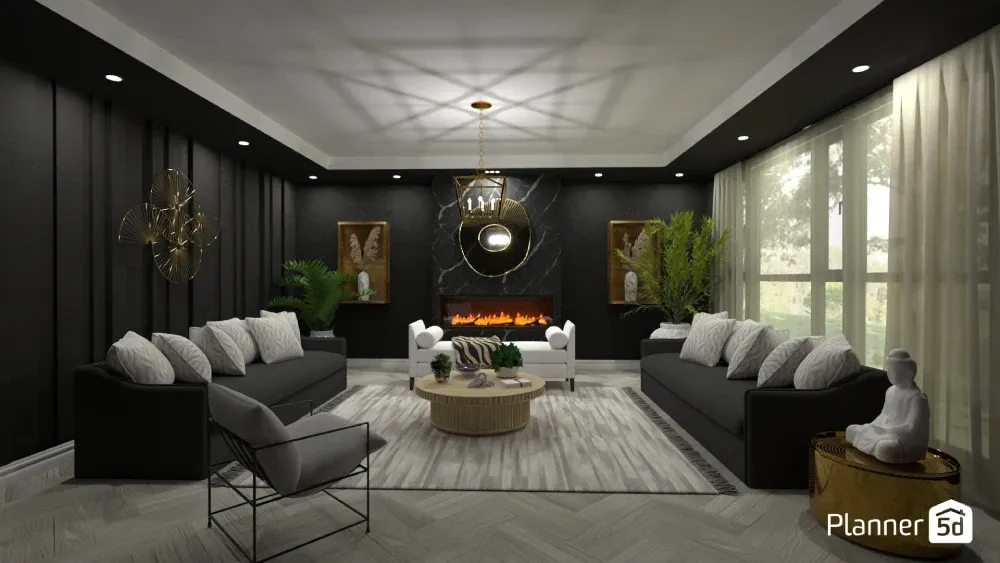
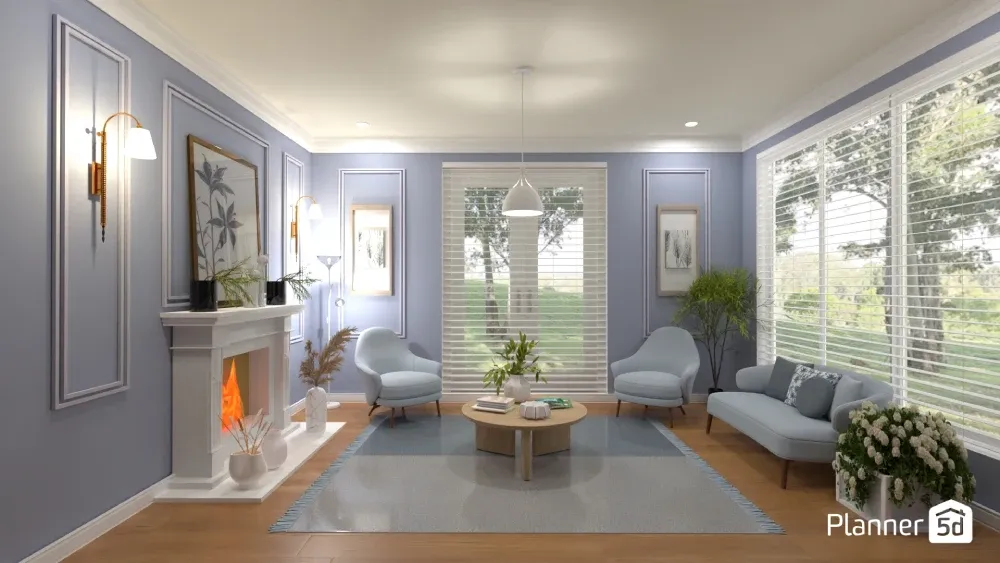
Design your dream home | MariaCris/Planner 5D
It's geared towards both professionals and enthusiasts, offering AI-powered tools, mood board creation, rendering capabilities, and a comprehensive library of furniture, finishes, and decor.
Is Planner 5D free?
Yes, Planner 5D offers a free version that allows you to create 2D and 3D projects, explore the object library, and visualize environments in a basic way.
Stuck on your next design move?
Let AI generate stunning layouts in seconds.
However, some advanced features, such as high-quality rendering, full access to the item library, and premium tools, are only available on the paid plans.
What are Planner 5D's paid plans and what do they offer?
Planner 5D offers three paid subscription options with additional benefits. They are:
- Premium: Access to AI Designer and Smart Wizard tools, automatic floor plan recognition to create a 3D project, a library of over 8,000 items, plus the ability to edit textures and create five photorealistic renders per month.
- Pro: All Premium features, unlimited 4K renders, 3D model import, moodboard creation, 360º Panorama, and the ability to create a personalized profile to promote your work and attract clients.
- Enterprise: Customized solution for companies with white-label service on any of the Planner 5D platforms, product showcase, e-commerce integration, augmented reality, virtual reality, and Apple Vision PRO for businesses.
Prices may vary depending on whether you choose a monthly or annual subscription. See more details here.
Does Planner 5D have an app?
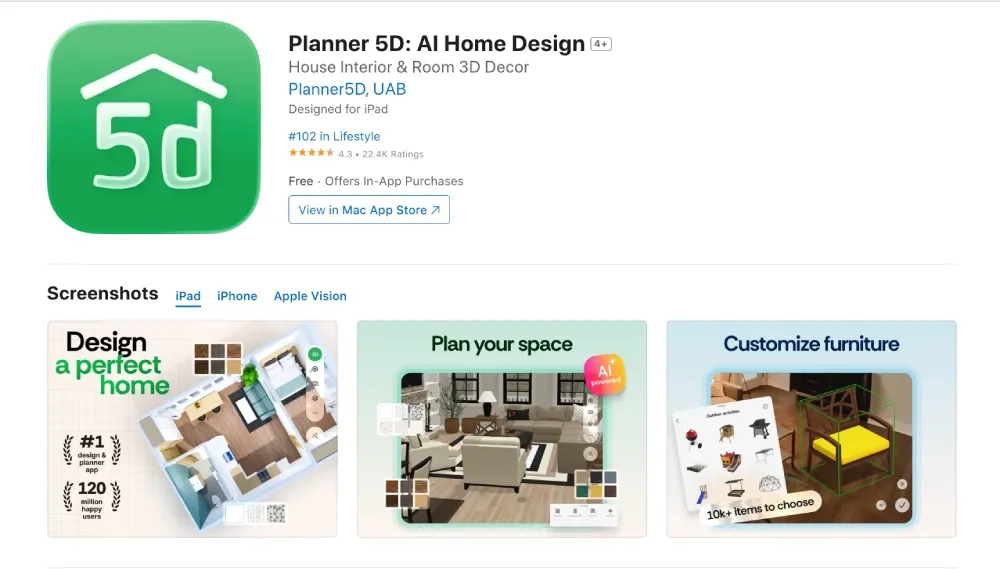
Yes. Planner 5D is available for iOS, Android, and the web. The experience syncs across devices, allowing users to start a project on their computer and continue it on their phone or tablet.
How to unlock Planner 5D features?
In addition to paid subscriptions, you can unlock additional features by participating in the weekly design battles.
In these friendly design competitions, users create projects based on proposed challenges to compete for a month of free access to the platform's entire catalog.
How to use Planner 5D?
Using Planner 5D is simple and intuitive:
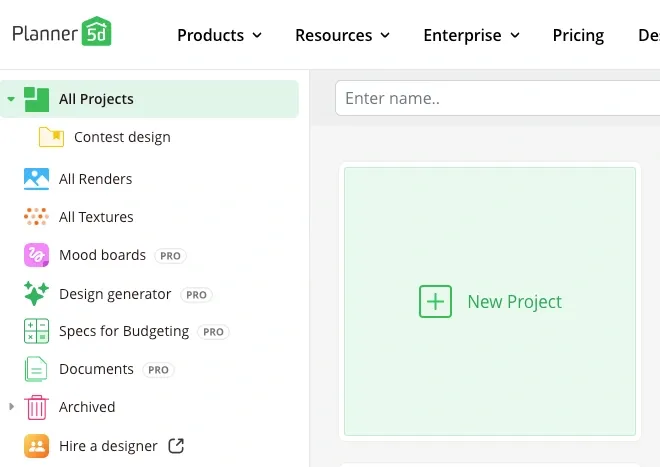
- Create a free account on the website or app.
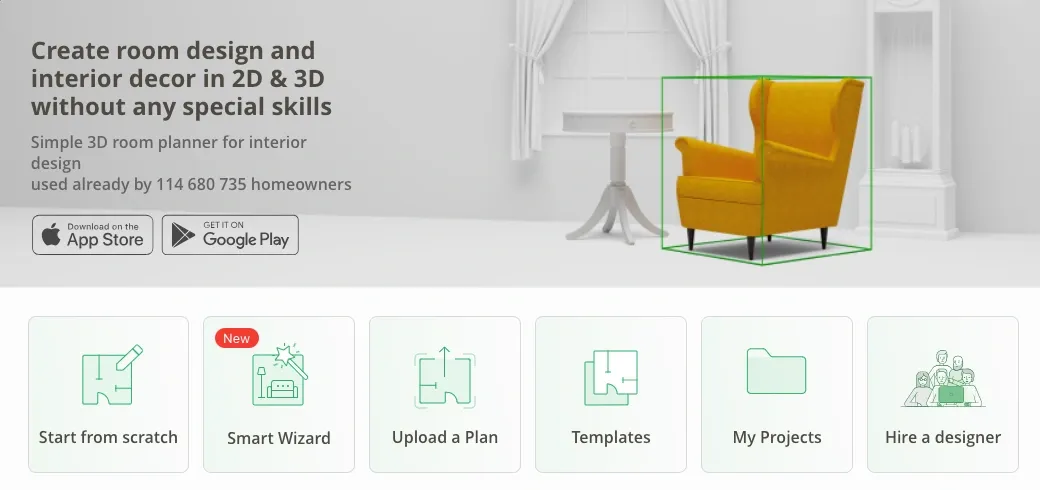
- Choose between starting a project from scratch or using ready-made templates.
- In 2D mode, add walls, doors, windows, and define the floor plan with measurements.
- In 3D mode, decorate with furniture, textures and accessories.
- Adjust colors, materials and styles as you prefer.
- View in 3D or render in 4K for professional-quality images.
How to create a render in Planner 5D?
Rendering is the process of transforming a design into a realistic image. In Planner 5D:
- Finish decorating the room.
- Click on the camera icon in the top bar (web version) or in the top right corner (app).
- Choose the aspect ratio and image quality (HD, Full HD, Quad HD, or 4K, available on paid plans).
- Wait a few moments for the image to be ready.
Why use Planner 5D?
Planner 5D combines practicality, advanced features, and ease of use. It's a helpful tool for testing decorating ideas without costly renovations, visualizing spaces before making any changes, and experimenting with different decorating styles and combinations quickly and intuitively.
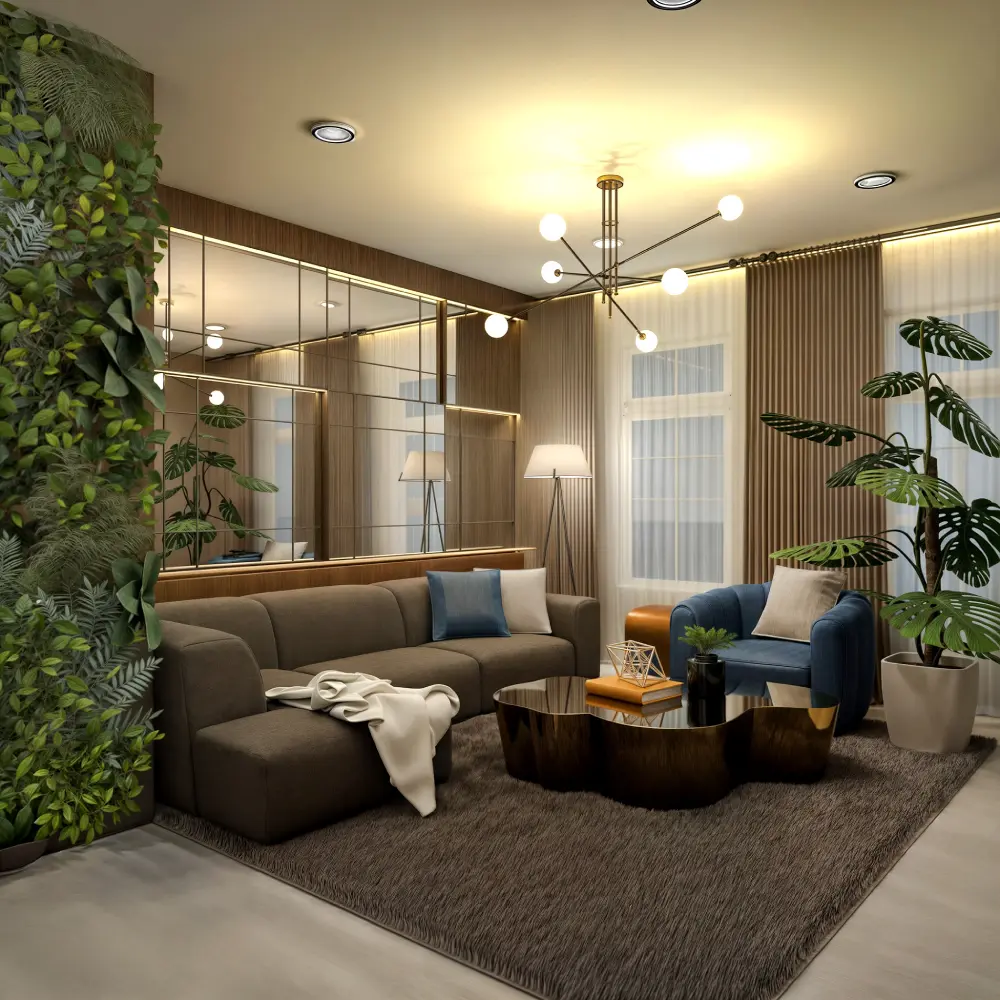
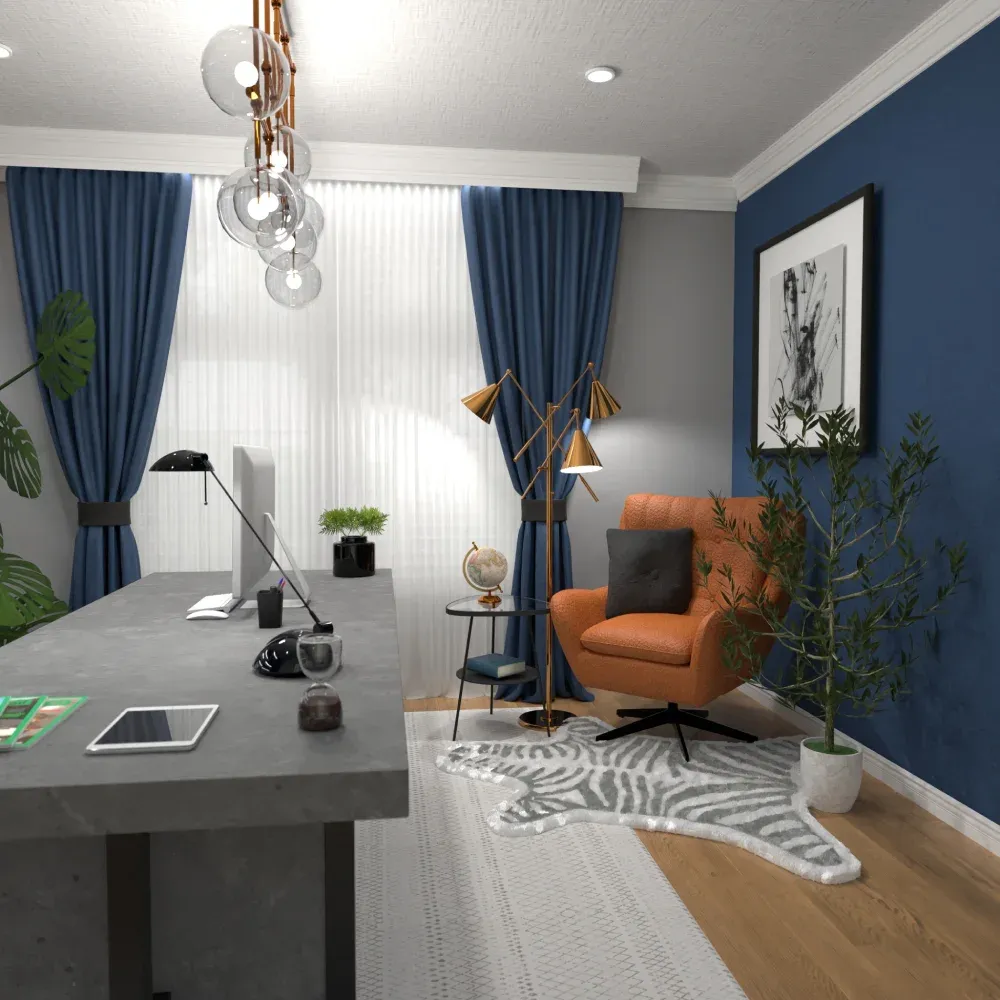
Designs by Evelinaa/Planner 5D
Plus, you can share projects with others, whether for personal or business purposes, and create professional interior design portfolios.
What are the benefits of the Planner 5D interior design course?
Planner 5D's interior design course is suitable for beginners and those seeking to learn the fundamentals of design. In the course, you'll learn:
- The principles of design and composition.
- How to plan floor plans and organize spaces.
- Apply what you learned to creating your own home.
Can people without interior design experience use Planner 5D?
Yes! Planner 5D was designed to be accessible to everyone. The intuitive, drag-and-drop interface features Bernard AI, an intelligent virtual assistant that answers all your questions and helps you create spaces.
Even those with no prior experience can get started quickly and achieve impressive results.
What AI tools are in Planner 5D?
Planner 5D offers several AI-powered tools that make design simpler and more creative:
- Smart Wizard: Enter the type of room, dimensions and desired style, and the tool automatically generates a decorated layout.
- AI-powered floor plan recognition: Upload a floor plan (drawing, image, or file) and AI will convert it into an interactive 2D and 3D model.
- Design Generator: Upload a photo and wait for the software to generate decoration suggestions for the same space based on the defined criteria.
- 3D visualization, virtual tours and virtual reality (VR): After setting up the environment, you can explore it immersively with 360º panoramas or in virtual reality.
Conclusion
The future of interior design is at your fingertips. With Planner 5D, professionals and enthusiasts can transform ideas into personalized, realistic projects. Try our tools today and start creating the space of your dreams. Click the button below to learn more.
Planner 5D: The Future of Interior Design
Experience the power of AI-driven design with Planner 5D. Our innovative tools, including the Design Generator, Smart Wizard, and AI floor plan recognition, make bringing your dream home to life easier than ever. Transform your vision into reality and unlock a world of design possibilities today.
Start designing your dream home