Start Designing

Free 3D Backyard Design Tool & Layout Software

Design your backyard online with our easy-to-use yard design software. Planner 5D helps you create professional landscape plans, visualize outdoor spaces in 3D, and bring your ideas to life for free.
Customers Rating
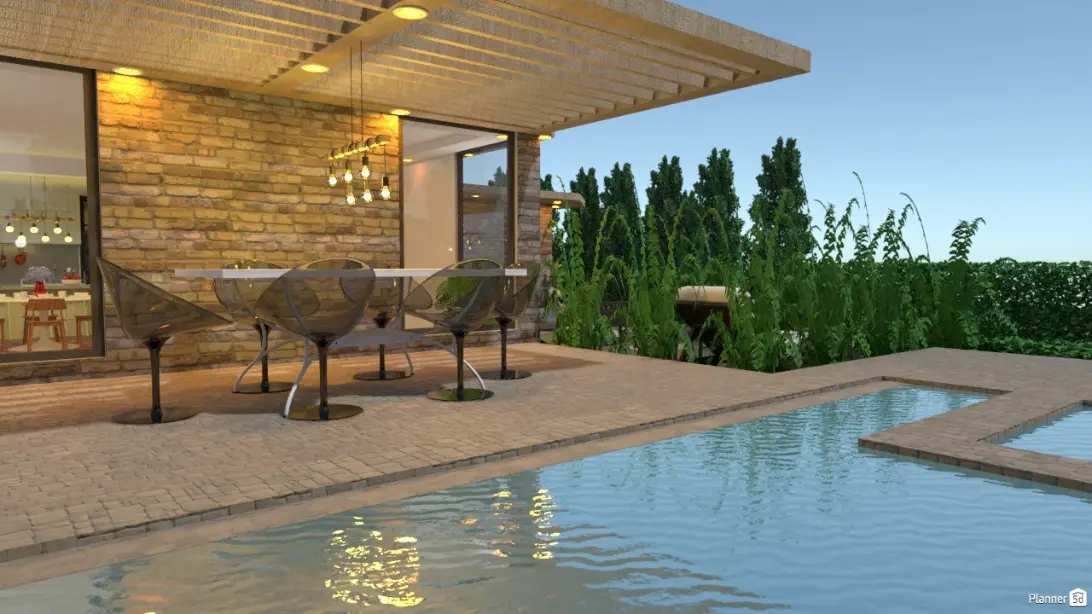
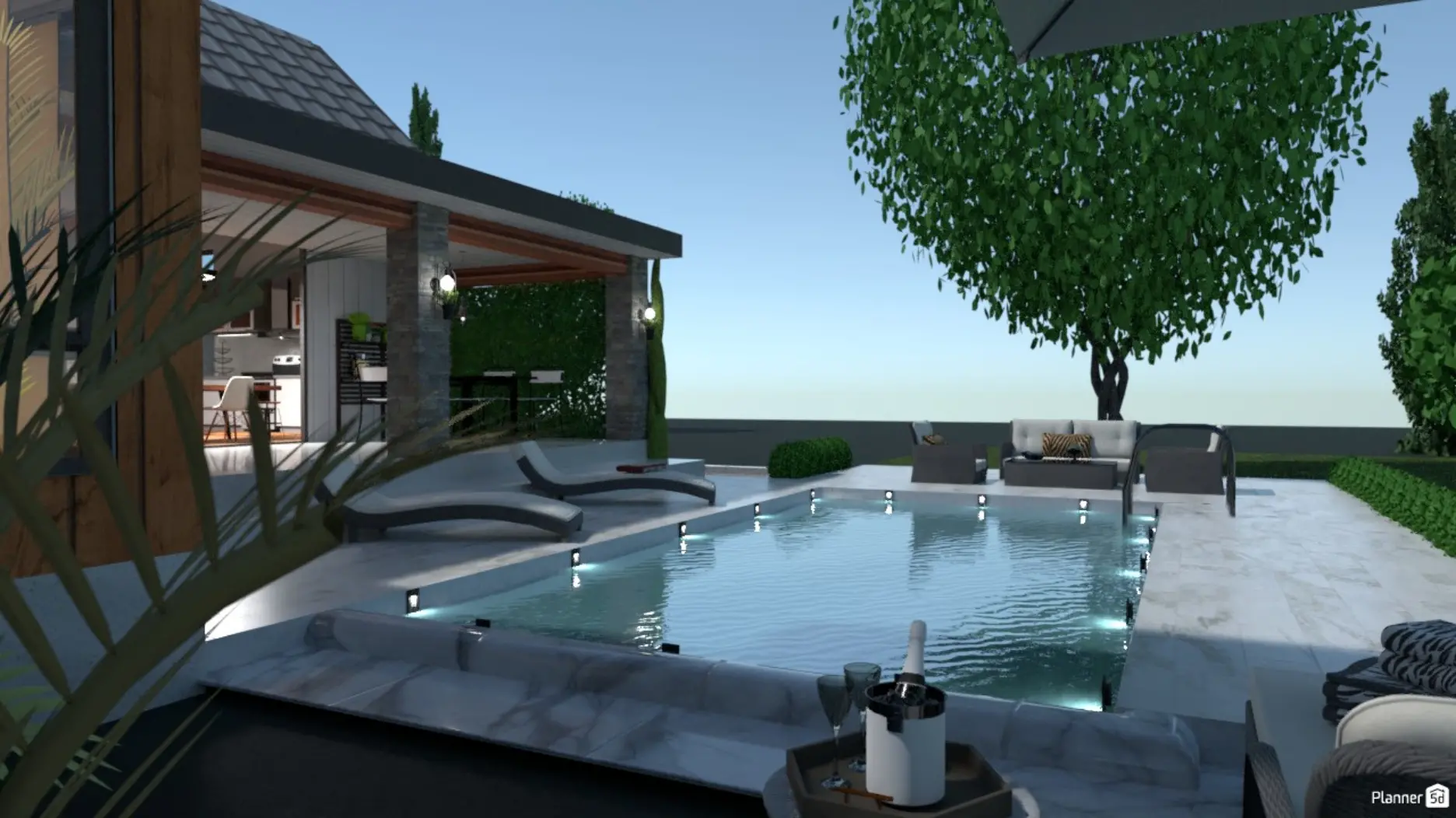
Modern yard design featuring a stone patio, dining area under a pergola, and a luxury swimming pool.

Whether you are building a new home or need a fresh backyard design, Planner 5D is the ultimate landscape plan creator. Skip the expensive specialists and become your own designer. Our tool makes it easy to stay within budget while achieving professional-grade results.
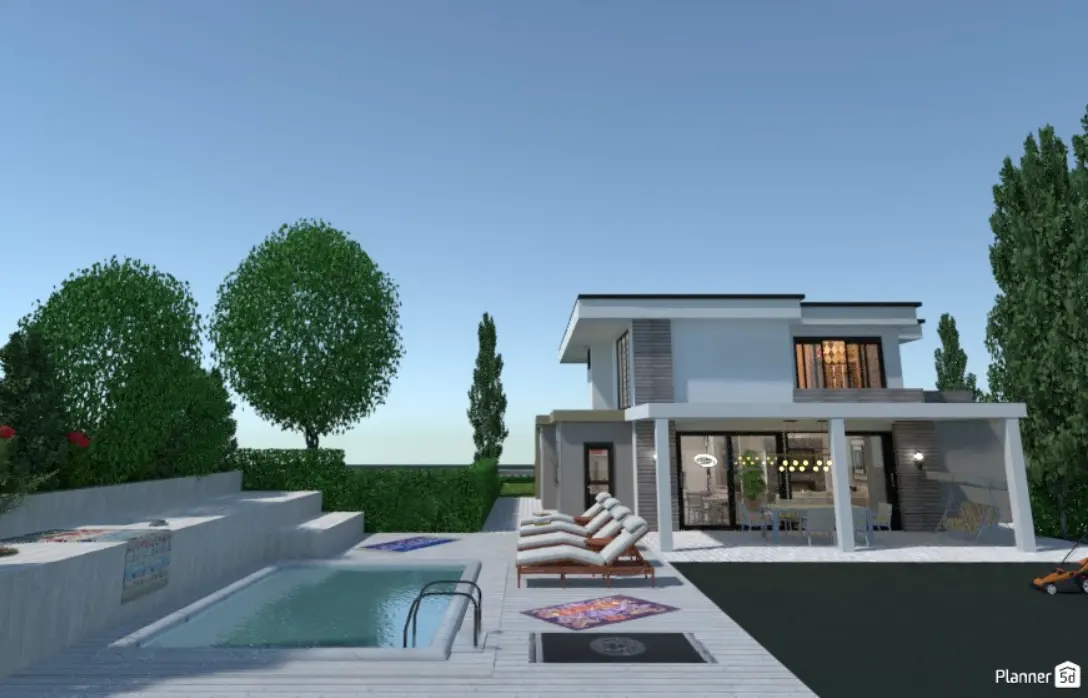
3D backyard layout of a modern two-story home with a swimming pool, lounge chairs, and manicured landscaping.

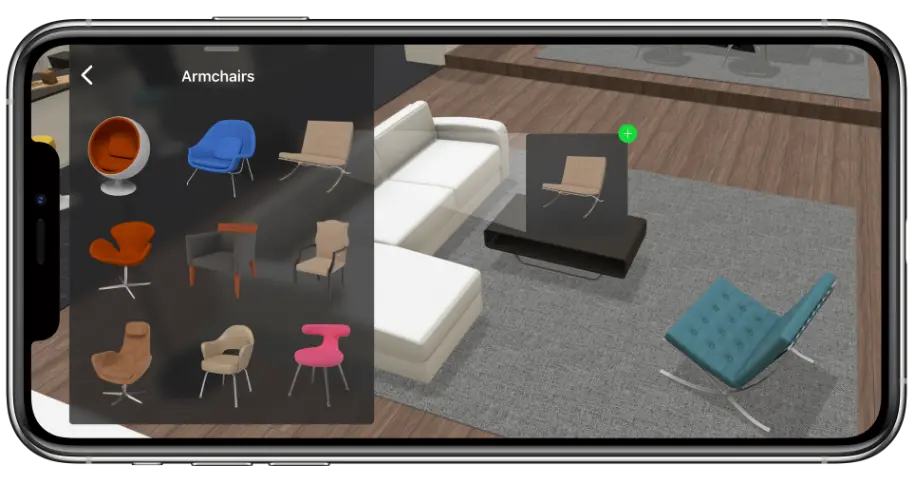
Use our advanced yard design tool to realize even your most inventive ideas. Avoid complex CAD programs with steep learning curves; our interface is built for speed and ease. Choose from a vast library of yard items and furniture to complete your layout in minutes.

General

How to use our backyard design tool

Our yard design software helps professionals and homeowners create safe, engaging, and attractive outdoor living spaces with ease.

Use the tool to design your backyard by creating activity zones, selecting specific materials and plants, and exporting professional plans for your contractors.
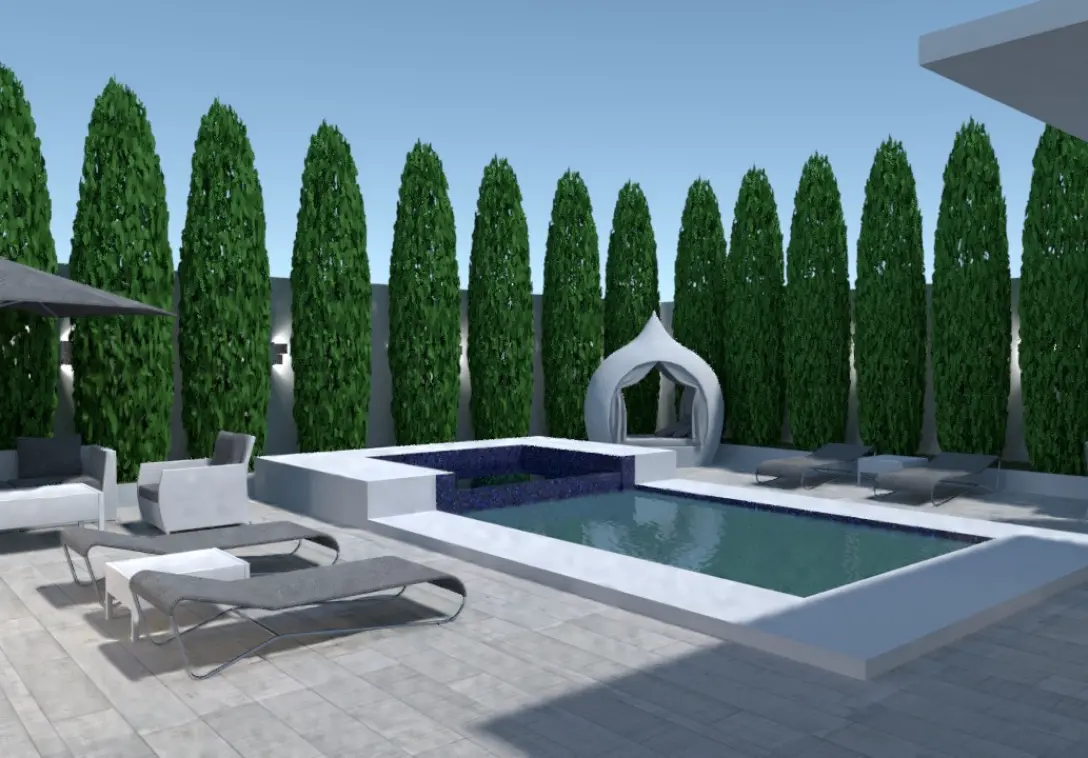
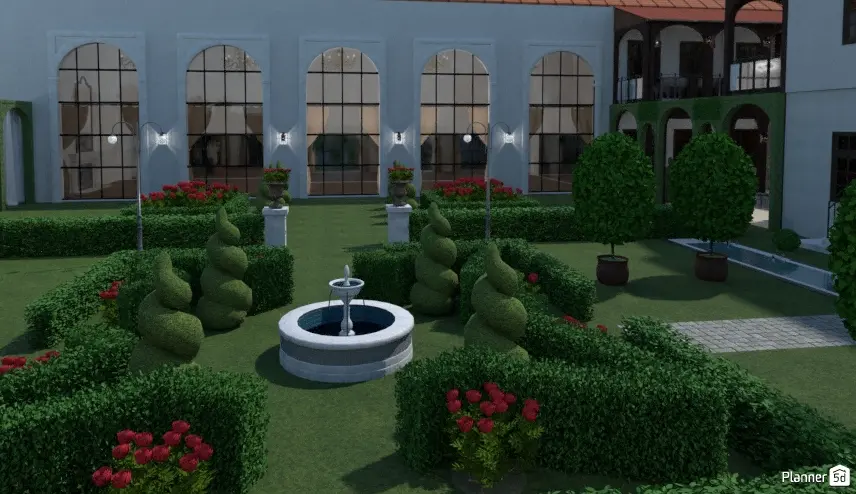
Minimalist backyard design with a small rectangular pool, white stone patio, and tall privacy hedges.

Start by visualizing how you want to use your new outdoor space.

Identifying your specific needs allows you to make informed decisions and realize the full potential of your backyard layout.

Whether you prefer a colorful, casual look or a sleek, classic aesthetic, our backyard design tool accommodates every style with thousands of customizable features.
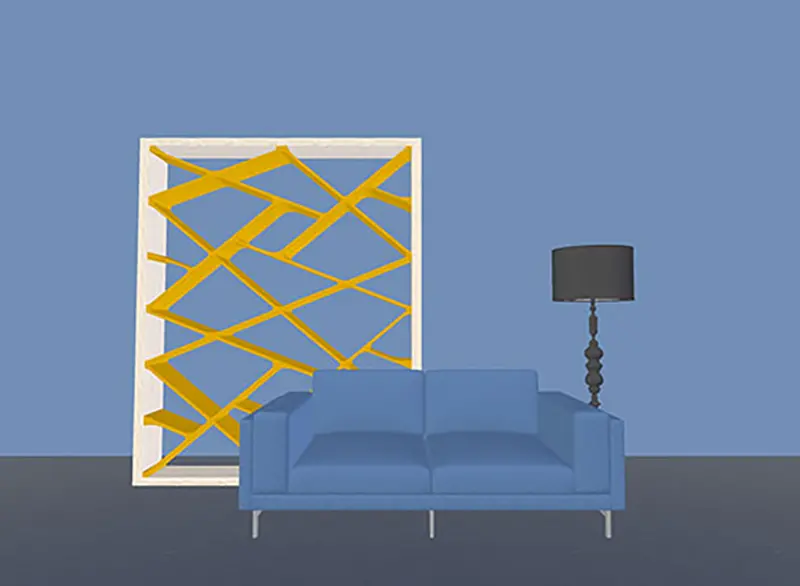

Comparison of a 2D sketch versus a realistic 3D render created with a backyard design tool.
Creative

How to create a professional 3D backyard plan

Want to design your backyard with professional results without spending hours on complex software?

Follow these simple steps to build your ideal yard design:
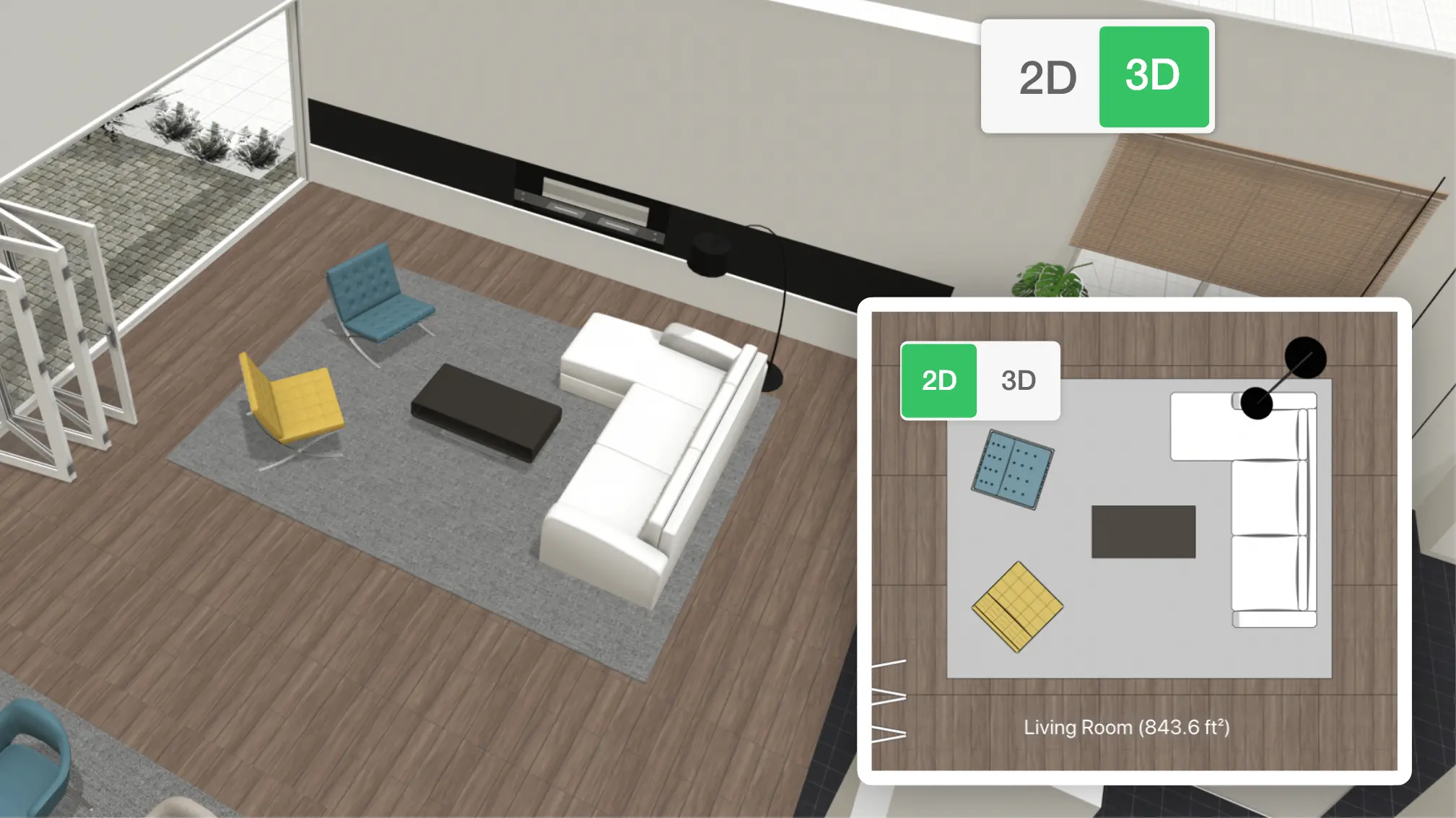
garden design tool
1

Create a layout

Draw fences and partitions to divide the yard efficiently. It's an important step but leaves lots of room for creativity.
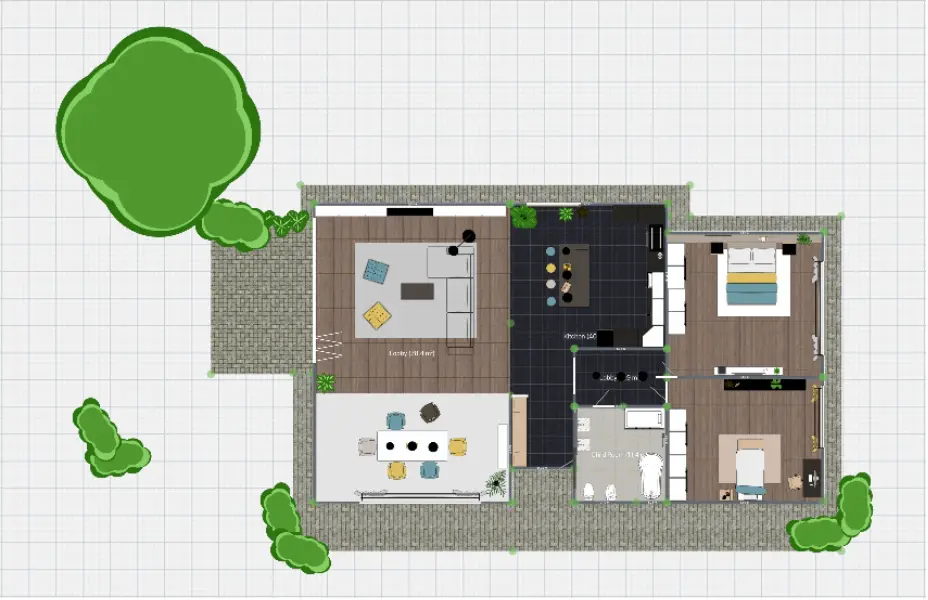
Detailed 2D landscape plan showing a house floor plan and outdoor garden layout.
2

Add all the details

Fill your backyard design project with plants, utilities, and decorations.

Simply drop them onto the interface and place them in the right spot. You can also change their colors and shapes.
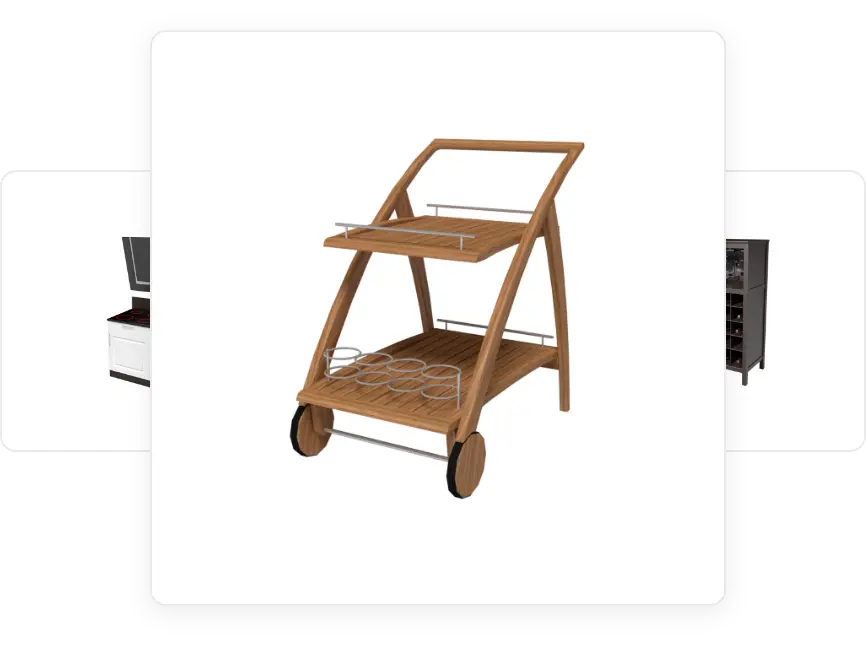
3D model of a wooden outdoor serving cart from the Planner 5D yard items library.
3

Convert it to 3D

Change a finished 2D plan into a 3D image in just a few moments. This way, you'll know exactly how it will look in real life.

Realistic 3D visualization of a covered wooden patio with modern outdoor furniture.
REAL

Free backyard design ideas and examples

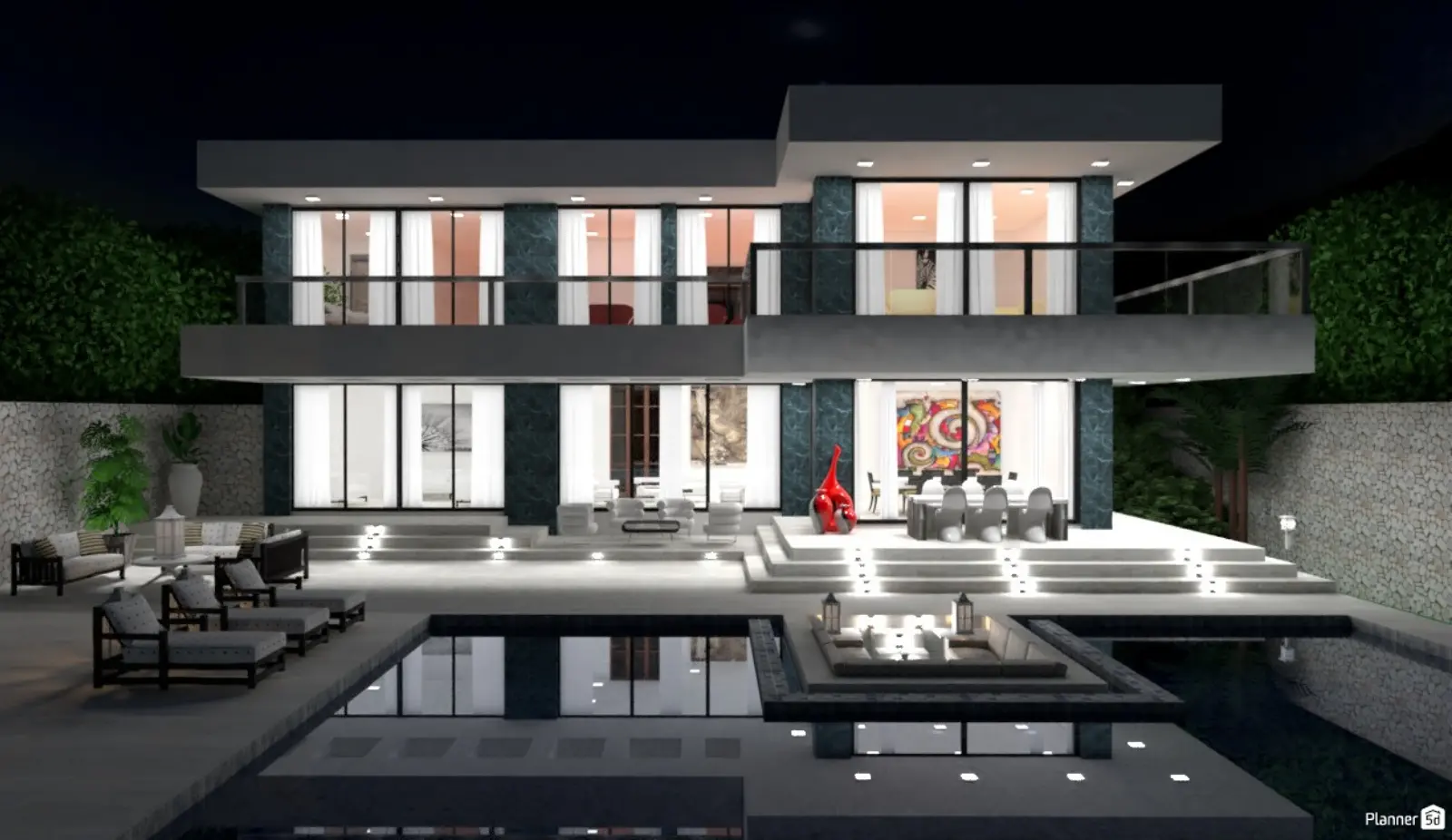
Nighttime 3D render of a luxury villa with integrated outdoor lighting and a large pool area.

If you are new to yard design, our intuitive tools make it easy to achieve professional results. Many of our users start with zero experience and create stunning, high-quality outdoor layouts.

Our showcase highlights the power of our backyard design tool across various styles and project sizes. Browse these real-world examples to find the perfect look, then start building your own custom plan today.

Testimonials
Here is what our customers say

The application is the best mobile planner around. There is a paid version, but you can also unlock paid items for 72 hours after watching an ad. This is the best app available for Android! I advise everyone to get it, you won’t find anything better!

Nikita Egorov

Simply a great app! 5 stars!

Dana
Backyard design

F.A.Q.

Is the Planner 5D backyard design tool free?
Yes, we offer a free version of our backyard design tool that includes a wide range of functions and items. You can start designing for free and upgrade to the paid version later for advanced features.
Was it helpful?
Is using a backyard design tool complicated?
Not at all. Whether you want a simple yard design or a highly detailed 3D plan, our interface is designed to be intuitive for everyone, regardless of skill level.
Was it helpful?
How do you design a backyard layout?
Start by outlining your fences, then add walkways, plants, and utilities. Our backyard layout tool makes it easy to set paths and place items without crowding your space.
Was it helpful?
Can I design my backyard on an iPhone or iPad?
Yes, our yard design software works on all devices. You can download the app for iOS or Android to design your backyard anywhere, with the same quality and features as the desktop version.
Was it helpful?
Got more questions? Get in touch.

Feeling inspired?

Check out more home design ideas below

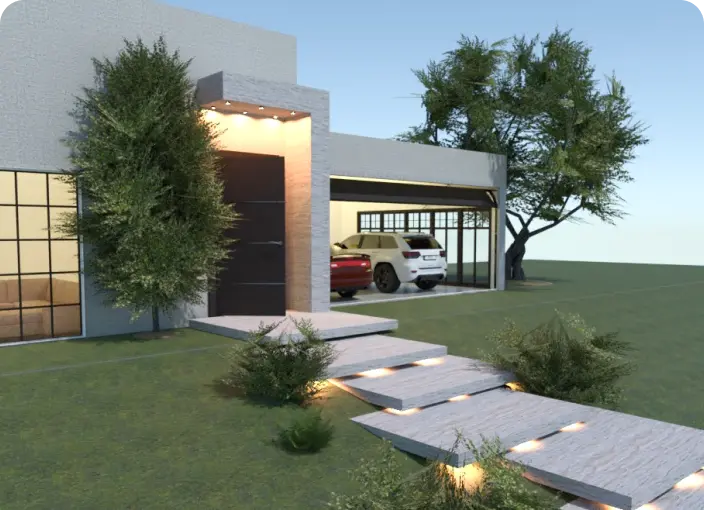
home with a garage designed with Planner 5D

Garage Design Software

You might not realize how much potential a garage design can have. But with this software, you get the chance to experiment however you like.

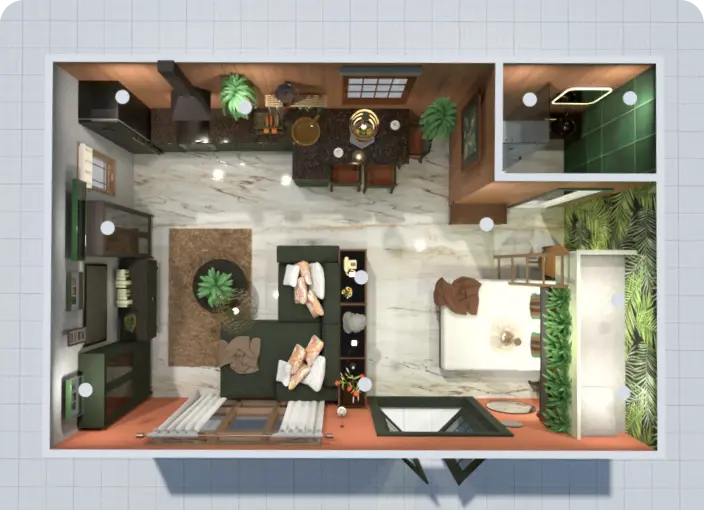
top down view of a room designed with a room planner

Floor Planner

The Planner 5D Floor Plan Creator is a beginner-oriented instrument to create any floorplan layout with zero designer skills.

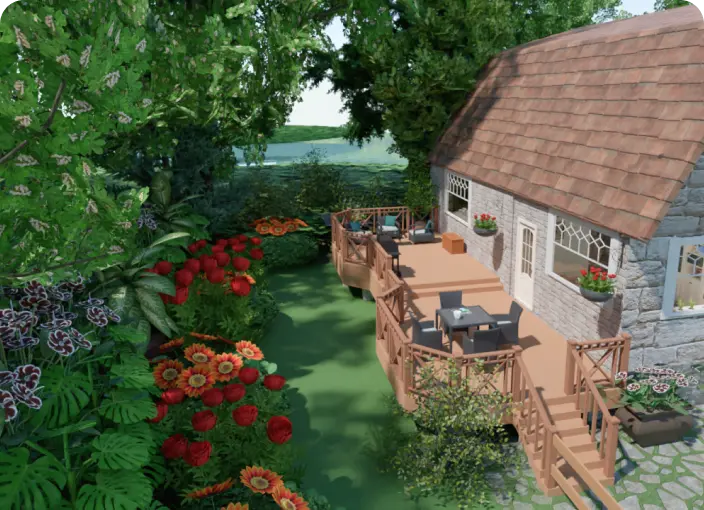
backyard design software

Outdoor Design Ideas

Get the inspiration for Outdoor design with Planner 5D collection of creative solutions.

Related blog posts

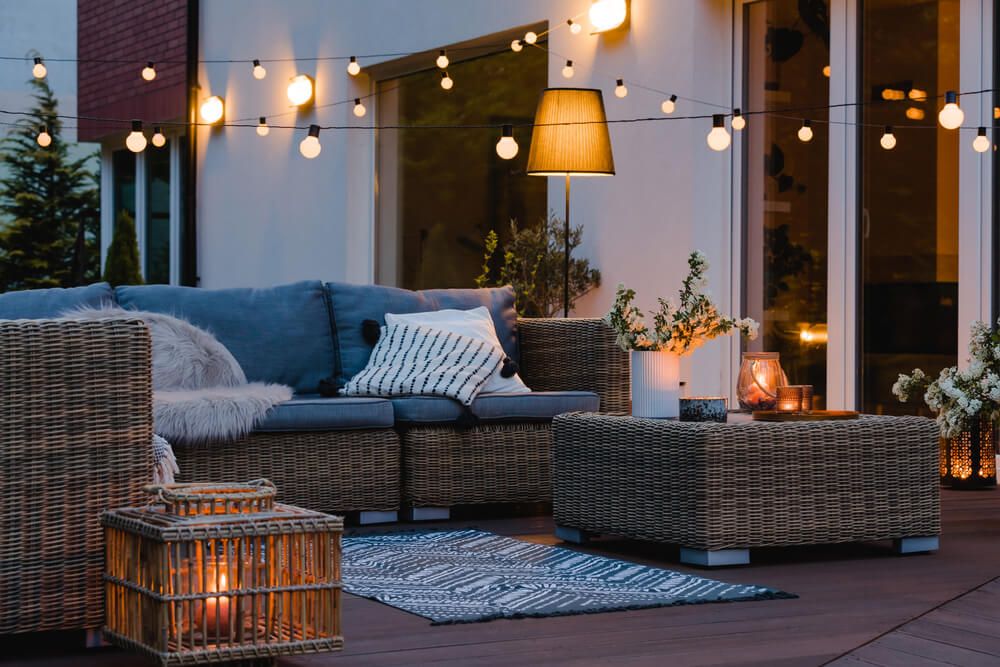
cozy patio with wicker furniture

Backyard Living: How to Spruce Up Your Outdoor Space

No matter what size outdoor space you have, there are plenty of ways to spruce it up and make it more inviting.

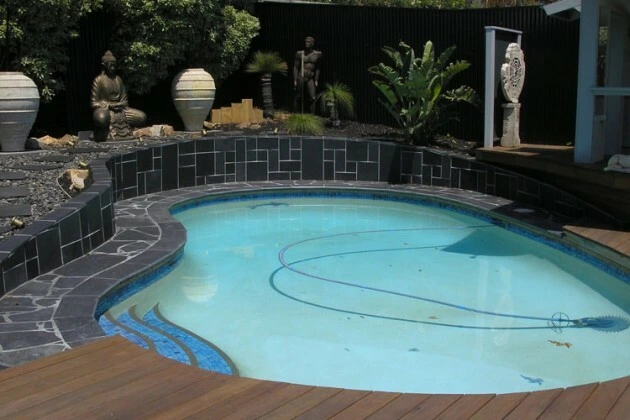
backyard with a pool designed with Planner 5D

What Should I Know About Grouting My Stone Pavers?

Regardless of whether you are laying stone pavers inside or outside the home, you will need to ensure that they are properly grouted.

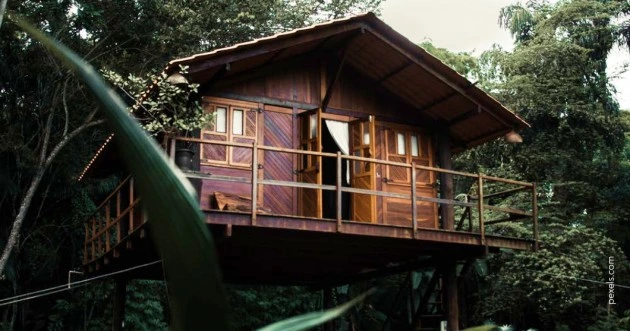
treehouse ideas for your next project

Treehouse Ideas: The Ultimate Guide

From the simple and basic that anyone can accomplish, to envy-worthy, liveable tree houses - we have it covered!