Why Interior Design Software is the Secret to a Stress-Free Remodel
Designing your dream doesn't have to be hard. Here are some of the best software tools that make it easy and fun.

Professional-looking house and apartment designs are not just reserved for architects and interior designers. Thanks to modern digital tools, anyone can create a plan for their space, choose colors and furniture, and see the end result before any work begins.
In this guide, we'll show you how to get started on your interior design adventure and why you should use the right tools.
What is home design software?
Home design software can transform your living space into a masterpiece. It's a powerful toolset used by many individuals, from professional architects and interior designers to everyday homeowners like yourself.
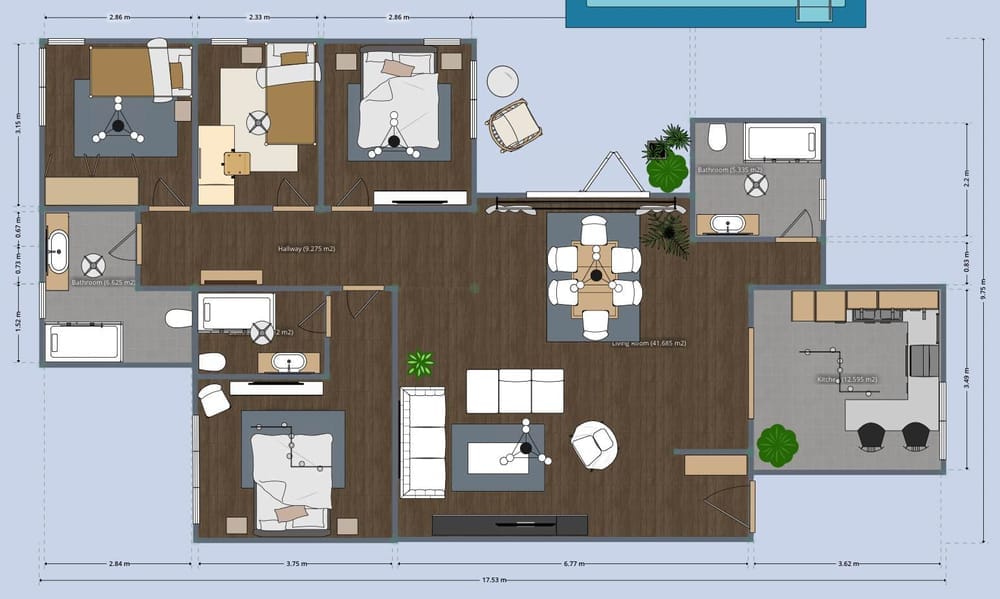
Whether embarking on a complete renovation or simply refreshing a room, this software empowers you to visualize and plan your project before ever lifting a hammer.
Key features of interior design software
2D & 3D design options
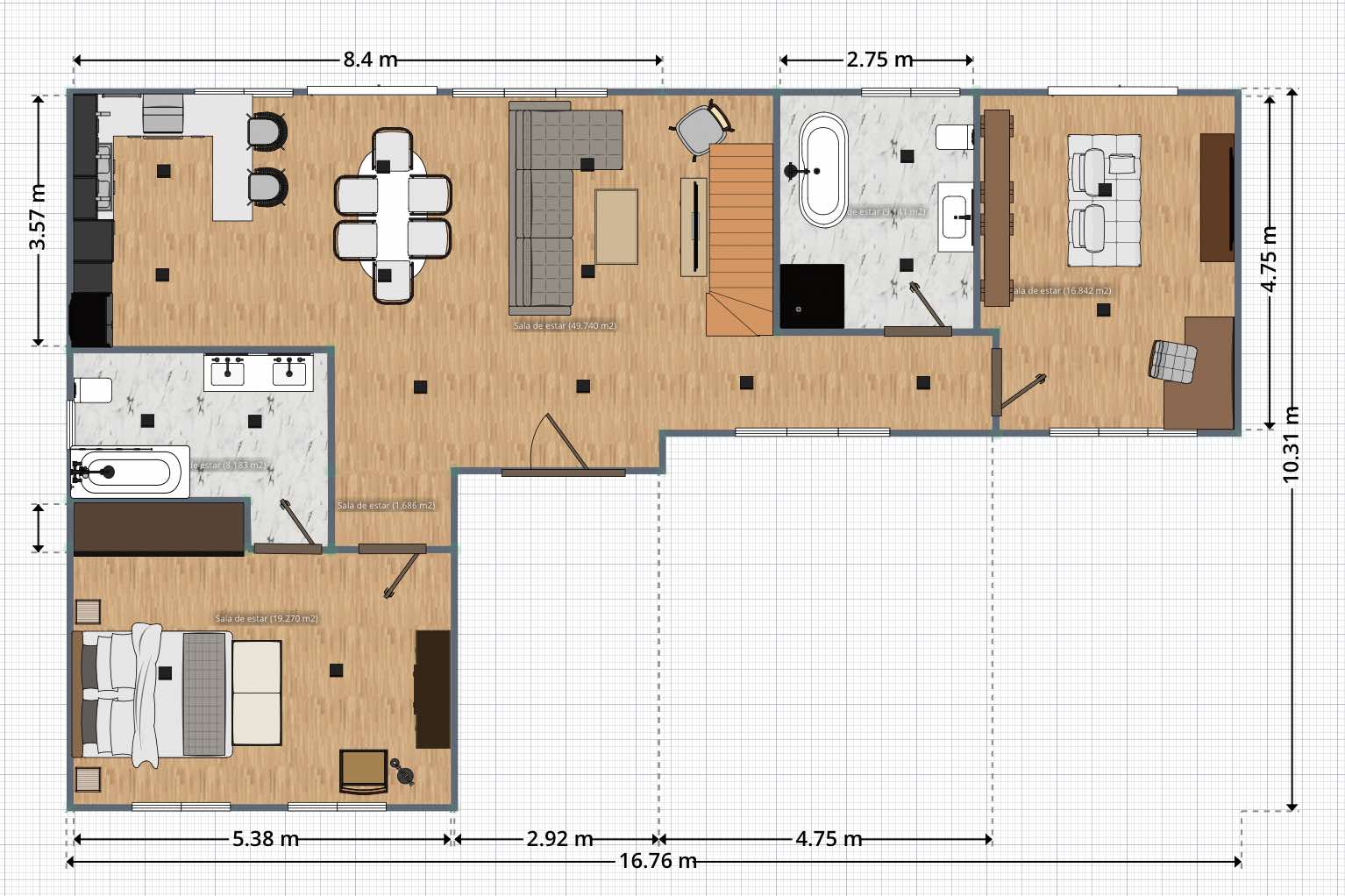
Bring your ideas to life with two-dimensional floor plan layouts and immersive 3D modeling. To optimize your space, experiment with different wall configurations, room sizes, and furniture placement.
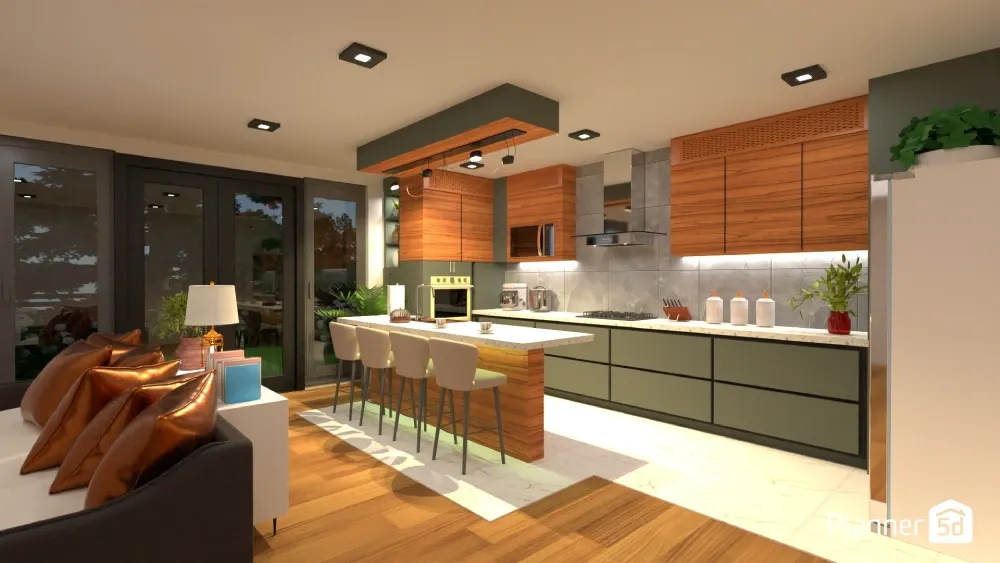
Virtual reality (VR) integration
Some advanced software offers VR functionality, allowing you to step inside your virtual design and experience it at life-size. This feature helps you identify potential issues before construction begins.
Extensive object libraries
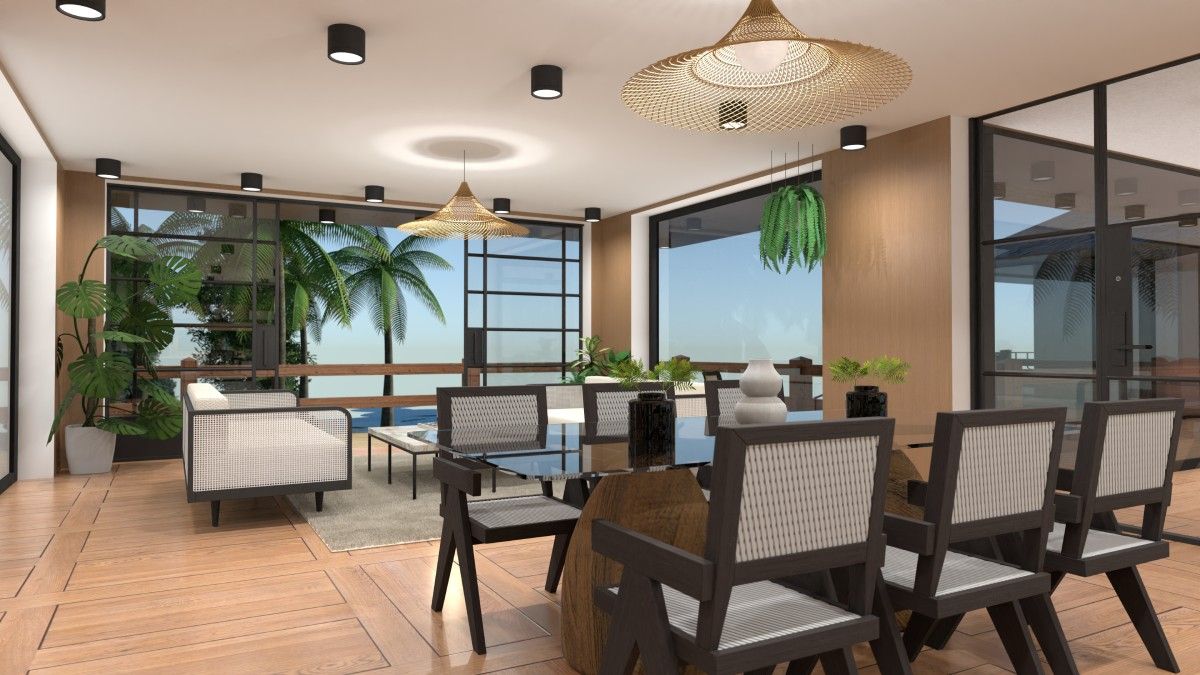
Most programs offer vast collections of furniture, fixtures, appliances, and decorative elements. You can add any object to your design to create a realistic preview of your finished space.
Material and color exploration
Experiment with different flooring materials, paint colors, and textures to find the perfect aesthetic for your home. Visualize how light interacts with various materials to ensure a cohesive and inviting atmosphere.
Want to design your dream home faster?
Let AI do the heavy lifting with Planner 5D.
Collaboration tools
Share your designs with family, friends, or contractors for feedback and real-time collaboration. Some software allows you to add notes and comments directly to the plan to ensure clear communication.
Automatic reporting
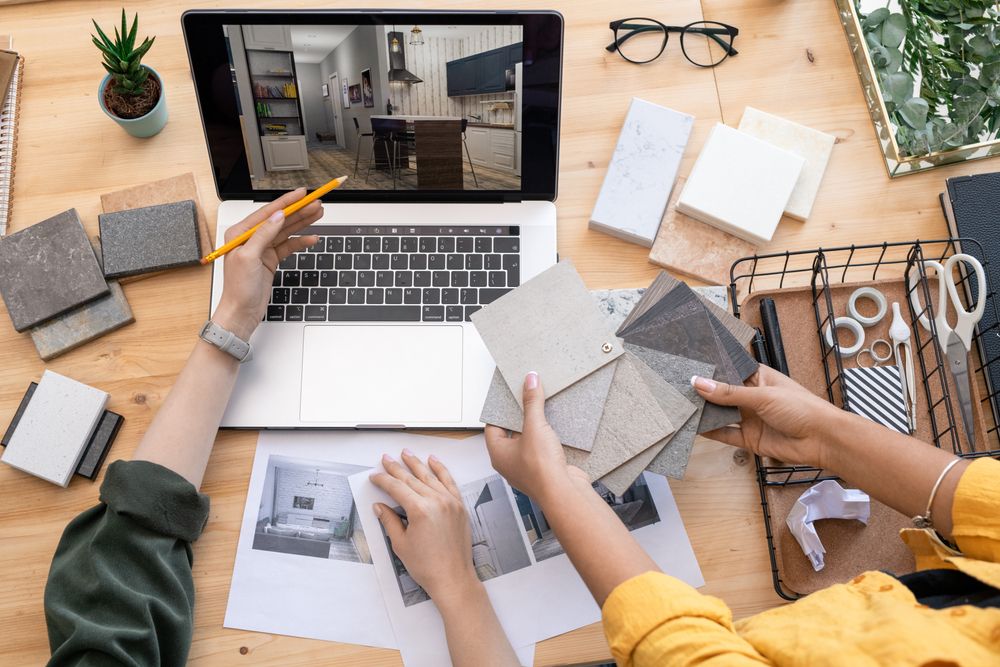
Some software lets you generate detailed reports that include material lists, measurements, and estimated costs. This function can be incredibly helpful for budgeting and procurement during the construction phase.
Benefits of using interior design software
Some people use it to create floor plans for building their dream homes, while others use it to develop ideas for home renovations or redecorating projects.
It's an easy way to create a virtual rendering for any home project, ensuring it reflects your vision.
Enhanced visualization
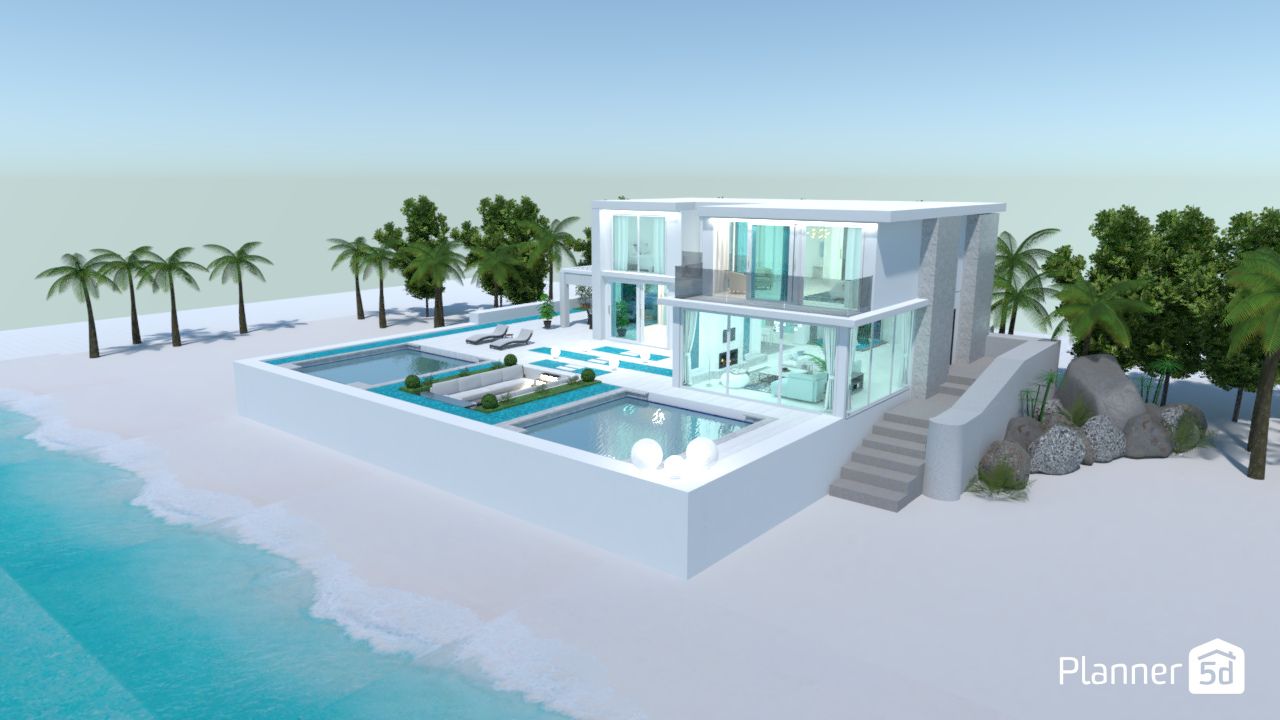
See your design come to life before committing to any permanent changes. Build a floor plan and choose a color palette, finishes, materials, and furniture placement. Once you've finished setting up the interior, you can use it for landscaping projects.
Improved decision-making
With a virtual renovation, you can eliminate guesswork and create a clear blueprint for your project. Experiment with different layouts, materials, and furniture arrangements to find the most efficient and aesthetically pleasing solution.
Cost savings
Identifying potential issues early in the design process can help you avoid costly rework during construction. You can also try different materials to ensure they fit your style so you don't overpay for something that ultimately doesn't work.
Summary
Interior design programs work on a variety of browsers and smartphones. You can work on your computer at home and then check out the design on your phone while shopping at the furniture store.
Now that you know the basics of interior design and the benefits of using special programs, it's time to choose the right tool for you.
Check out our guide to the 13 best free interior design programs and find the app that best suits your needs.
Planning a redesign?
Start visualizing with Planner 5D’s smart design tools.
FAQ
What is the easiest interior design software to use?
There are many interior design software programs on the market, and choosing the right one can be challenging. For an easy-to-use solution, we recommend programs like Planner 5D, which are geared toward beginners and offer tutorials.
How long does it take to learn interior design software?
Most programs include tutorials or how-to guides that walk you through the basics of using the software. It may take as little as a few hours or several days to become proficient with the programs.
What is 3D interior design?
Three-dimensional (3D) interior design uses computer-generated images to create realistic models of rooms or buildings.
Planner 5D: The Future of Interior Design
Experience the power of AI-driven design with Planner 5D. Our innovative tools, including the Design Generator, Smart Wizard, and AI floor plan recognition, make bringing your dream home to life easier than ever. Transform your vision into reality and unlock a world of design possibilities today.
Start designing your dream home