Top 12 Kitchen Design Software Tools
Find the best kitchen design software for your next kitchen project.

A modern and functional kitchen is easily one of the most sought-after features for homeowners. It can also be an expensive project, and that's why many people put it off until they really need to. But what if there was an easier way to get it done sooner and at a fraction of the price?
You can easily design your own kitchen using an easy-to-use tool, which lets you not only plan it out but also see what your new kitchen will look like before you lift a finger. With a wide range of kitchen design software tools available, we'll guide you through the top 12, helping you find the best one for your needs and budget.
How to choose the best program
Many professionals use software tools to mock up projects and visualize the end result. Now, you can do the same, saving a significant amount of money that would otherwise go to professional fees.
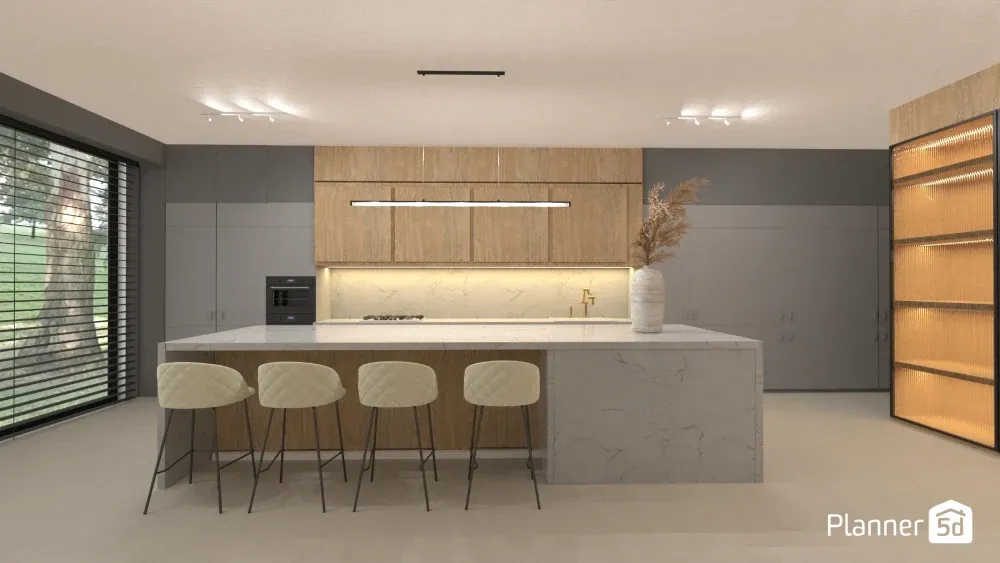
Kitchen planning software is not just for the professionals. Many virtual kitchen planners are designed to make it easy and fast, even if you don't have technical skills.
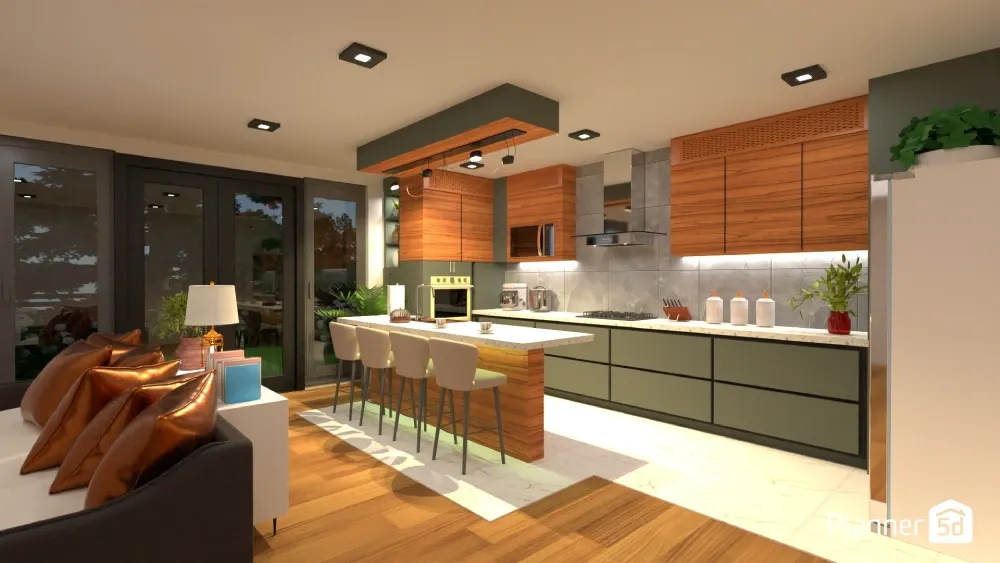
Before selecting the right program, make sure to do your research. Do you want to design a single room or your whole house? A tool that works for someone else might work differently for you. Below are guidelines for what to look for when deciding which program to use.
Skill level compatibility
Selecting any type of software isn't one-size-fits-all. Some programs offer basic functions, while others offer additional features that might not be relevant to you. The key is to find a balanced system that gives you the tools you need while being easy to use.
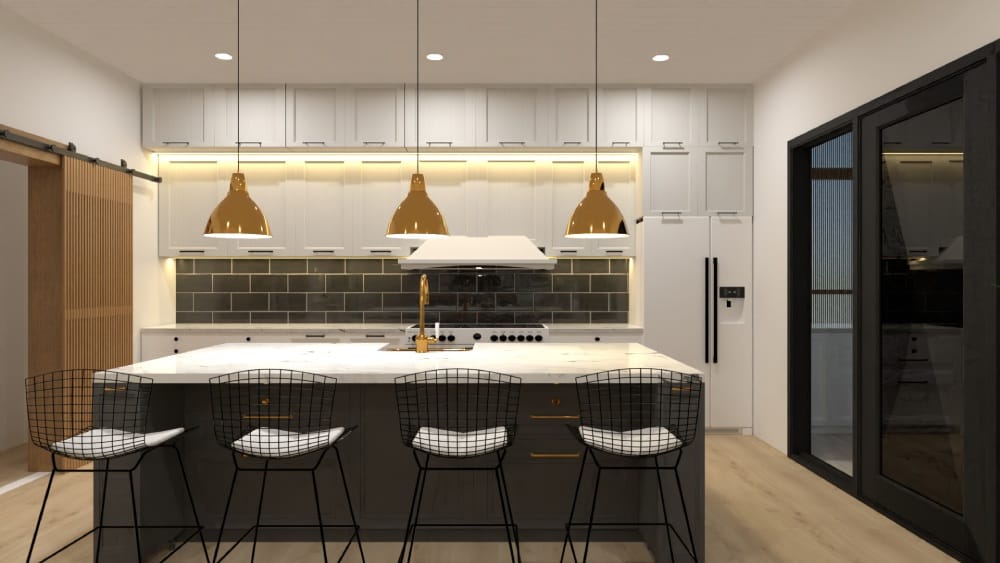
Look for drag-and-drop tools with minimal learning curves. These tools typically feature intuitive controls, pre-loaded furniture libraries, and step-by-step guides that show you how to use them.
Want to design your dream kitchen faster?
Let AI do the heavy lifting with Planner 5D.
If you want more advanced features, look for software with more detailed customization options, advanced measurement tools, premium fixtures and capabilities that mirror professional architectural design platforms.
Pricing options
Pricing is another consideration when it comes to choosing your software. Free versions typically provide entry-level functionality, including simple 2D-floor planning, limited furniture and material libraries, and basic measurement tools.
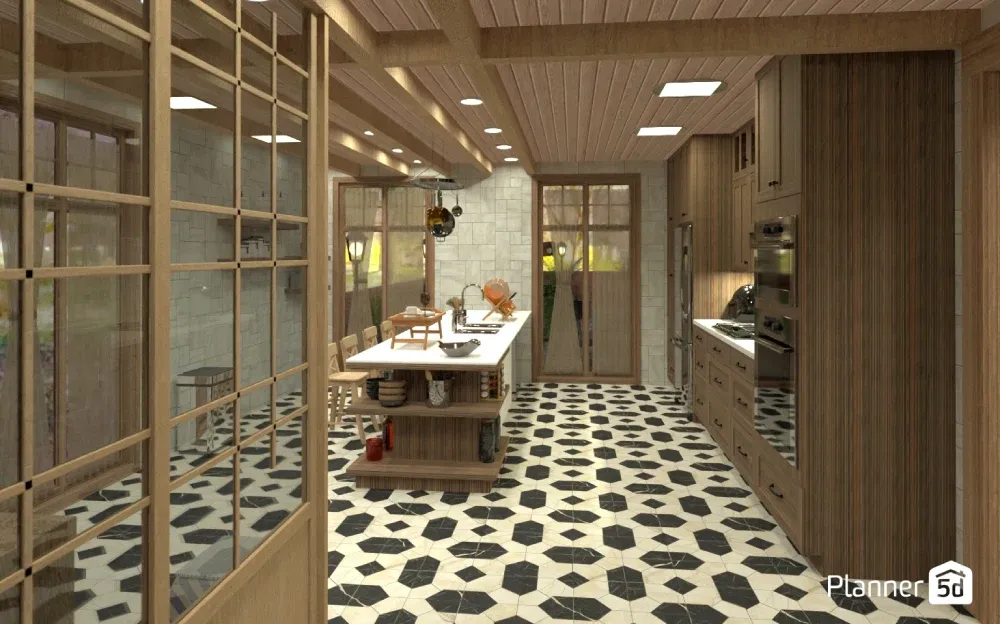
These options are perfect for homeowners with different needs who are just beginning to explore design possibilities.
Mid-tier paid options elevate the design experience by offering more extensive features. Users can access advanced 3D rendering capabilities, expanded material libraries, and more precise measurement tools.
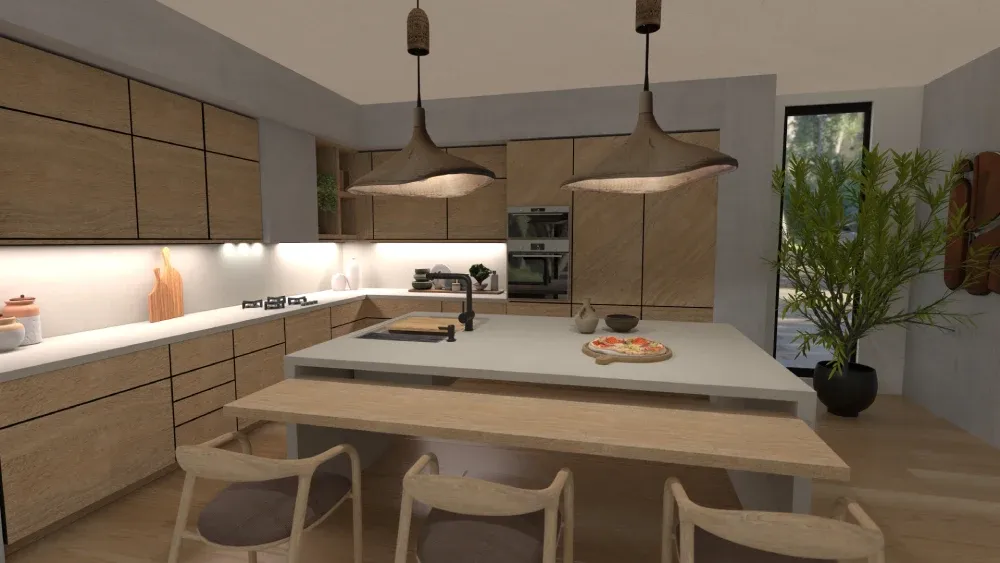
These versions also include enhanced download features, allowing for greater collaboration and design flexibility.
Compatibility
Tools should provide a seamless experience across multiple devices and platforms. Look for the easiest software that offers robust desktop capabilities combined with a mobile version so you can switch devices when needed or on the go.
The availability of cloud storage and backup options ensures an additional layer of convenience and security. Your design can be saved, accessed, and restored from virtually anywhere, protecting your creative work and giving you the flexibility to design at your own pace and from any location.
Available features
Look for a kitchen planner that offers extensive features so you can customize your kitchen cabinets, doors, windows and wall colors as much as you need.
Some of the most useful features to look for are the ability to upload a floor plan, precise room measurement tools, multiple design perspectives (like 2D and 3D views), realistic textures and lighting simulations. You might also benefit from a mood board creation tool to help you plan.
Key elements
An exceptional kitchen design tool goes beyond simple room mapping and furnishings. The best ones have powerful features that help you visualize and plan every aspect of your kitchen renovation.
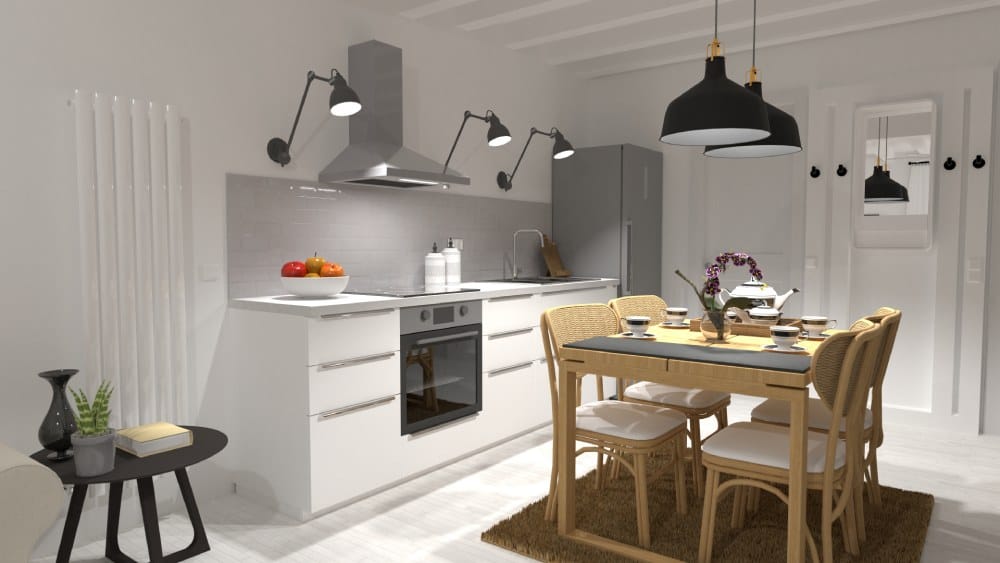
Look for programs that offer precise measurement tools and extensive cabinet and appliance libraries. Real-time 3D rendering capabilities that let you experiment with different layouts and realistic lighting simulations are also a must-have.
Top kitchen design software options
Planner 5D
Planner 5D is one of the easiest kitchen design software programs, offering user-friendly features that cater to both novices and professionals. Its intuitive interface lets users quickly create 2D and 3D designs, exploring various kitchen layouts and styles.
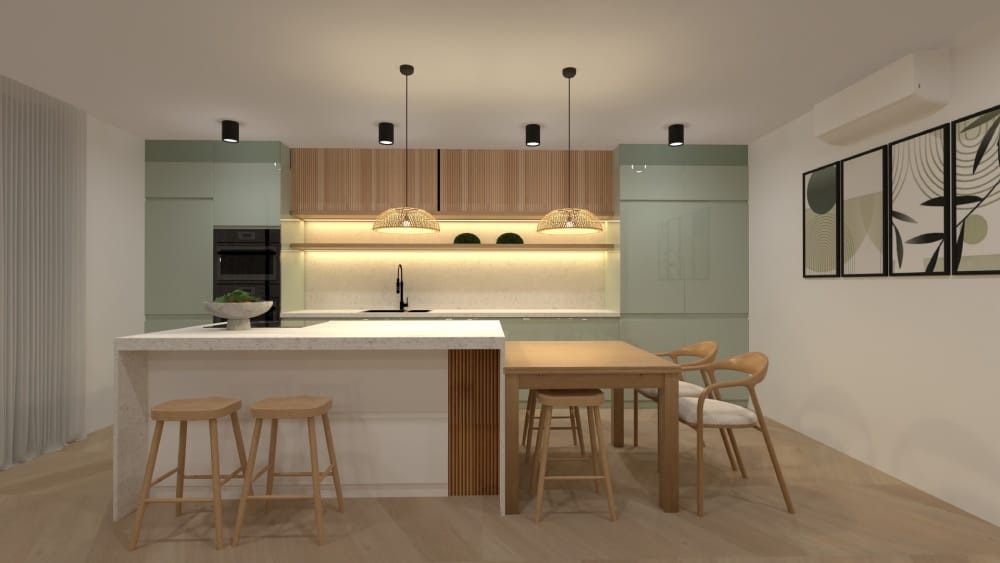
It offers an impressive library of furniture and design elements, allowing for highly customized kitchen plans. Easily switch between design modes for maximum flexibility.
Want to design your dream kitchen?
Try the Planner 5D kitchen designer today
Planner 5D also includes AR features to visualize your kitchen in a real-world setting. With cross-platform compatibility, you can start designing on your computer and make adjustments on your mobile device.
Its design-sharing option allows collaboration, making it ideal for group projects or getting feedback from a professional.
IKEA Kitchen Planner
This free tool specializes in helping users design kitchens using IKEA's product lines. The planner enables precise placement of IKEA kitchen components, providing accurate pricing and a comprehensive view of how different elements will work together in your space. It seamlessly integrates with IKEA stores for a hassle-free design-to-purchase process.
HomeByMe
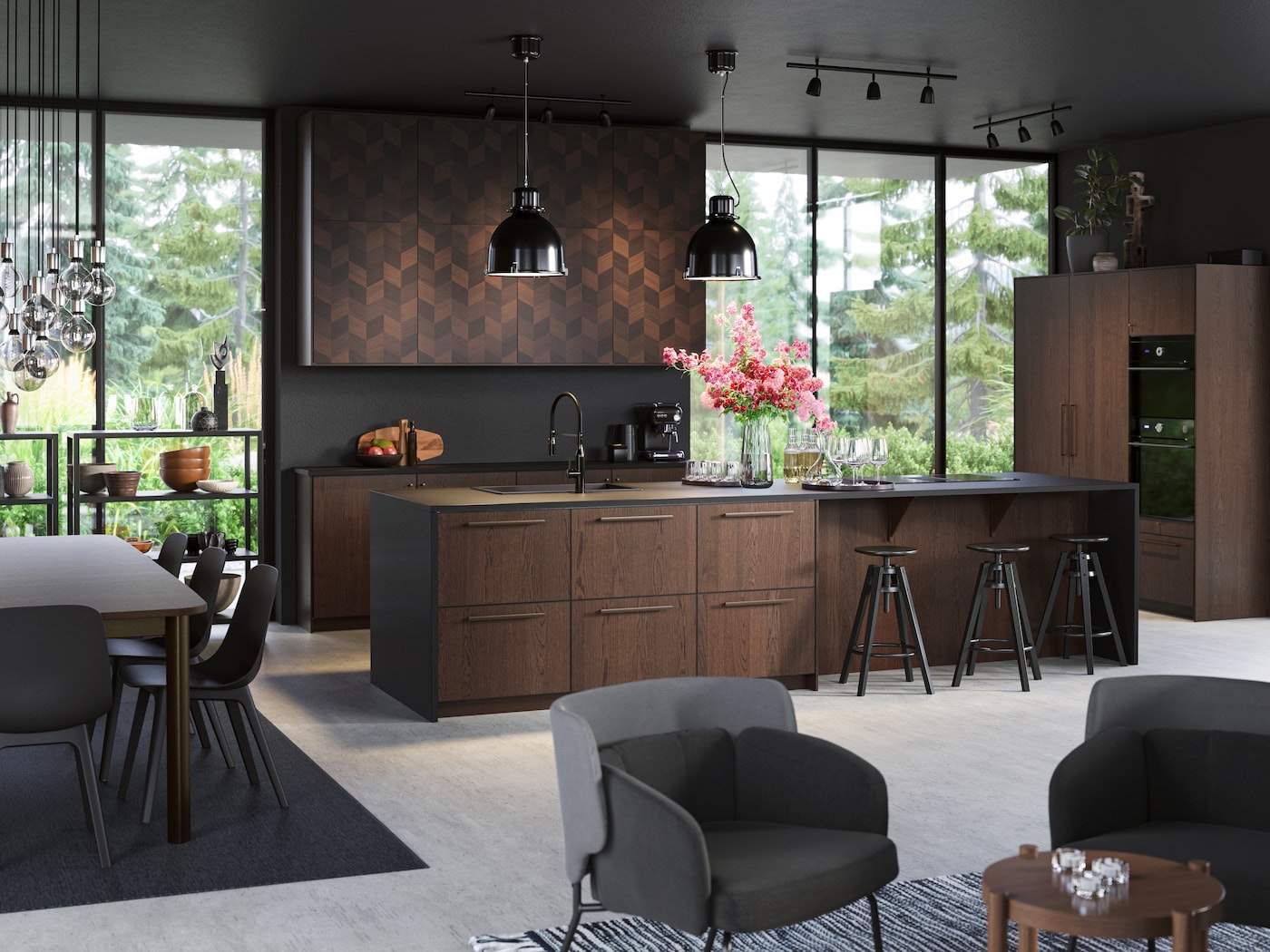
HomeByMe offers a sophisticated yet accessible platform for kitchen design. Its strength lies in the ability to create photorealistic renders that help you truly visualize your finished space.
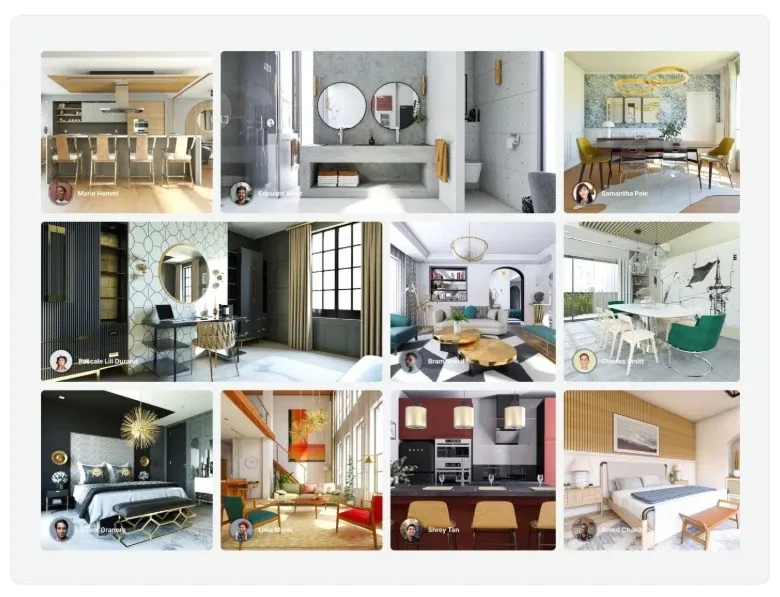
Users can experiment with different cabinet finishes, colours, and layouts with remarkable precision. Its interactive 3D features bring your kitchen design to life.
SketchUp
SketchUp has powerful 3D modeling capabilities that allow for incredibly detailed kitchen designs. While the learning curve can be steeper, the results can be extraordinarily professional.
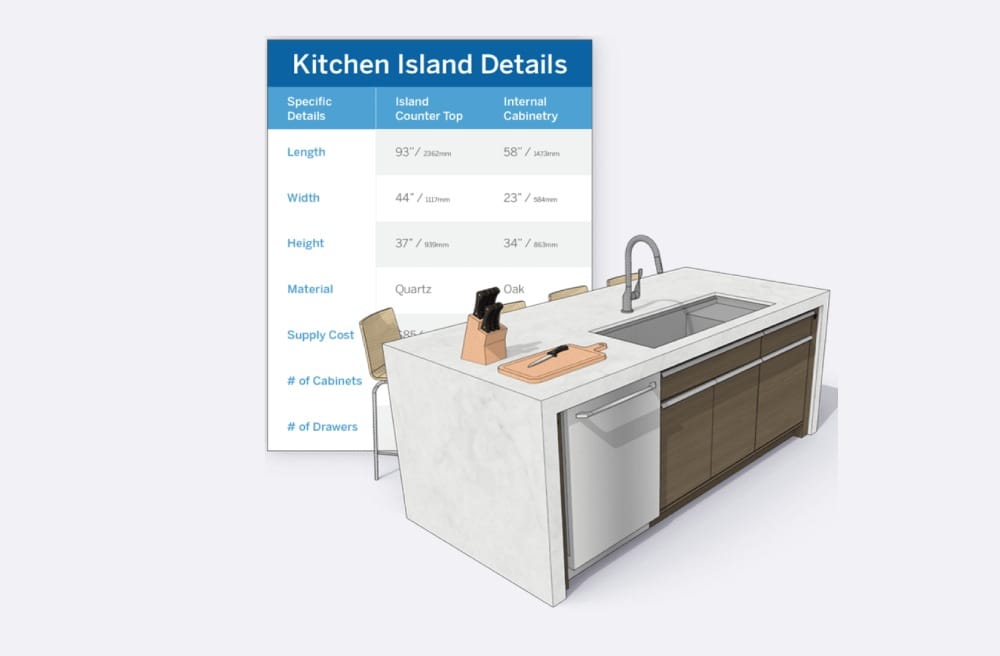
SketchUp's online warehouse includes a vast library of pre-made objects to enhance your kitchen design. It supports integration with other tools, such as AutoCAD, for added functionality. Its versatility makes it a popular choice for those who want to design a kitchen that fits their exact specifications.
RoomSketcher
RoomSketcher provides an excellent balance between professional-grade features and user-friendly design. With both 2D floor plans and immersive 3D views, users can create comprehensive kitchen designs that feel remarkably realistic.
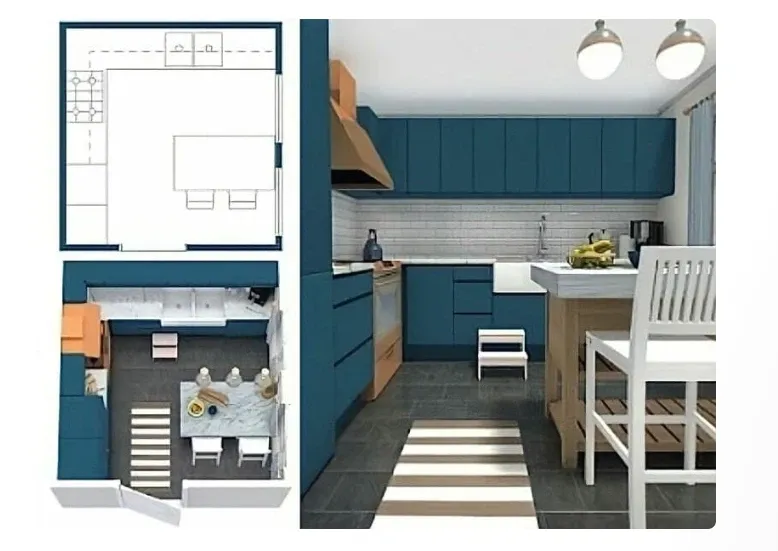
RoomSketcher also includes high-resolution 3D rendering and VR walkthrough options for an immersive design experience. Its measurement accuracy ensures your kitchen plans translate seamlessly into real-world implementation.
SmartDraw
SmartDraw offers kitchen design tools with templates that make starting your project incredibly straightforward. The drag-and-drop interface ensures that even design novices can create compelling kitchen layouts.
SmartDraw integrates seamlessly with tools like Microsoft Office and Google Workspace, making it ideal for sharing designs during consultations. It also includes various export options, ensuring compatibility with different formats.
Chief Architect
Chief Architect offers advanced tools typically used by interior design professionals. While more expensive, it provides unparalleled precision and detail for serious renovation projects. Best for those who demand the highest level of accuracy.
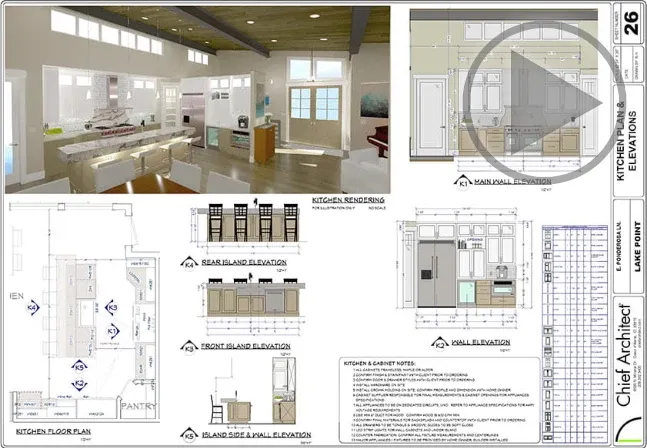
Chief Architect features include automatic dimensioning and live 3D walkthroughs. It also lets you model structural elements such as walls and plumbing layouts. While it's geared toward professionals, it's an excellent investment for ambitious homeowners working on extensive kitchen remodels.
Houzz
Houzz combines design tools with a robust community of design professionals and inspiration galleries. Users can design their kitchens, connect with local professionals, and explore trending design ideas. It's a one-stop hub for inspiration and execution.

Houzz's visual match technology allows you to find products similar to those in your designs. The platform also includes reviews and recommendations from other users, helping you make informed decisions.
Floorplanner
Floorplanner excels in creating accurate floor plans with easy-to-use measurement tools. Its simplicity makes it an excellent choice for those who want a straightforward approach to kitchen layout design. Ideal for quick sketches and basic planning.
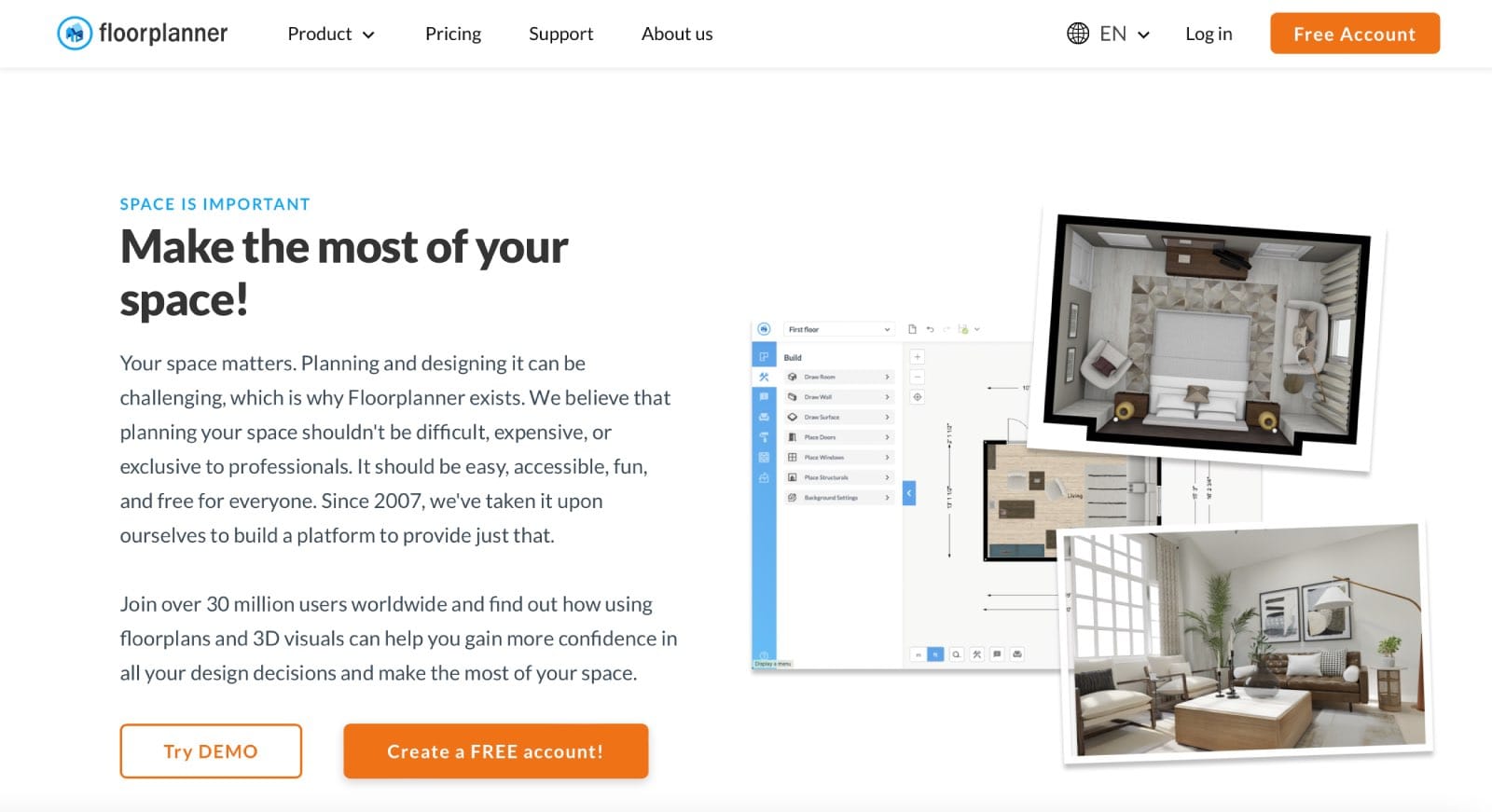
With Floorplanner, users can create detailed multi-room plans and incorporate kitchen layouts into broader home designs. It also features a library of 3D objects, allowing you to decorate and furnish your kitchen virtually. Its clean interface ensures anyone can use it without technical expertise.
Foyr NEO
Foyr NEO stands out with its extensive object library and advanced rendering capabilities. Designers can create photorealistic images that help visualize the final kitchen design with incredible accuracy. Great for showcasing high-quality design ideas to clients.
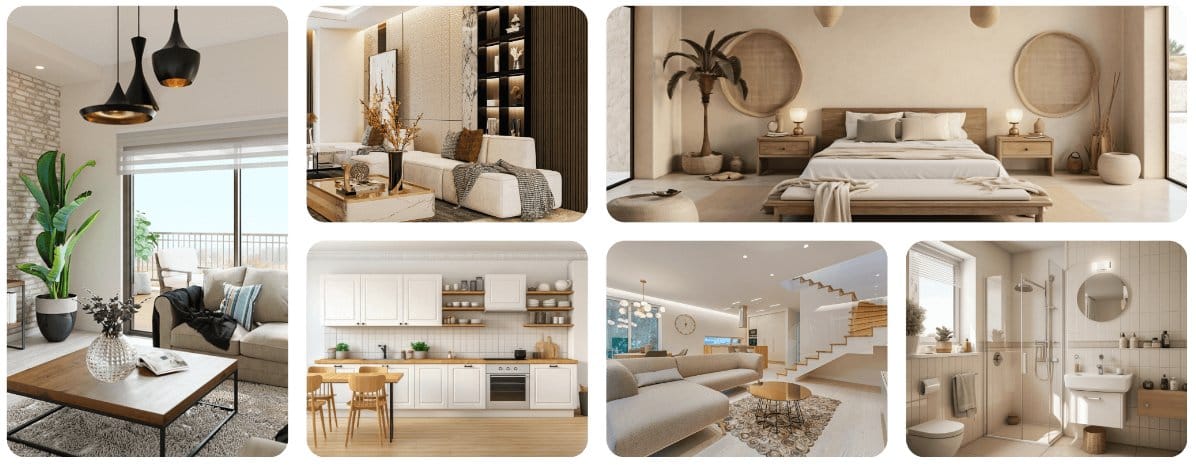
Foyr NEO includes AI-driven tools to speed up the design process, making it one of the fastest options available. Its cloud-based system ensures designs are accessible from anywhere, and its streamlined interface is perfect for both beginners and professionals.
Lowe's Virtual Kitchen Designer
Integrated with Lowe's product catalog, this tool allows users to design kitchens using available products. It's particularly useful for those planning to source products from Lowe's. Best for aligning designs with available store inventory.
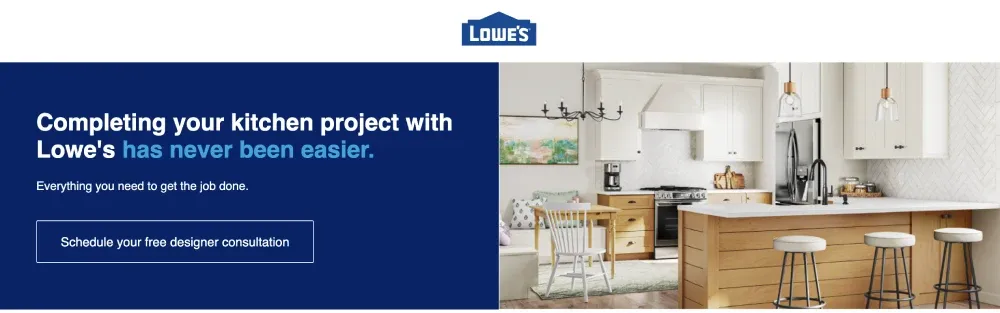
Lowe's Virtual Kitchen Designer includes real-time pricing and inventory checks, ensuring your plans are feasible. It also provides consultation services, allowing you to discuss your design with a Lowe's expert. This tool is ideal for creating budget-conscious kitchen layouts.
Homestyler
Homestyler offers cloud-based design tools that enable collaborative design and easy sharing. Its web-based platform means you can access your kitchen design from any device. Excellent for sharing ideas and working collaboratively.
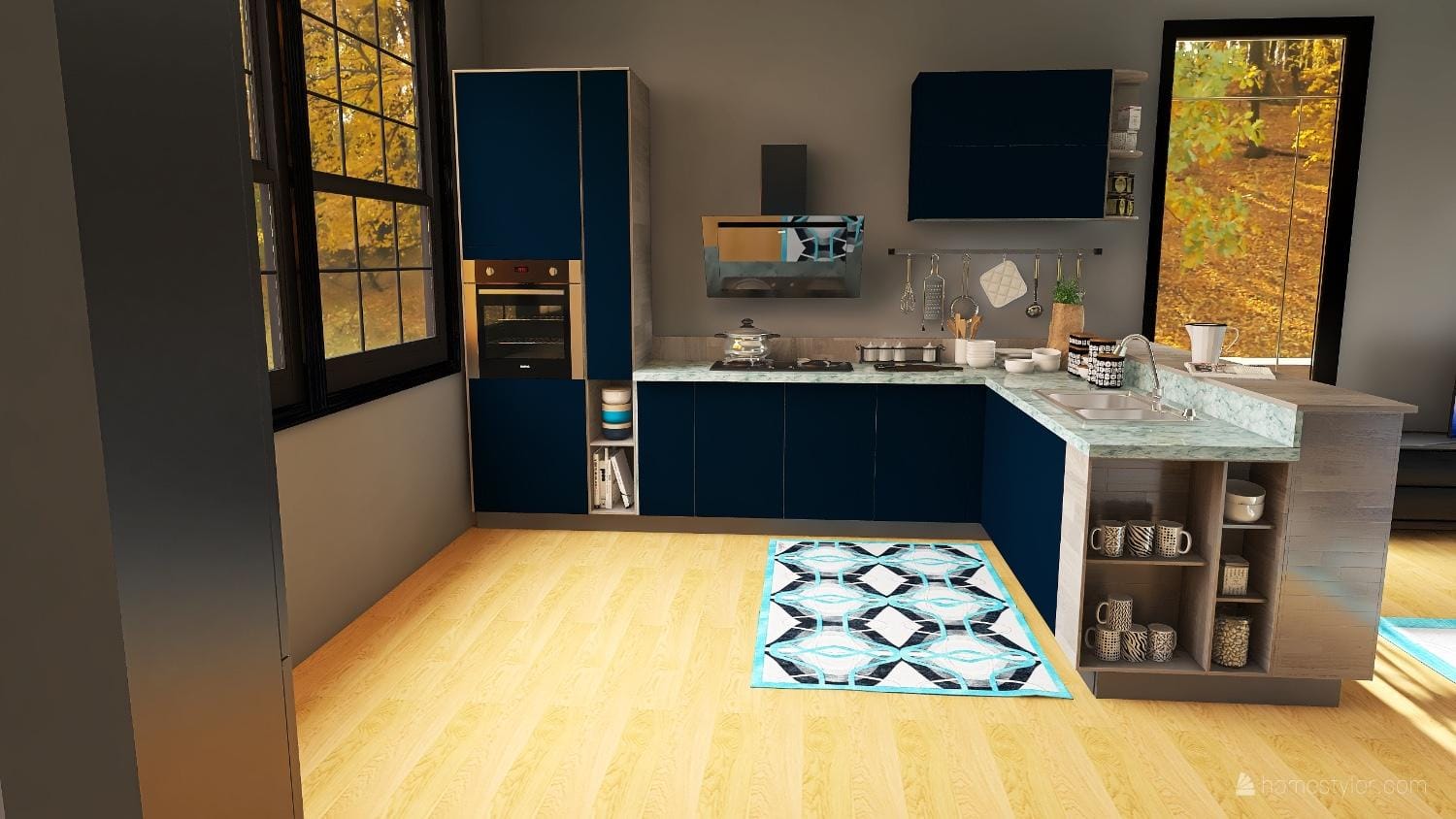
Homestyler's drag-and-drop functionality and free rendering capabilities make it an accessible option. It also includes community galleries where you can find inspiration or showcase your designs.
Final thoughts
Choosing the best program can dramatically improve and speed up your renovation. A kitchen designer is a powerful tool that gives you control over any new design.
Each tool offers unique features for designing your dream kitchen. The best choice depends on your specific needs, technical comfort, and complexity. Don't be afraid to experiment with free versions to find the perfect fit.
Design smarter, not harder.
AI suggestions tailored to your space and style.
FAQ
Do I need professional experience to use kitchen design software?
Most modern tools are developed with user-friendliness in mind. Many offer intuitive interfaces and tutorials that help even novice users create professional-looking designs.
Can I use these kitchen layout tools on my tablet or smartphone?
Many platforms offer mobile-friendly versions or dedicated apps, allowing design flexibility across multiple devices. If this is an important feature, ensure the kitchen designer you're considering provides this option.
How accurate are the measurements in these design tools?
Reputable tools provide precise measurement tools, but it's always recommended to double-check measurements and consult with a professional before final implementation. You're better off double-checking your measurements before proceeding with the project.
Will these designs help me get an accurate cost estimate?
While many tools provide pricing estimates based on included product libraries, always consult with local contractors and suppliers for the most accurate budget projections. You can offset some of the costs by doing the work yourself or waiting for sales to buy your kitchen cabinetry, countertops, and other finishings.
Planner 5D: The Future of Interior Design
Experience the power of AI-driven design with Planner 5D. Our innovative tools, including the Design Generator, Smart Wizard, and AI floor plan recognition, make bringing your dream home to life easier than ever. Transform your vision into reality and unlock a world of design possibilities today.
Start designing your dream home