How to Decorate Your Bathroom: A Step-by-Step Guide Using Planner 5D
Your bathroom, your way. Find out how Planner 5D makes it easy-peasy.
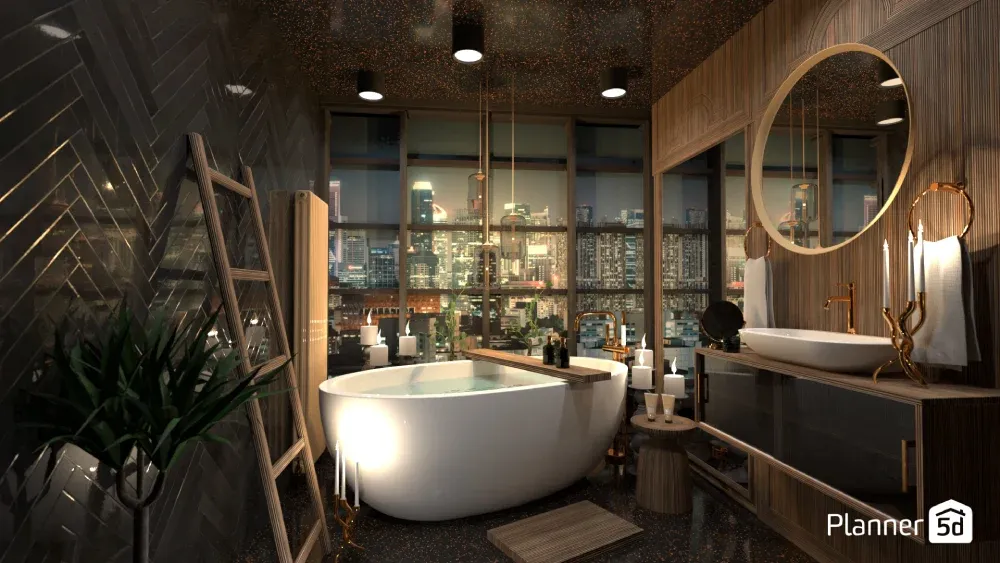
Choosing the wrong tile or a vanity that's too big or too small can be a costly mistake. But what if you could build your bathroom, test every idea, and find the perfect design, all before spending a dime? Welcome to Planner 5D.
Decorating a bathroom brings both excitement and anxiety. You want a space that looks amazing and works perfectly for your daily routine. The problem? It's hard to picture how everything will look together until it's already installed. That's where Planner 5D comes in as your personal 3D bathroom design studio.
In this guide, we'll walk you through the process of designing your bathroom from start to finish using Planner 5D. You'll learn to create accurate layouts, test different materials, and see exactly how your finished space will look before you buy a single tile.
Step 1: Build your foundation by recreating your bathroom in 2D
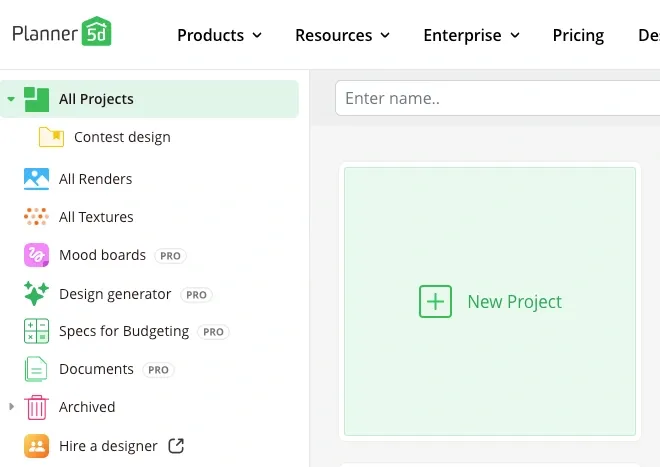
Before you start picking pretty tiles, you need an accurate floor plan. Open Planner 5D's editor and start with a blank project. You can upload an existing floor plan or simply use the scan room feature on the Planner 5D app (iOS 16+) to capture your space.
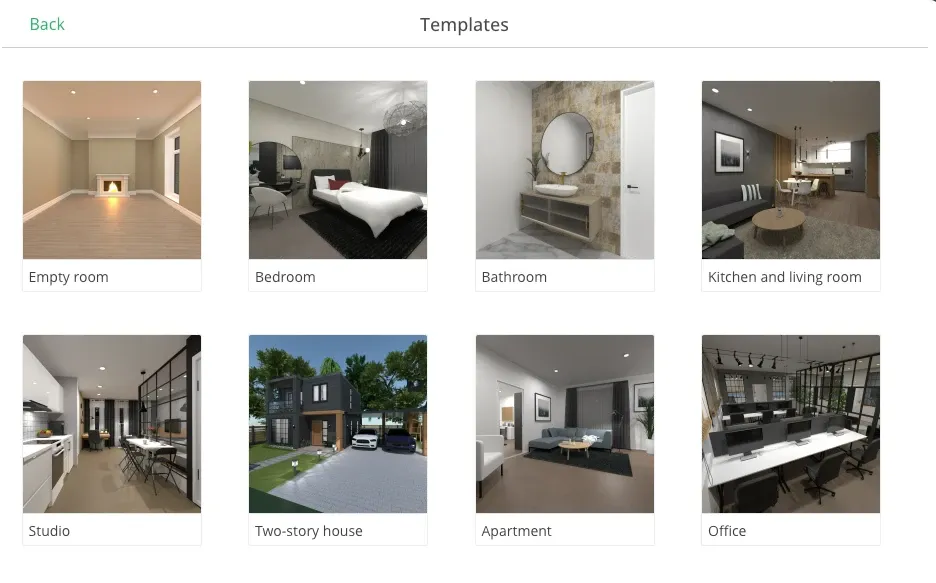
No iPhone? No problem. Open Planner 5D on your device. You can start from scratch, use one of the existing templates or upload your floor plan to start your project.
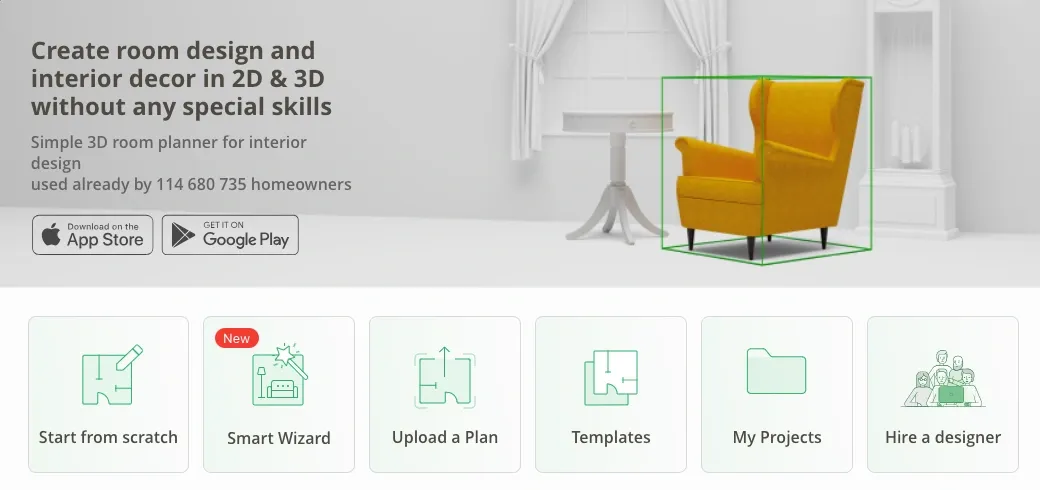
If you're not sure where to start, use the Smart Wizard feature to get an AI generate bathroom that you can customize. Select the room function and style and get a fully furnished room.
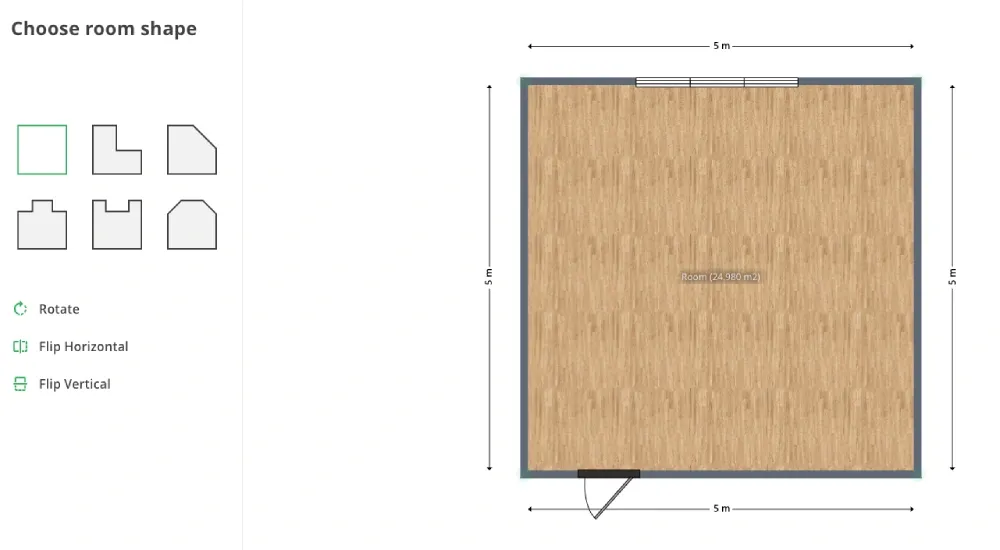
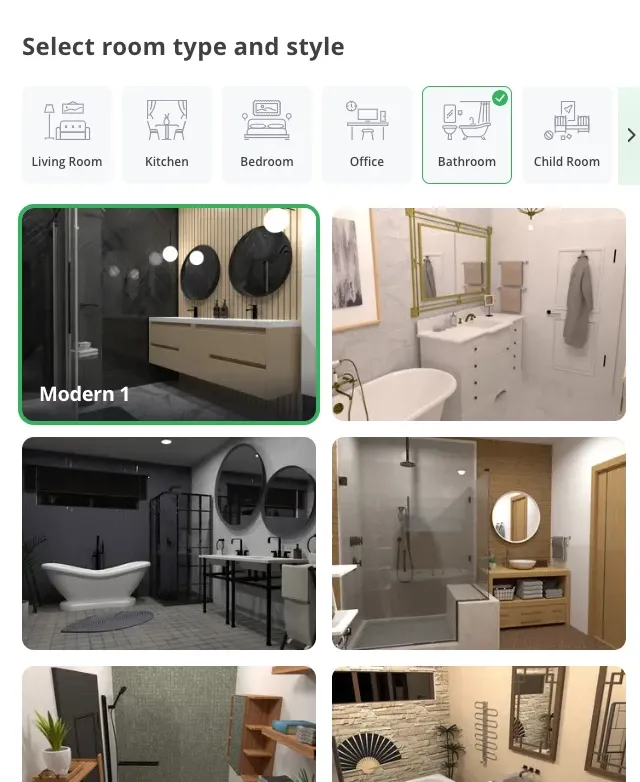
Move or adjust walls as needed, especially if you have an odd-shaped room. Don't worry about perfection on your first try - you can adjust walls by clicking and dragging their endpoints.
Take time to double-check your measurements. A few inches can make the difference between a layout that works and one that feels cramped.
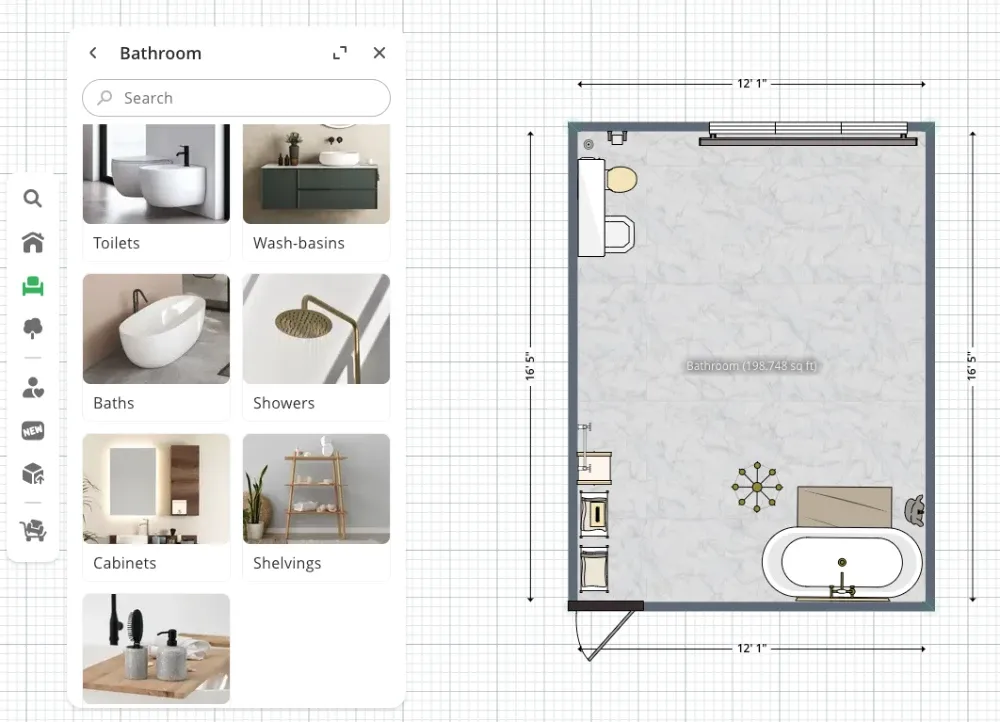
Add your door by selecting it from the catalog and placing it on the correct wall. Do the same for windows. If your bathroom has an unusual shape or alcoves, use the wall tool to create these features. The key is accuracy, as this foundation determines how well everything else fits.
Step 2: The core layout - fixtures placement
Layout can make or break a bathroom's function, especially in small spaces. Poor placement creates bottlenecks and makes daily routines awkward. Good placement creates a smooth flow and makes even tiny bathrooms feel spacious.
Start with the essentials from Planner 5D's bathroom catalog. Drag items into your space and watch how they fit together.
Toilet, sink, and vanity: How to test different sizes and placements
Place your toilet first, as it usually has the most restrictions for plumbing and clearance. Most building codes require 15 inches from the center to any wall or fixture. In Planner 5D, you can test different positions and see if you have enough clearance.
Next, add your vanity and sink. Try different sizes - a 48-inch vanity might look perfect online, but seem huge once you see it in your space.
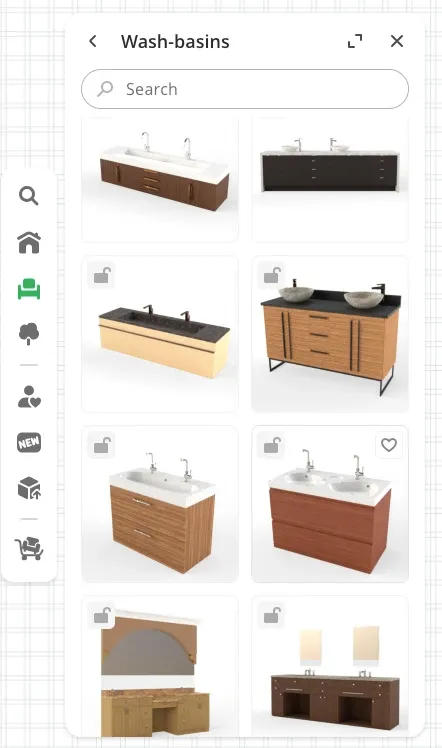
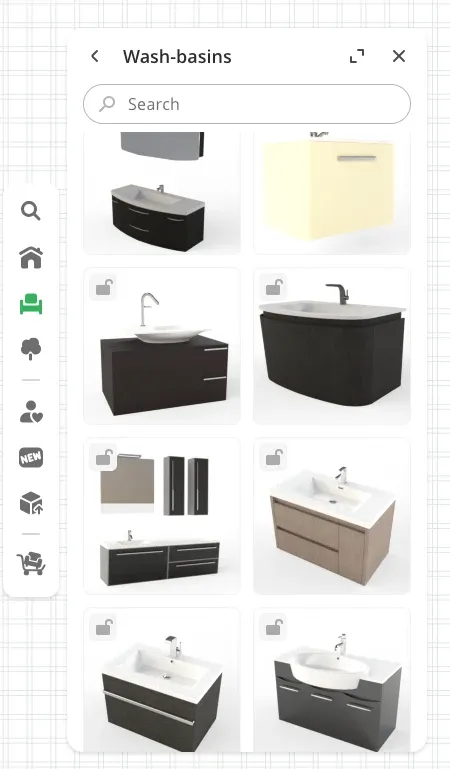
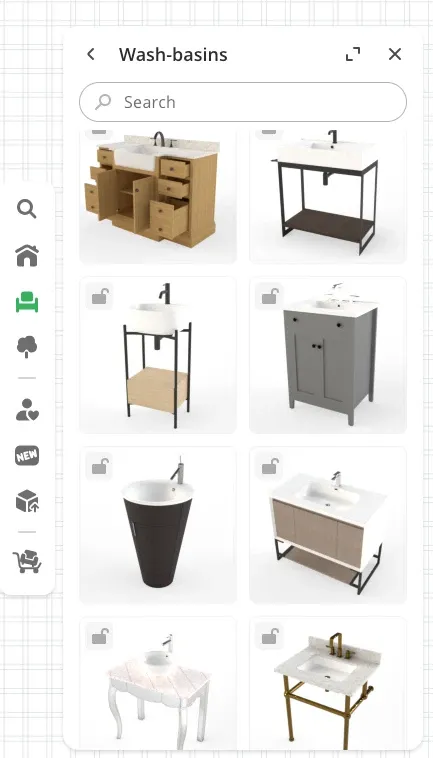
Planner 5D's catalog includes single and double vanities in various widths. Move them around to find the sweet spot between storage and walking room.
Want to design your dream bathroom faster?
Let AI do the heavy lifting with Planner 5D.
Shower and bathtub: Try on different combinations
Your shower or tub will probably be your bathroom's biggest feature. Planner 5D offers walk-in showers, tub-shower combos, and freestanding tubs. Try each style to see what fits your space and lifestyle.
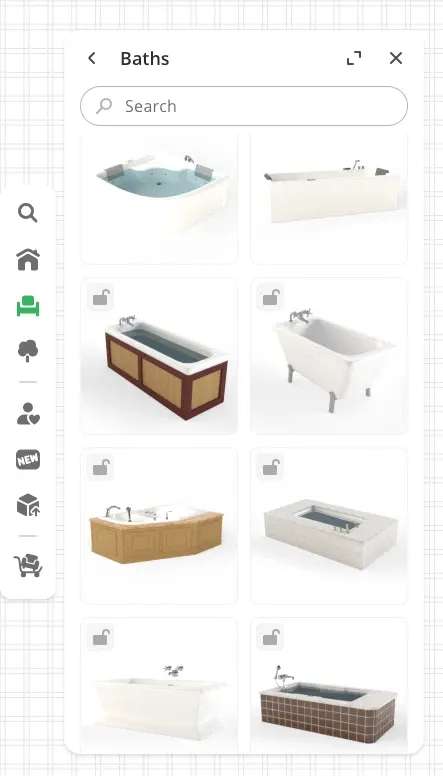
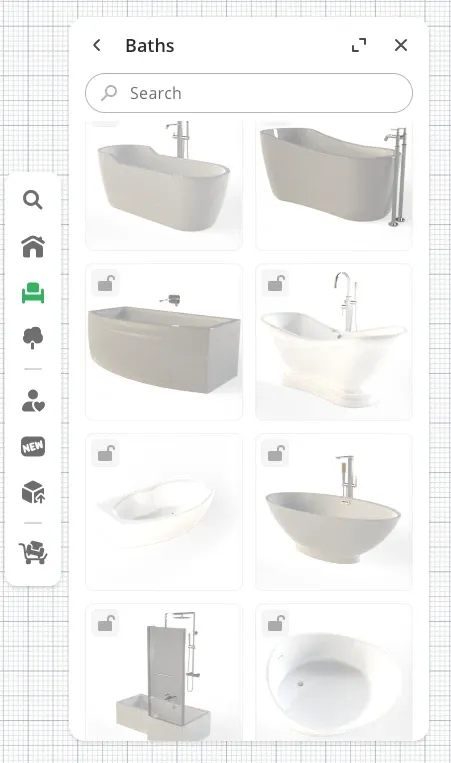
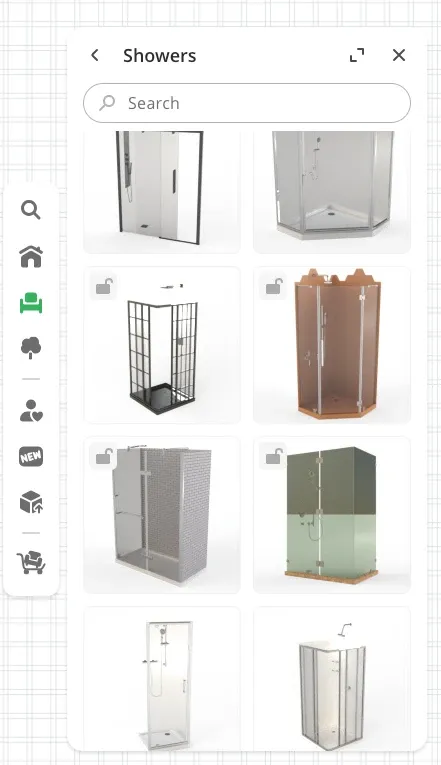
Corner showers work great in tight spaces. Freestanding tubs create a luxury feel but need significant floor area. A standard tub-shower combo maximizes function in average-sized bathrooms.
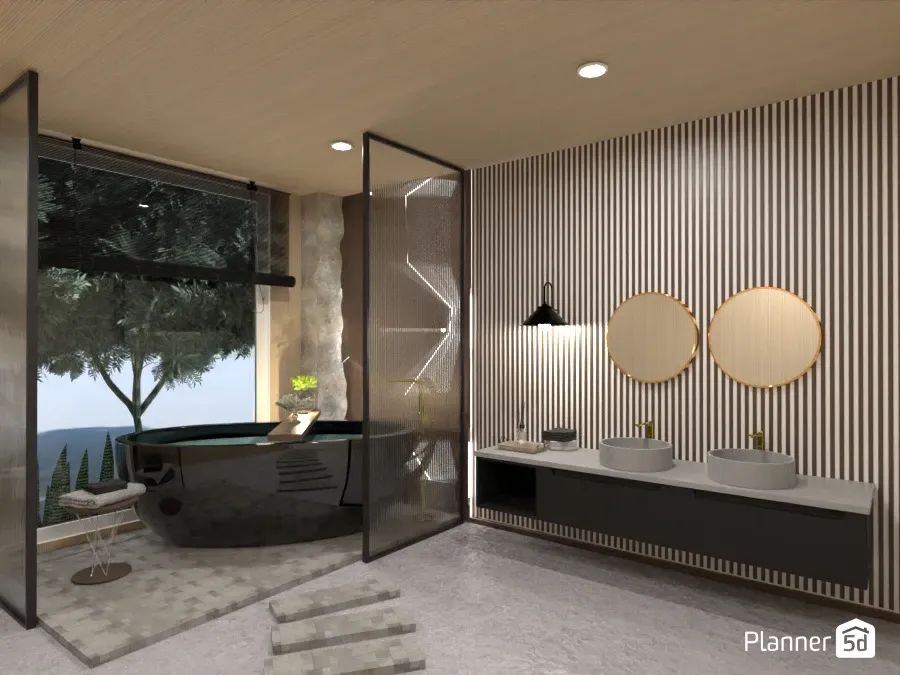
Move fixtures around to see how things feel. Sometimes the obvious placement isn't the best one. Perhaps by moving the vanity to a different wall, you could open up the space, or angle the toilet slightly to improve traffic flow.
Step 3: Visualize surfaces with materials and textures
This is where your bathroom transforms from basic to beautiful. Planner 5D's material tools let you test endless combinations without buying a single sample.
Become a tile pro by picking the perfect bathroom tiles
Select any floor or wall section in your design and apply different tiles from the catalog. You can test popular patterns like subway tile, herringbone, or large format squares. Try ceramic, porcelain, marble, and stone materials.
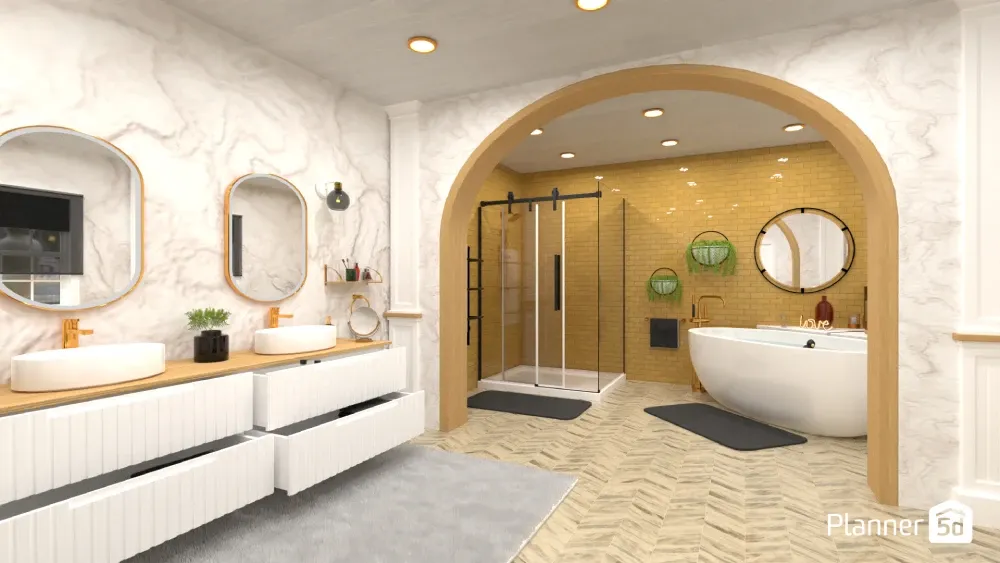
The tile visualizer shows you exactly how patterns will look in your specific space. That chevron pattern might look stunning in photos, but it might feel busy in your small powder room. Large tiles might make your narrow bathroom feel wider, or they might emphasize its awkward proportions.
Stuck on your next design move?
Let AI generate stunning layouts in seconds.
Don't forget about grout. Switch between white, gray, and contrasting colors to see how they change your tile's appearance. Dark grout creates bold lines, while matching grout makes tiles blend together.
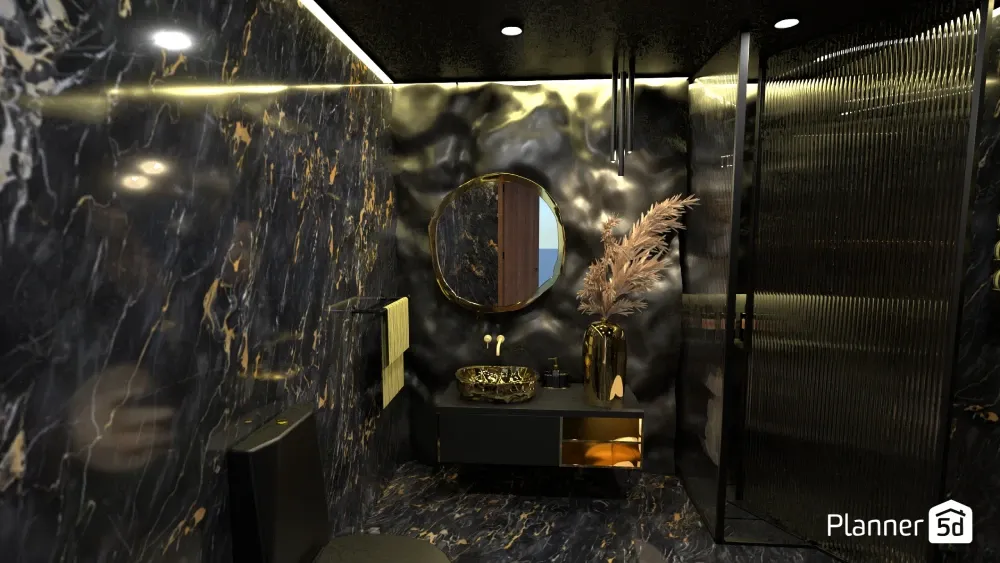
Test different materials on different surfaces. Maybe subway tiles on the shower walls with penny tiles on the floor. Or wood-look tiles on the floor with painted walls.
Experiment with paint and color schemes
Color transforms mood and perceived size. Use Planner 5D to test bathroom color schemes without painting a single wall.
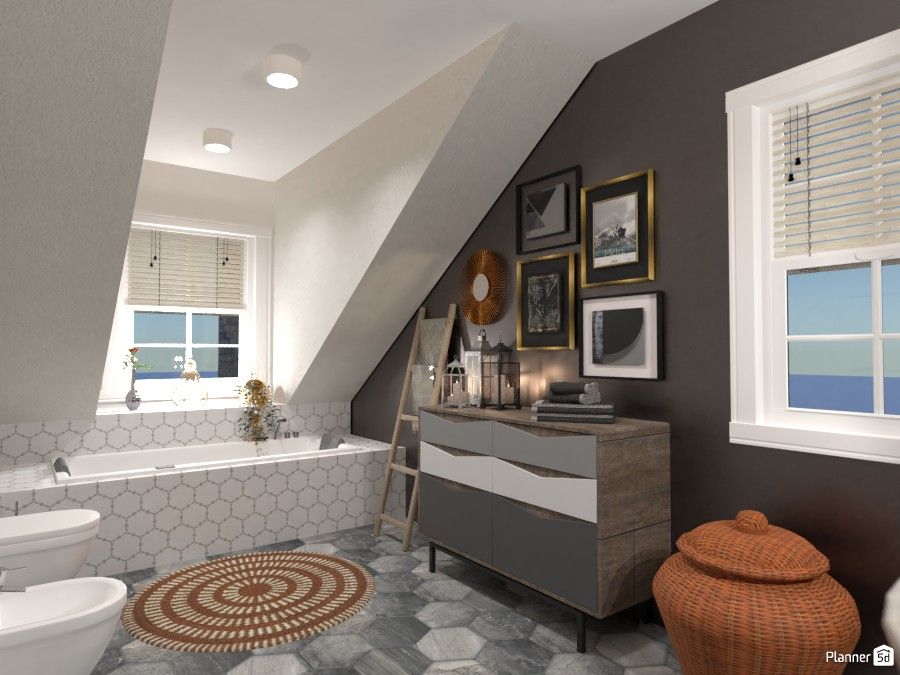
Light colors reflect light and make spaces feel bigger. Dark colors create drama but can make small bathrooms feel cramped. Try both to see what works in your specific space.
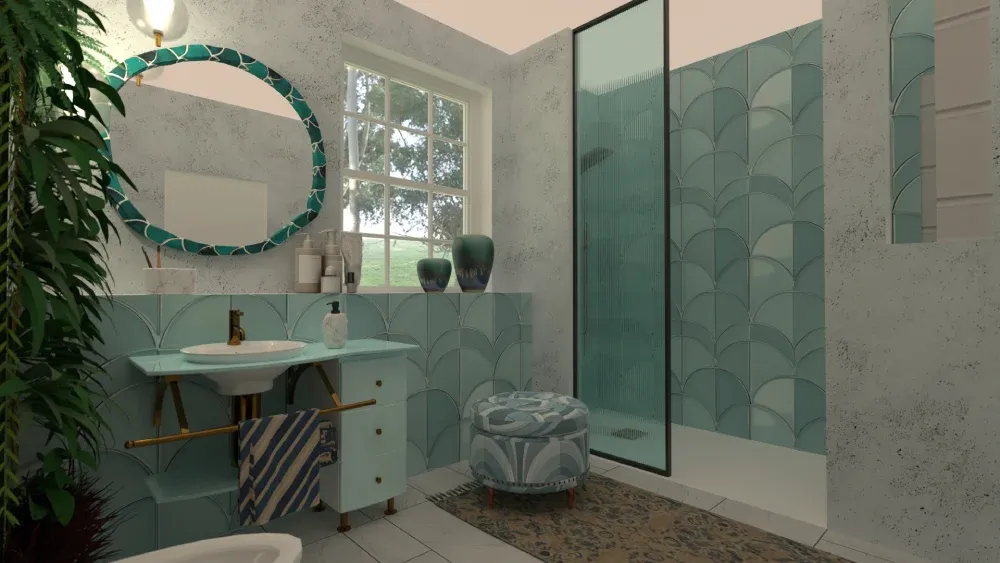
Test accent walls behind the vanity or in the shower area. Bold colors that would overwhelm an entire room might work perfectly on one wall.
Consider your lighting, too. Colors look different under warm versus cool light. Planner 5D lets you adjust lighting to see how your colors will look at various times of day.
Add textures
- In addition to paint and tile, you can try wood, concrete, or wallpaper textures for accent areas.
- A wood accent wall adds warmth, while concrete is great for that industrial feel.
- Textured wallpaper brings pattern without the permanence of tile, making it a great choice if you're not sure if you want to commit to a certain style.
- Apply these materials to see how they balance with your other finishes. Remember that too many textures create chaos, but the right mix adds depth and interest.
Step 4: Choose your finishes and hardware
The details make the design. Planner 5D's catalog includes hundreds of fixtures and finishes to complete your look.
Matt finishes for a cohesive look
Choose one finish and stick with it throughout your space. Chrome stays classic and works with cool color schemes. Matte black adds modern drama. Brass and gold bring warmth and work beautifully with earth tones.
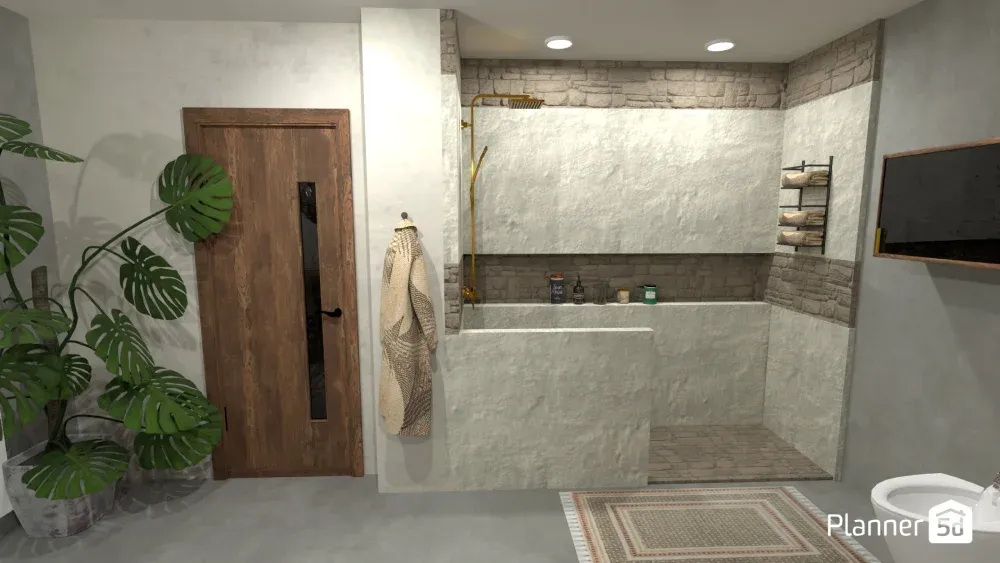
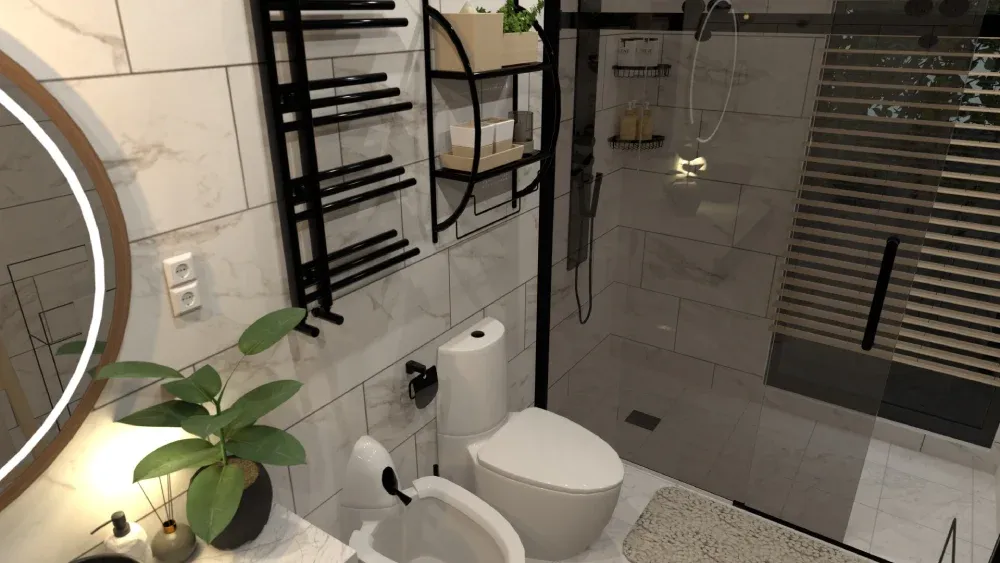
In Planner 5D, swap out faucets, showerheads, towel bars, and cabinet hardware to see your chosen finish throughout the space. Consistency creates a polished, intentional look.
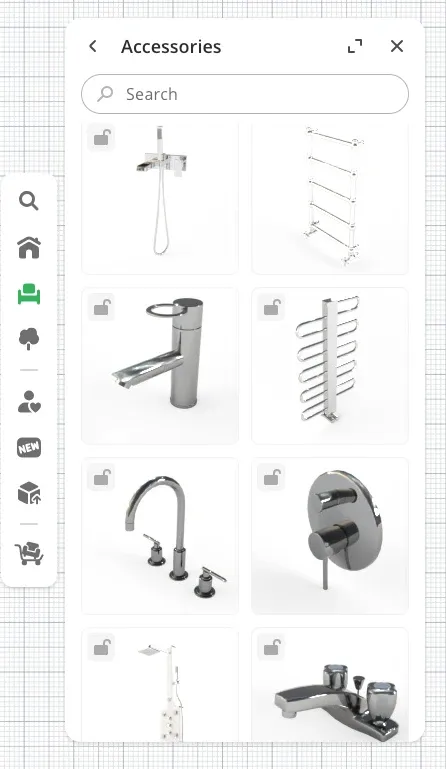
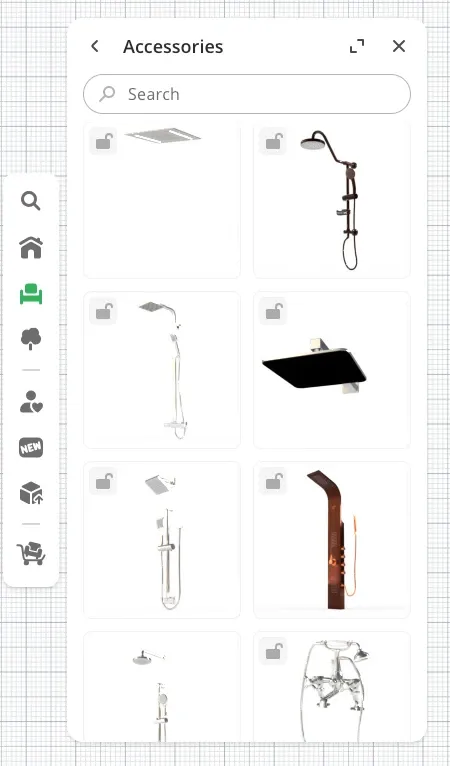
Try different styles too. Modern fixtures have clean lines and geometric shapes. Traditional styles feature curves and decorative elements. Transitional pieces blend both aesthetics.
Mirrors and storage: Fitting function with style
Add mirrors from the catalog to see how size and shape affect your space. Large mirrors can make small bathrooms feel bigger, while using multiple smaller mirrors can create visual interest.
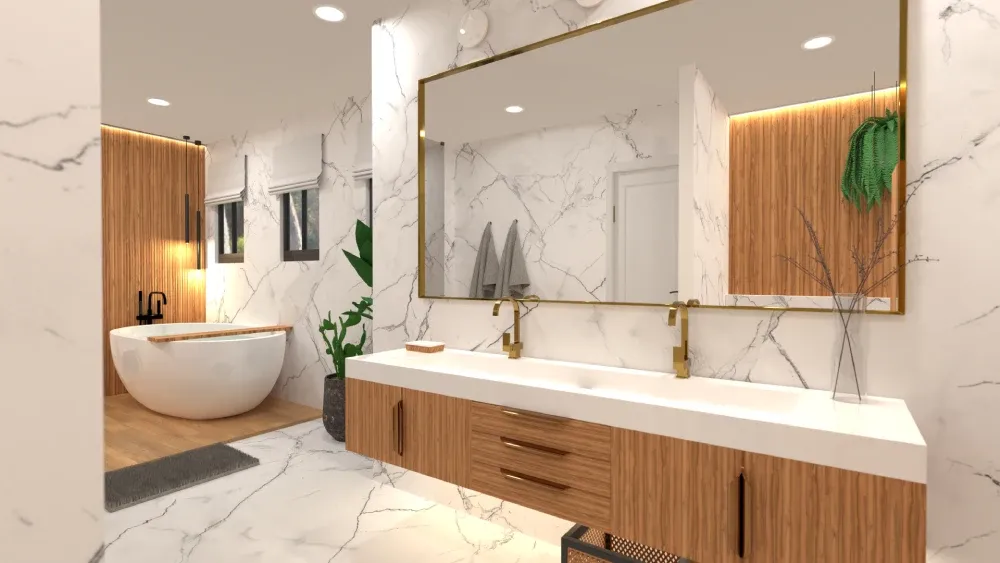
Try different storage solutions. Wall-mounted cabinets save floor space. Open shelving displays pretty items but requires organization. Built-in niches keep shower walls clean.
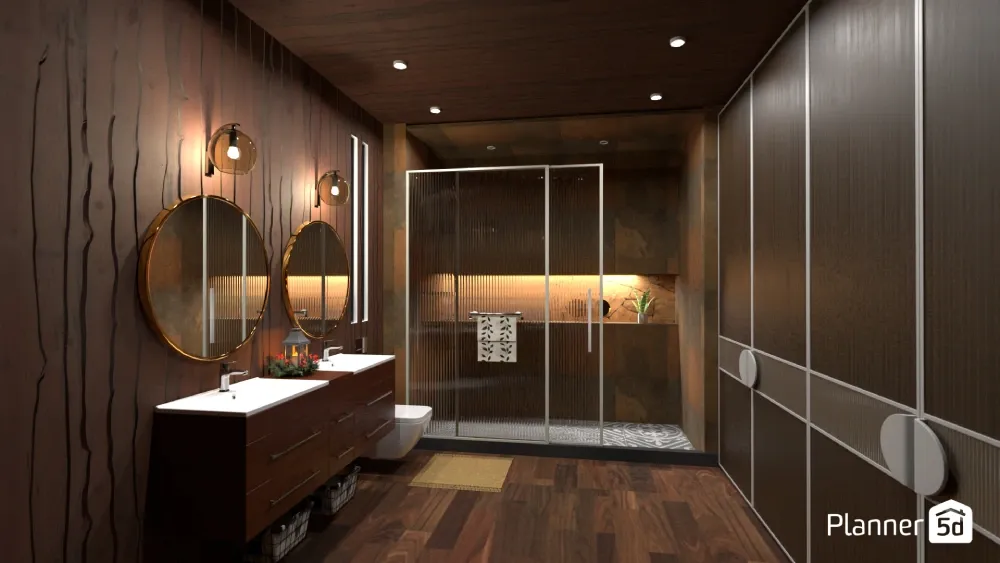
See how much storage you really need. That large linen cabinet might provide tons of storage, but it could also make your bathroom feel cramped.
Step 5: Bring it to life with lighting and decor
Good lighting makes everything look better and function better. Plan both task lighting for grooming and ambient lighting for relaxation.
- Add vanity lights beside or above your mirror.
- Opt for wall sconces to provide even lighting without shadows.
- Use overhead fixtures to light the entire space.
- Try different combinations to see what works best in your layout.
- Consider natural light too. If you have a window, see how it interacts with your artificial lighting throughout the day.
Don't forget to add finishing touches that make your bathroom feel like home.
- Plants bring life and color.
- Fluffy towels add luxury.
- Art makes the space feel personal.
- Rugs add comfort and warmth.
In Planner 5D, these details help you visualize the complete space. You'll see if that large plant fits in the corner or if wall art competes with your tile pattern.
Step 6: The big reveal with a realistic 3D walkthrough
This is the payoff for all your planning. Switch to 3D mode and walk through your newly designed bathroom. Move around the space as if you're really there.
Check sight lines from the doorway. Make sure you have enough clearance around fixtures. See how the morning light hits your mirror or how the shower feels when you're actually inside it. The 3D view reveals things the 2D plan can't show.
Use the HD render feature to create a photorealistic image of your finished bathroom. This isn't just a design tool - it's your "after" photo before you've changed anything. Show it to contractors, use it to shop for materials, or just admire your hard work.
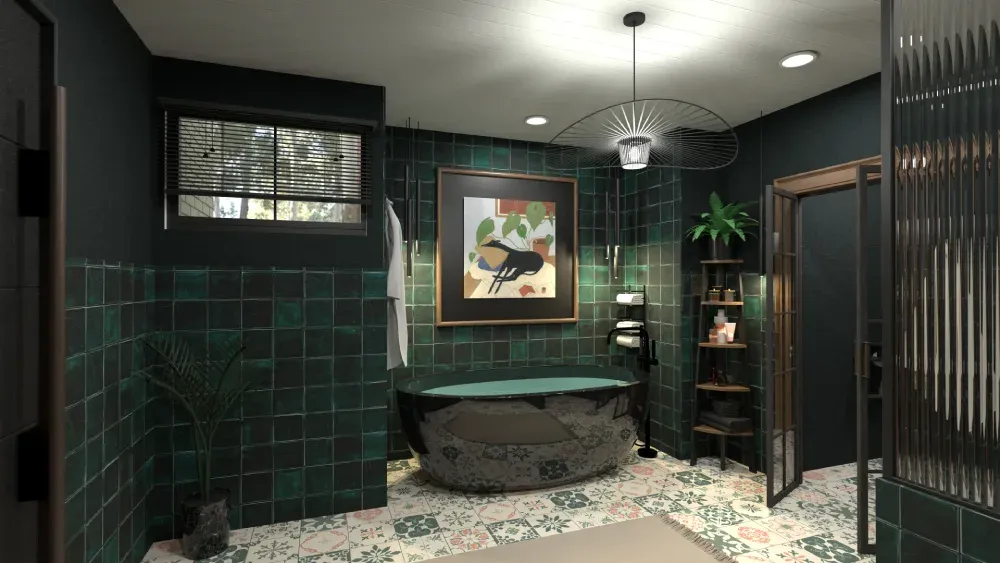
The HD render captures lighting, textures, and reflections just like a professional photograph. It's proof that your design will work in real life.
Making your dream bathroom a reality
You've graduated from a blank floor plan to a fully decorated, realistic 3D bathroom. With Planner 5D, you have complete creative control. You've tested layouts, compared materials, and seen exactly how everything works together.
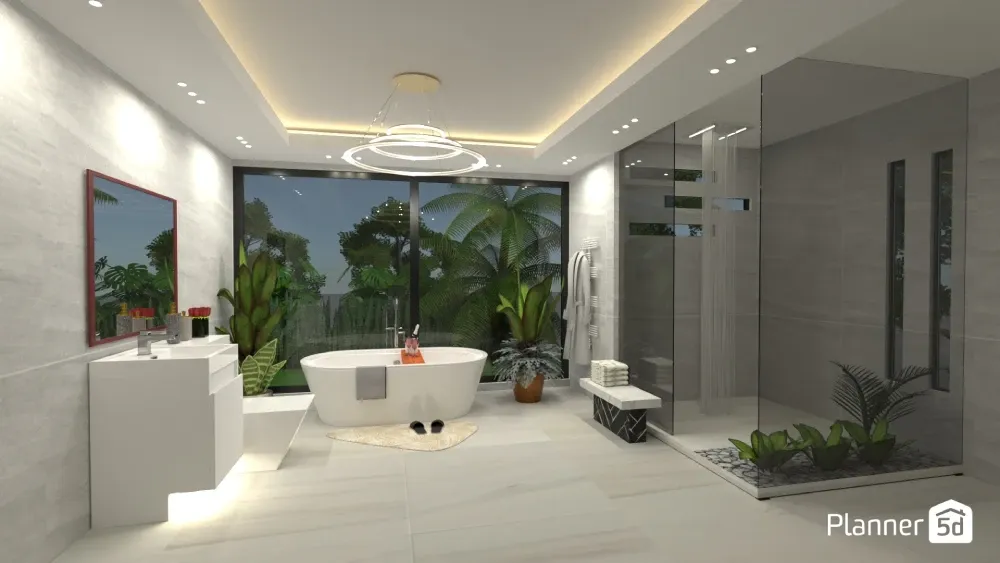
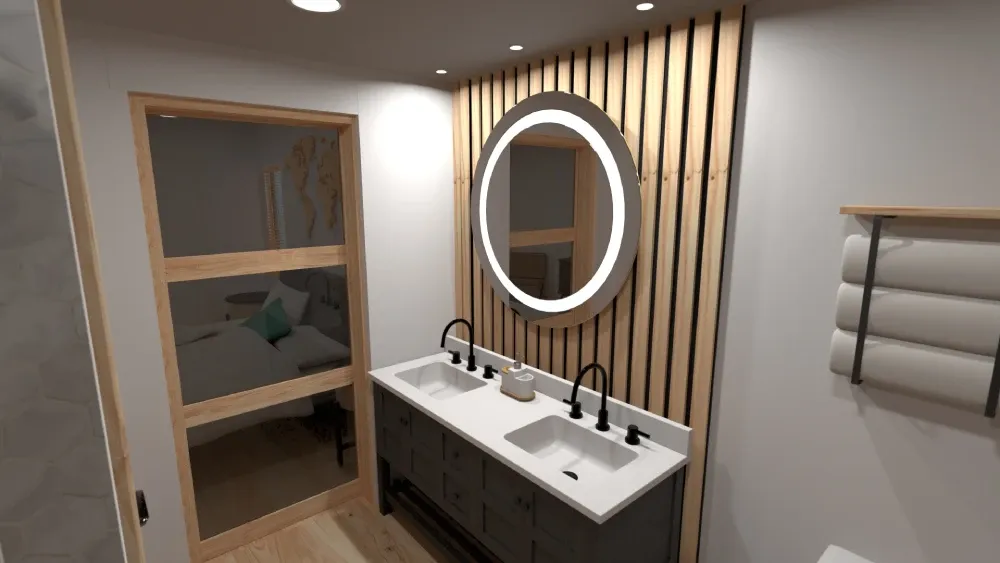
This process saves time and money. No more buying tile samples only to realize they don't work. No more wondering if that vanity is too big. No more expensive mistakes that require starting over.
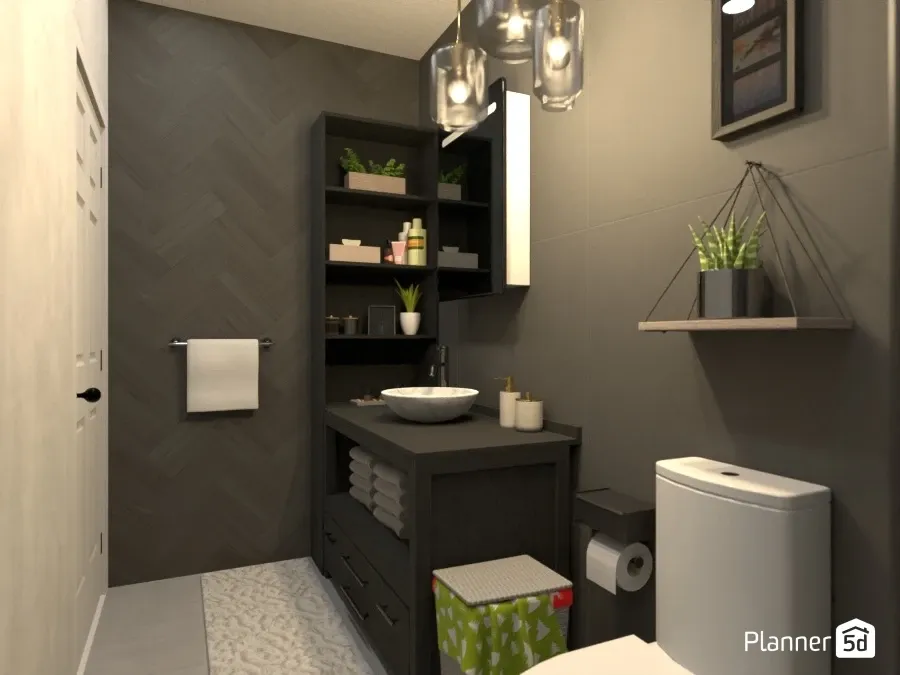
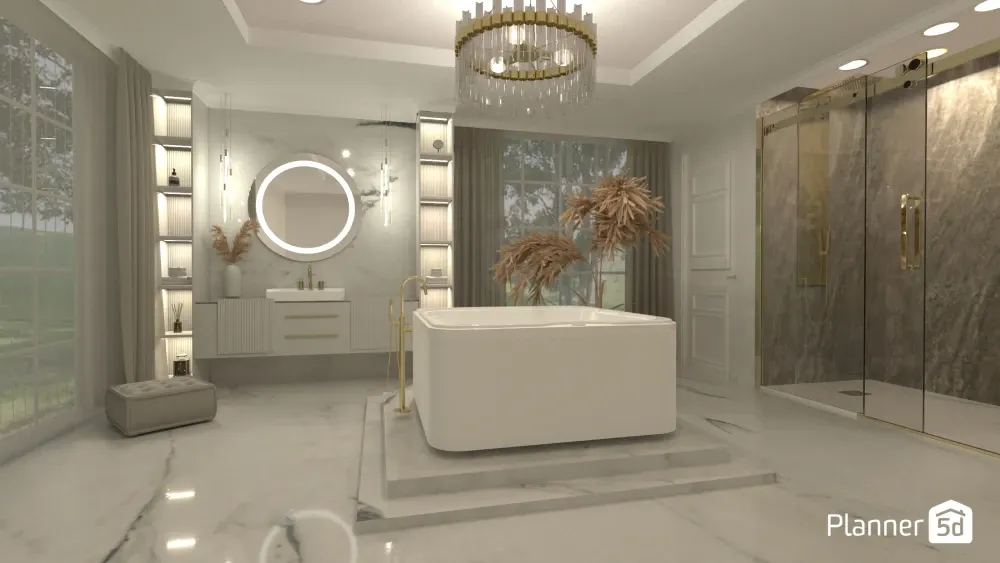
Your design is ready. You know what works, what doesn't, and precisely what you want to buy. Most importantly, you're confident that your finished bathroom will look and function exactly as you planned.
Need more inspiration? Explore the bathroom designs in our user gallery to discover what others have created and spark new ideas for your space.
Planner 5D: The Future of Interior Design
Experience the power of AI-driven design with Planner 5D. Our innovative tools, including the Design Generator, Smart Wizard, and AI floor plan recognition, make bringing your dream home to life easier than ever. Transform your vision into reality and unlock a world of design possibilities today.
Start designing your dream home