What Is Virtual Staging? A Complete Guide
Find out how virtual staging can help you sell your home faster and without breaking the bank.

When you're trying to sell or rent out a house, first impressions matter. No matter how great the space is, sometimes buyers or potential renters need some help to see the full potential of a space. If moving furniture in and out is out of the question or costs a lot of money, you can still make your space shine with virtual staging.
Virtual staging is a way to show empty rooms with digital furniture and decor. It helps buyers or renters picture themselves living in the space. In this post, we explain virtual staging, how it works, and why it might be right for you.
What is virtual staging?
Virtual staging uses software to add realistic furniture and decor to empty rooms or outdated spaces. Real estate agents use it to make vacant homes look lived-in and welcoming. It's like traditional home staging but done online.
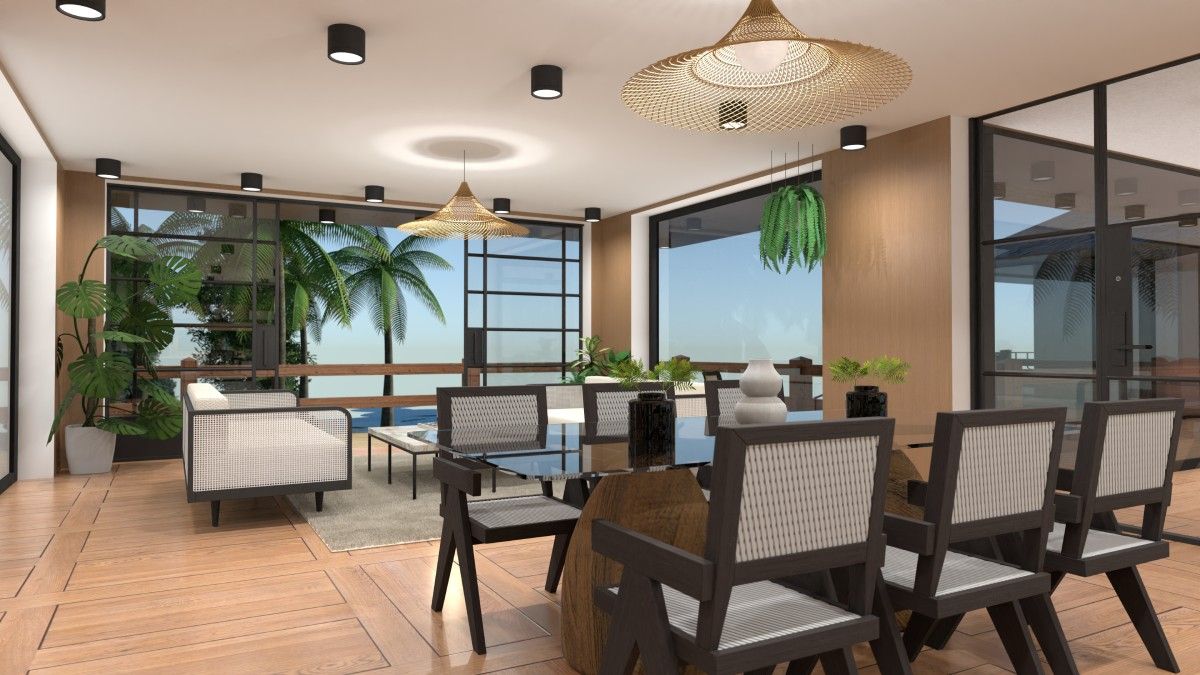
Virtually staged images can better show the potential of a property in listing photos. Now, virtual staging looks so real that most buyers can't tell the difference.
Benefits of virtual staging
Virtual staging can be more advantageous than traditional staging, making it worth considering if you want to sell a home. These benefits affect your wallet, timeline, marketing power, and the overall process.
Turn your ideas into 3D magic — no design experience needed.
AI is here to help.
Virtual staging is cost-effective
One of the biggest reasons people choose virtual staging is cost. Traditional staging can cost $2,000 to $5,000 per month, as you have to factor in furniture rentals, movers, and sometimes even storage fees.

Virtual staging costs $30 to $100 per room, just once. The savings are huge, especially for homes that might take months to sell.
Faster turnaround time
Physical staging takes days to set up. Movers bring in furniture, designers arrange it, and it all has to be removed later. Virtual staging takes hours, not days. You can have photos ready in 24-48 hours. That means your listing can go live faster, drawing buyer attention immediately.
Flexibility in design options
Not sure what style will appeal to potential buyers or renters? Virtual staging solves that problem by letting you experiment with different styles.
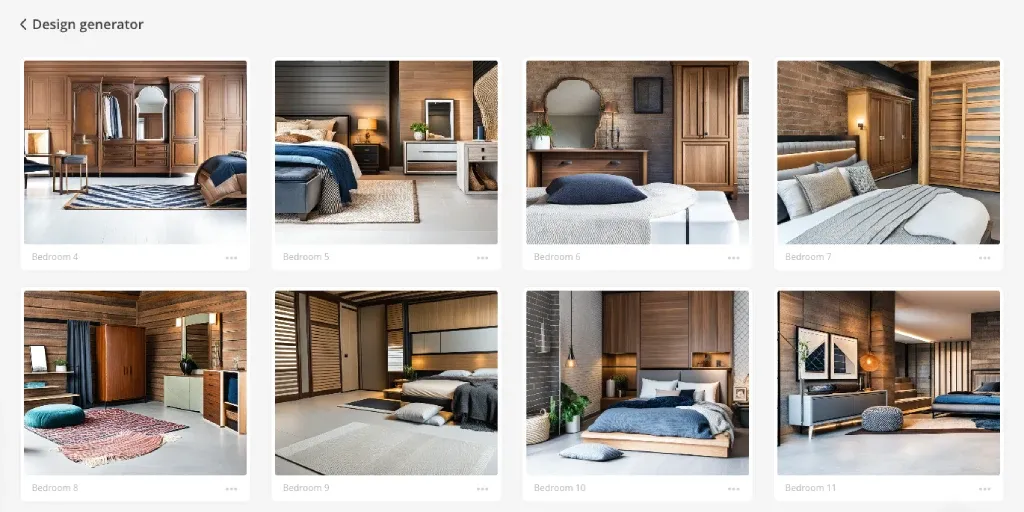
Create different versions of a room, whether modern or more traditional. This flexibility helps tailor your listing to specific buyers and markets, increasing your chances of a sale.
No need for physical setup
You don’t have to move any furniture, clean up clutter, or store personal items. There’s no heavy lifting, no deliveries, and no risk of damage to the property. All the staging happens digitally, which makes the process simple and stress-free.
Ideal for vacant homes
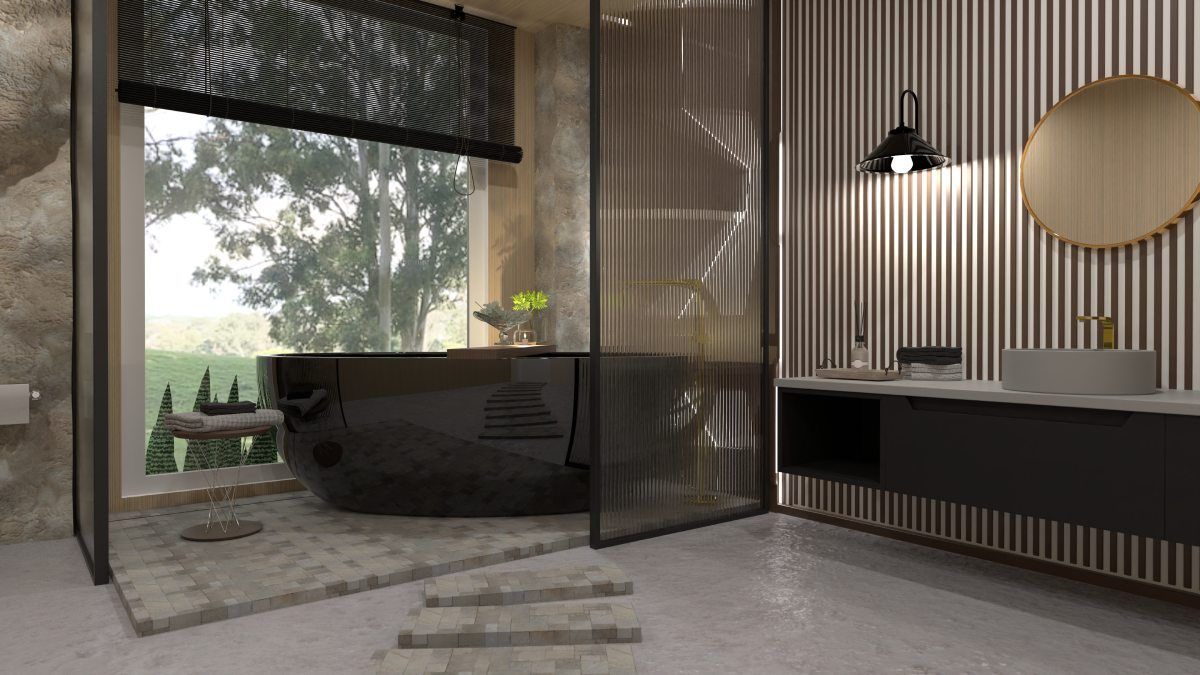
Outdated or empty spaces can feel cold and lifeless. Virtual furniture brings warmth and personality. Virtually staged rooms show scale and function, making it easier for potential buyers to see themselves living there.
Removes distractions
Empty rooms look smaller than they are. Outdated decoration can turn buyers away. Virtual staging removes these problems and helps buyers focus on the space itself.
Boosts marketing power
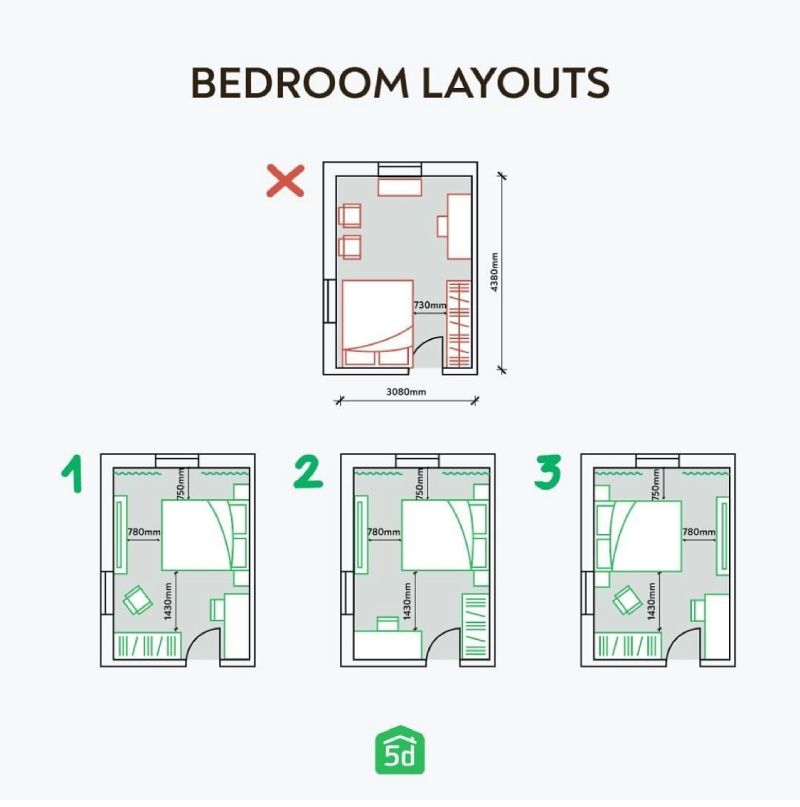
Listings with staged photos get more clicks online. Buyers spend more time looking at these listings and are more likely to schedule showings. In today's market, good photos drive sales.

How virtual home staging works
The virtual staging process starts with good photos. A real estate photographer or agent takes high-quality images of the empty rooms. Next, the seller or agent chooses a design style that suits the home and target buyer.
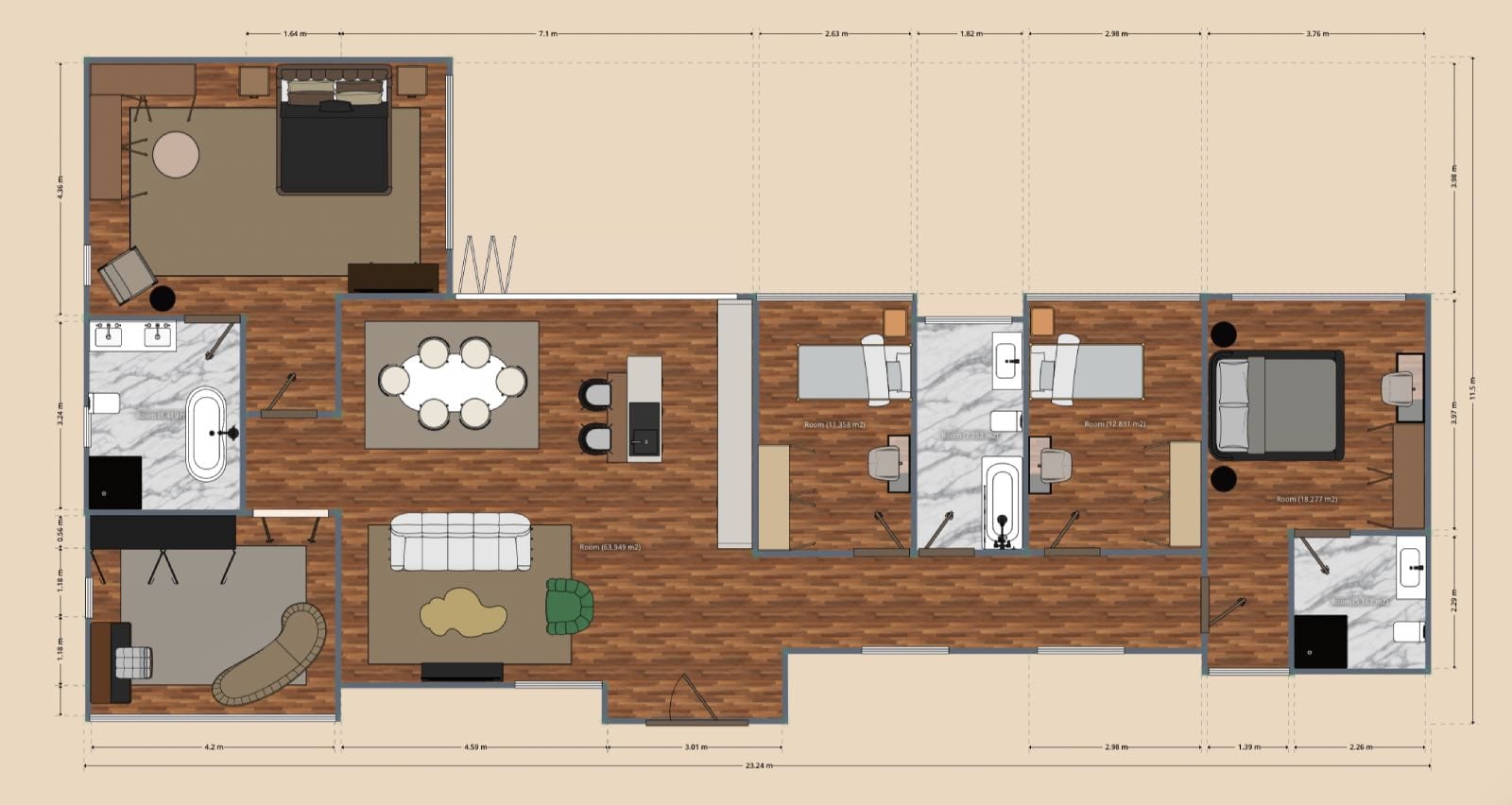
The virtual stager adds realistic furniture, decor, and lighting adjustments using advanced design software. Some tools, like Planner 5D, let you design a whole floor plan first. Then you can add furniture and create images from different angles.
Once the designs are ready, the client reviews the virtually staged images and can ask for changes. After final approval, the images are sent back, ready to be used in the real estate listing or shared online.
Virtual staging vs. traditional staging
Traditional staging, or physical staging, requires real furniture, on-site setup, and often moving personal items out of the home. It’s expensive, time-consuming, and not always practical, especially for remote sellers or busy agents.
| Traditional staging | Virtual staging | |
|---|---|---|
| Cost | $2,000–$5,000 per month | $30–$100 per room (one-time fee) |
| Time | 2–3 days to set up | 24–48 hours for finished photos |
| Flexibility | One style only, hard to change | Multiple styles possible, easy to update |
| Visuals | Photos of the physical set up | Realistic renders that can be customized |
Virtual staging is a faster and more affordable alternative. You don’t need access to a stager or moving crew, and the results can be just as effective in grabbing buyer attention online. Since most buyers now browse listings online before booking a viewing, virtually staged photos can make a huge impact.
Design smarter, not harder.
AI suggestions tailored to your space and style.
Real estate marketing strategies
Photos are everything in real estate marketing. Virtual staging helps listings pop by turning empty rooms into welcoming, beautifully designed areas. It helps potential home buyers imagine their future there. Here is how to go about it the right way.
Use virtual staging for vacant homes
If the home is empty, virtual staging makes a huge difference. It helps people see scale and purpose in the space, which is hard to do with a bare room.
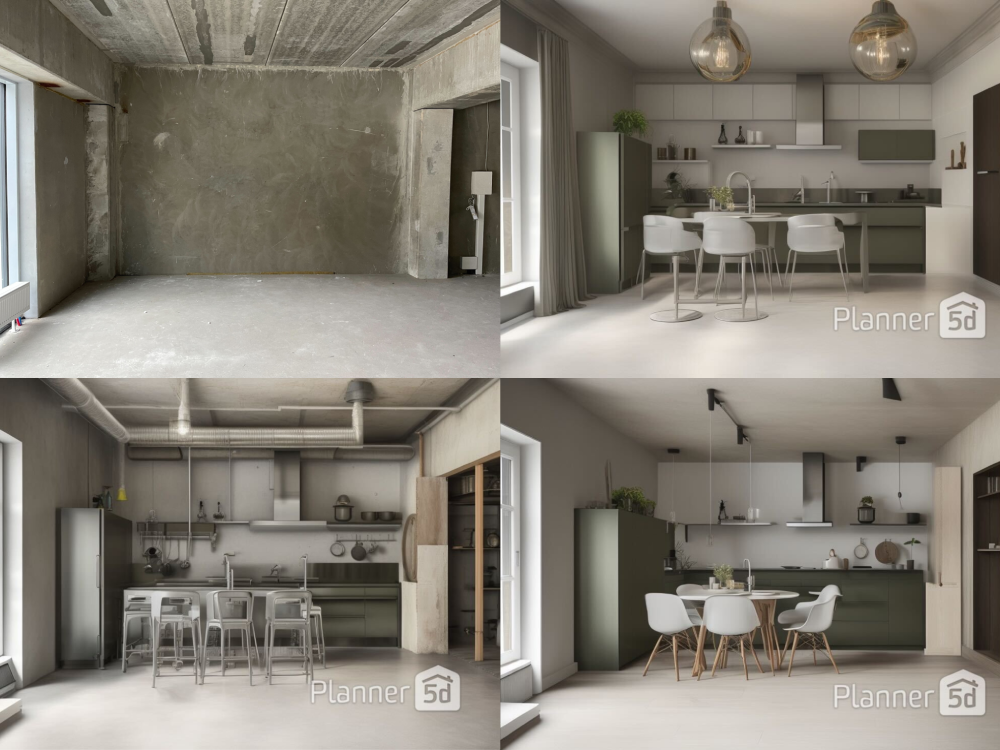
Show before-and-after images
Side-by-side comparisons of the original property and virtually staged photos make the transformation clear. This helps buyers and sellers see the value of the service.
Be honest about virtual staging
Always disclose that the images are virtually staged. Most people are fine with it, as long as it’s clear.

Stage for your target buyer
Design the space to reflect the tastes and lifestyle of the people most likely to buy the home. A modern condo might benefit from sleek design, while a family home might look better with cozy, lived-in touches.
Keep the designs simple
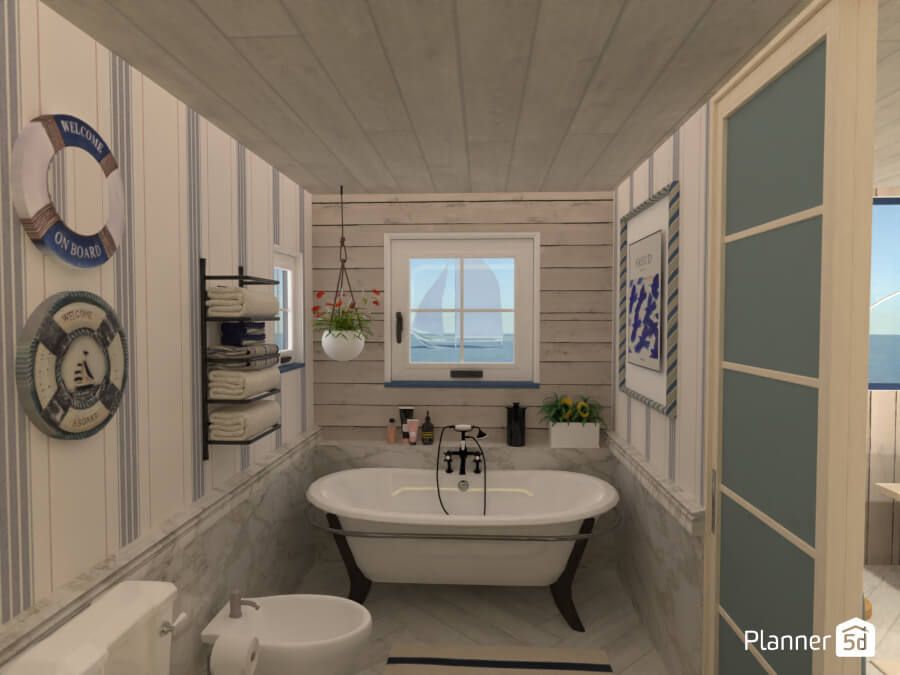
Avoid bold colours or overly trendy pieces. The goal is to appeal to as many interested parties as possible. Neutral and timeless styles work best.
Home staging for vacant homes
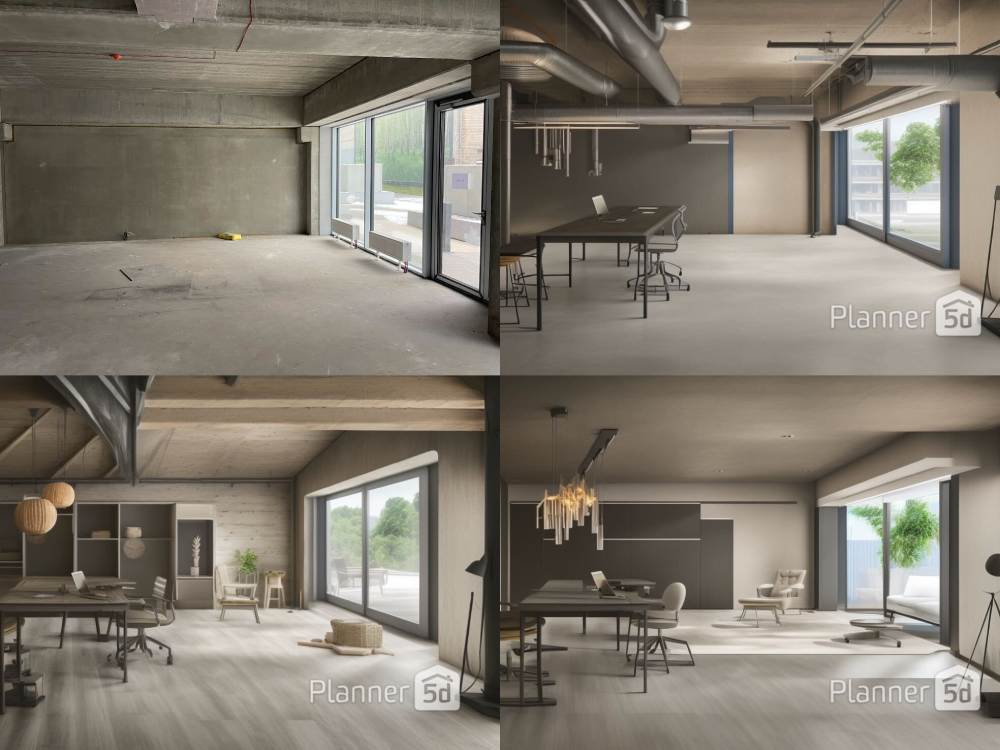
Vacant listings are some of the hardest to sell. People have trouble visualizing how empty or outdated homes could become their future home. Virtual staging fills that gap.
With just a few staged photos, you can create a welcoming vibe and show the full potential of every room. It benefits builders, flippers, and homeowners who’ve already moved out. Virtual staging makes a vacant home feel complete and lived-in.
Real estate industry applications
Virtual staging has many uses beyond single-family homes. Real estate agents use it for condos, model homes, rental units, and commercial spaces. Developers use it to pre-sell units before a building is finished.
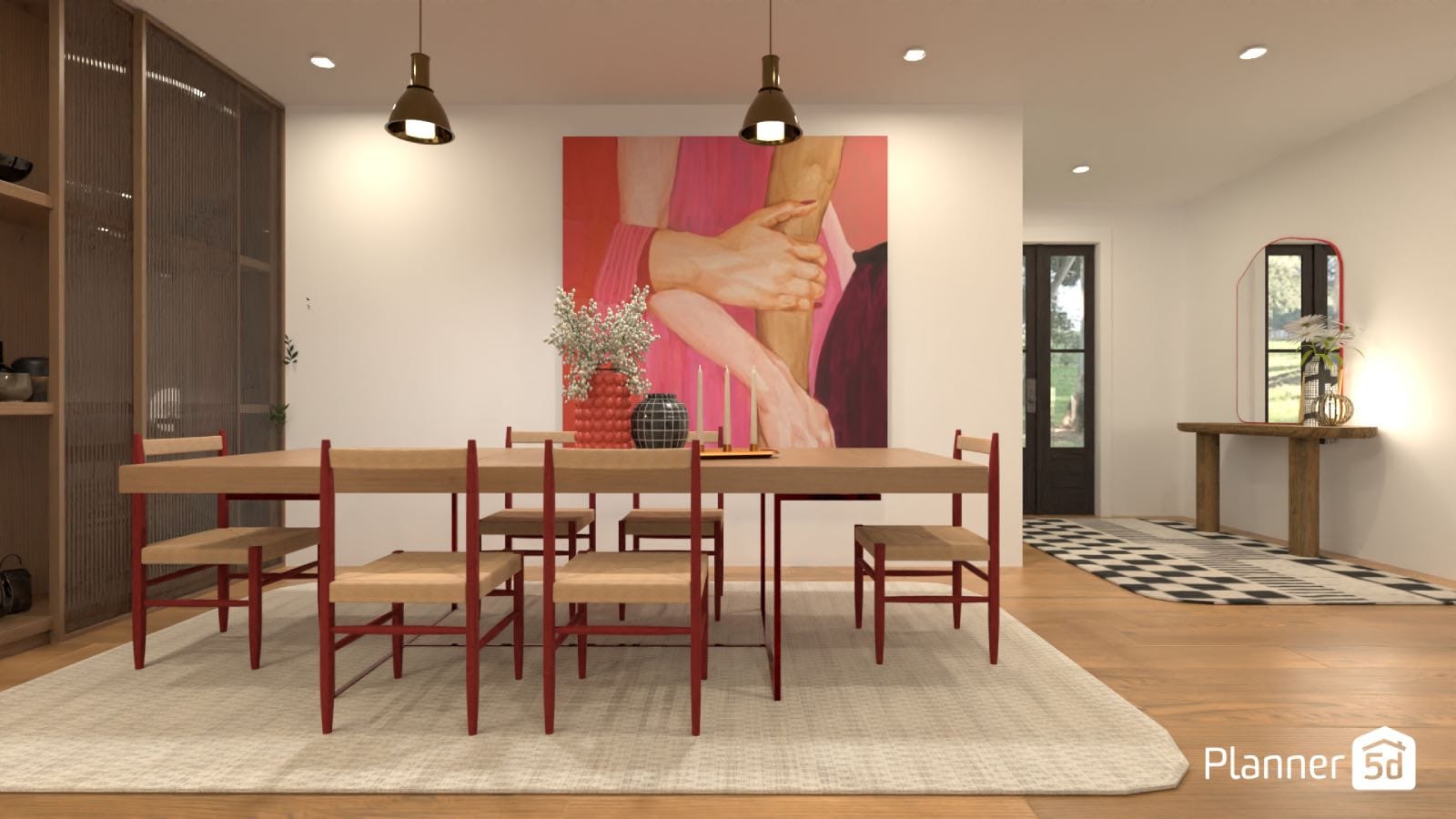
Investors use it to show off potential value in empty or outdated spaces. Interior designers also use virtual staging services to present concepts to clients. It’s a versatile tool with broad appeal across the real estate industry.
Measuring success
Track how your listing performs to measure the success of your virtual home staging project. If your virtual staged photos lead to more views, more inquiries, or faster sales, you know it’s working.
Many realtors report that staged properties get better offers and sell more quickly than empty ones. Buyer feedback also matters—when people comment on how great a listing looks, it’s a sign you’ve done something right.
Common mistakes to avoid
Virtual tools make it easier to show a property, but it's also easy for the project to get out of hand. Here are some tips for keeping your virtual staging project on track and avoiding common mistakes.
Don’t over-design
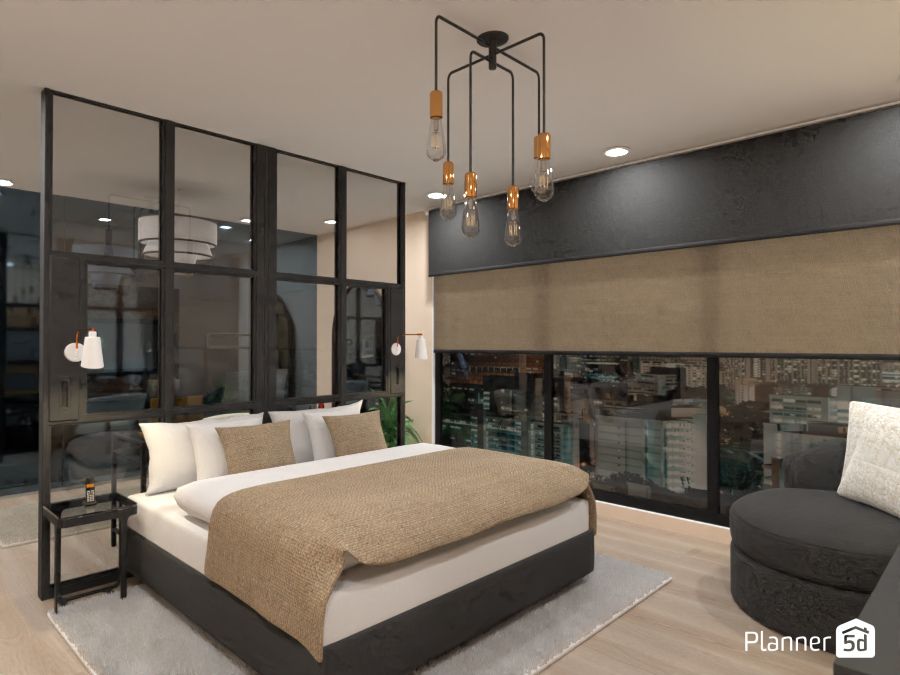
Too much furniture or clutter can make the image feel unrealistic. Keep the look simple and clean.
Don’t use low-quality images
Blurry or poorly lit photos won’t help, even with the best staging. Always start with professional-quality photos.
Avoid unrealistic renders
People will notice if the items don’t cast natural shadows or look like they’re floating. Make sure your images look real.
Don’t hide layout issues
Virtual staging should enhance a room, not mislead those looking at the property. Don’t cover flaws or make the space look bigger than it is.
Conclusion
As you can see, virtual design is a great tool for real estate. It's an easy way for sellers to market their properties to those looking to buy them. It's also easier and cheaper than traditional home staging, making it a great choice for anyone looking to sell.
FAQ
How does virtual staging work?
Virtual staging uses software to add virtual furniture and decor to photos of empty or outdated rooms. The result helps house hunters picture how the space could look.
How much does virtual staging cost for real estate?
Virtual staging services usually cost $30 to $100 per room as a one-time fee. It's a budget-friendly alternative to traditional home staging. You can also choose a monthly subscription to a program like Planner 5d for all your projects.
What are the cons of virtual staging?
Virtual staging can confuse viewers if the images aren’t clearly marked as digitally enhanced. Bad staging—like unrealistic finishings or poor editing—can hurt your listing.
How much do photographers charge for virtual staging?
Photographers often outsource the virtual staging process and may charge a small coordination fee. Most staged images still fall within the $30 to $100 range per image.
Planner 5D: The Future of Interior Design
Experience the power of AI-driven design with Planner 5D. Our innovative tools, including the Design Generator, Smart Wizard, and AI floor plan recognition, make bringing your dream home to life easier than ever. Transform your vision into reality and unlock a world of design possibilities today.
Start designing your dream home