Wall Paint Simulator: Never Choose the Wrong Paint Color Again
Discover how a wall paint simulator like Planner 5D can save you time, money and frustration when it comes to choosing colors in your home.
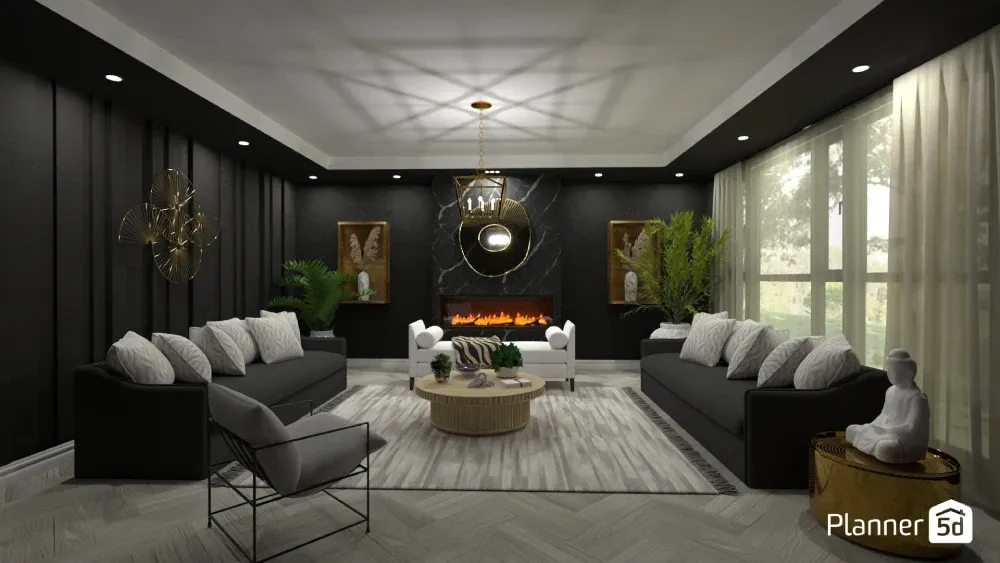
Choosing the perfect wall paint color can feel overwhelming. You know the feeling, standing in the paint aisle, staring at hundreds of color swatches, wondering how that tiny sample will actually look on your living room walls.
What if you could see how different colors would look in your space before buying paint? Enter the wall paint simulator, a digital game-changer that's revolutionizing how homeowners approach interior design.
What is a wall paint simulator?
A wall paint simulator is essentially a digital visualization tool that lets you "paint" walls virtually. Instead of relying on guesswork or small paint samples, you can see realistic representations of how different colors will look in your specific space.
These tools have evolved significantly from simple color-matching apps to sophisticated platforms that consider lighting, room dimensions, and existing decor.
Modern paint color visualizers work by either allowing you to upload photos of your actual rooms or providing pre-designed room templates. You can then test different paint colors on walls, experiment with accent walls, and even coordinate colors with your existing furniture and decor.
How it works
Most virtual wall paint tools operate through one of several methods. The most popular approach involves uploading a photo of your room, where the software uses advanced algorithms to identify wall surfaces and apply your chosen colors realistically.
Some tools incorporate augmented reality (AR) that allows you to point your smartphone camera at a wall and see paint colors in real-time. More sophisticated platforms like Planner 5D take this concept further by offering full 3D rendering capabilities.
With these virtual room painter tools, you can create three-dimensional models of your space. By adjusting lighting and using the day/night settings, you can get a more accurate representation of how the colors will interact with lighting, shadows, and architectural features.
Popular features to look out for
Today's wall color simulators come packed with user-friendly features.
- Color pickers let you select from extensive paint libraries from major manufacturers like Sherwin-Williams and Benjamin Moore, or sample any color you like.
- You can use the real-time preview option to see results as you experiment with different shades.
- Many tools also offer a lighting adjustment feature that lets you see how colors appear under various lighting conditions throughout the day.
Benefits of using a wall paint simulator
Why should you use a wall paint simulator? Let's take a look at a few reasons you might not have considered.
Avoid color regret
We've all heard horror stories of paint colors looking completely different once applied to walls than they did on the sample card.
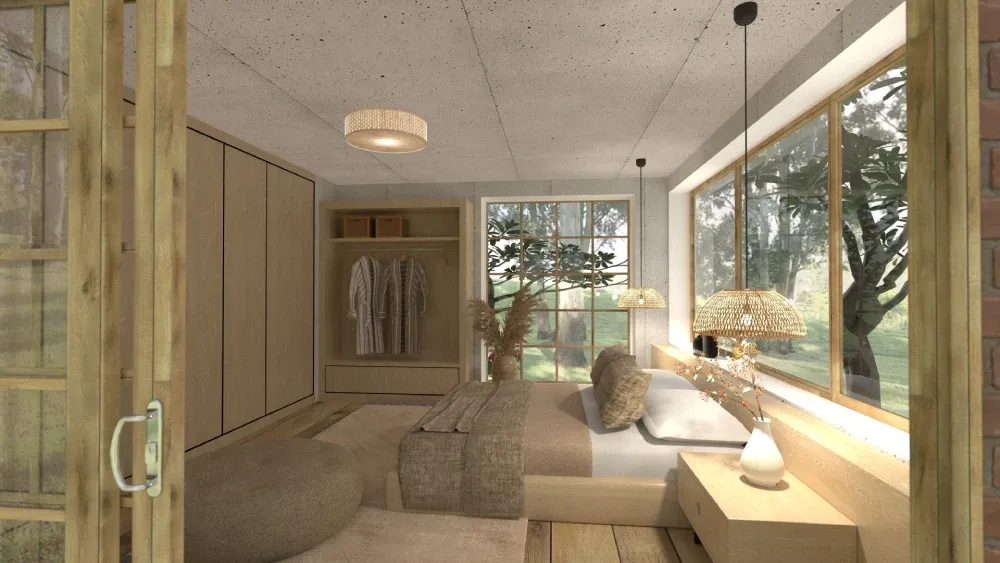
This phenomenon, known as metamerism, occurs because colors appear different under various lighting conditions and when surrounded by other colors.
Want to design your dream home faster?
Let AI do the heavy lifting with Planner 5D.
A room color planner helps eliminate this uncertainty by showing you realistic representations of how colors will actually appear in your specific space. This approach reduces the risk of expensive color mistakes.
Saving time and money
Traditional paint selection often involves purchasing multiple sample sizes, applying test patches, and waiting to see results under different lighting conditions.
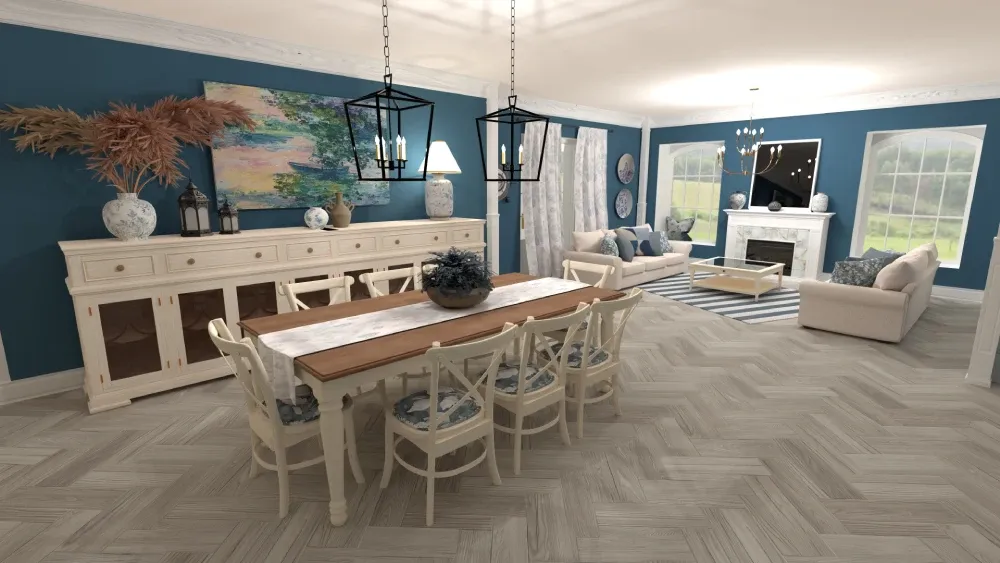
This process of using sample paints can be lengthy and costly. A wall paint simulator streamlines this entire process into minutes, allowing you to test dozens of colors instantly without any financial commitment.
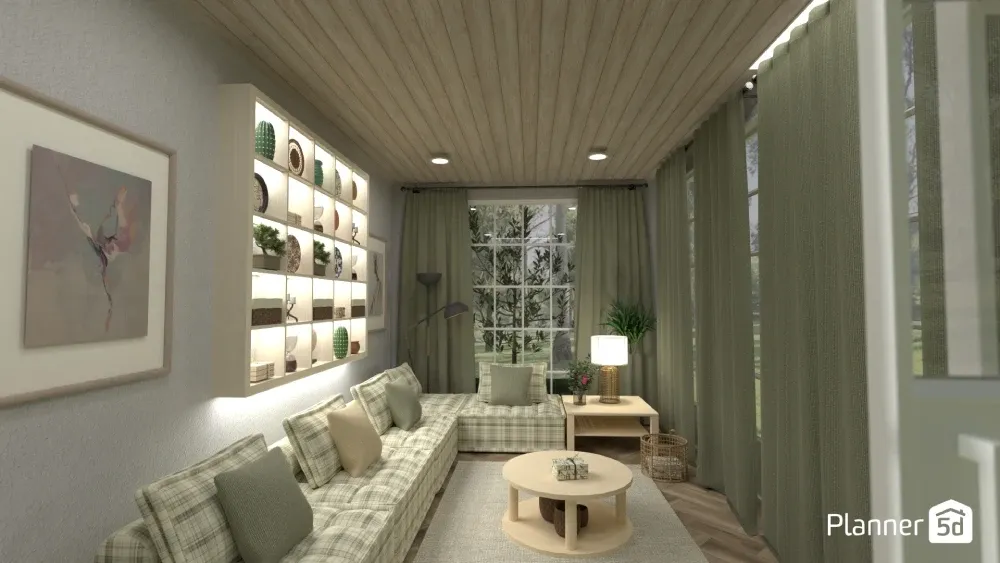
Consider that the average gallon of quality paint costs $30-60, and most rooms require 2-3 gallons. Add in primer, brushes, rollers, and other supplies, and you're looking at a significant investment before you even know if you'll like the final result. Virtual tools eliminate this financial risk entirely.
Test color combinations with furniture and decor
One of the most powerful advantages of using a paint color visualizer is the ability to see how wall colors interact with your existing furniture, artwork, and decor.
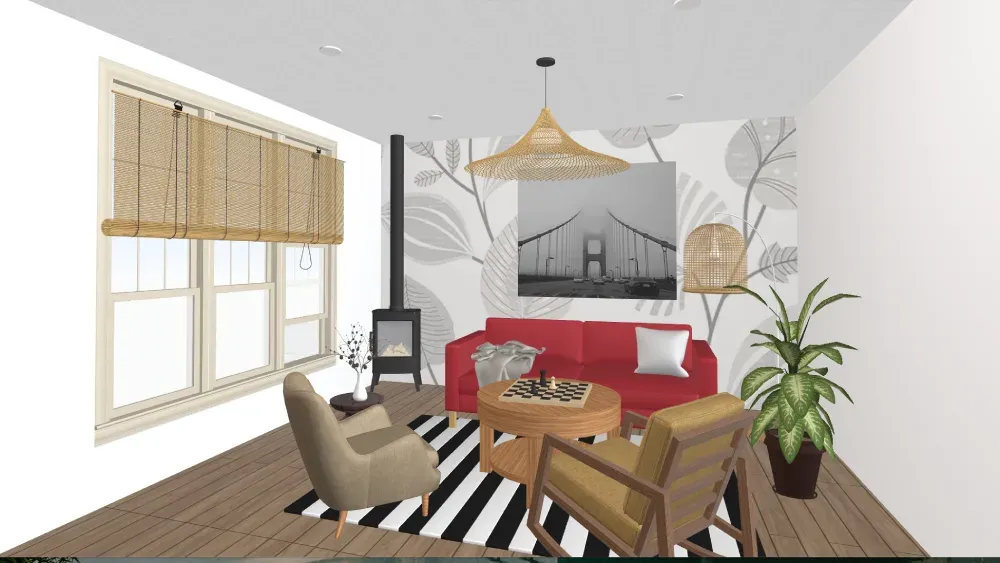
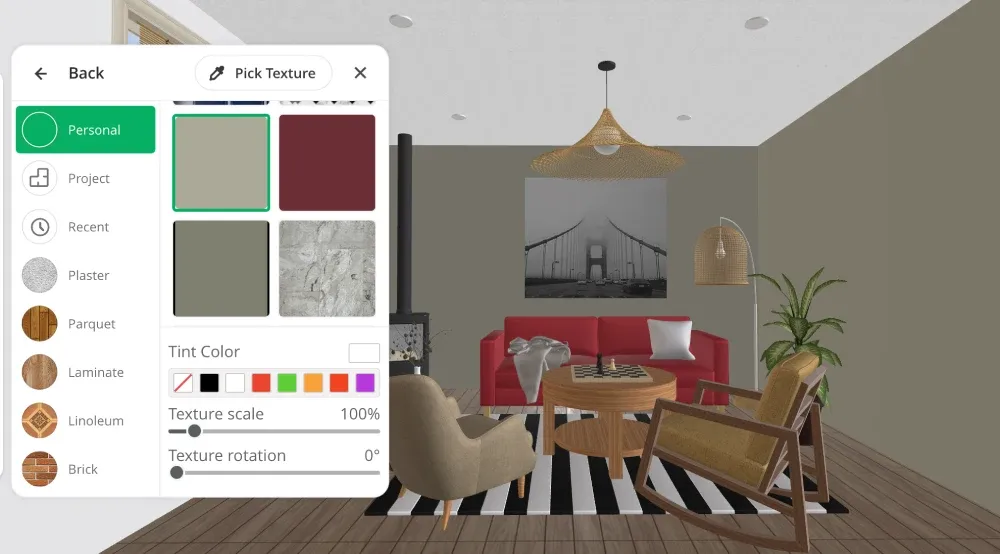
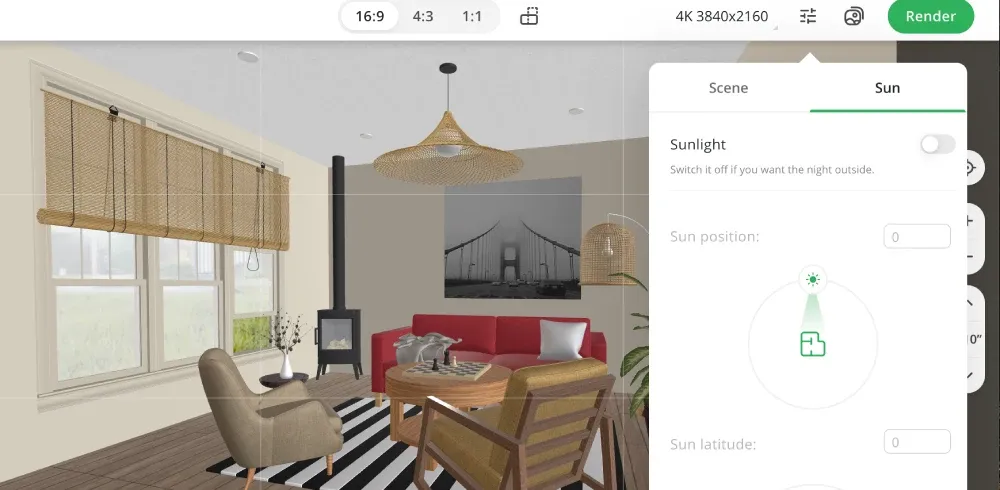
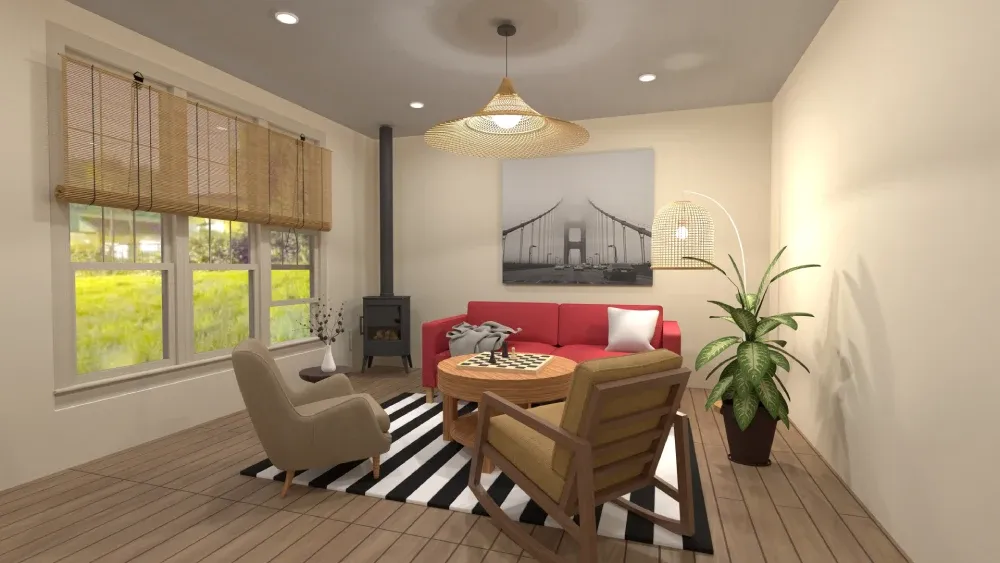
Advanced simulators allow you to upload a photo of your space and create digital replicas of your room, including furniture, decor and finishes. This way, you can see your new wall color and how it interacts with your existing decor.
Share with contractors or family
When it comes to home renovation, there are often several decision makers, including family members and professional contractors.
Say goodbye to describing your color ideas or relying on others to imagine how they might look. Now, you can share realistic visual representations and show them exactly what you want.
Planner 5D, your handy wall paint simulator
Among the various virtual wall paint tools available, Planner 5D stands out as a comprehensive solution that goes beyond simple color visualization.
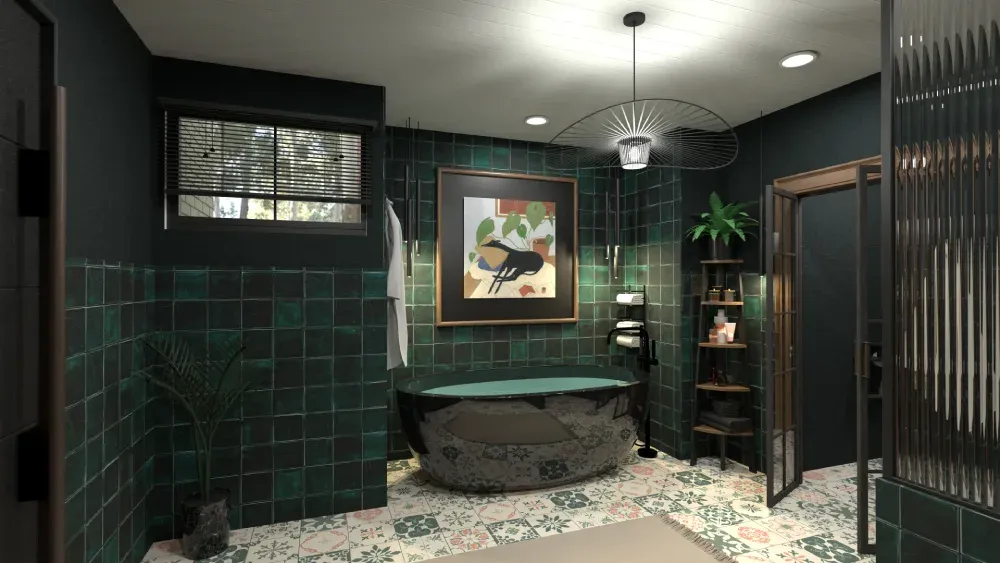
While many simulators focus solely on wall colors, Planner 5D offers a complete home renovation tool that allows you to design entire rooms from the ground up.
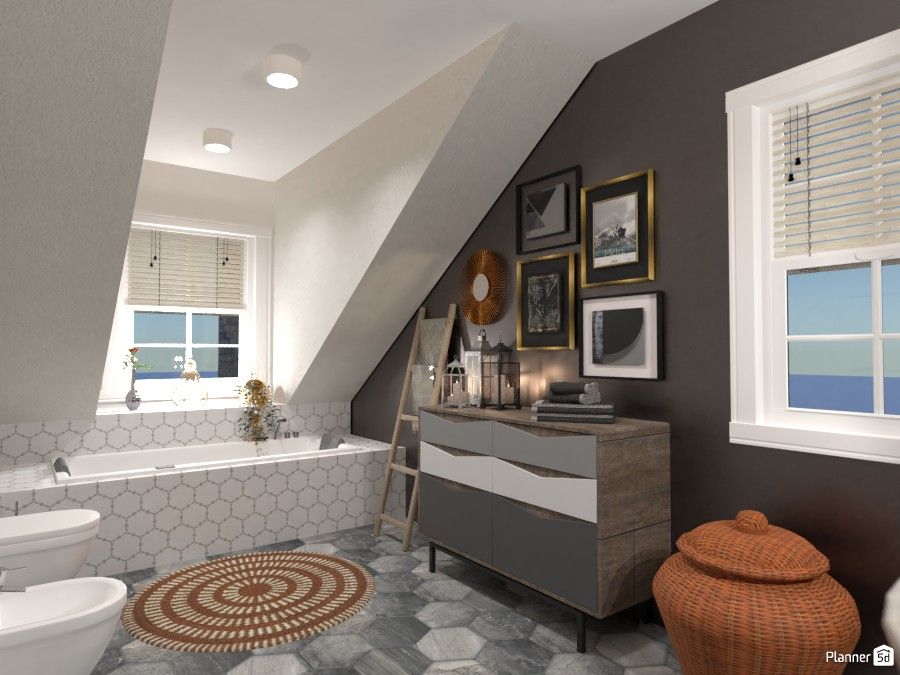
It combines ease of use with professional-grade capabilities, making it accessible to both beginners and interior designers as well as serious DIY enthusiasts. Planner 5D's extensive library includes thousands of paint colors, furniture pieces, and decorative elements. Or, you can upload your own.
Simulate wall paint in 2D and 3D views
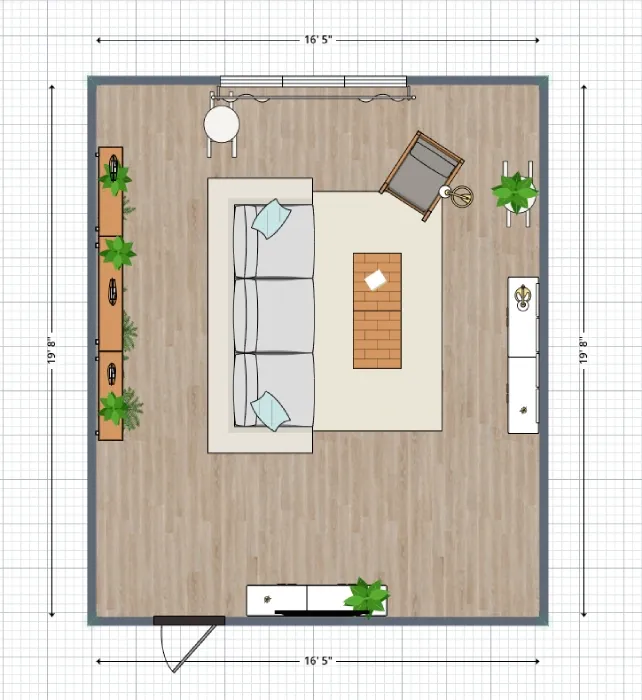
Planner 5D's dual-view capability sets it apart from basic paint simulators. The 2D view provides a traditional floor plan perspective, perfect for understanding spatial relationships and planning furniture placement.
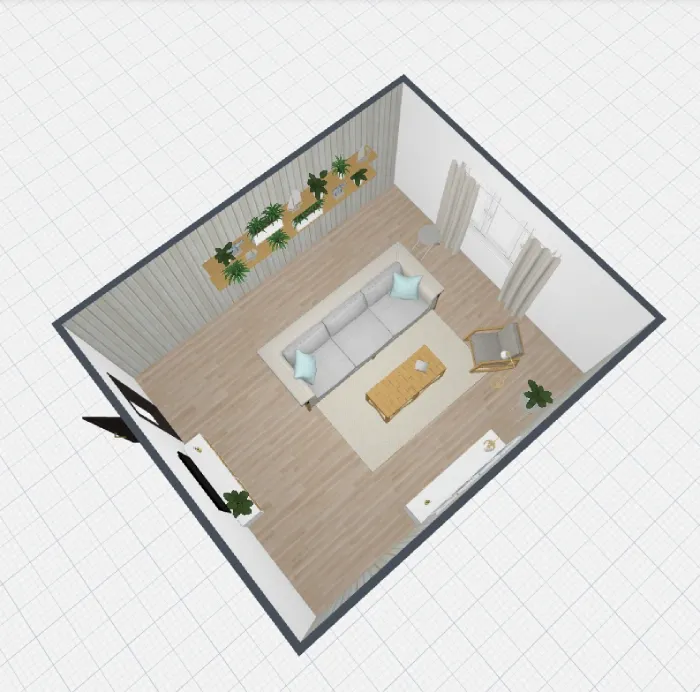
The 3D view is an immersive, walk-through experience that shows exactly how your painted walls will look from different angles and under various lighting conditions.
You can see how an accent wall looks from the room's entrance, how natural light affects color throughout the day, and how your chosen colors work with different furniture arrangements.
Use Planner 5D to plan entire rooms
While paint color is often the starting point for room makeovers, successful interior design requires designing and using all elements together. This is where Planner 5D comes in.
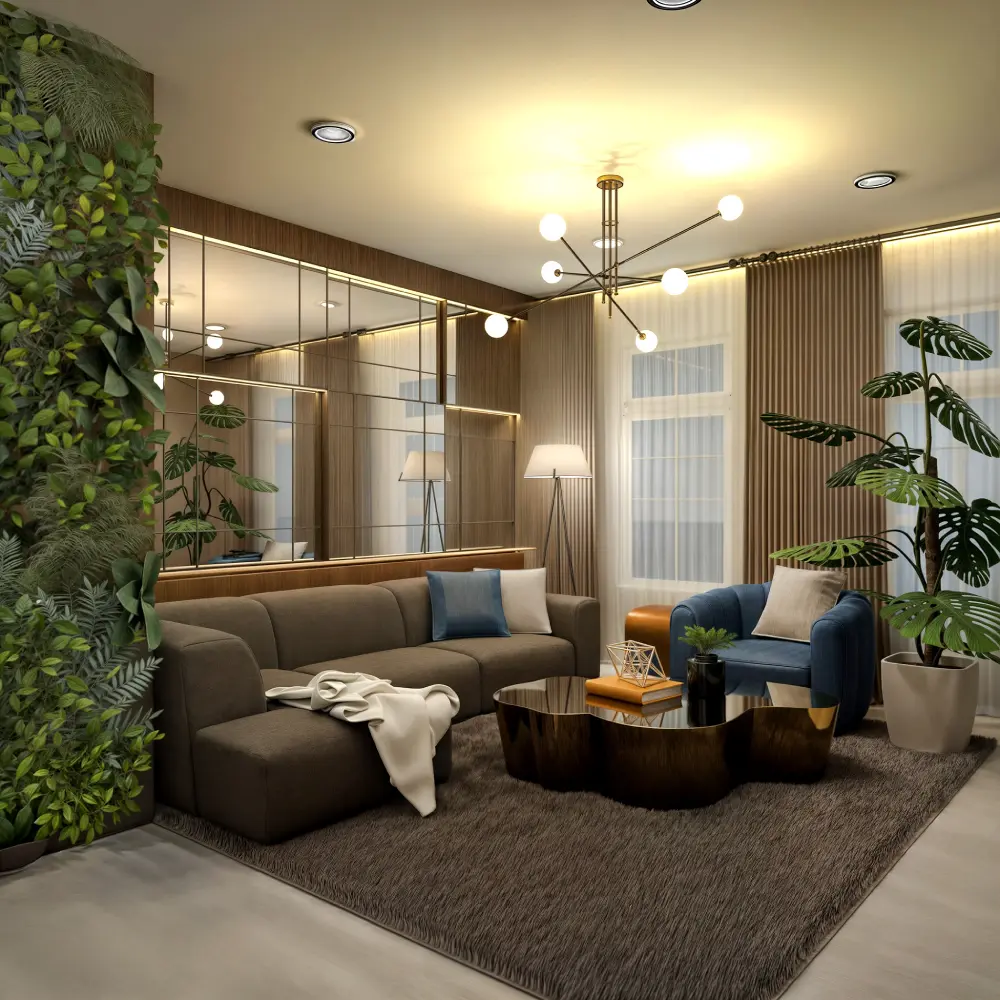
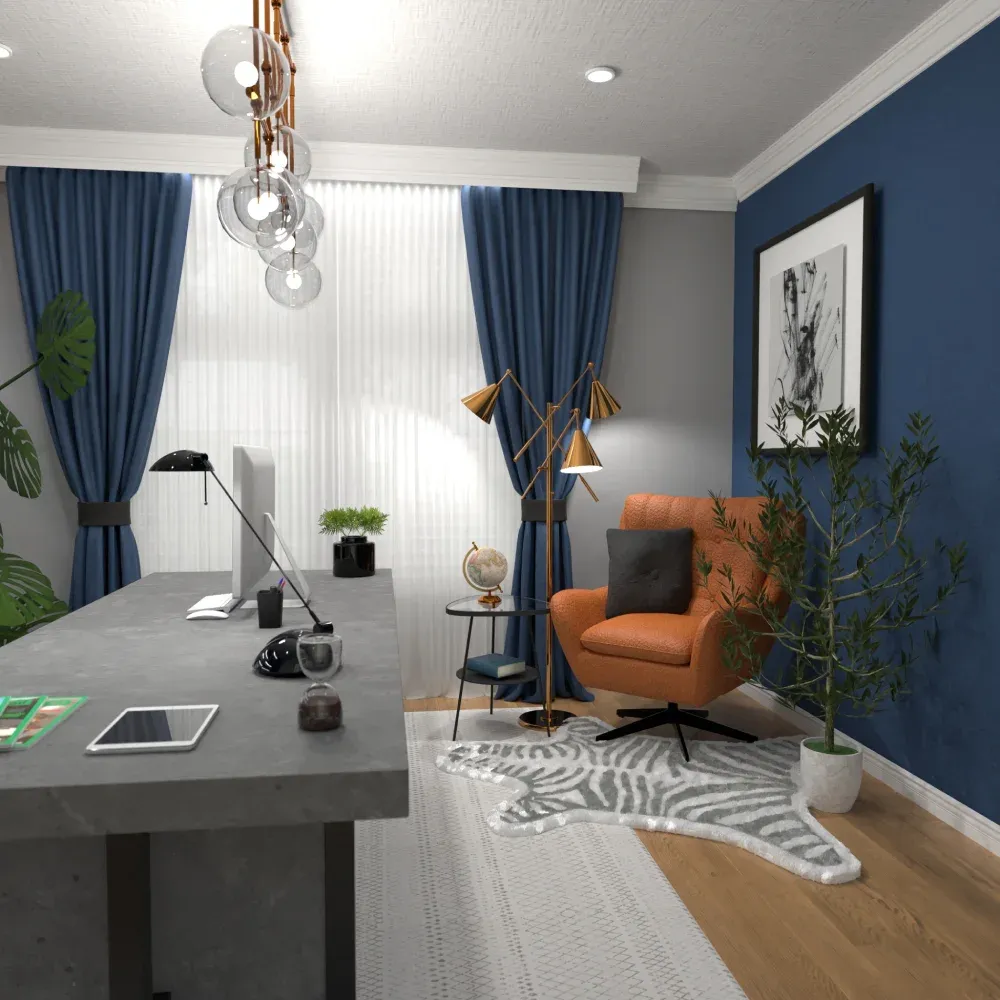
Designs by Evelinaa/Planner 5D
It allows you to experiment with wall colors while simultaneously planning furniture layouts, selecting decor, and even adjusting lighting fixtures.
Easy for beginners, powerful for pros
Planner 5D strikes an impressive balance between simplicity and sophistication. Start with pre-designed room templates and simple color application tools, then progress to creating custom floor plans, adjusting detailed lighting scenarios, and fine-tuning every design element.
The platform's intuitive drag-and-drop interface lets you experiment with different ideas without the need for technical skills. You can also use the extensive customization options for more technical projects and custom requirements.
How to use a wall paint simulator
Getting started with a wall paint simulator is straightforward, regardless of which platform you choose. Here's a general process that applies to most tools:
- Upload a room photo or use a template: Begin by either uploading a clear photo of your room or selecting from pre-designed room templates. If uploading a photo, ensure good lighting and a clear view of the walls you want to paint.
- Select and apply colors: Browse the color library and select paints you want to test. Most tools allow you to click on wall surfaces to apply colors instantly. Don't be afraid to experiment – this is your chance to try bold choices without consequences.
- Adjust lighting, surfaces, and decor: Fine-tune your design by adjusting lighting conditions, testing different surface finishes (matte, satin, semi-gloss), and adding or rearranging furniture and decor elements.
- Save or export your final design: Once you're satisfied with your virtual room, save your design and export high-quality images. Many platforms also generate paint color lists with specific brand names and color codes, making shopping easy.
Conclusion
The great news is that the days of paint color guesswork are over. The benefits of wall paint simulators extend far beyond just choosing colors.
These platforms help you understand how design elements work together, facilitate better communication with family members and contractors, and ultimately lead to more satisfying renovation results.
Whether you're a first-time homeowner nervous about making design mistakes, a seasoned DIY enthusiast looking to streamline your process, or a renter seeking a temporary design update, these digital tools provide invaluable assistance.
Planner 5D: The Future of Interior Design
Experience the power of AI-driven design with Planner 5D. Our innovative tools, including the Design Generator, Smart Wizard, and AI floor plan recognition, make bringing your dream home to life easier than ever. Transform your vision into reality and unlock a world of design possibilities today.
Start designing your dream home