Online Bedroom Design Made Easy with Planner 5D
Learn how to use design software to create the perfect bedroom. From layouts to style inspiration, see how technology makes design easy.
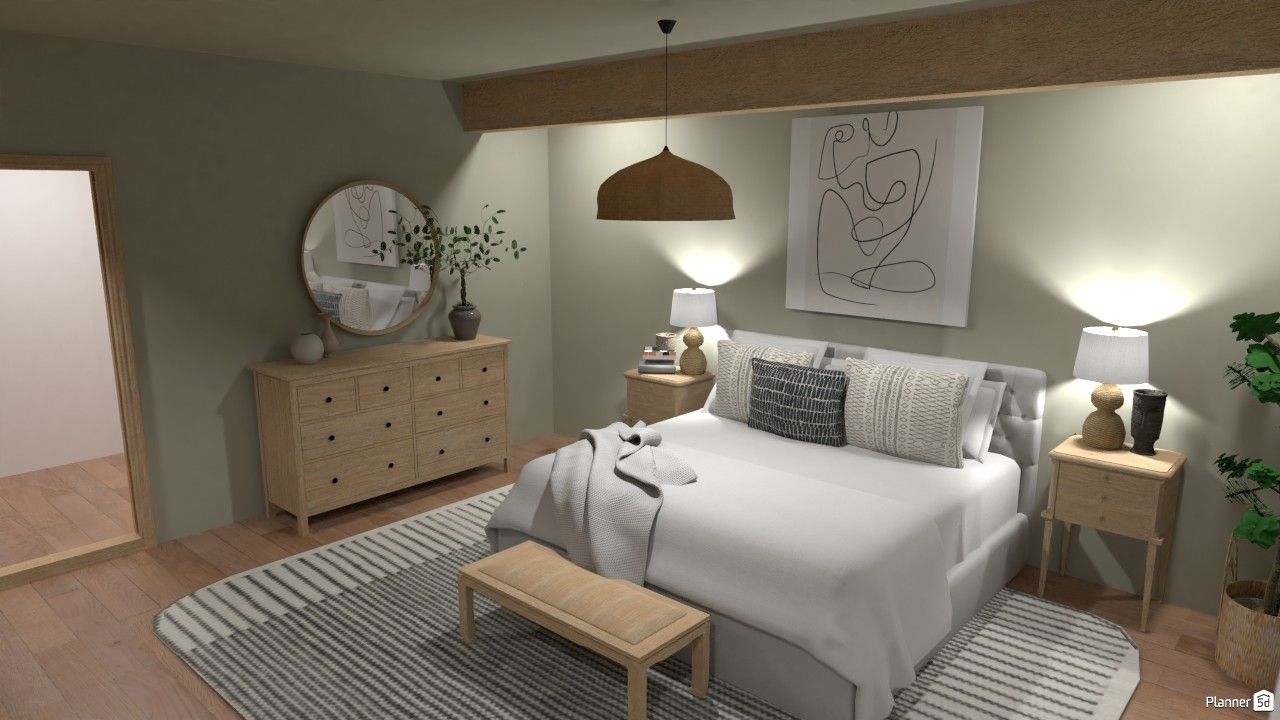
Designing your dream bedroom feels overwhelming when you're staring at an empty room or trying to picture how new furniture will look. Most people don't realize there's a simple solution: online bedroom planners that let you test ideas before spending money.
Tools like Planner 5D transform bedroom design from guesswork into a fun, visual process, allowing you to easily create your perfect space in any room of your house. Here is how.
Why you need a 3D room planner
Bedroom design isn't just about picking pretty colors and decor. It's about creating a dream home that suits your daily life and reflects your personality.
Stuck on your next design move?
Let AI generate stunning layouts in seconds.
Here's where most people get stuck and where a 3D room planner can become your secret weapon in any home renovation project.
See your ideas come to life before you buy
Wondering if that king-size bed will fit? Unsure how dark the paint will look on your wall?
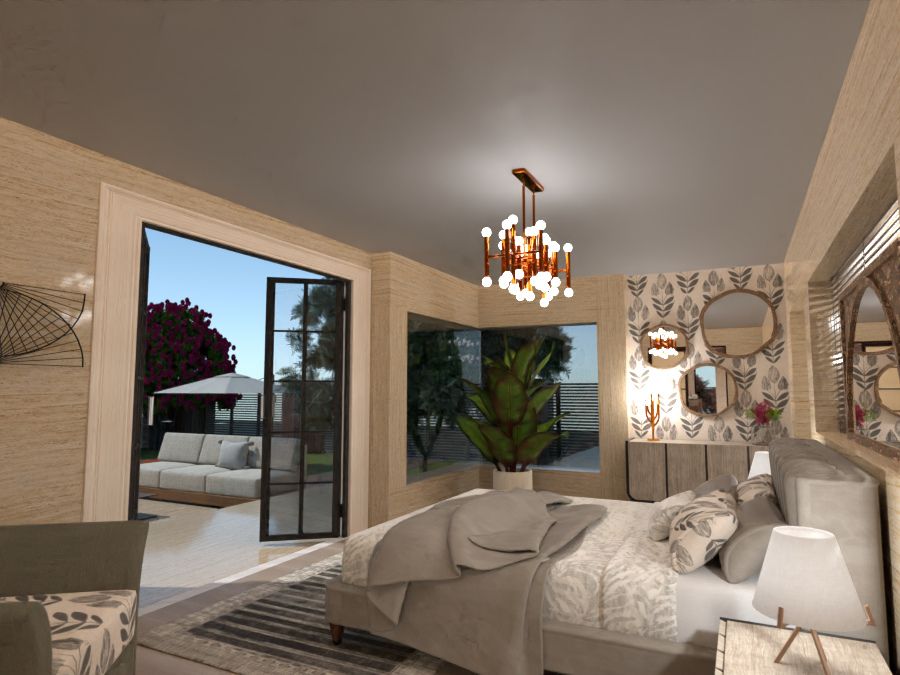
An online room design software will display realistic images of your space with various layouts, colors, and furniture options. No more expensive mistakes or buyer's remorse.
Test every room layout without moving furniture
Instead of pushing heavy furniture around your room, use digital tools to arrange everything virtually. Try the headboard by the window, against the wall, or in the center.
See how furniture placement and room layout affect traffic flow and natural lighting. Your back will thank you.
Experiment with room layouts and floor plan changes
Thinking about knocking down a wall or adding a skylight? A digital floor plan can let you test structural changes before calling contractors. You can draw new room shapes, add doors and windows, and see how changes affect your space.
Plan your bedroom reno within budget
Bedroom planners help you stick to your budget by showing exactly what you need. You can make informed decisions on where to splurge and where to save. This is not just convenient, it's simply genius.
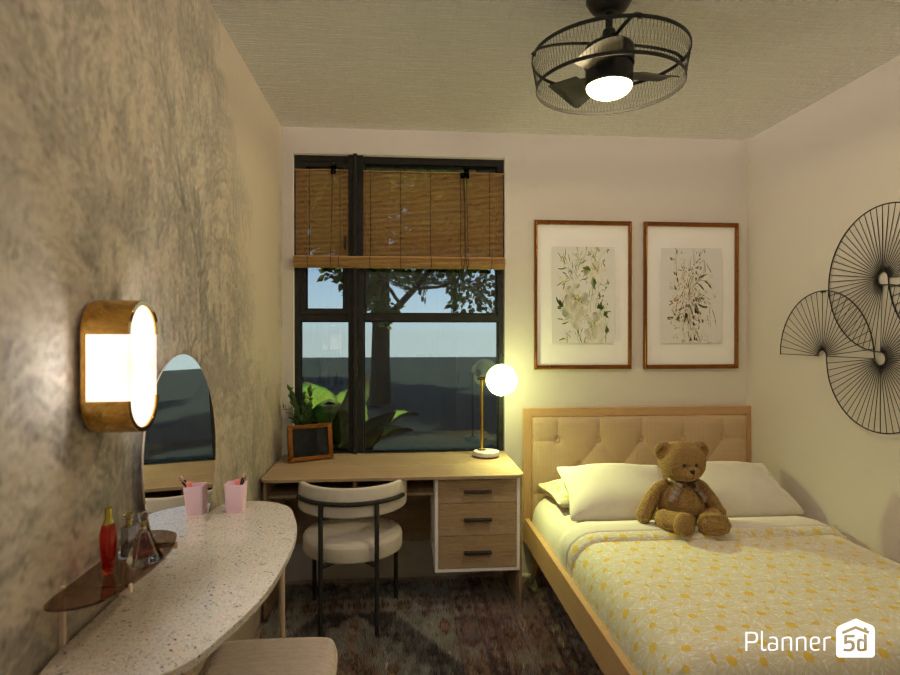
Most free versions let you plan room layouts, test furniture placement, try different colors, and add basic decorative elements. Pro versions typically add advanced rendering and more furniture options.
Turn your ideas into 3D magic — no design experience needed.
AI is here to help.
Perfect your lighting and decorative elements
Good lighting can make or break any bedroom decor. Apps for bedroom planning let you place lamps, overhead fixtures, and natural light sources to see how they work together.
Add decorative elements, such as artwork, plants, and textiles, to complete your vision.
No technical skills required
No professional design skills? No problem. Planner 5D’s intuitive interface makes it easy for anyone to create stunning designs. Plus, its compatibility across devices means you can work on your bedroom design anytime, anywhere.
5 Popular bedroom styles for inspiration
Design software like Planner 5D bridges the gap between imagination and reality, giving you the tools to design a bedroom that looks beautiful and feels like home. Try on the different styles created by our users, or design your own creation.
Industrial-style bedroom
Metal accents, exposed brick, and neutral tones define the industrial style in bedrooms. Experiment with how steel bed frames and concrete-look flooring look in your space. Add soft textiles to balance the hard materials.
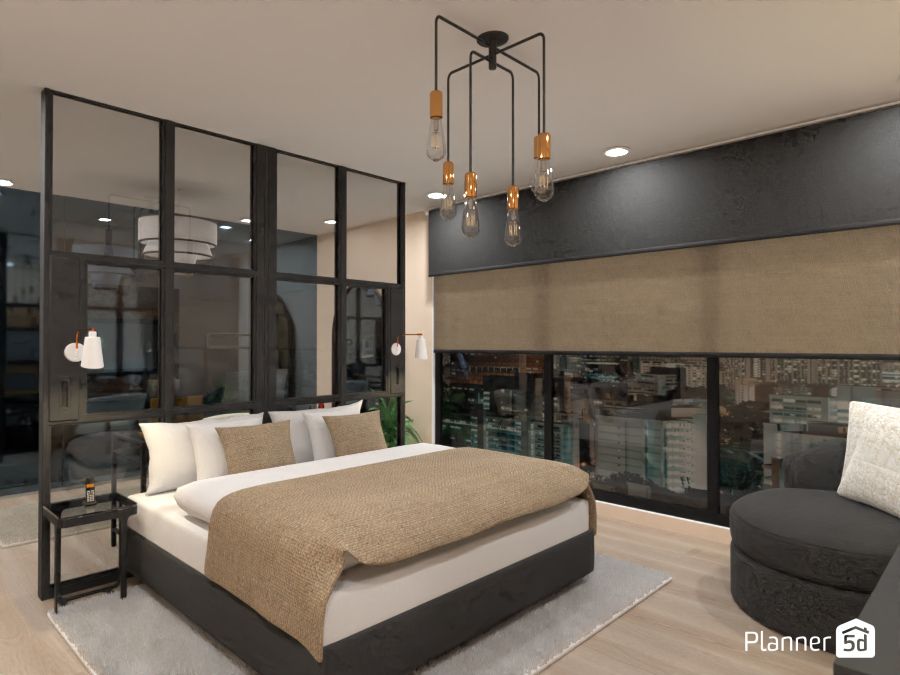
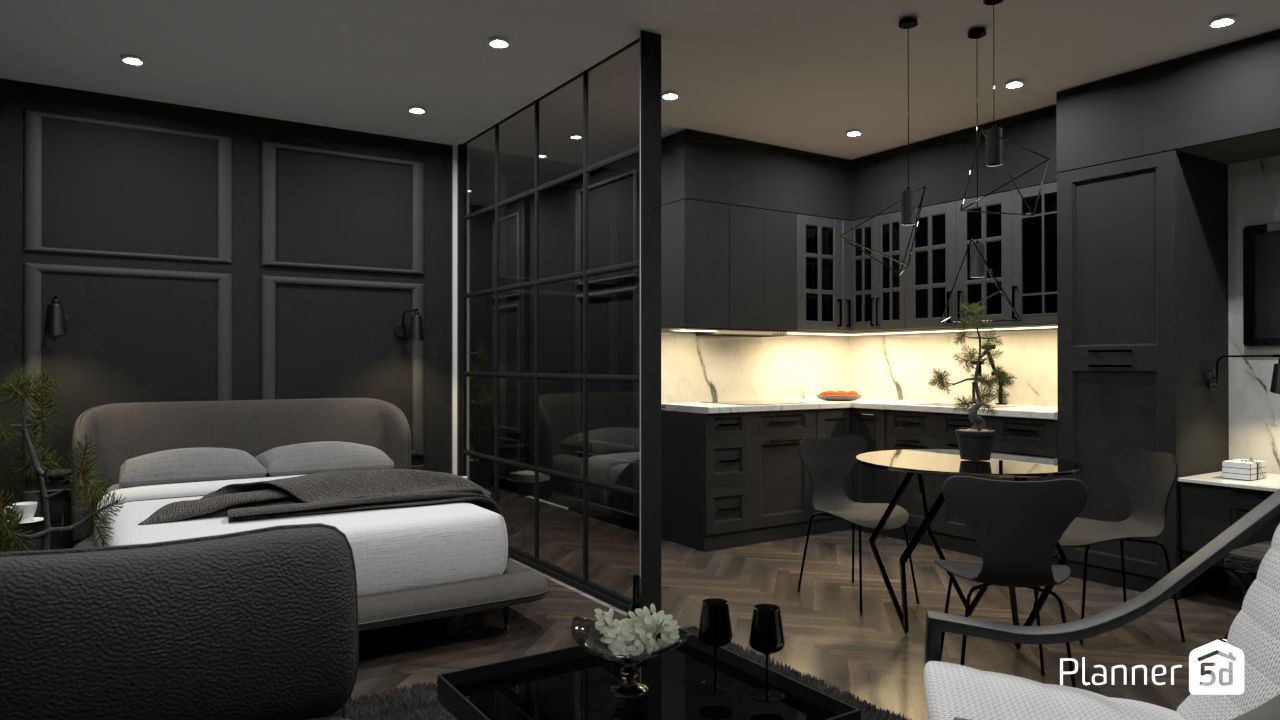
Industrial-inspired bedroom ideas | Maison Maeck and Monika.
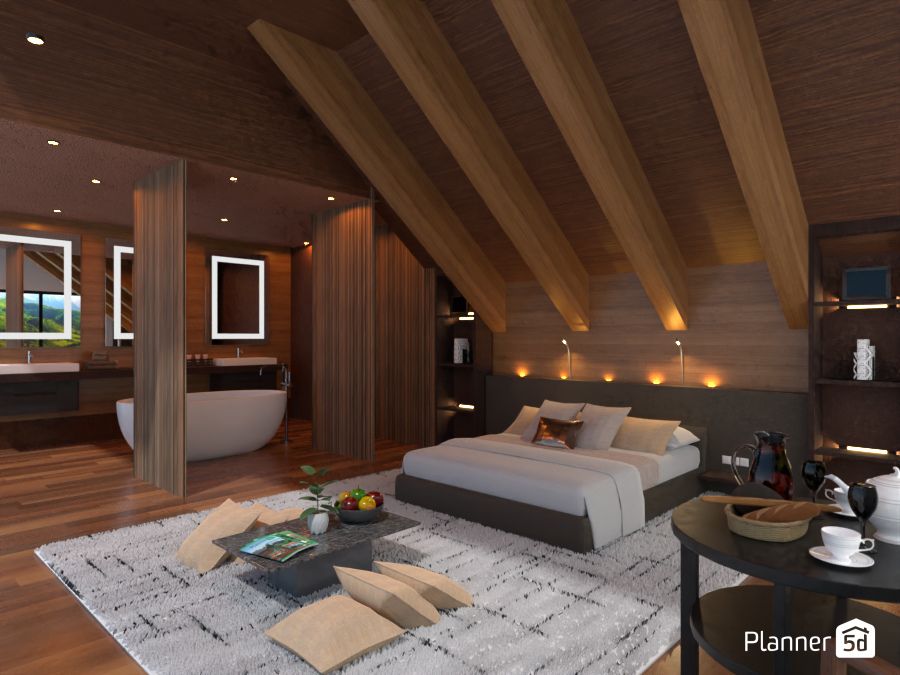
Eco-luxury bedrooms
This trend combines luxury with sustainability. Experiment with organic textures, natural materials, and plants. See how large windows and earth-tone furniture create a spa-like atmosphere.
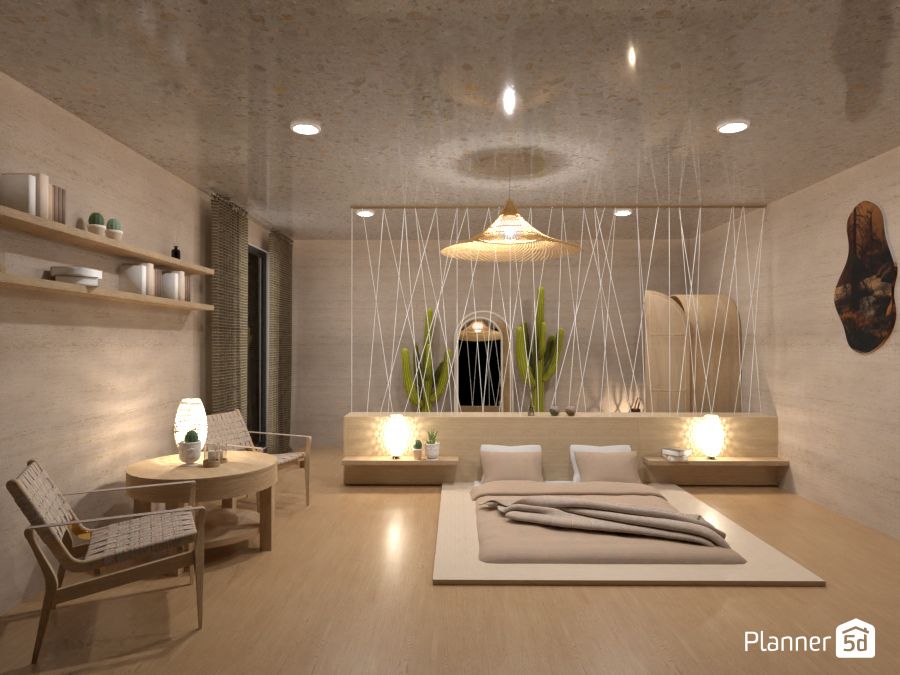
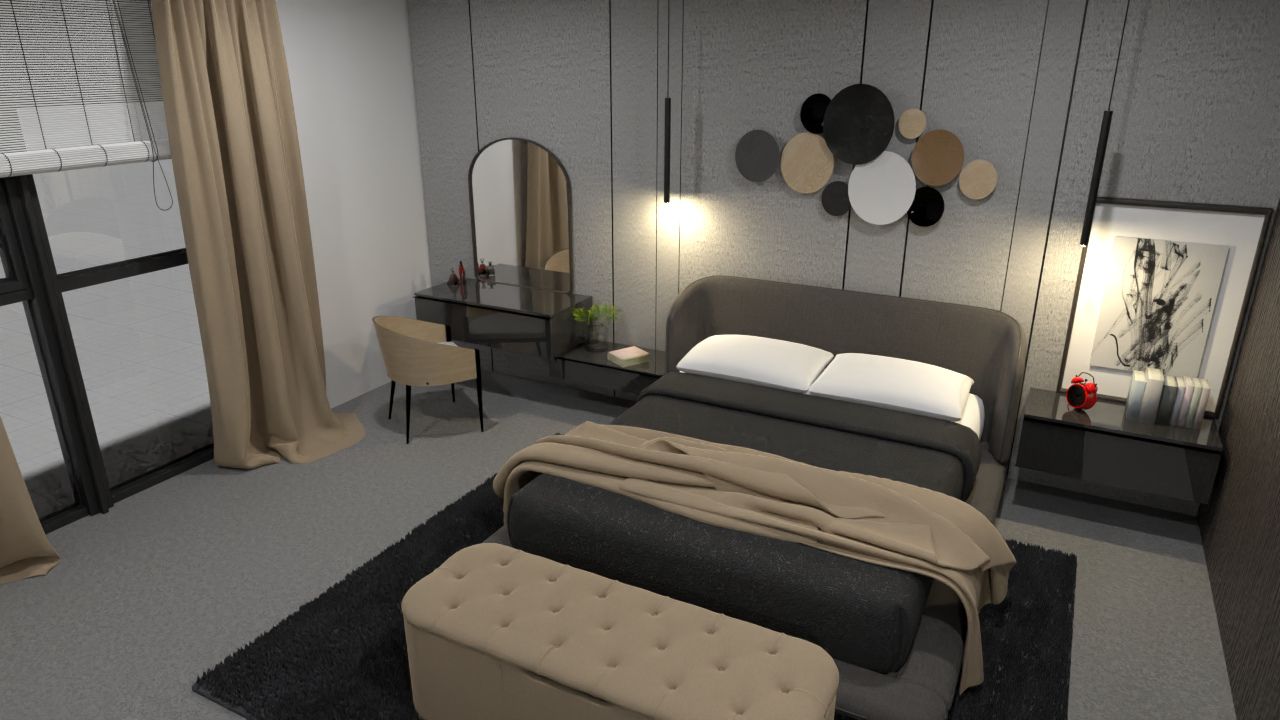
Modern bedroom
Clean lines, neutral colors, and functional furniture make modern bedrooms timeless and enduring. Plan your room layout with minimal furniture and test how negative space affects the overall feel.
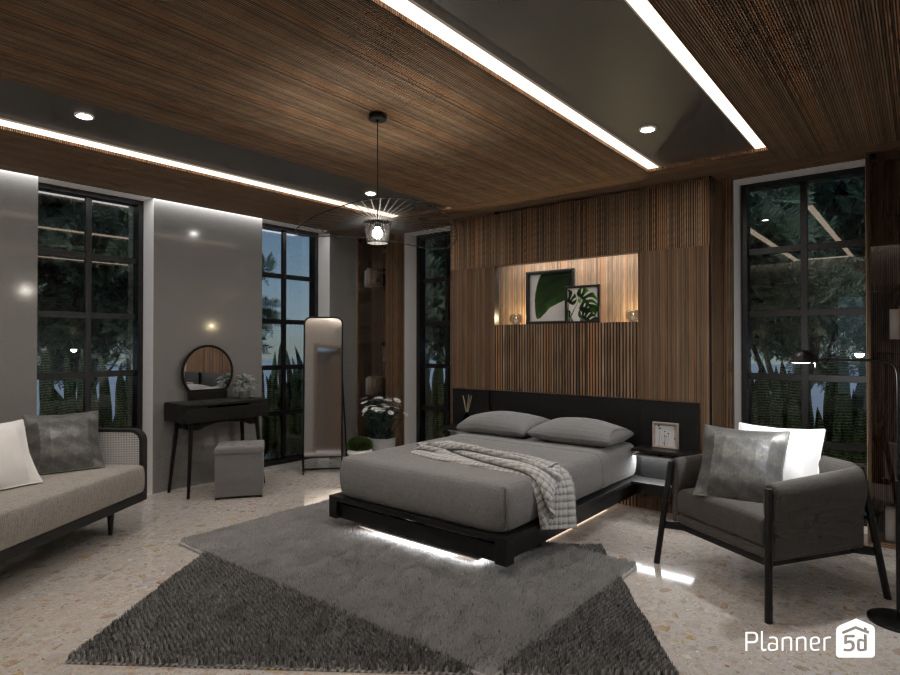
Boho bedroom
The Bohemian style, often shortened to boho, is relaxed and comfortable almost by definition. Use layer patterns, textures, and colors to create that relaxed Bohemian vibe. Mix vintage pieces with modern furniture to find the perfect balance.
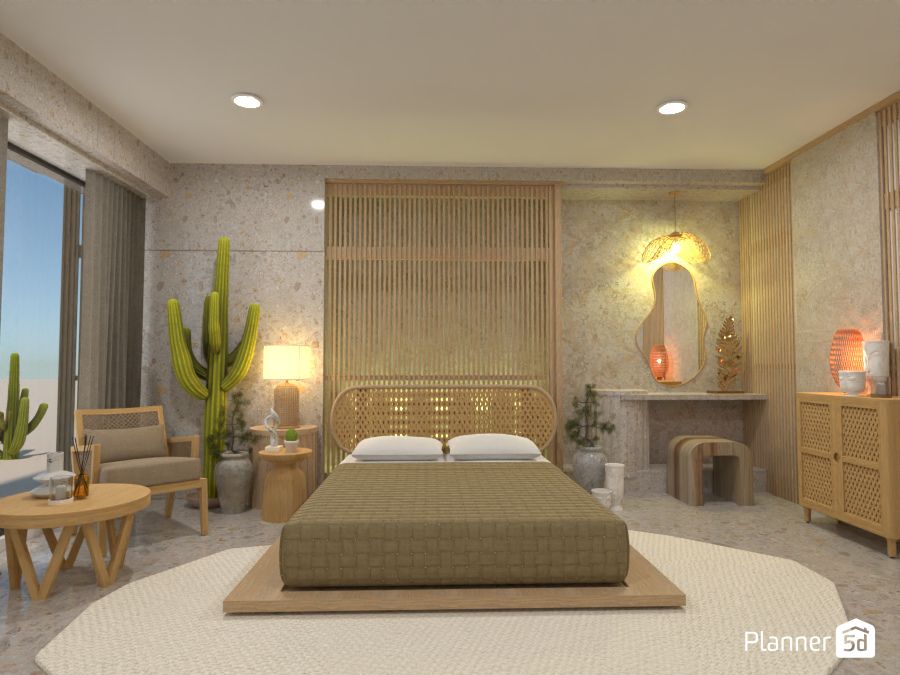

Boho inspiration | Oleksandra Kunieva and Micaela Maccaferri.
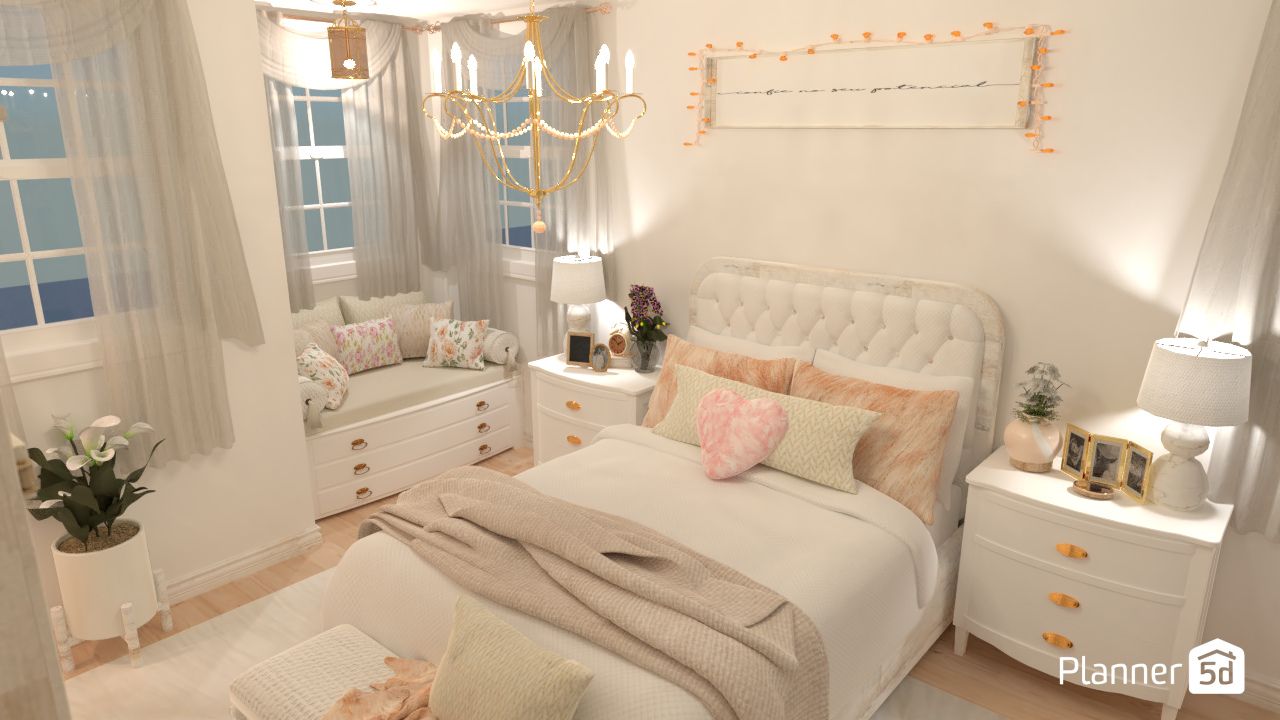
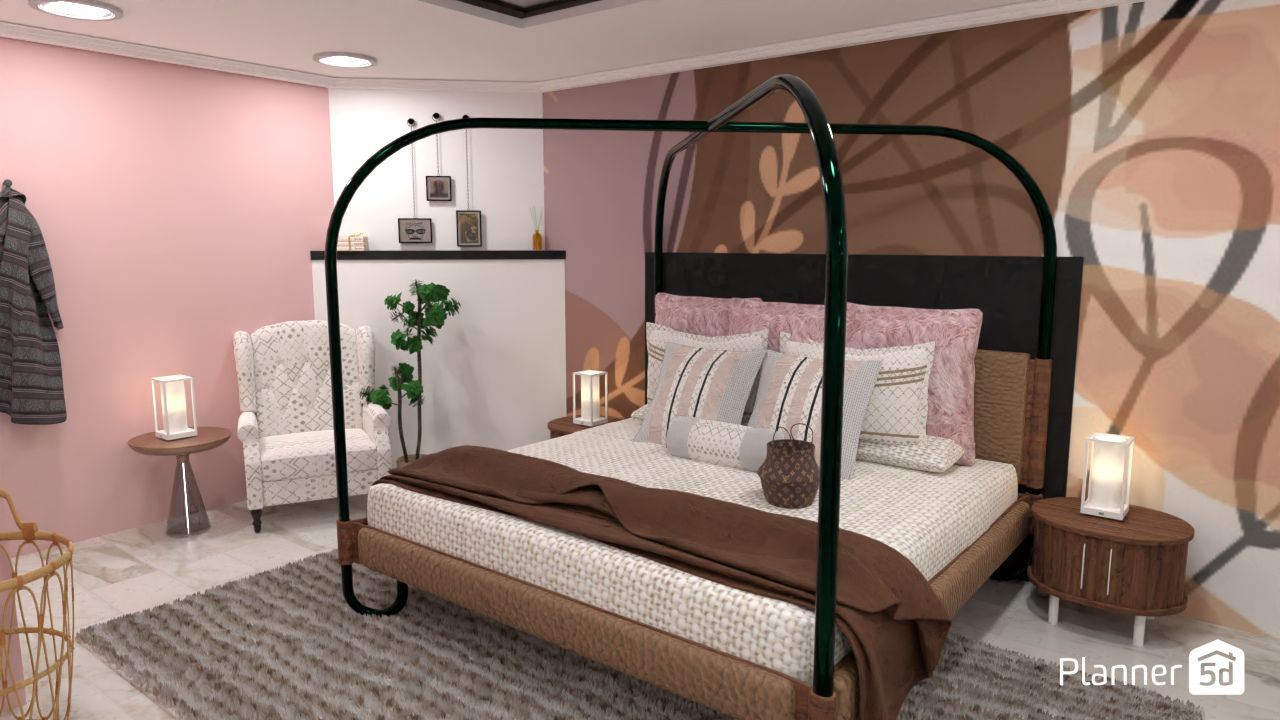
Romantic aesthetic
Soft pastels, curved furniture, and delicate fabrics create a romantic atmosphere in bedrooms. Test how four-poster beds and flowing curtains look in your actual room.
How to design your bedroom with Planner 5D
Planner 5D is a powerful interior design software that enables you to create 2D and 3D designs and visualize them through tools such as 360º Walkthrough or 4 K renders.
Planner 5D provides numerous intuitive and user-friendly design tools to assist you in decorating a bedroom.
Step 1: Start with a floor plan
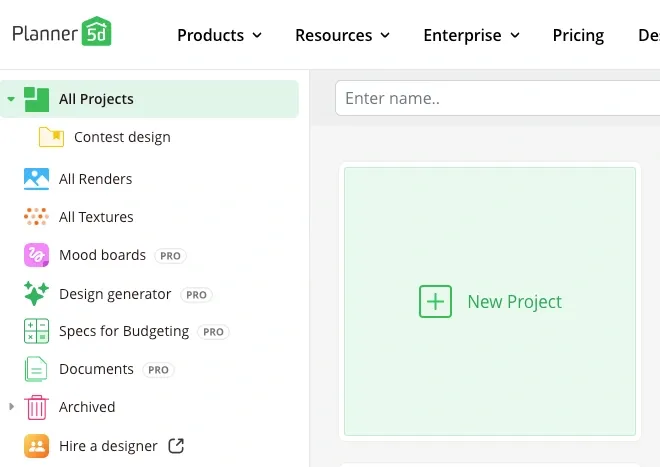
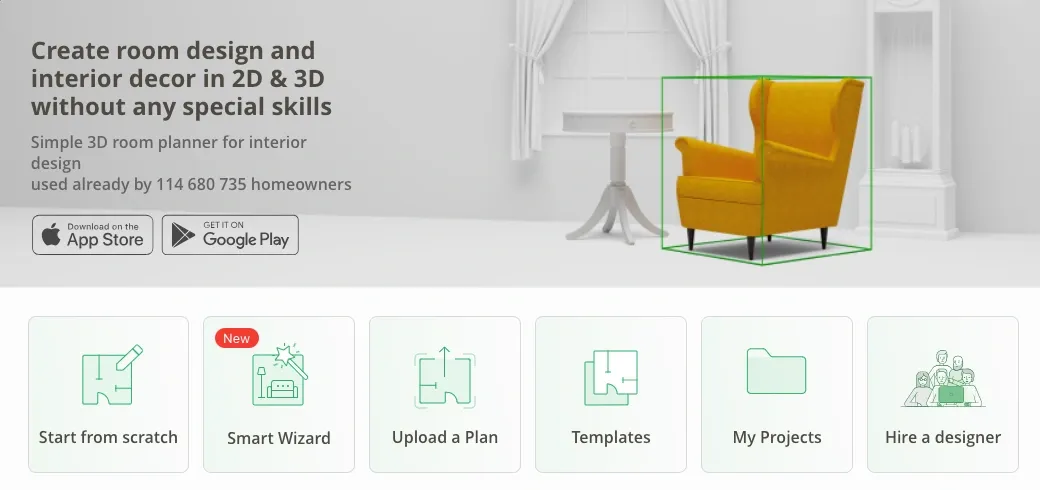
Start by creating a new project. You can start from scratch or use one of the existing templates. Adjust its shape and measurements to reflect yours.
Step 2: Plan your layout
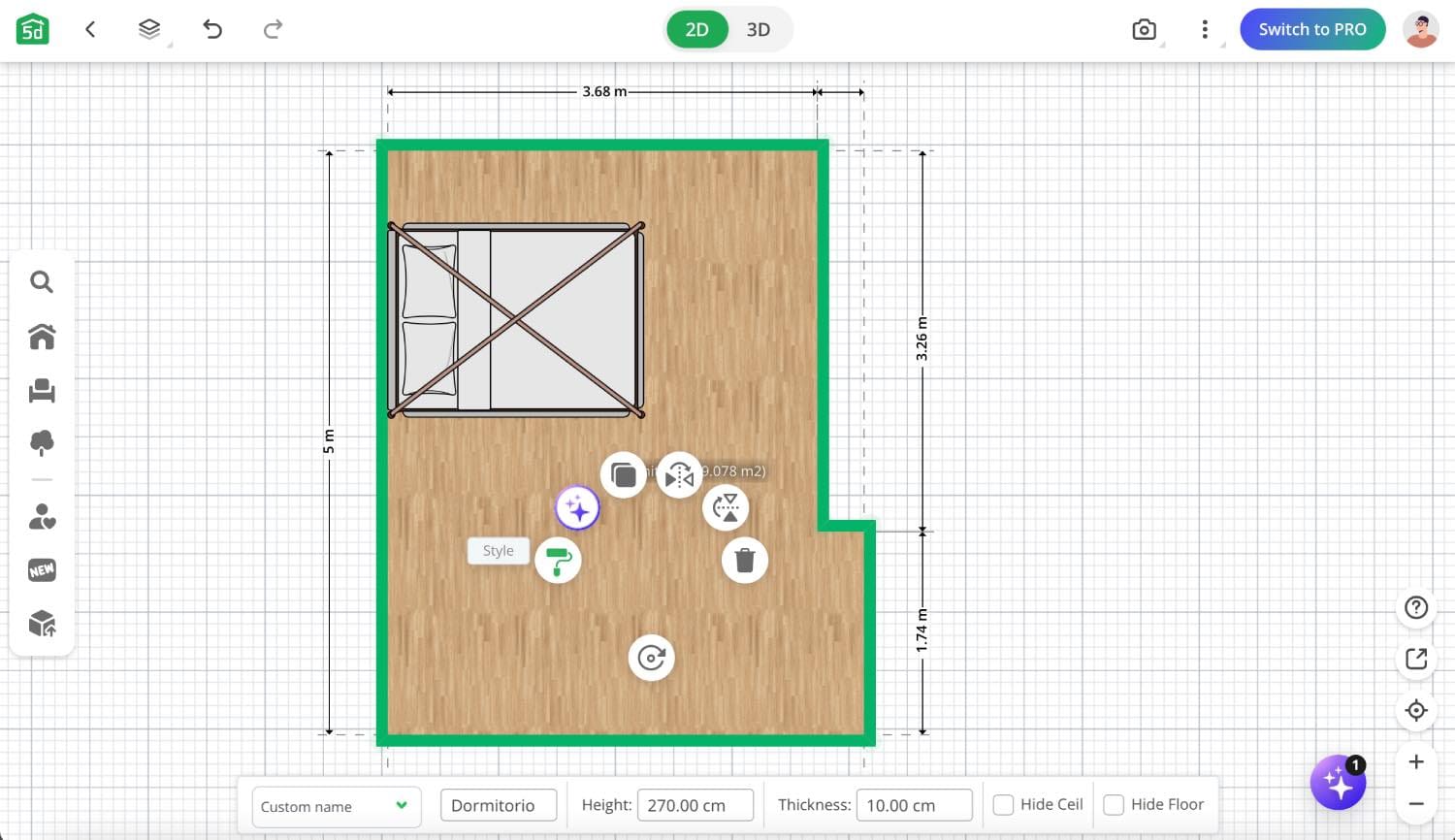
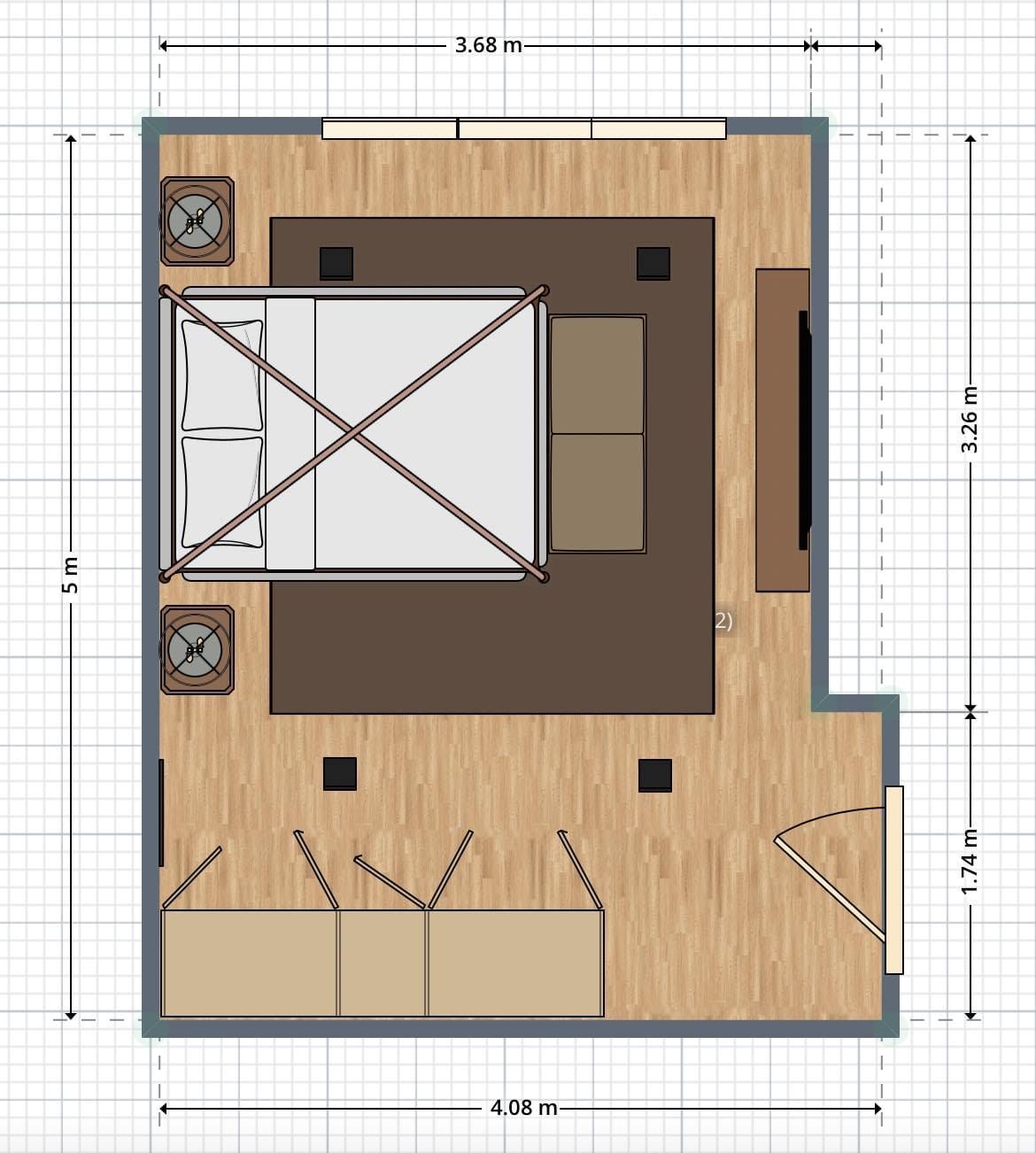
By clicking on each part of the room, you can customize the finishes of the floors, ceiling and walls (by clicking on the "Style" icon). Once this is done, you can add doors, windows, furniture, lighting and decorations.
Create a bedroom with Planner 5D
Step 3: Choose your style and colors
Using the toolbar on the left of the editor dashboard, you can access the extensive catalog of design objects (all of which can be customized by clicking on them, the "Style" icon, and the measurements bar below).
Drag and rotate objects to fit them perfectly into the space. The entire process can be as detailed as you like, adding more or less furniture or changing measurements and colors depending on the desired result or the time you have.
Step 4: Add lighting and decor
Place lamps, overhead fixtures, and accent lighting throughout your room. Add decorative elements like artwork, plants, and textiles. The realistic images help you see how everything works together.
Step 5: Visualize your design
Use the 3D view and rendering tools to see your finished space. Walk through virtually and make final adjustments. Save your design to reference while shopping.
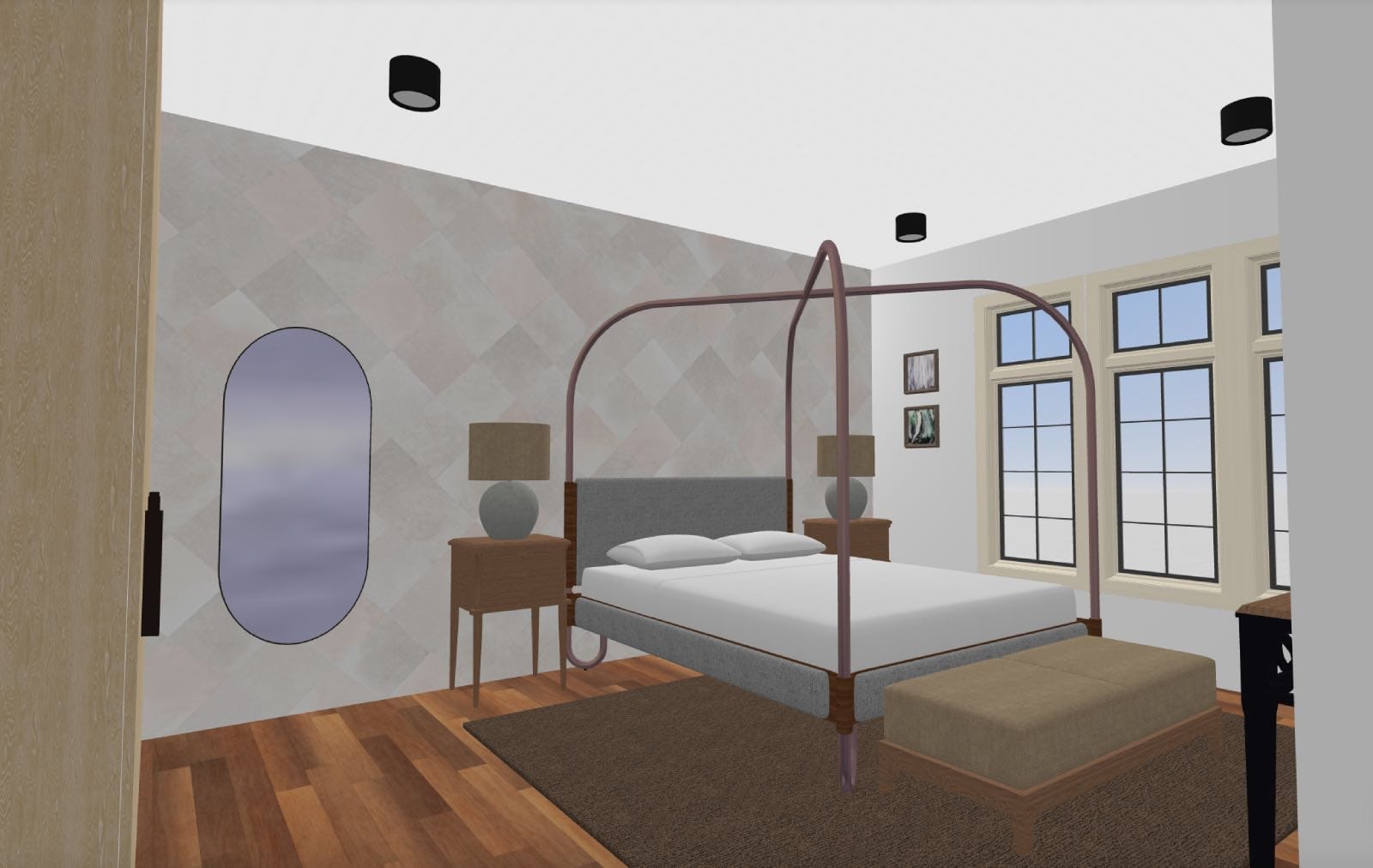
Overall, the process is simple, intuitive and easy to understand. You won't need extensive design experience to understand each of the tools that Planner 5D puts at your disposal.
Why Planner 5D is the perfect solution
Most people are unaware that tools like this exist, but once you try them, you'll wonder how you ever managed to design any home project without them. Planner 5D offers:
- Free basic version with full room design capabilities
- Easy-to-use interface that requires no design experience
- Realistic images and 3D views of your finished room
- Huge catalog of furniture and decor options
- Pro version available for advanced features for any project
Conclusion
Your dream bedroom is closer than you think. Instead of hoping your furniture choices will work, use an online room planner to know they will.
Whether you're starting from scratch or refreshing your current space, these tools turn stressful decorating decisions into an enjoyable, creative process.
Planner 5D: The Future of Interior Design
Experience the power of AI-driven design with Planner 5D. Our innovative tools, including the Design Generator, Smart Wizard, and AI floor plan recognition, make bringing your dream home to life easier than ever. Transform your vision into reality and unlock a world of design possibilities today.
Start designing your dream home