Make Instant Changes to Your Project — AI Adjusts Designs Exactly as You Request

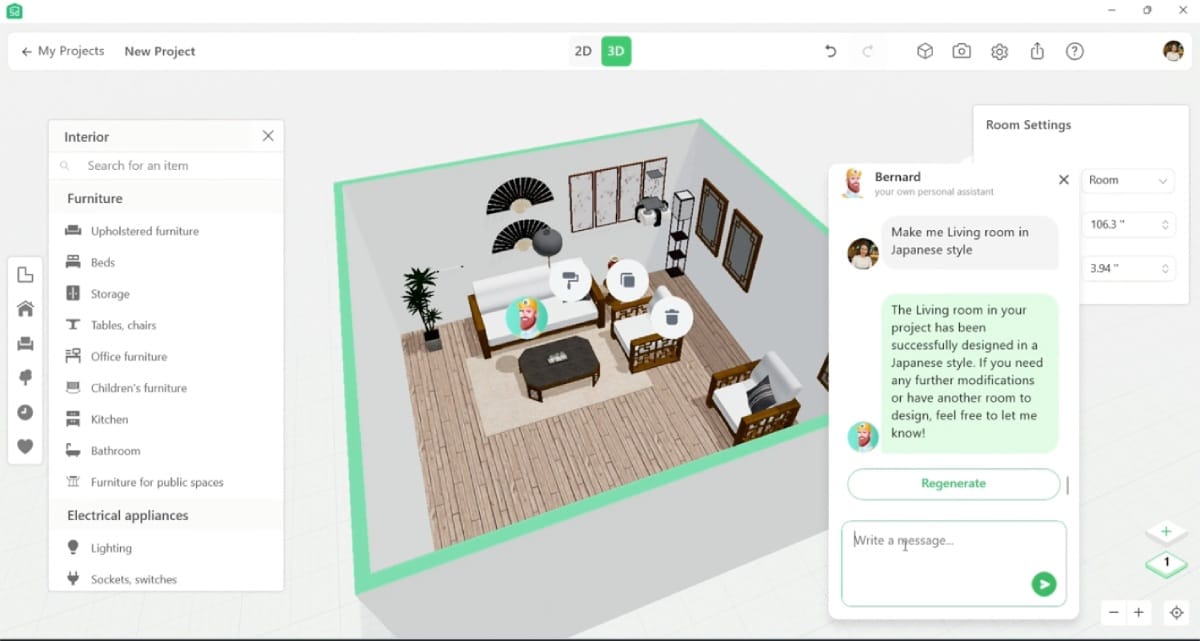
Bernard is our AI-powered design assistant that can help you at every step of your home design journey. With Bernard, you can chat about your design ideas and watch as he transforms your vision into a tangible project within the Planner 5D editor.
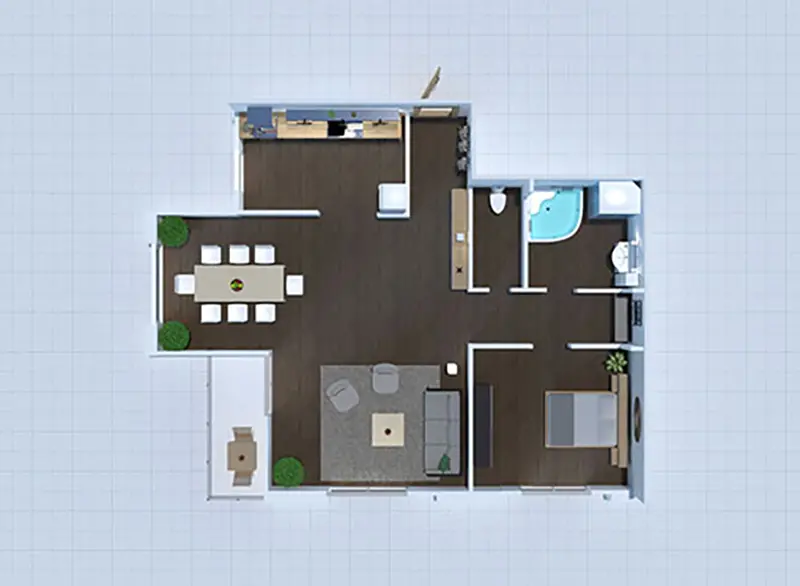
2d floor plan design
1
Where to find the feature?

Inside the project go to the room you want to furnish, and click AI button in the right down corner.

floor plan layout design
2
How to use it?

  • Ask for Room Makeovers: simply tell the chat what changes you'd like—whether it's altering the floor color, updating the decor, or fully furnishing your room. Specify the style or any important details you'd like to include.
  • Bernard Handles the Rest: Bernard will take care of all the makeover tasks for you, seamlessly making the changes.
  • Review and Add Feedback: once the makeover is complete, check out the result and feel free to add any comments or additional requests.

furniture item from Planner 5D catalog
3
Is it within Free, Premium or Pro plan

It is available within Free plan. If you want to learn more about Premium & Pro plan Go to Pricing page->

3D render made with Planner 5D
Explore our exciting AI tools firsthand now and elevate your interior design experience.