Загрузить приложение Planner 5D Начни использовать приложение, чтобы улучшить свой опыт и открыть все мобильные функции

Add New 3D Furniture Models to the Catalog and Use Them in Your Project

Imagine being able to add your own furniture, fixtures, or unique design elements that you’ve created or sourced elsewhere directly into your projects. You’re no longer limited to pre-existing options—now you can import 3D models to enrich your designs.
2d floor plan design
1
Where to find the feature?

Go to your project and then go to left corner menu and find Import 3D model.

floor plan layout design
2
How to use it?

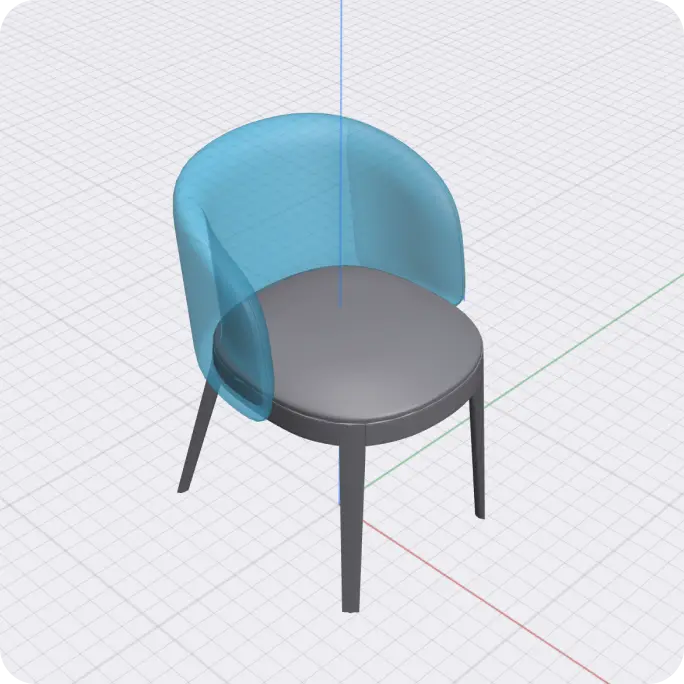
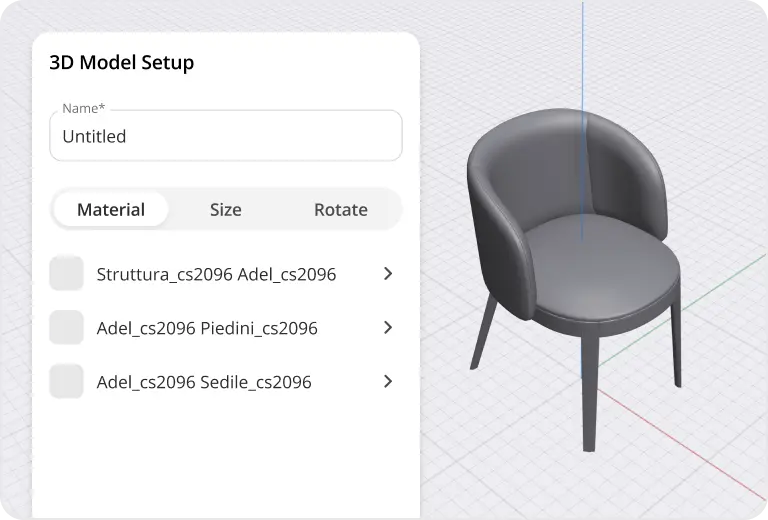
  • Select the "Upload 3D Model" option and choose your file. The supported formats include commonly used .obj and .fbx files. Once uploaded, the model appears in your project space. You can then position, rotate, and scale it to fit perfectly within your design. Enhance your models by applying textures and materials available in the Planner 5D library or by uploading your own.
  • Select the "Upload 3D Model" option and choose your file. The supported formats include commonly used .obj and .fbx files. Once uploaded, the model appears in your project space.
  • Position, rotate, and scale it to fit perfectly within your design.
  • Enhance your models by applying textures and materials available in the Planner 5D library or by uploading your own.

furniture item from Planner 5D catalog
3
Is it within Free, Premium or Pro plan

It is available within Pro plan. Go to Pricing page->

3D render made with Planner 5D
Explore our exciting AI tools firsthand now and elevate your interior design experience.