Convert Your Floor Plan into a 3D Project — No Redrawing Needed!

Building each room one at a time is time-consuming. Use Upload a Plan AI feature to import an existing floor plan into Planner 5D and create your layout without manually constructing every room.
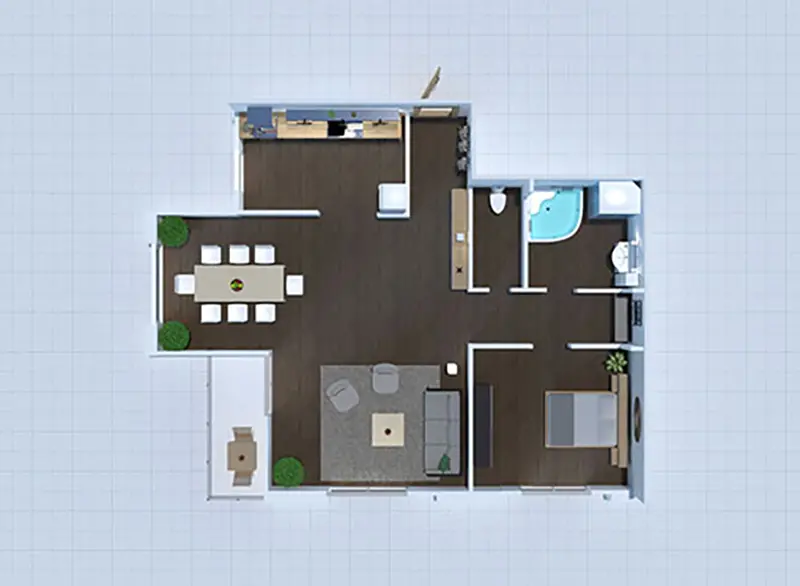
2d floor plan design
1
Where to find the feature?

Start a new project in all projects dashboard & select Upload a plan

floor plan layout design
2
How to use it?

  • Find a digital floor plan file (preferably in JPG, PNG, or PDF format) that you'd like to use as a base for your layout. Make sure the file is clear, accurate, and includes necessary dimensions.
  • Tap the "New Project" button and choose "Upload a plan" from the list
  • Select the floor plan file from your device's storage
  • Hit Upload and wait for the results: our AI will process your uploaded blueprint and create a project for you. It takes from 10 min to 24 hours to process your plan depending on the complexity.

furniture item from Planner 5D catalog
3
Is it within Free, Premium or Pro plan

It is available within Premium & Pro plan. Go to Pricing page->

3D render made with Planner 5D
Go back to the guide and explore other exciting AI tools firsthand.