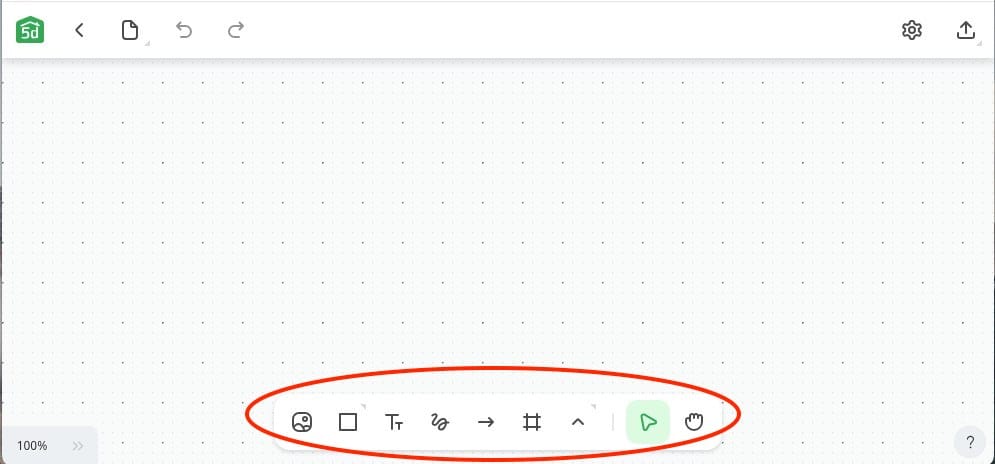
Create Creative Moodboards by Removing Backgrounds from Images

Moodboards is an intuitive feature in Planner 5D that allows anyone to gather images, textures, colors, and other elements to inspire their projects. Experience the precision and speed of AI-powered background removal, as advanced algorithms seamlessly extract subjects from images.
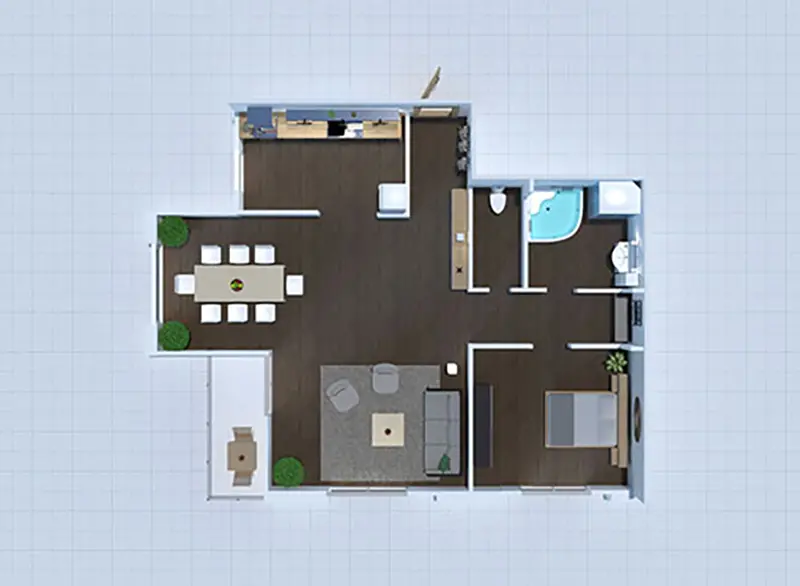
2d floor plan design
1
Where to find the feature?

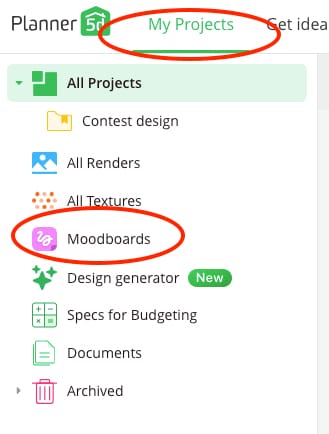
Go to the all projects dashboard to the menu on the top left corner, find Moodboards, start a new one, or go to the existing.

floor plan layout design
2
How to use it?

  • Upload the Image: start by uploading the image you want to add to your mood board.
  • Tap on the image: to select it once your image is uploaded. Then, choose the "Remove Background" option.
  • Let the AI work: our advanced algorithms will instantly and precisely remove the background, leaving you with a clean, sharp subject.

furniture item from Planner 5D catalog
3
Is it within Free, Premium or Pro plan

It is available within Pro plan. Go to Pricing page->

3D render made with Planner 5D
Explore our exciting AI tools firsthand now and elevate your interior design experience.